A freshly released Obsidian plugin — mindelixir-mindmap: SSShooter/obsidian-mindmap
It ships with two core features:
-
View any Markdown file as an interactive mind map
-
Embed mind maps directly inside a Markdown document
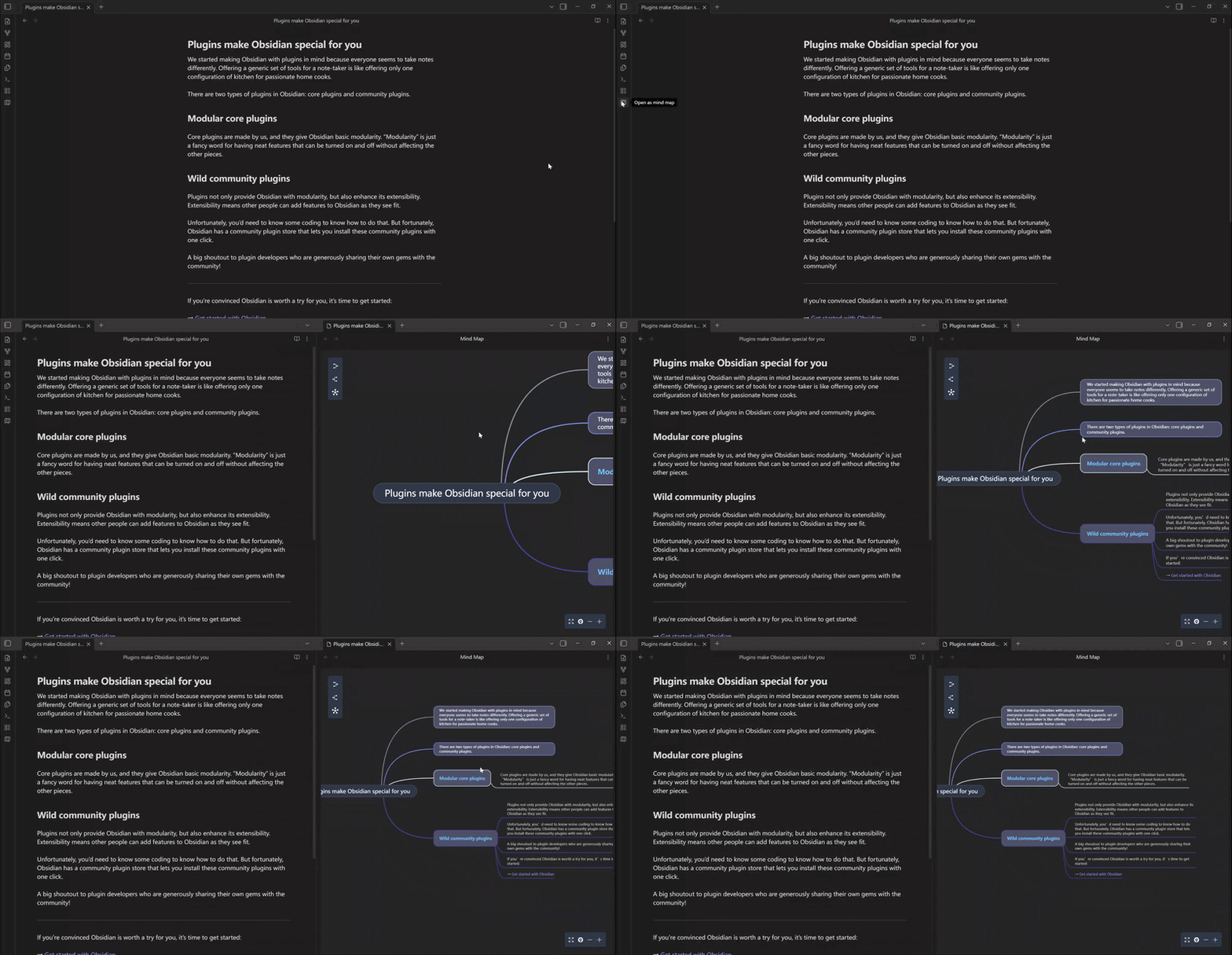
Markdown → Mind Map
Mindelixir-mindmap converts a Markdown file into a mind map by reading the hierarchy of headings and lists.
Mind Elixir Plaintext
Mind Elixir Plaintext is a format similar to Markdown nested lists, extended with syntax for connections, summary nodes, and styling.
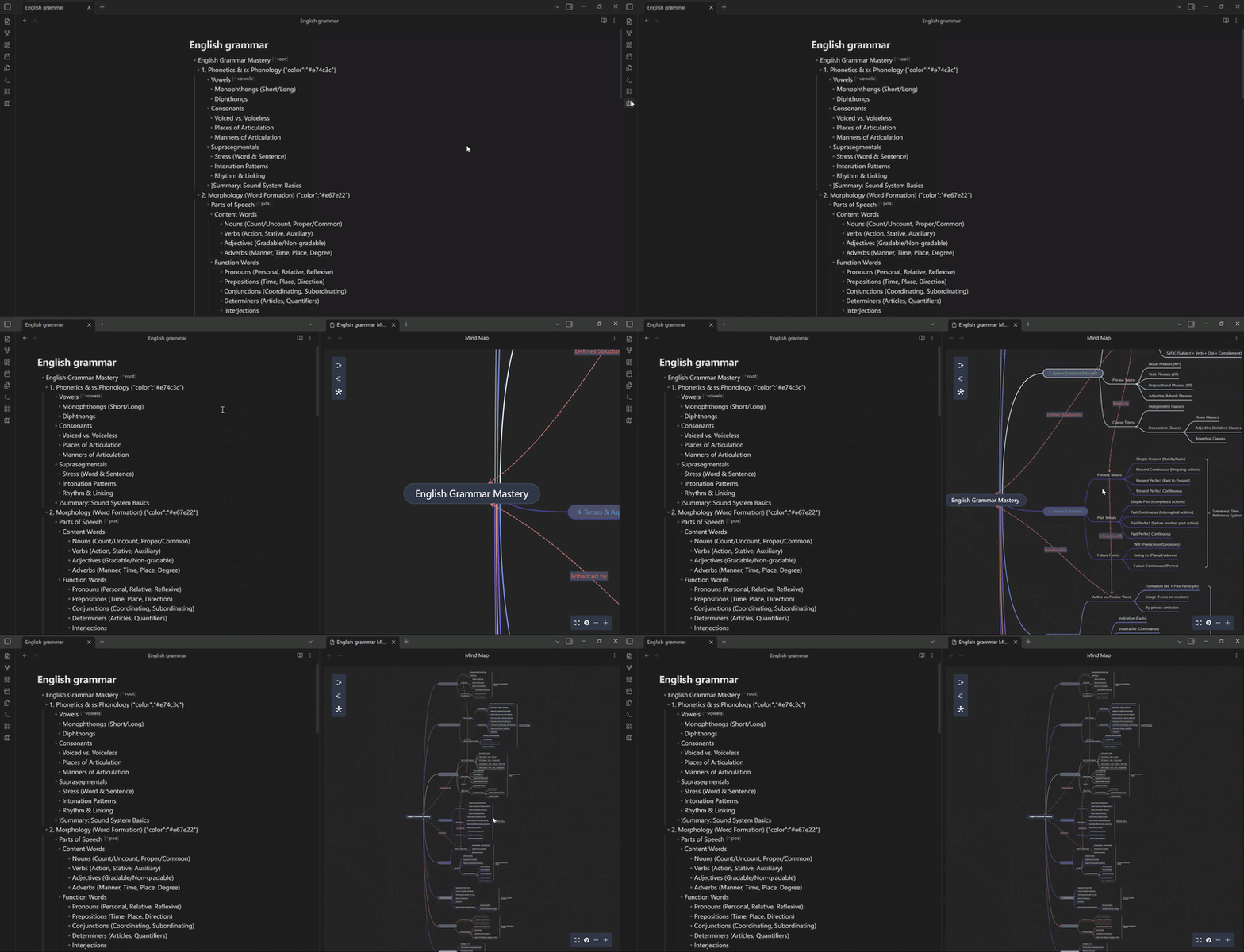
Using simple indentation, ID references, and JSON-like inline declarations, you can build complex mind map structures entirely in plain text — and the format is also very AI-friendly.
- Product Development
  - Research [^research]
    - User Interviews {"color": "#3298db"}
    - Competitor Analysis {"color": "#3298db"}
    - }:2 Research Summary
  - Development [^dev]
    - Architecture Design {"color": "#2ecc71"}
    - Frontend/Backend Integration {"color": "#f39c12"}
    - } Dev Summary
  - > [^research] >-leads to-> [^dev]
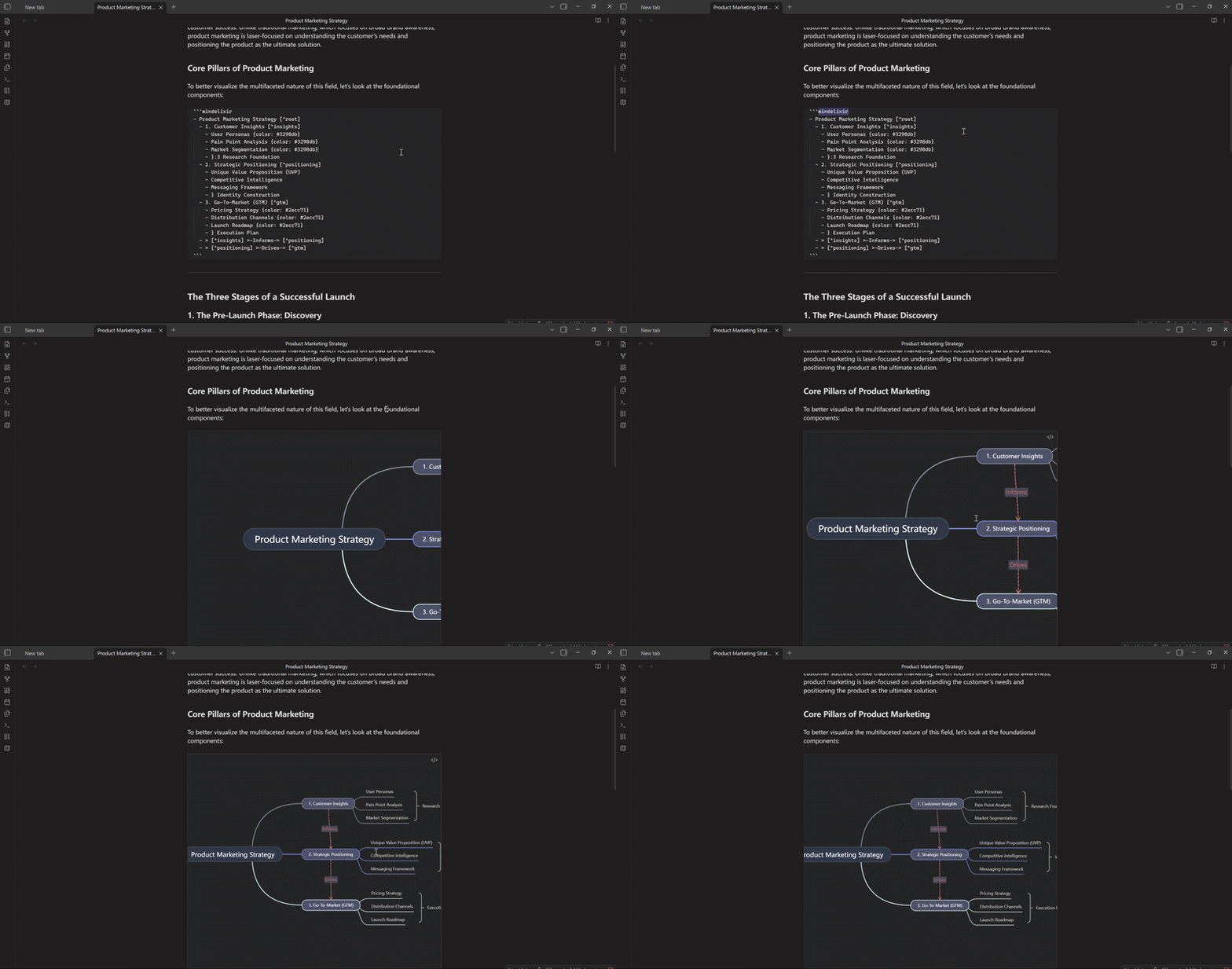
Mind Elixir Plaintext can also be embedded as a code block inside existing articles. Here’s how it looks on mobile:

With regular Markdown you can only update the mind map by editing the text. For Mind Elixir Plaintext files, a two-way sync feature (editing the mind map updates the source text in real time) is currently in development.
Mindelixir-mindmap is under active development. If you run into any issues or have ideas for new features, feel free to open an Issue or PR on GitHub 