Is this project open source? No
Is this project completely free? No
Is this project vibe-coded beyond the author’s ability to comprehend how it works? No
Plugin for Obsidian
Epochgram — A Timemap of Your Mind
Version 1.1.6 · By Andriy Babets
Hi folks,
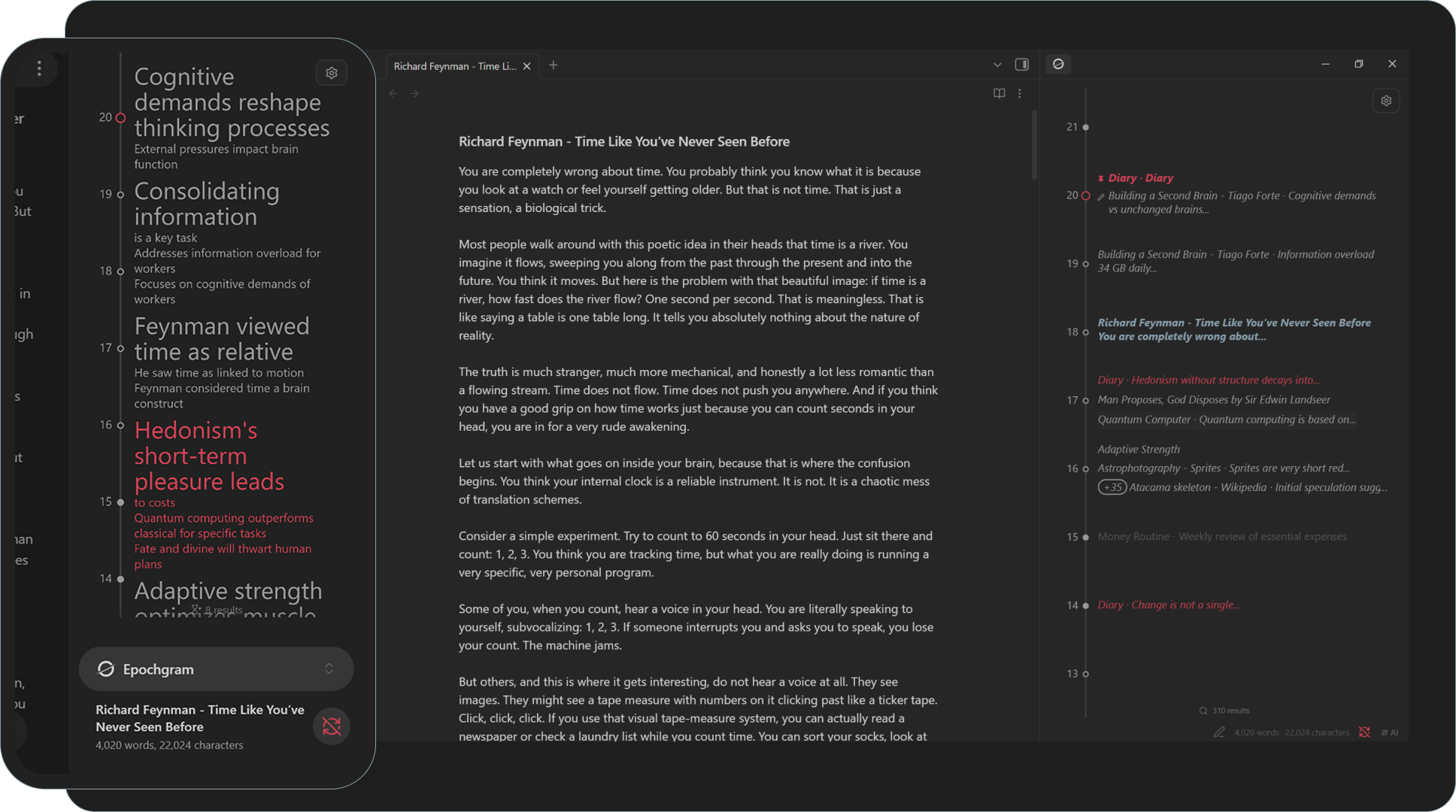
For almost half a year, I’ve been working on Epochgram, a plugin that changed how I think about notes through time. I wanted a way to preserve daily details, recurring themes, and my own epochs - what I was working on last month, last season, or last year - without having to feed the system by hand.
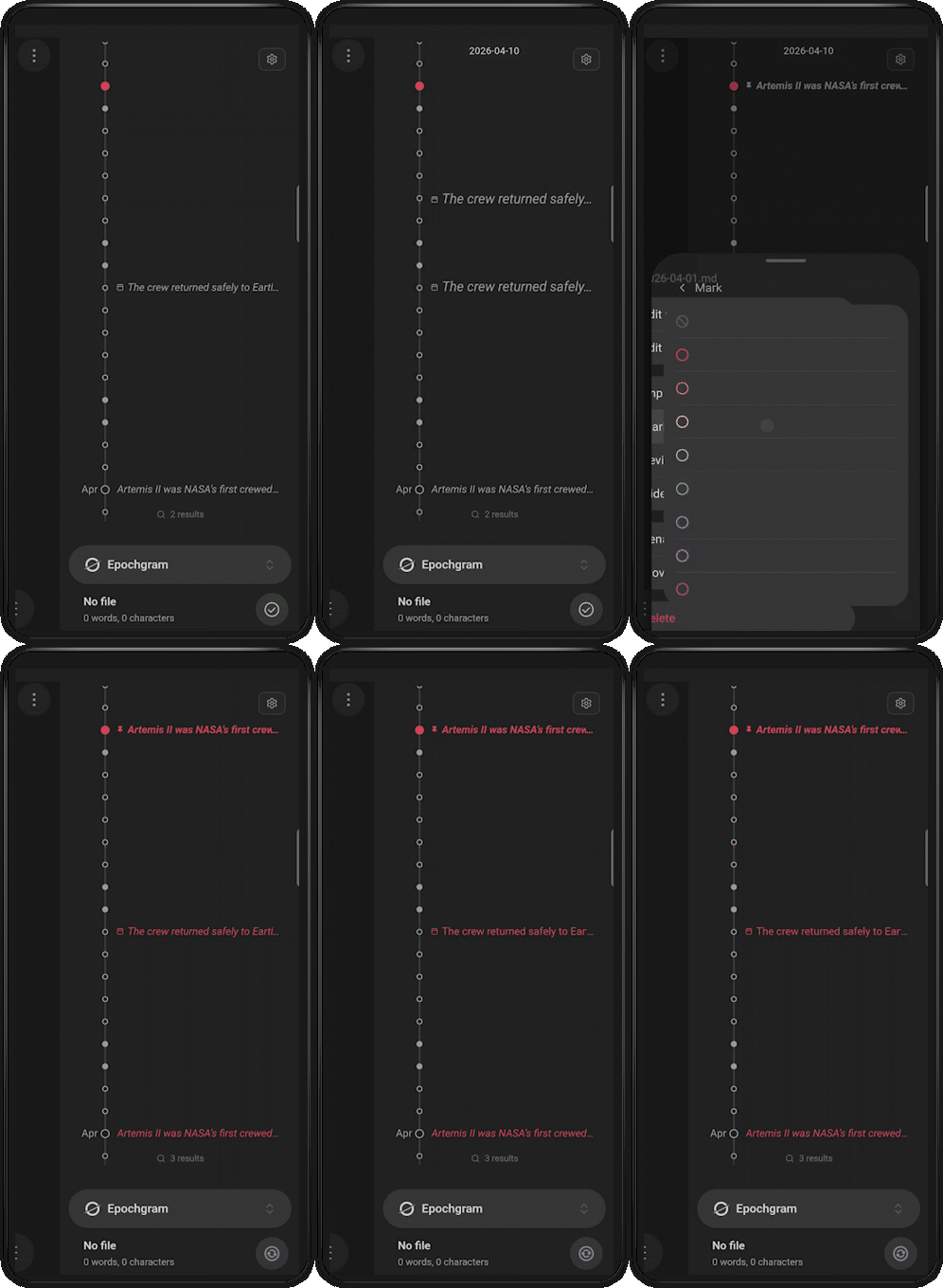
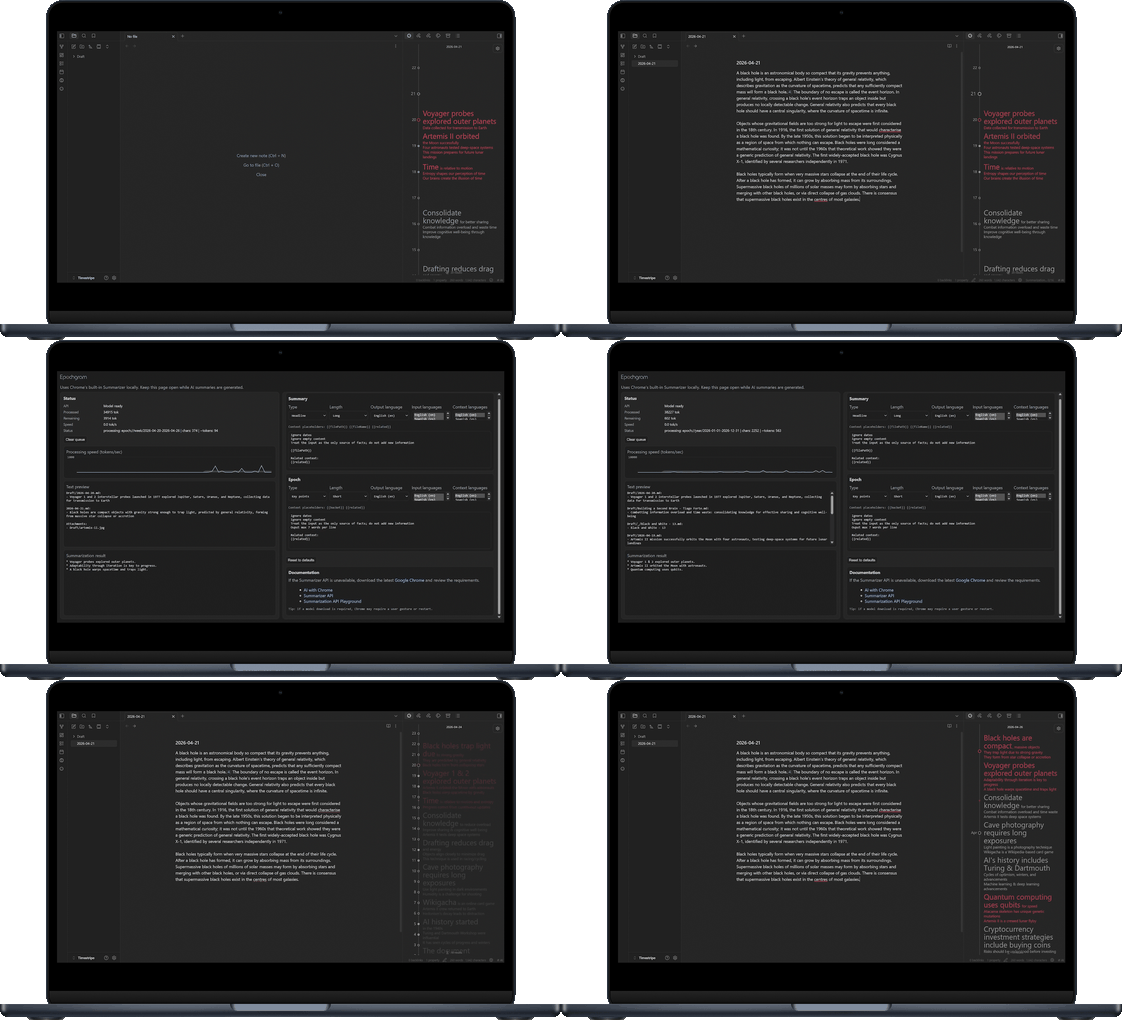
Gathering records from file metadata, titles, and content
No extra markup is required to get your timemap
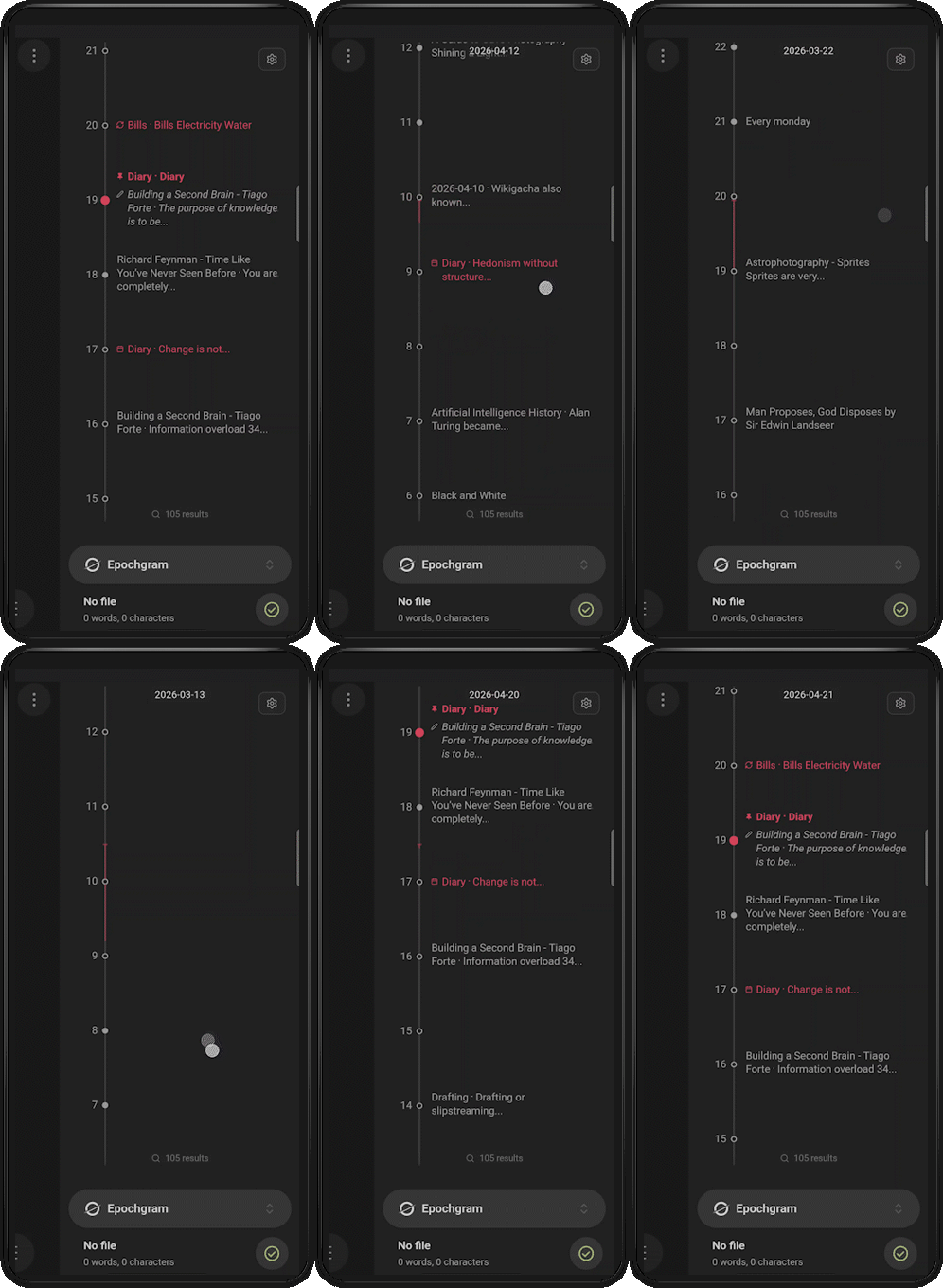
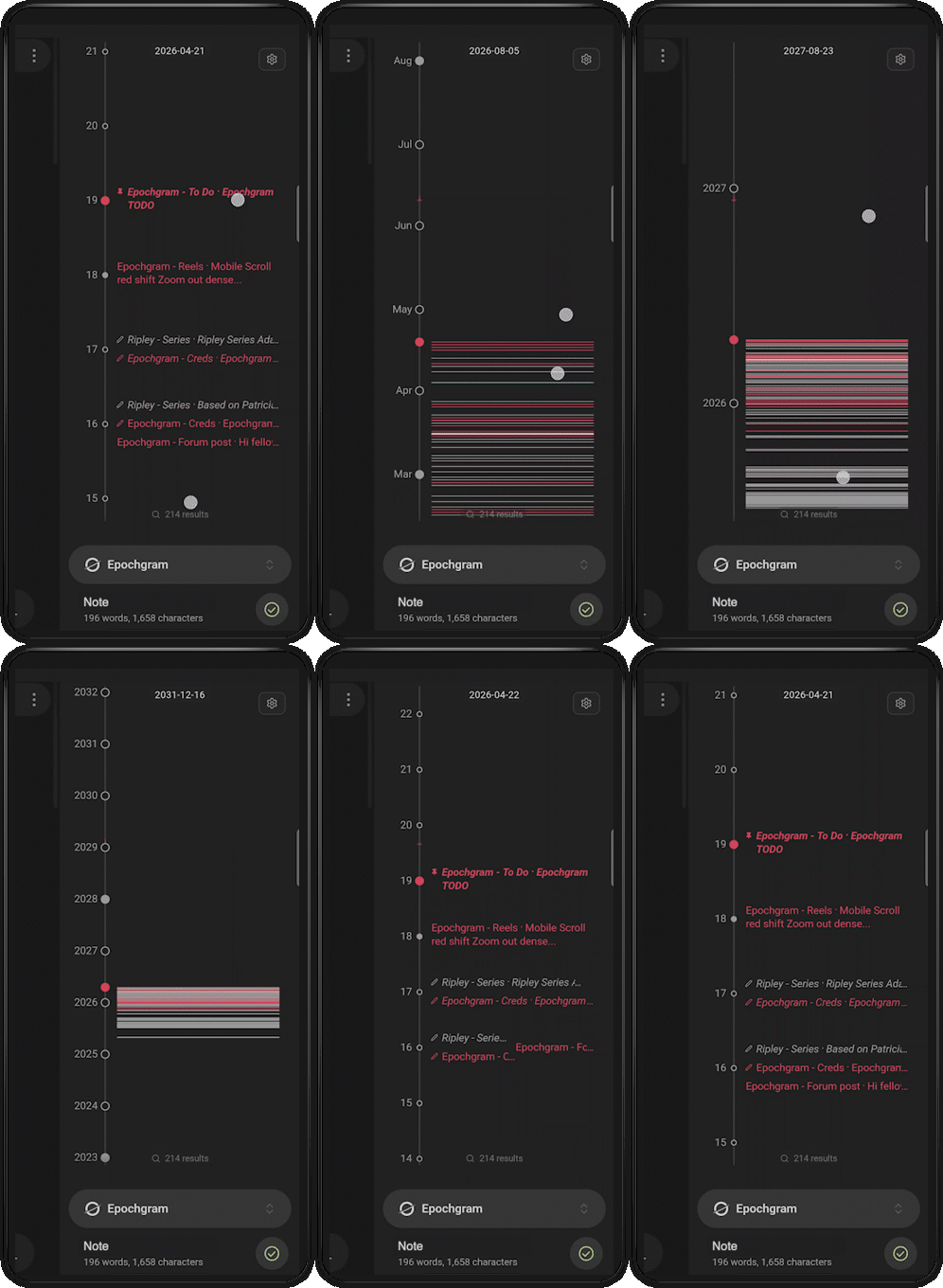
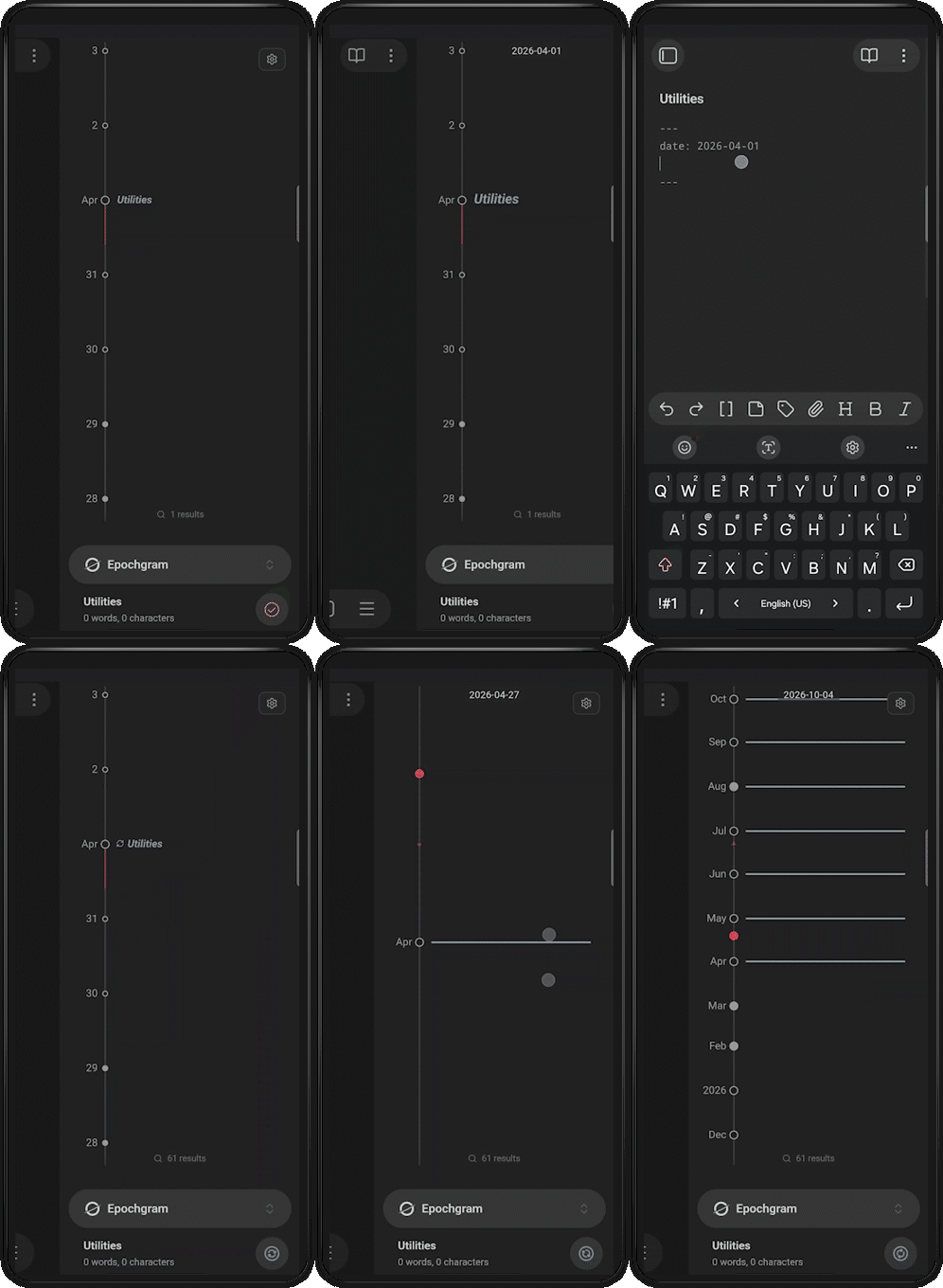
Interactive zoom and an almost limitless timeline to discover
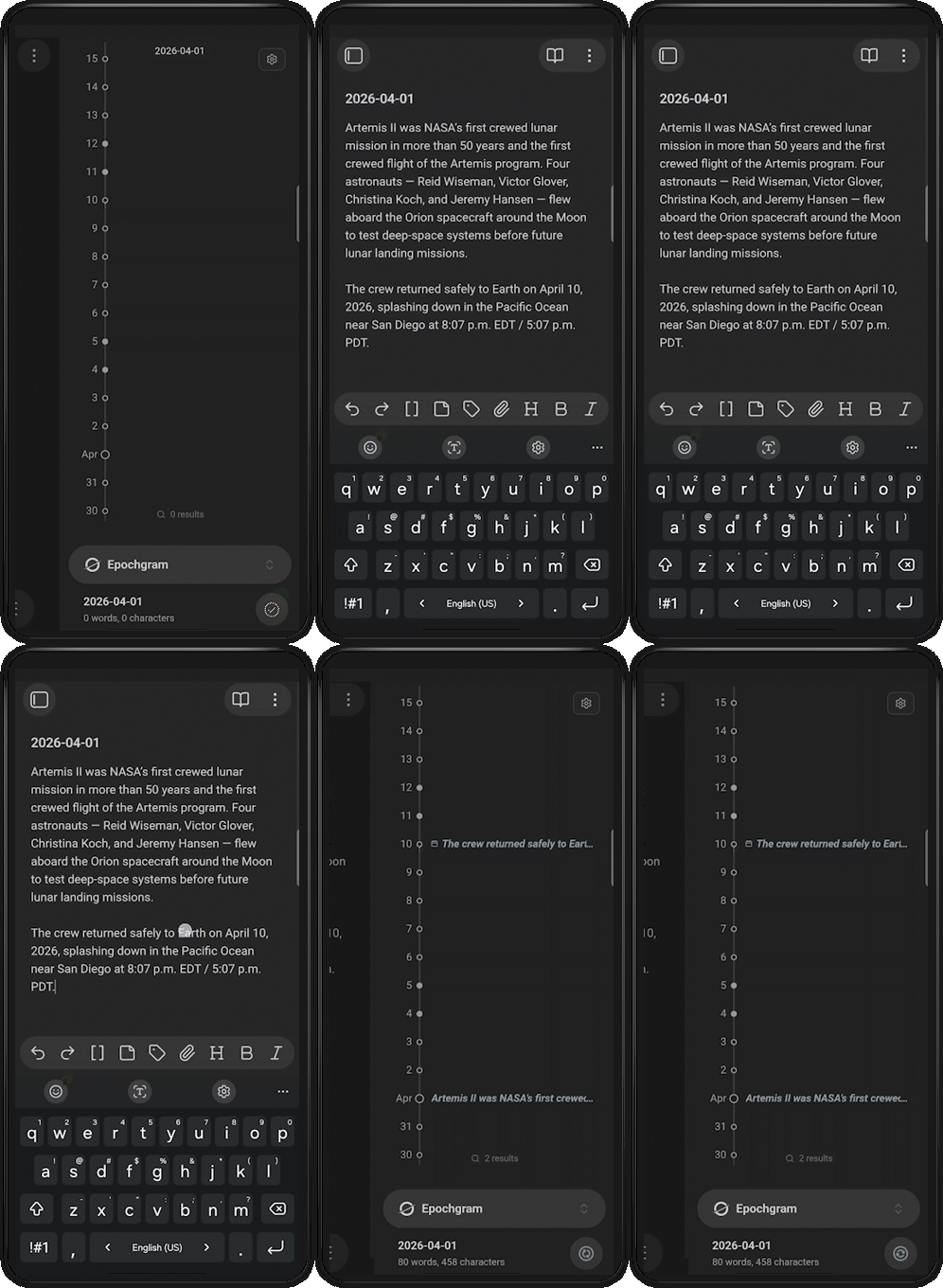
Simple gestures: double-click a date to create a note, double-click empty space to scroll to today, drag-n-drop records to change a date… you can do many things right on the timeline
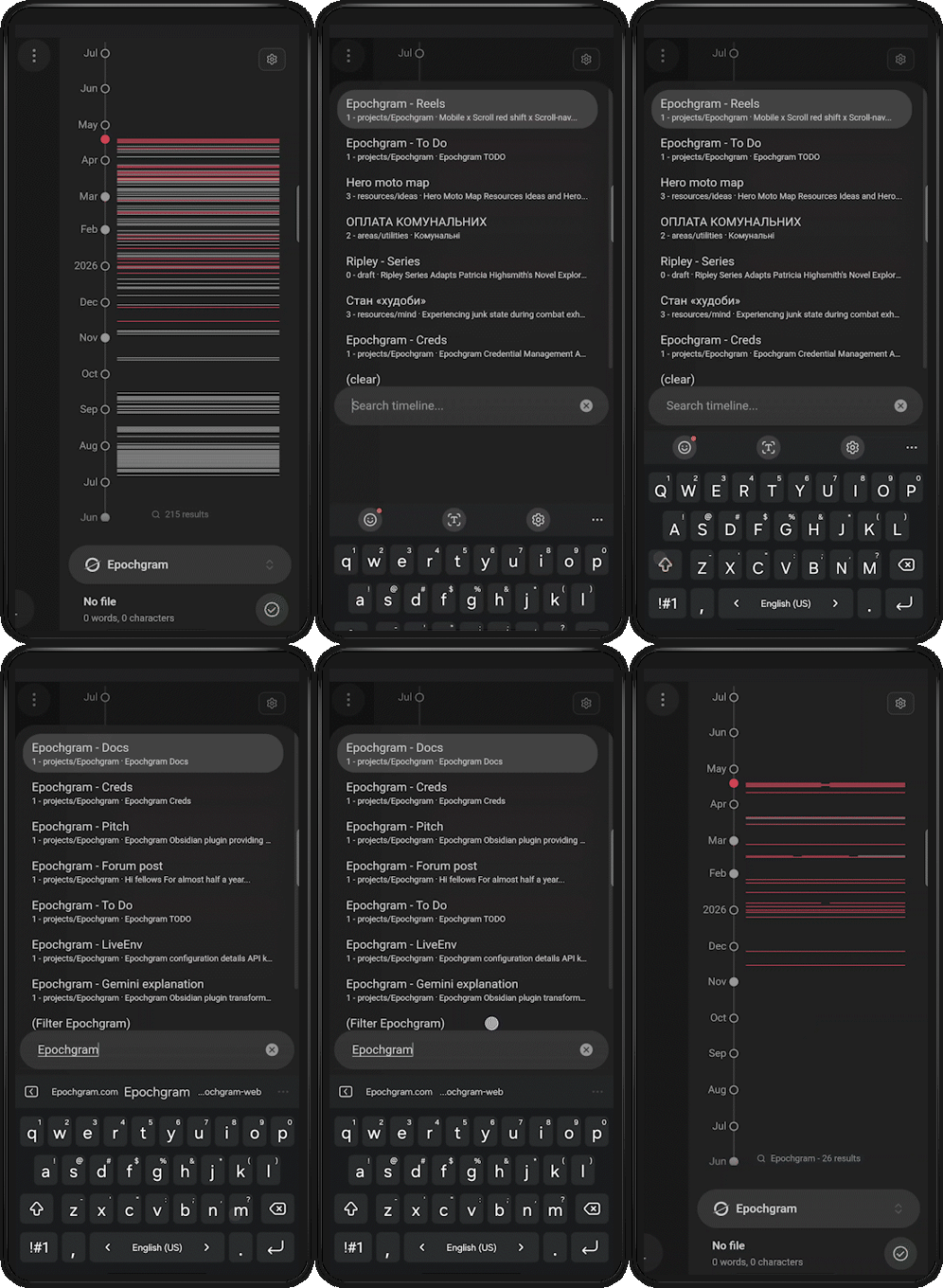
See periods of activity and stagnation, like tree rings of your lifespan
Fuzzy search and filtering across the whole vault
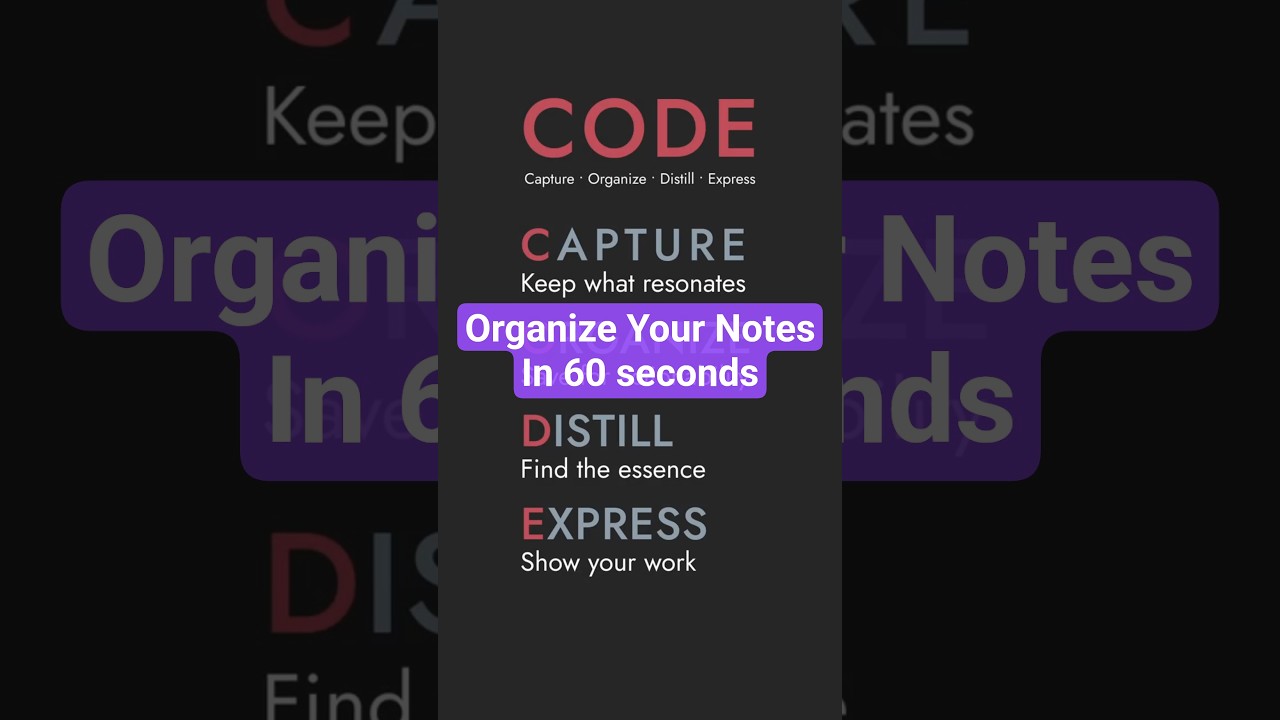
Pins, marks, and review states to support the CODE paradigm
The basic version is completely free and will stay free forever. But if you want to support my development and unlock all features, there is paid Epochgram Pro:
Local AI bridge via Google Chrome’s built-in AI, your data stays yours
Generating summaries and Epochs, literally summaries of summaries
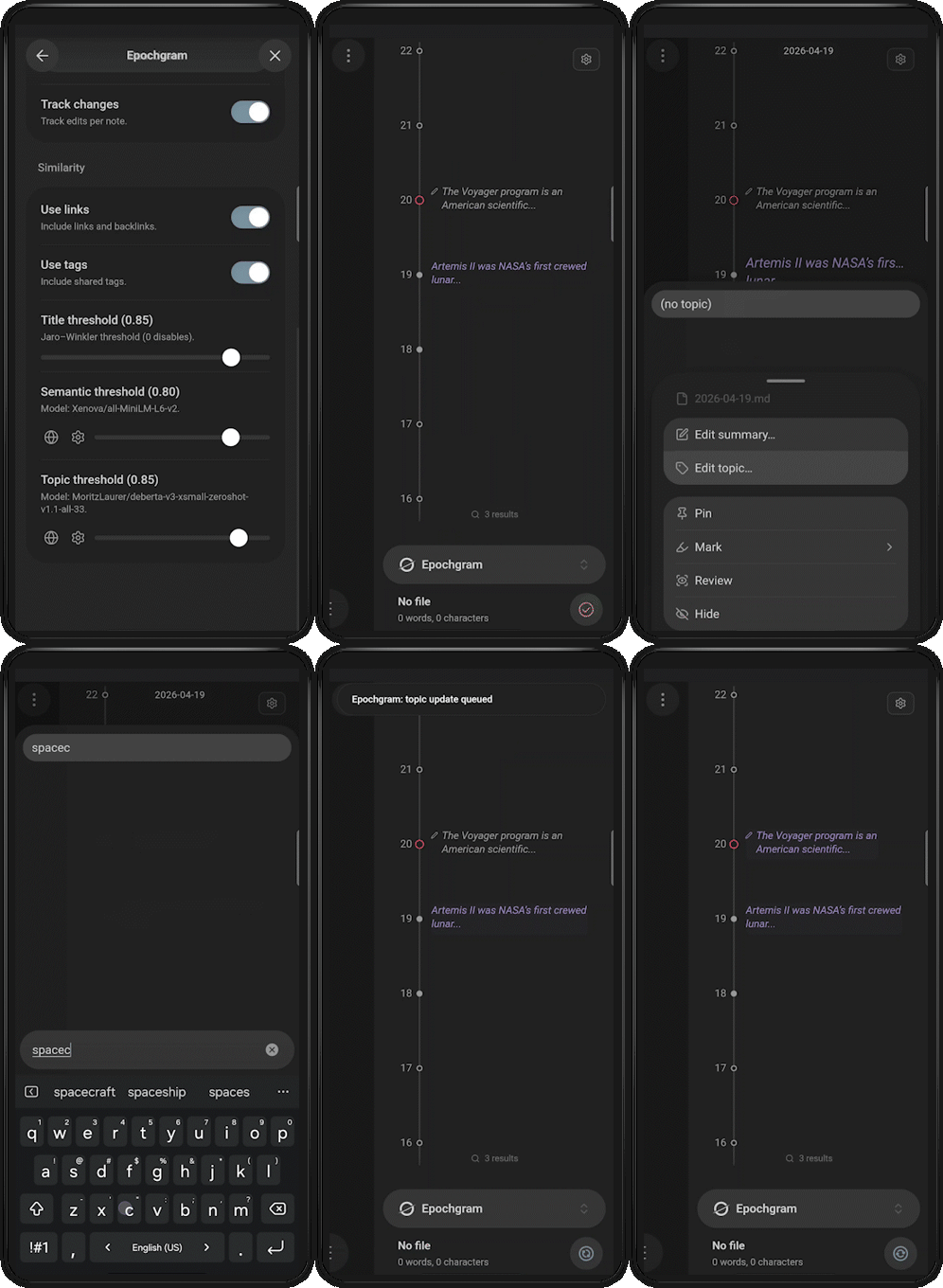
Highlighting similar records by tags, links, and embeddings (local as well)
Mark whole groups of similars at once
Zero-shot record classification based on your topic
Reviews: records are now changed to Draft only for tracked changes. This makes it easier to see when a file was edited and which record needs review on the change date.
Fixed the results count when the Draft filter is enabled.
Recurring records: if no start date is set, Epochgram now uses the note’s anchor date.
AI Bridge: the bridge icon is now hidden when the local server has not been started, if it disabled in settings.
Updated the file context menu to match the record context menu.
Suppressed timemap actions during scrolling.
Added multiple small UI fixes.
I also added a short video showing how I organize my notes with the CODE method in Epochgram.
Recently I started using the Zettelkasten method more seriously, and noticed that new notes often need the same basic structure: related links, YAML properties, sections and so on.
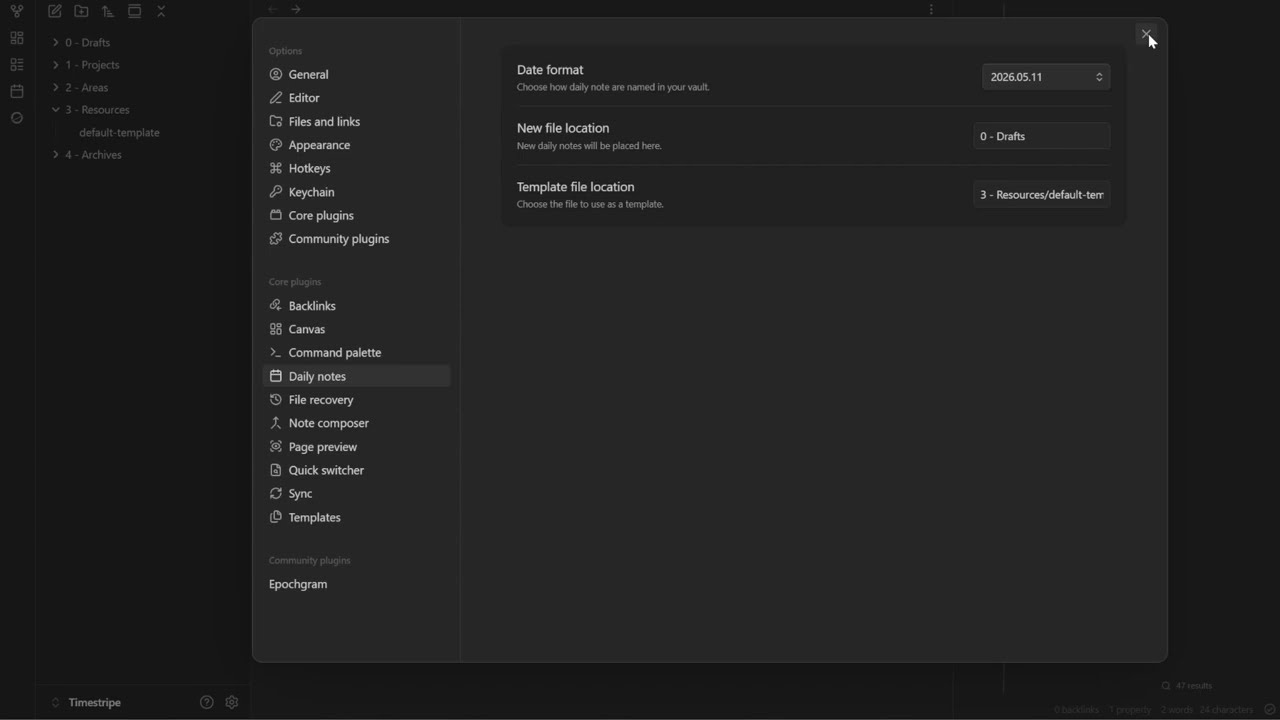
So I added template support for newly created notes. Now, when you create a note by double-clicking on the timeline or from the menu, it can use your Daily Notes core plugin settings: date format, folder location, and template.
I also fixed an issue where the index was not updating when only YAML was changed, and custom YAML description summaries now render as-is, without flattening.
The short video below shows a daily note being created with a custom date format, folder location, and template.
Recently, I’ve added a lot of improvements and small bug fixes:
Epochs and local AI summarization: reworked the summarization workflow. It now supports separate contexts for different periods. Improved reliability, and summarization quality using Gemini Nano.
Timeline rendering and interactions: added settings for record width limits, improved filename/summary truncation, better mobile gestures, and markdown-aware flattening.
Search and filtering: added !hidden and !similar directives - especially useful for showing only records related to the currently opened file. Simplified timeline filter toggles.
Frontmatter customization: added configurable date/summary property names - if you already have such properties in your vault, you can just reuse them on the timeline.
Mdate: added the requested toggle for anchors by mdate/cdate when there are no dates in the filename or YAML.
Stability and UI improvements: ISO timestamp parsing, support for the default Daily Notes template, multiple mobile/UI/indexer fixes.