Disclaimer
Is this plugin open source? Yes (MIT)
Is this plugin completely free? Free within limits: searching is free, and reference checks are free up to 5 a month per network (10 references each). More checks need a CiteMe account; CiteMe Pro is paid.
Is this plugin vibe-coded beyond the author’s ability to comprehend how it works? No
Community Directory:https://community.obsidian.md/plugins/citeme
Hi all, I built CiteMe, a citation tool for students and researchers, and this is its Obsidian plugin. It does two things.
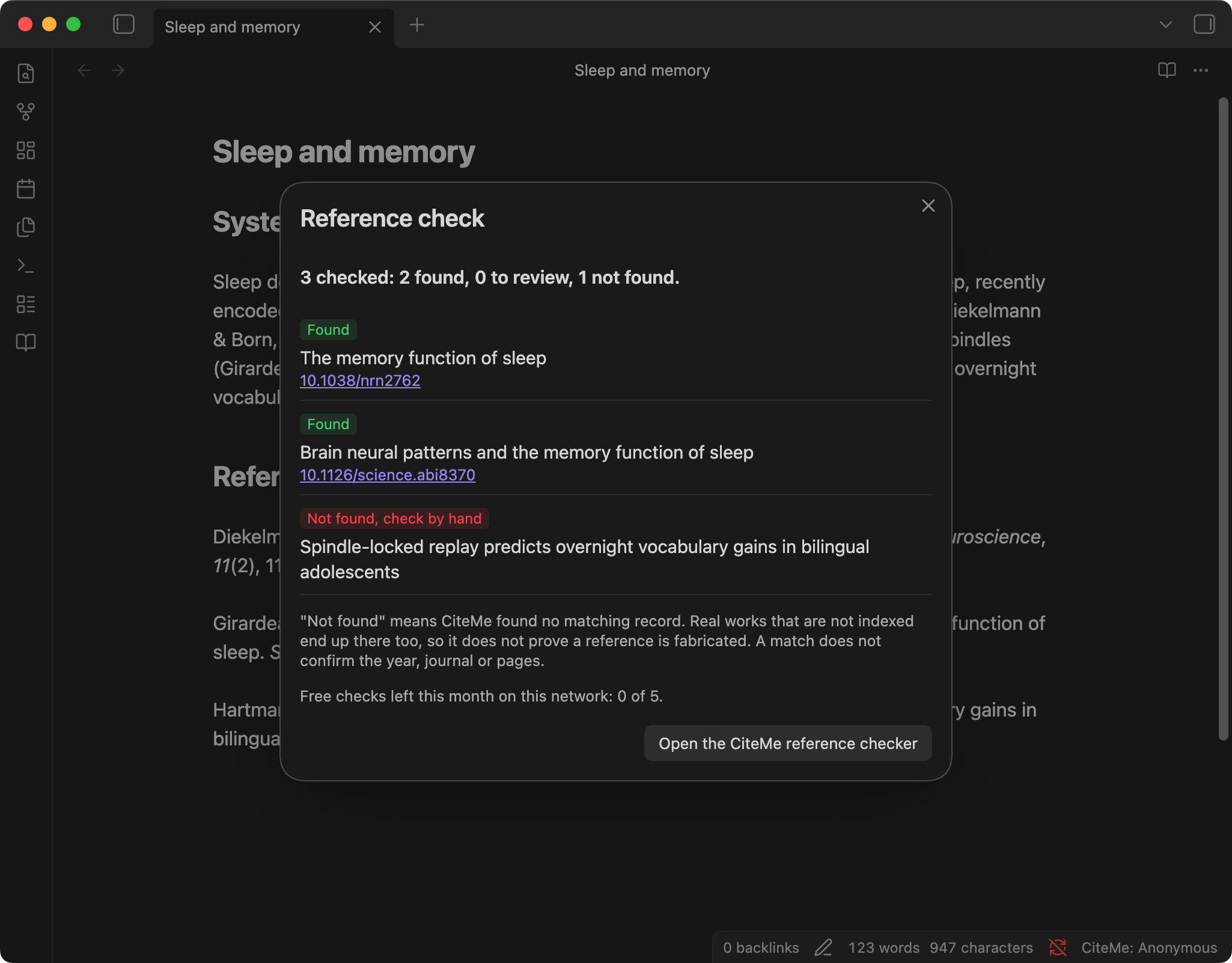
1. Check the references in a note. Run “Check references in this note” and the plugin sends the entries under your References heading (or the text you selected) to CiteMe’s reference checker. Each reference comes back as found, with the DOI of the matching record, to review, or not found. It helps when a reading list came from an AI chat, a classmate or an old draft and you want to know which entries point to real records before you cite them.
“Not found” is not proof that a reference is fabricated: real works that are not indexed end up there too, so it means “check this one by hand”.
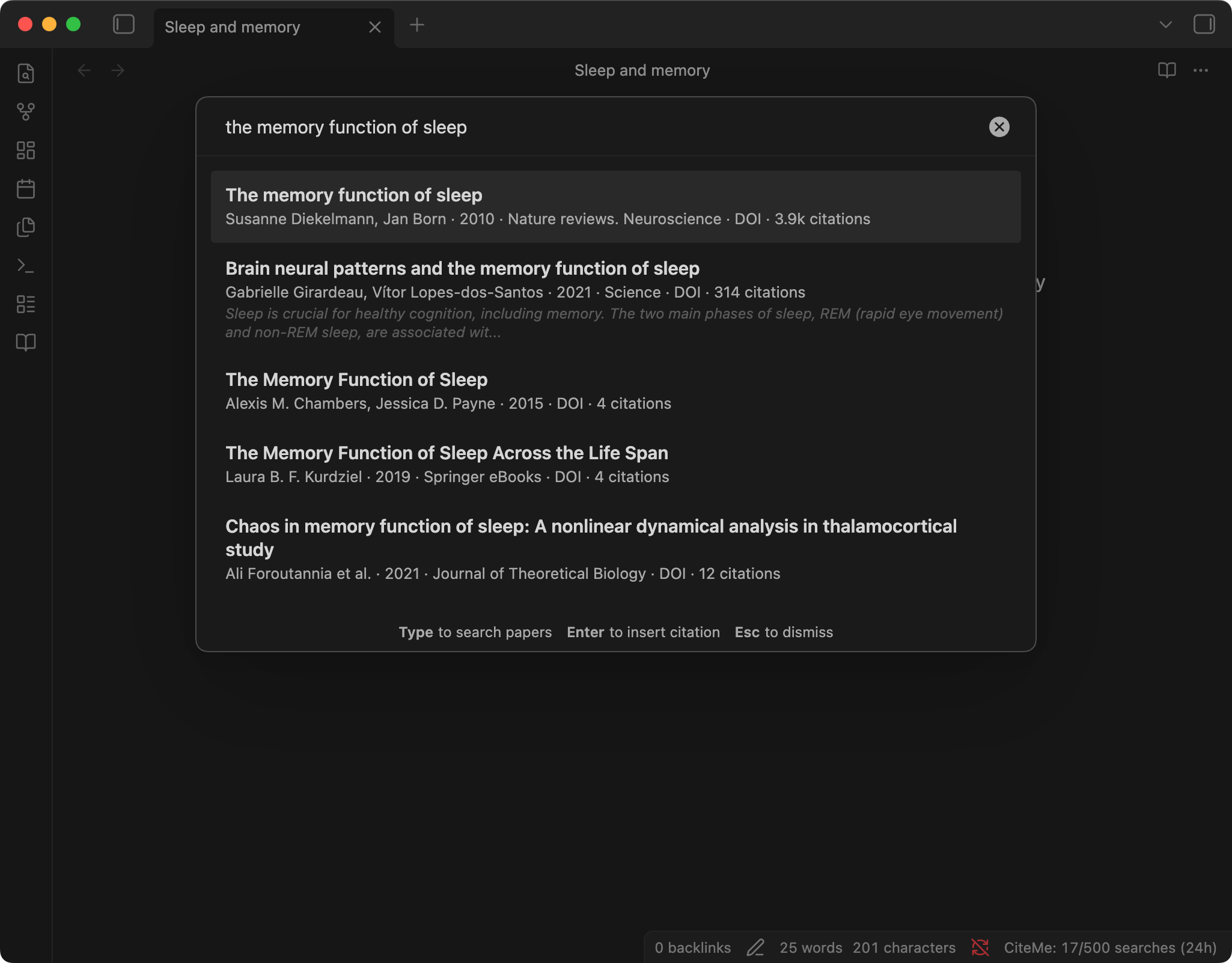
2. Find and insert citations without setting up Zotero first. Search 250M+ papers across OpenAlex, Semantic Scholar, PubMed, Europe PMC, arXiv and other scholarly indexes, pick one, and the plugin inserts it in one of 60 styles (APA, MLA, Chicago, Harvard, IEEE, Vancouver, ABNT and more). It can put the in-text citation at the cursor and keep a sorted ## References section at the end of the note, skipping duplicates. There is also DOI lookup and “Search citation for selected text” in the right-click menu.
Limits and network use: no sign-up needed. Without an account, a reference check covers up to 10 references and each network gets 5 checks a month; searches share a budget of 500 a day per network. If you have a CiteMe account, paste a token in the plugin settings and checks use your plan. The plugin sends your search text, or the references being checked, to the CiteMe API (citeme.app). A token, if you add one, is stored in the plugin’s data.json inside your vault.
Install: Settings → Community plugins → Browse → “CiteMe”, or https://obsidian.md/plugins?id=citeme
Source: https://github.com/danielnichiata96/obsidian-citeme
I’d like to hear what breaks or what is missing, especially from people writing theses in Obsidian. I’ll post future updates in this thread.