What I’m trying to do
Hello people! I am trying to have working Obsidian for documenting and reading stuff. No plugins, nothing fancy, i am just creating screenshots and creating text, .md files in a folder. I have few files and folder.
The problem:
Using Windows 11. I am using Obsidian for half a year. Just screenshots (with Lightshot 5.5.0.4), and copying and pasting text. But one month ago, annoying problems started to appear.
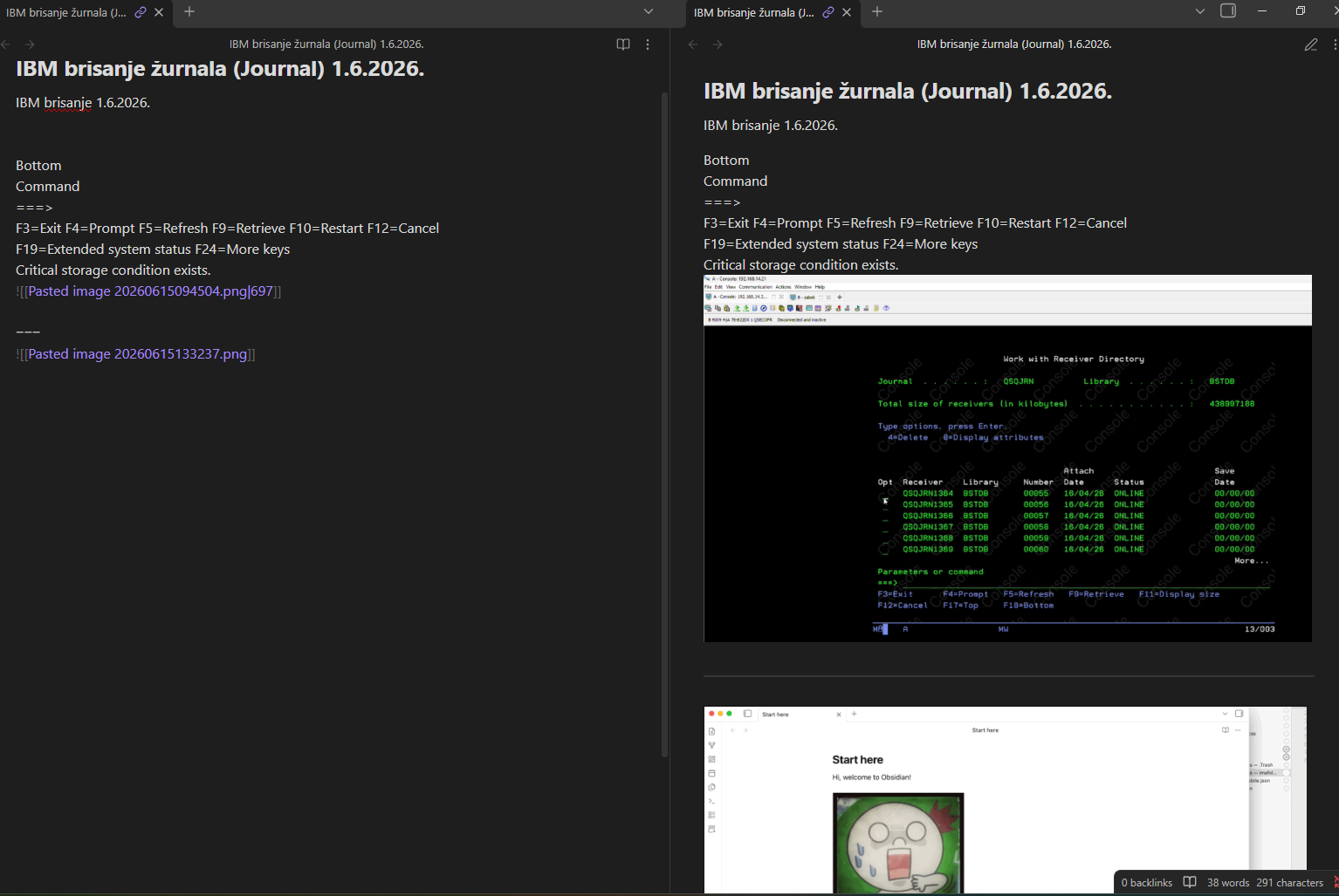
Pasting images from clipboard stopped on all but the first entry in a note - that means i pasted the first screenshot in a note, it shows the first image of a screenshot, but later screenshot pastes only file name generated by obsidian in the same note. Checked in paint if everything is ok “on the copy side - it is”. Also, three dashed (and three stars) stopped forming horizontal line - works on a newly created note, but not “older” ones - what have previous text pasted. It seams to me that there is bug in obsidian “paste” recognition stat sometimes activates?
Things I have tried
AI didn't solve the problem, i really cannot loose hours debugging this, i will be forced to switch from obsidian to something else (Joplin) if solution is not found. Tried reinstalling obsidian, renamed the vault, still the same problem. Copy pasted the content in new vault, the same error. Tried also AI recommendations: "Obsidian, typing three dashes (---) on an empty line usually creates a horizontal line (horizontal rule) or opens a YAML frontmatter block. If it stops working, it is typically caused by hidden cursor positioning, editor settings, or conflicting plugins.Try these common fixes:Add an empty line above: If you have regular text on the line immediately preceding the dashes, Markdown may think you are trying to make a heading instead of a horizontal rule. Always leave a blank line before the dashes.Check if you are at the very top of the note: Three dashes are only recognized as a YAML properties/frontmatter block if they are on the absolute first line of the document.Turn off "Smart Dashes": On macOS or iOS, your system's text auto-replacements may convert three standard hyphens (---) into a single long em-dash (—). On a Mac, go to System Settings > Keyboard > Text > Text Replacements and disable this, or check Edit > Substitutions > Smart Dashes in the menu bar.Toggle to Source Mode: Sometimes "Live Preview" renders dashes weirdly, making them stretch or vanish. Switch to Source Mode (found by clicking the ... "More options" button in the top right of your note) to see if your raw text is formatting correctly.If none of these resolve the issue, try restarting Obsidian in Restricted Mode to ensure a third-party community plugin or custom snippet isn't interfering with your formatting hotkeys." - nothing works with above AI recommendation. Tried clearing clipboard, but it seams to me Obsidian has a problem, or something makes it have a problem with pasting images or text. Maybe some text issue that I cannot see? Hidden text values? I started to use Joplin in paralel (different folder, no mixing - works flawlessly) Any ideas how to "repair" obsidian? Thx
In the section of the note where you start to see the issue:
- click the three dots in the top-right and switch to
Source mode.
ctrl-click the book icon.
You’ll now have two tab groups, one in Source mode and one in Reading view.
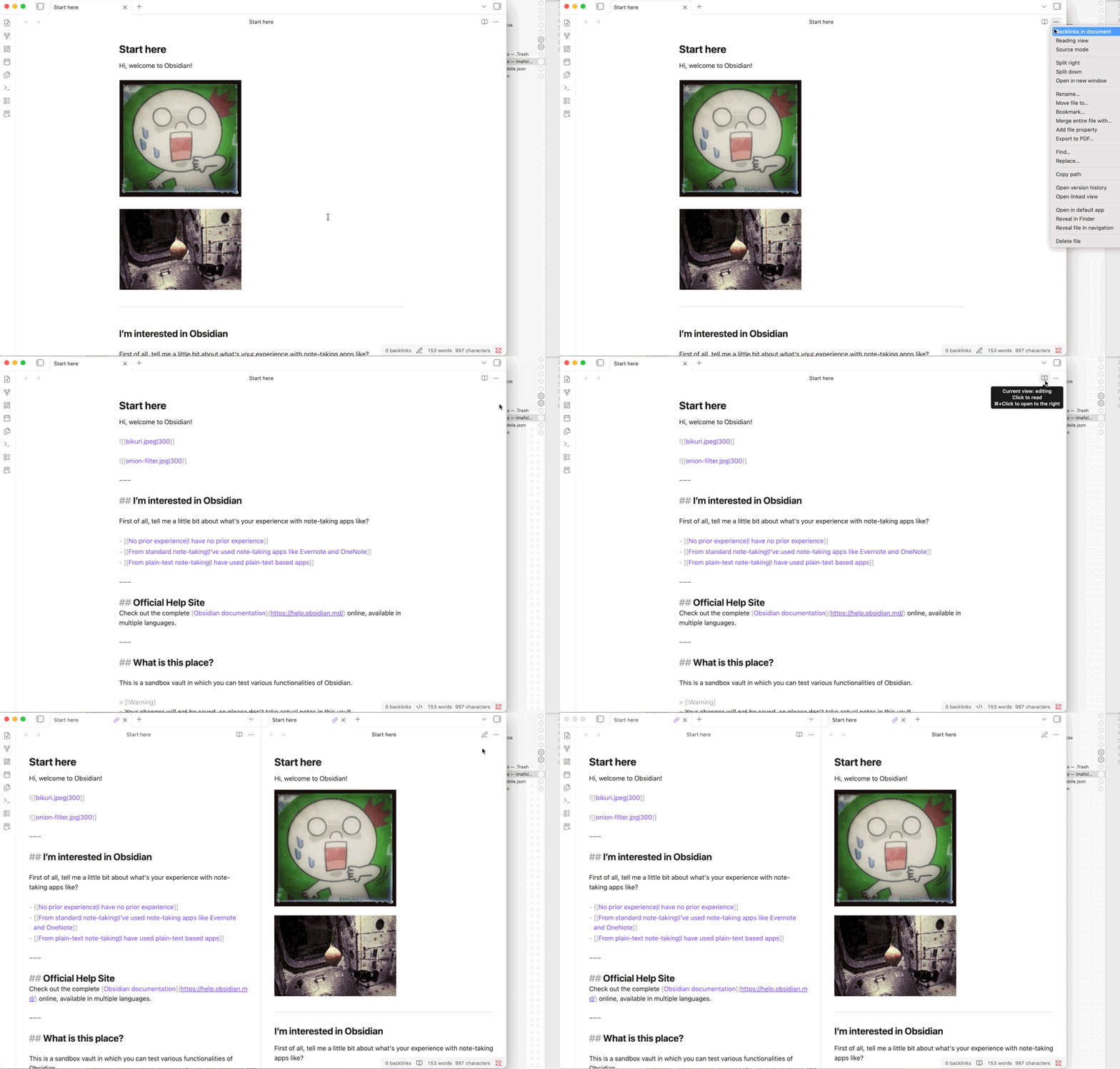
Screenshot that and post it here. Hopefully someone can spot something.
Hello,
thank you for your reply. This is the situation, i pasted the part of your image underneath.
That screenshot makes me suspect the note has ended up inside a code block or another Markdown construct around the point where pasting changes behavior. In Source mode, look a few lines above the first “bad” paste for an unclosed triple backtick, HTML tag, table, or YAML/frontmatter marker. If Obsidian thinks the cursor is inside a code block, pasted images may be inserted as plain text/filenames and — will not render as a horizontal rule. A quick test is to create a blank line above and below the problem area, type some normal text, then paste the image there. If it works there but not in the old section, the file content/Markdown context is the issue, not Lightshot or the clipboard.
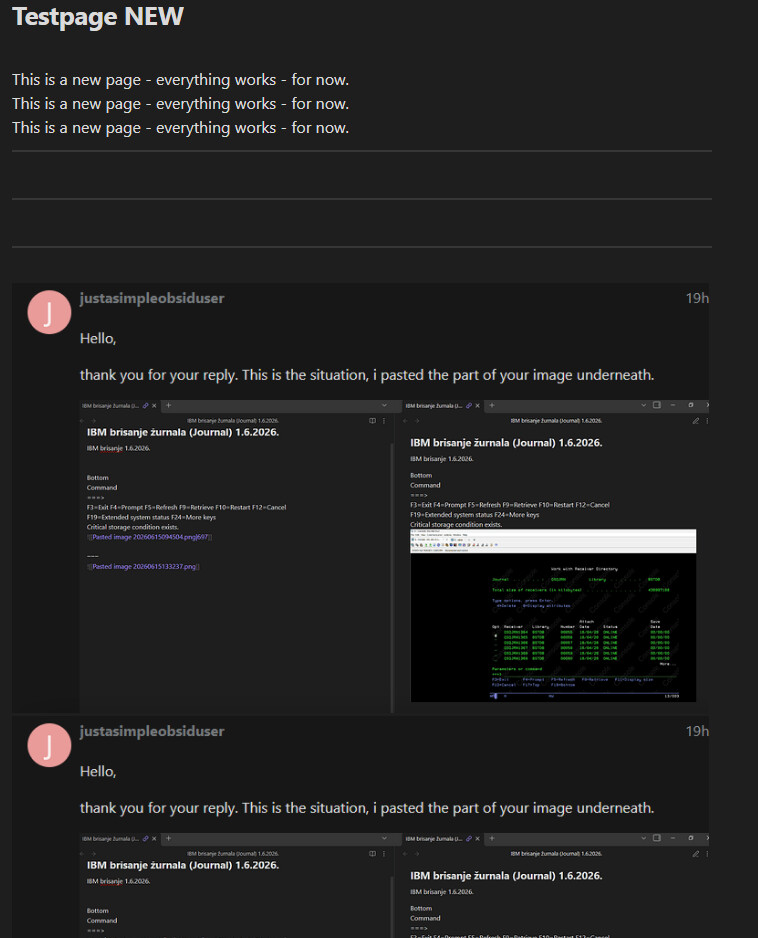
Thank you for your reply. I think problem is system wide, not page wide, because I tried pastings to all different regions the page. So problem is the same:
Pasting after a while starts disappearing of “normal behaviour”, that is, in “normal” read mode i don’t see what I pasted, image name instead of image itself, obsidian starts to loose formating options like showing line break(“forgets”) on some pages. Like the non-new pages startet to “forget” how to behave like an newly created page… weird. Sending newly created page