One of the things I use Obsidian for is for taking notes when going through online, self paced training. I like to organize my notes in an outline format, with numbered lists. So my notes may look like this:
Module 1
1a
sub-1a
sub-1ab
1b
sub-1b
Module 2
2a
sub-2a
sub-2ab
2b
sub-2b
For the Module lines, I usually do paragraph notation so that I can create links at the top of my page to jump around more easily. So far, so good.
What I’d like to be able to do is create paragraphs for lines 1a, 1b, 2a, etc.
Things I have tried
I have tried adding paragraph notation like this:
Module 1
1. #### 1a
and that’s what I get.
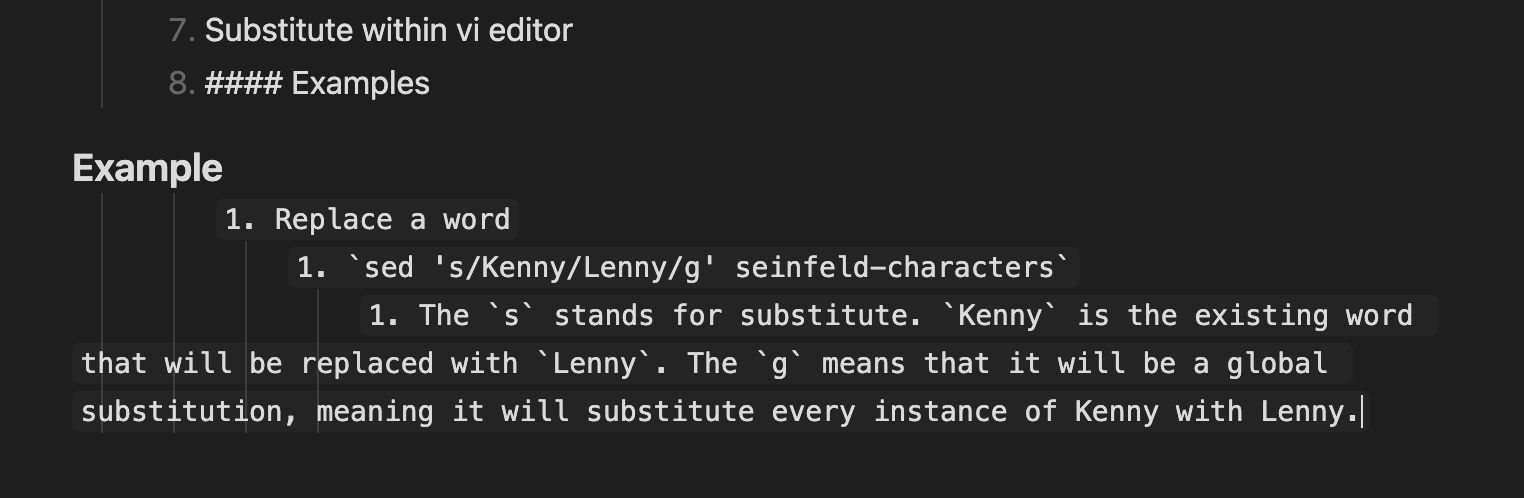
I’ve also tried creating a new line without the numbering, and that does create the paragraph, but it also changes the background color of everything below it, which I don’t want. Below is a screenshot of what I’m seeing.
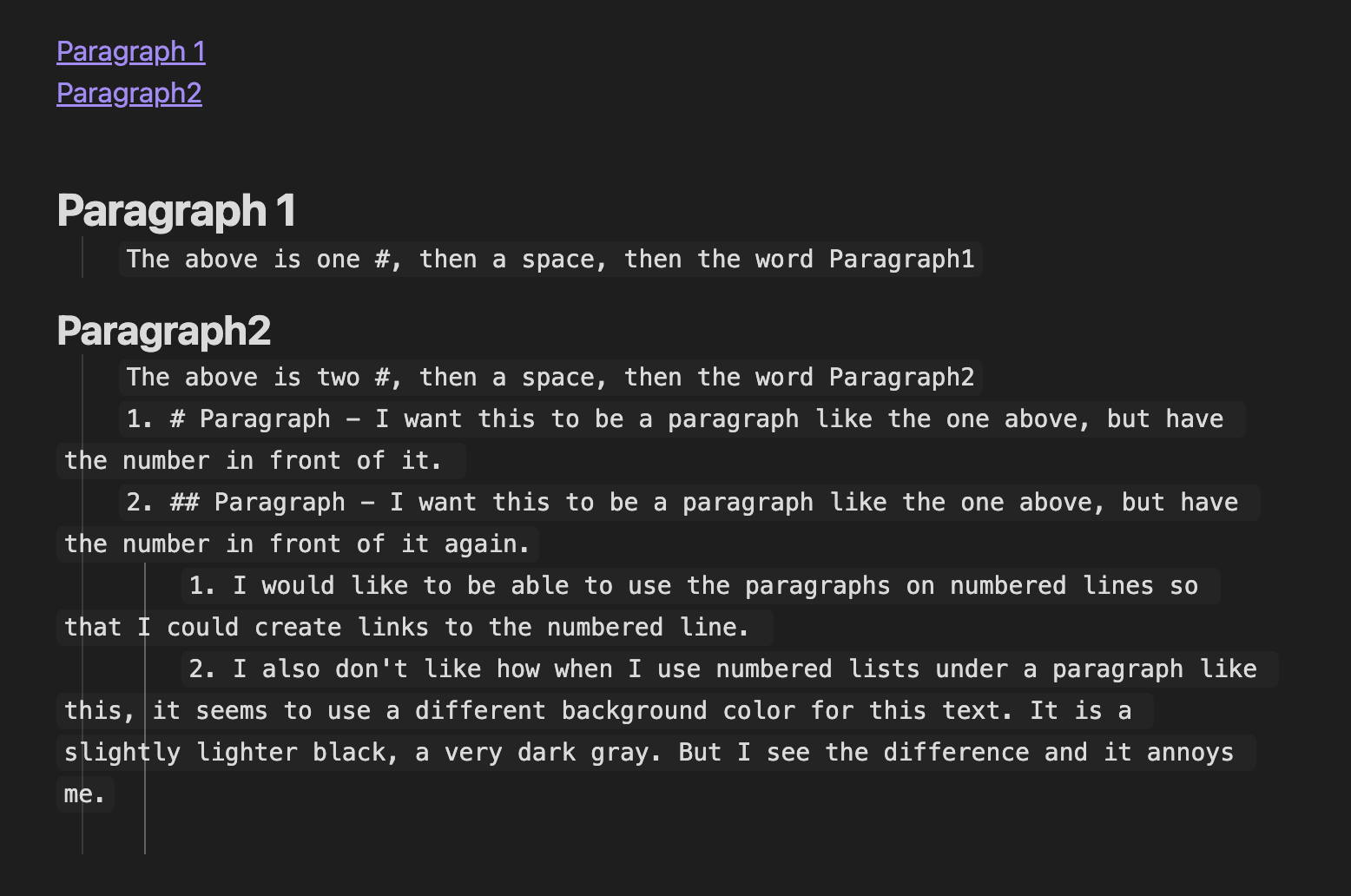
Thank you for the response. I tried what you said, but it isn’t doing what I want. Maybe I didn’t explain myself very well. I put another screenshot here trying to show what I am trying to ask.
Apologies if I’ve misunderstood, but seems like when you say paragraph you mean heading?
The problem you see when you move the heading outside the list is caused by the list’s indentation. In Markdown (the formatting syntax used by Obsidian), indentation marks text as a code block unless it’s a list item. A list item can be indented once by 1 level more than the list item above it. If it’s indented more than that, it becomes a code block instead (or maybe a line continuation or something? Anyway, not a list item). If it’s not under another list item, indenting by even 1 level it makes it a code block.
 1. list item
	1. sub list item
1. list item
		1. code block or maybe a line continuation since it's not looking like a code block even in reading view; anyway, not a list item
1. code block
So your lists under headings are code blocks because they are indented. They don’t start at the start of the line.
You can make them lists by unindenting them until the first item is at the start of the line.
### Heading

	1. Part of a code block
		1. More code block
### Heading

1. List item
	1. List item
If you don’t want to unindent them, you could add placeholder items for the missing hierarchy.
Yes, you are right. I mean Heading. I got paragraph from the right click menu, I first go to paragraph and then headings are underneath that.
Thank you for that explanation. I now understand why I I see the different color background.
As for my first question (and the primary reason I started this), I’ll try to ask again with proper terminology.
Module 1 (heading 1, no problem here)
1. Topic 1 (I want this to optionally be a heading 2 while maintaining the numbered list, or not be a heading, whichever I choose)
    1. Note 1-1
    2. Note 1-2 (I want this to optionally be a heading 3 while maintaining the numbered list, or not be a heading, whichever I choose)
2. Topic 2 (I want this to optionally be a heading 2 while maintaining the numbered list, or not be a heading, whichever I choose)
    1. Note 2-1 (I want this to optionally be a heading 3 while maintaining the numbered list, or not be a heading, whichever I choose)
    2. Note 2-2
In practice, the training I do has something like 20 modules. Each module has between 10 and 25 topics. Each topic has between zero and about 10 notes, and some notes have more sub-lists. Currently, I build a sort of table of contents of using links to the modules, but I’d really like to be able to create links to more important topics or notes.