Hello, is there a way to open meta files from the hidden .obsidian folder for quick edits? I wouldn’t mind having a command open an external editor instead. The point is just giving myself a hint and a quick access to these files.
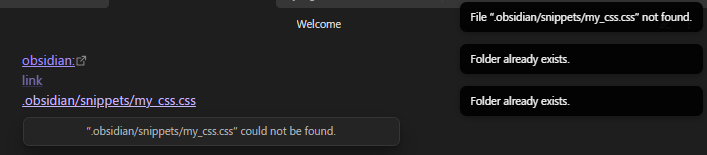
[obsidian:](obsidian://open?vault=Main&file=.obsidian/snippets/my_css.css)
[link](.obsidian/snippets/my_css.css)
[[.obsidian/snippets/my_css.css]]
Interestingly, when pressing the three links, I get these responses, with one saying that the file can’t be found, and the other, which would presumably create empty file for it, that it already exists.
 : When it comes to manage css snippets (create/edit) from within Obsidian, I like to rely on the community plugin
  …
…