What I’m trying to do
The new feature to open non vault folders in Obsidian opens the file in the currently active tab. You can press the back button to move to your last active tab, but I’m wondering if there is an option to open these files in new tabs instead.
Things I have tried
There doesn’t seem to be any option in the settings to change this behaviour at the moment. And the documentation doesn’t mention anything.
Lastly
This post might be closer described as a feedback, or user suggestion. If there isn’t a way to do this at the moment and a developer sees this, such an option would be appreciated. Alongside the ability to extend the feature to .txt files.
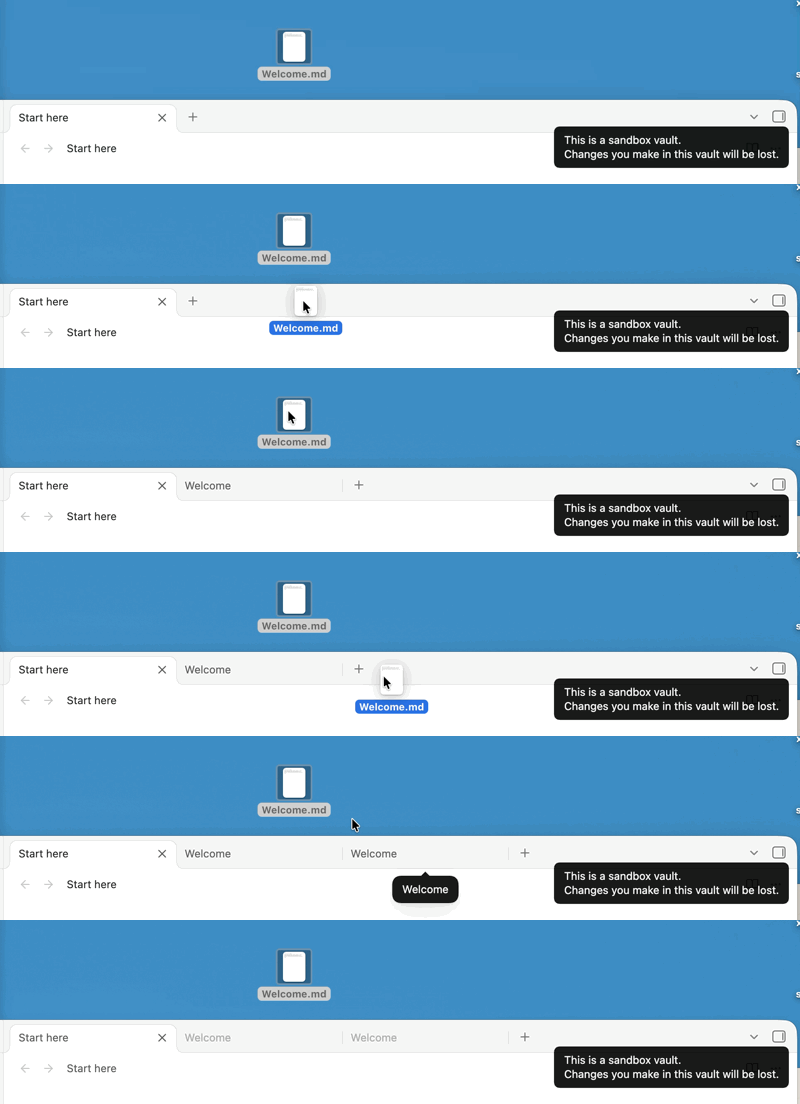
 if I recall correctly.