Thank you
Greetings!
Pretty sure that’s a you problem — check if either any snippets, fonts, themes or plugins are messing with it. I don’t face this issue on mobile so I know it cannot be the vanilla app. Some advice would be to create a sandbox / test vault from scratch to see where it comes from.
On the meantime, here’s a snippet to tweak it:
.markdown-source-view ol,
.markdown-source-view ul,
.markdown-preview-view ol,
.markdown-preview-view ul {
padding-left: 0em; */
}
All lines must be together, but this website breaks them. Copy and paste that into this path: [Your Vault]/.obsidian/snippets. Create a file — free to pick any name you like. Then go to Settings → Appearance, scroll down and enable it! Should work. AFAIK 0em is the smallest it can go, but feel free to change that number and tweak to your liking. Have fun! Cheers 
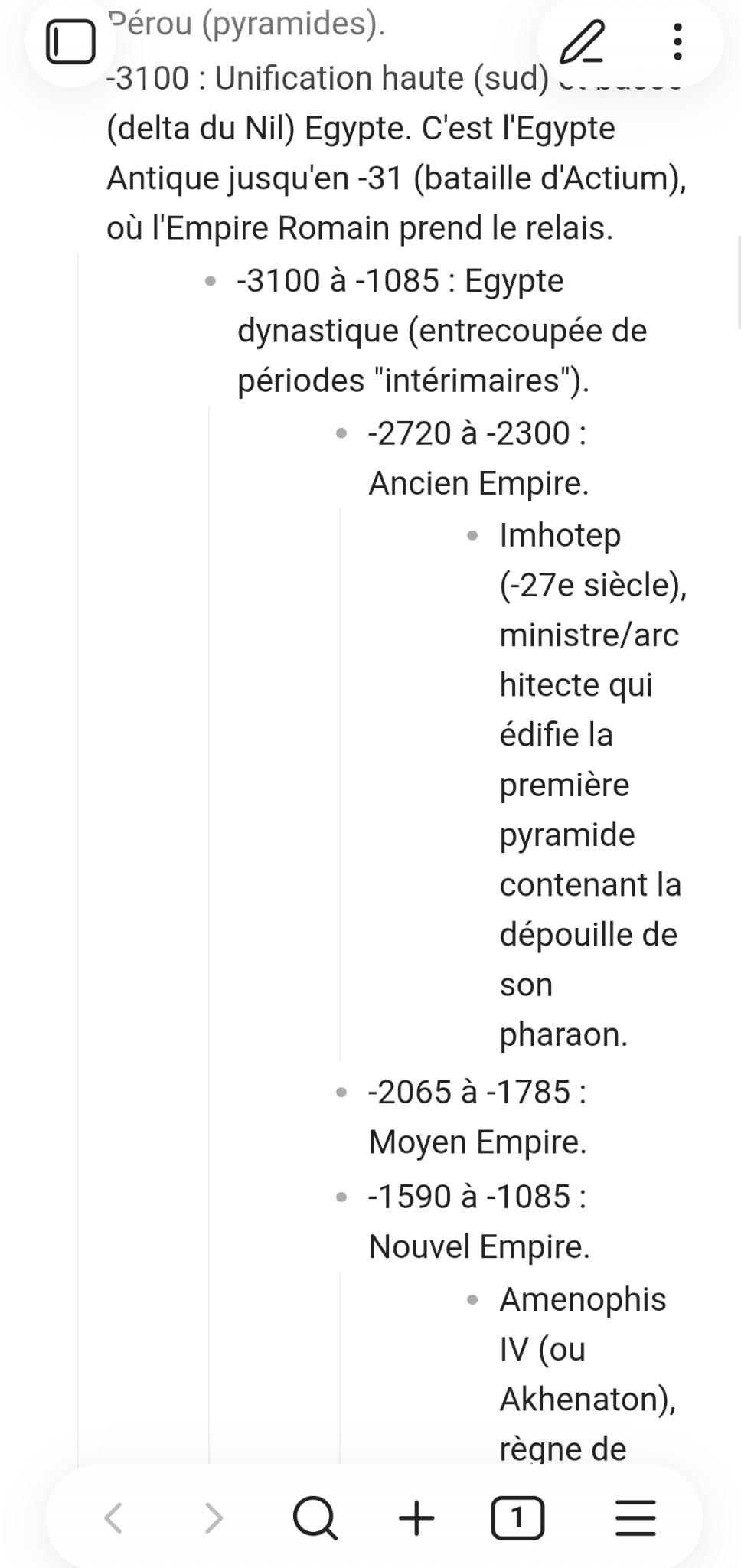
Thanks for your reply. I’ll investigate further : if there’s an issue with my configuration, I’d prefer to find the root cause instead of using a snippet to mask it.
Edit : Solution found - for some reason Settings > Editor > Indent visual width was set to a quite high value (7) which was far too high for mobile.
Must have forgotten I somehow changed this setting !
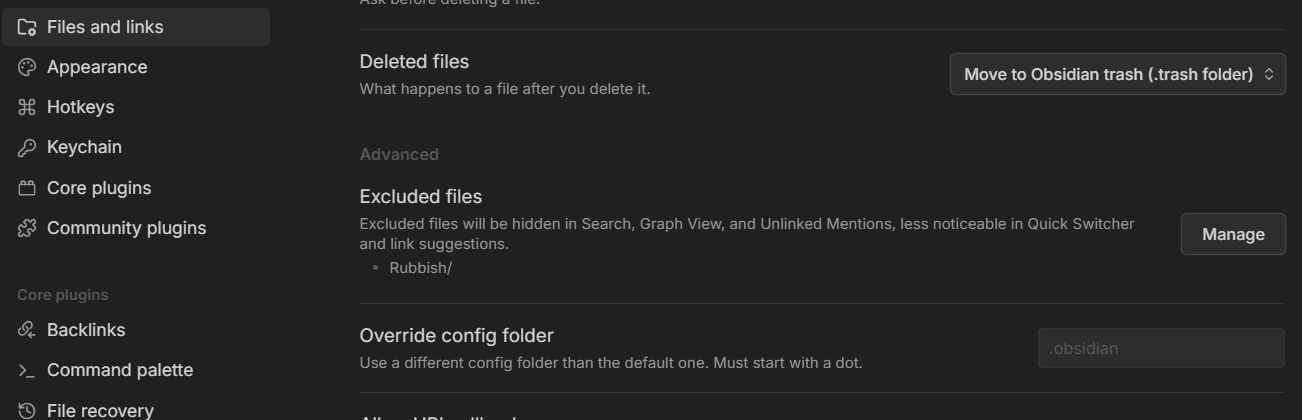
If you still want to customise things separately for mobile you can use ‘override config folder’ to create a custom settings, plugins, etc. for it.
I.e. I have a “.obsidian-mobile” folder which is used only for mobile, and only have a minimal amount of plugins I actually need on mobile. Not sure the indentation setting will be included there though.
@dmantisk : Thanks, if I use that setting, will I have to redo all my configuration from scratch again ?
Indentation is the only part I would like to set differently per device. I’m afraid my plugins won’t stay in sync if I use a different config per device, or that I will have to always remember to install each plugin to each device, etc…
You can just copy the existing “.obsidian” folder and rename the copy to be same as what you typed in the above setting.
That way you’ll start with the exact copy (duh) of your PC, and you can tweak as needed.