First, search the help docs and this forum. Maybe your question has been answered! The debugging steps can help, too. Still stuck? Delete this line and proceed.
What I’m trying to do
Old (1 year ago) Excalidraw files have all broken due to update to Obsidian, I guess. Have spend a good hour looking for solutions. Perhaps it’s buried somewhere here or elswhere.
Things I have tried
I have tried converting tools (from MD as I thought they’d all defaulted to md or I could only open them in md). This simply erases the drawing information. Also I have tried renaming the files…I can’t be the only person with this problem…
Did you try the debugging steps, linked in the template in your post?
Could you post your “Show debug info” here?
The big thing I’d look for is updating your Obsidian installer if it’s out of date. And testing with other plugins turned off. And if nothing works, consider filing a bug report on the plugin Github page.
Template? I didn’t link any template to my post… I did try to upload files to convert on excalidraw.com.. and the files are not recognized no matter how I name them .excalidraw, .excalidraw.md…
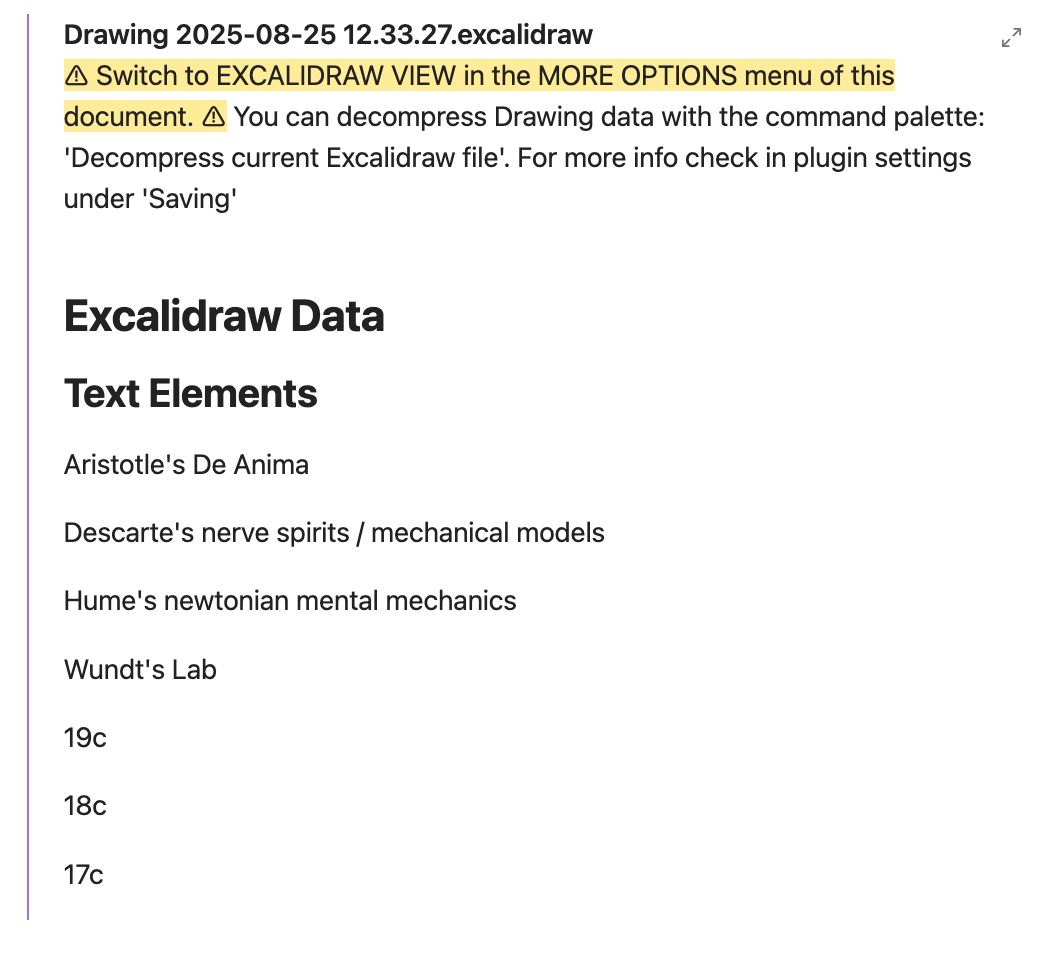
Here’s what the rendering looks like (I cannot make sense of any of these sugestions about ‘decompress drawing data…’ etc…
It may not be the same problem I experienced.. and I don’t know if you are on the latest version of Exc.
I solved it for now by going to:
and in Assets by downloading the main.js, manifest.json and styles.css and copying them to .obsidian/plugins/obsidian-excalidraw-plugin folder, overwriting the files there. I even edited the manifest.json ( "version": "200.25.1",), by adding two zeros after 2 there to stop Obsidian wanting to update the plugin. When the issue is fixed, you’ll need to delete those two zeros, of course.
There is some talk about a similar(?) issue here and it looks like we need to gather more info before we can report a more general bug. I don’t know.
That’s what I mentioned to the bot I asked to look at all GH Issues of Obsidian Exc…
The template I was referring to (but Sunnaq’s reply seems more relevant. Still worth updating your installer by reinstalling Obsidian, if your installer version is very old.):
It may not be more relevant because I don’t know much about the symptoms. Let’s just say my encountering of the issue at my end was so recent as to prompt an answer to a problem that may be something else at OP’s end.
My symptoms: white overlay on drawings, clicking on canvas found the elements beneath but the composition itself was still not visible. Tried a setting change mentioned in that linked Issues page but it didn’t work out.
As I said, more people should flock to this thread and we may work out some report in the end.
I tried also on a vault that had only Templater and Exc installed to rule out interference from other plugins and a custom theme.
I had the same symptoms as you, with the white overlay. I installed the version 2.25.1 again and its working fine. Releases · zsviczian/obsidian-excalidraw-plugin · GitHub . On the excalidraw-plugin-issue page are some similar issues popping up.