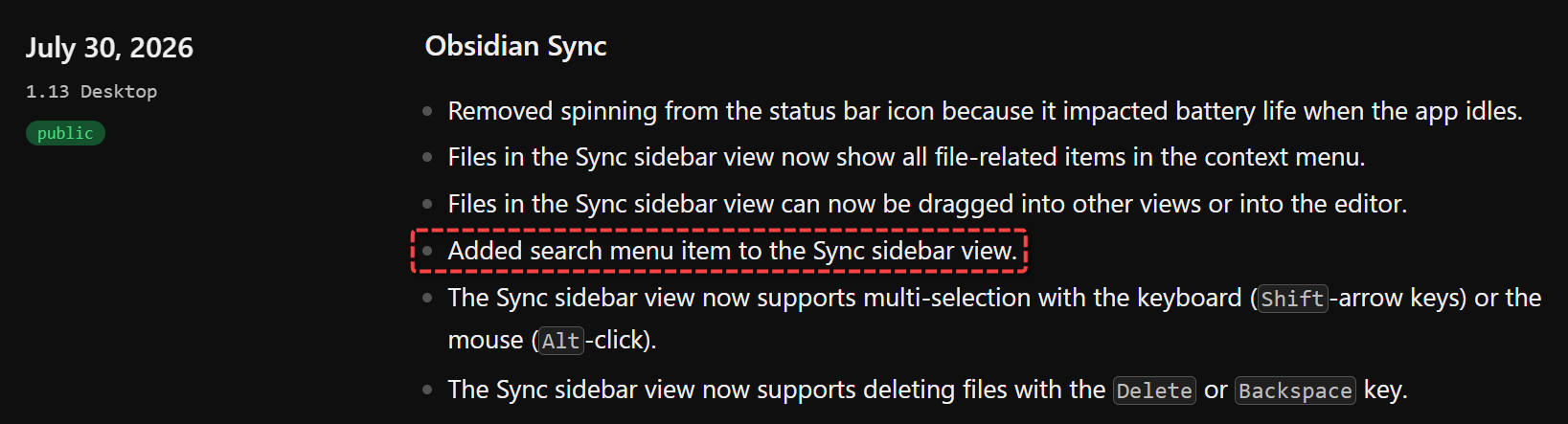
According to the Obsidian v1.13 changelog, the team “Added search menu item to the Sync sidebar view.”
I’m using version 1.13.7 for both the Obsidian Windows app and the installer.
I expected to see a search option either as a button or within the context menu when right-clicking items in the Sync sidebar. However, I cannot find any search-related option or input field anywhere in that panel.
I have done extensive troubleshooting and research to see if it was placed elsewhere, but with no success. Is this a known bug in this version, or am I misunderstanding where this item is supposed to appear? 
Steps to reproduce:
- Open the Obsidian Sync sidebar panel.
- Right-click on any file inside the Sync sidebar list to open the context menu.
- Look for the newly added “Search” menu item
Expected result:
According to the Obsidian v1.13 changelog, the release notes state: “Added search menu item to the Sync sidebar view.” I expected to see a search option (e.g., “Search for…”, “Find in vault”) alongside standard file options like “Show in system explorer” or "Open version history.
Actual result:
No search-related item appears in the context menu at all. The only available options are native file actions like showing the file location or accessing the version history. There is no trace of any search functionality within that panel or its menus.