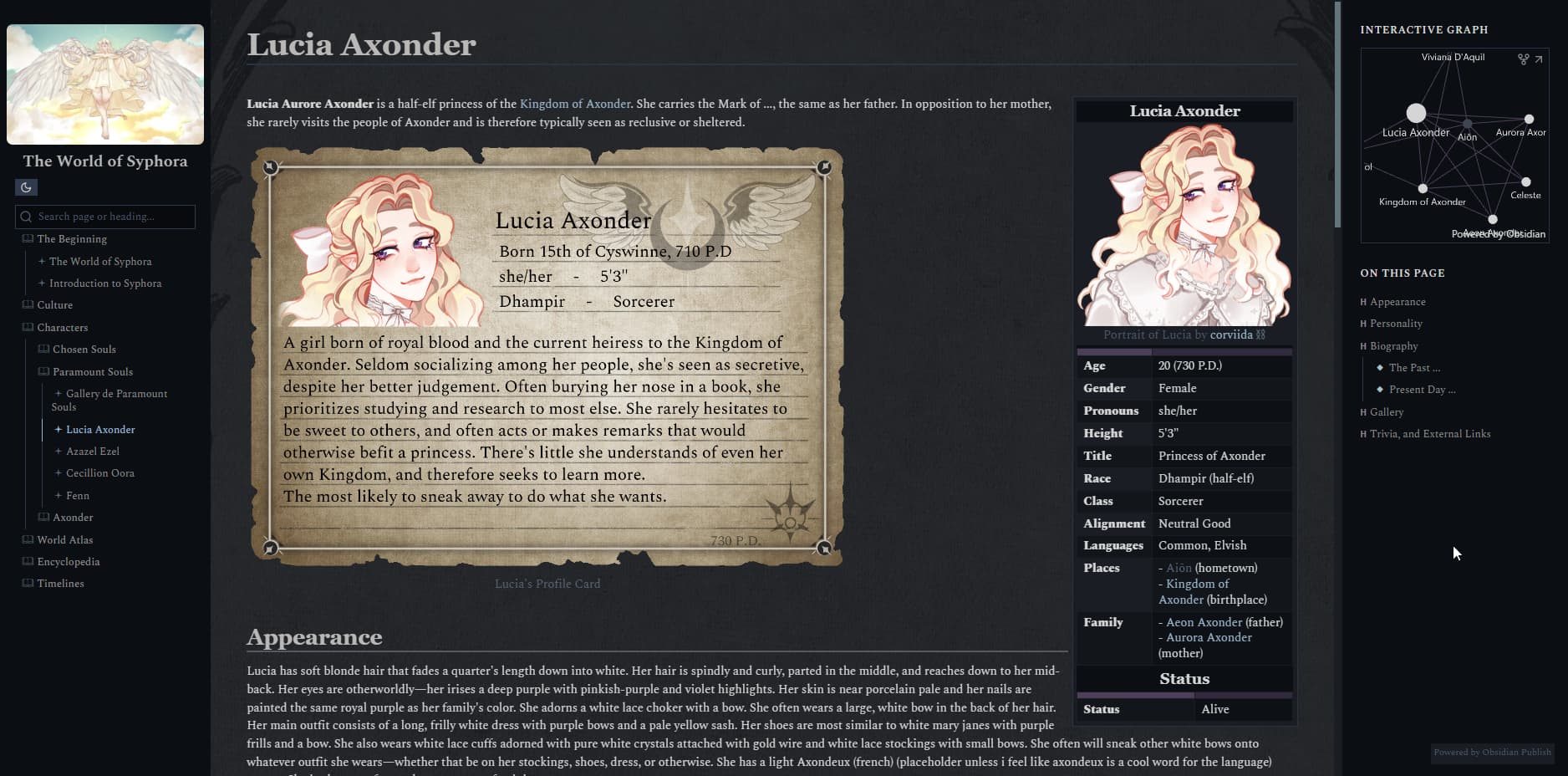
Hi there! This is a bit complicated, but I’ve been trying for the past two days to figure out how to add a custom background image to my obsidian publish page. Two very helpful topics from ~4 years ago helped me get it almost perfectly.
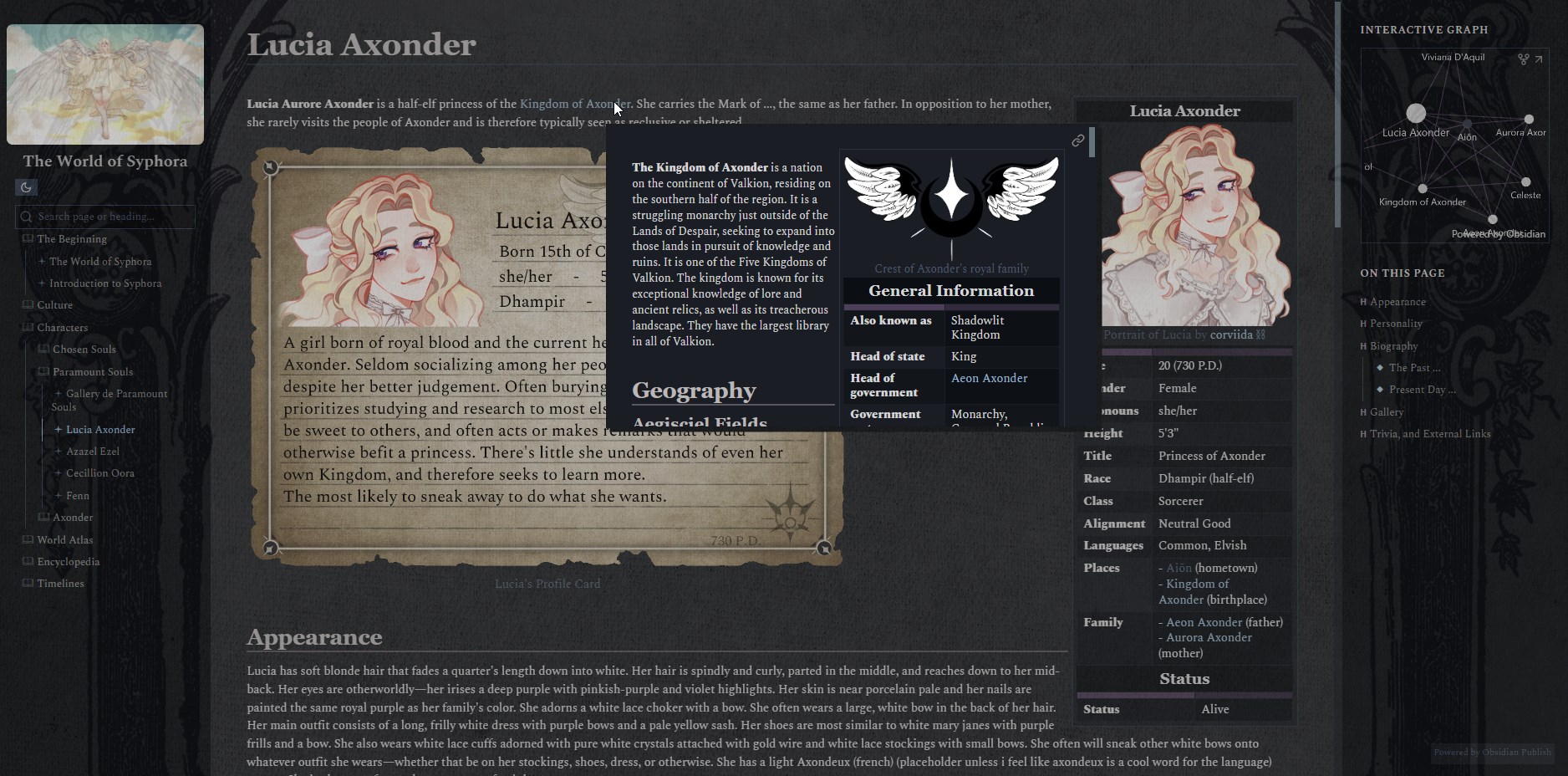
The biggest problem I’m facing is that for some reason hover preview essentially freezes the website aside from the viewing box, and the code from the topics I found just outright do nothing on obsidian publish.
I’m using a custom publish.css taken from the ITS theme, and then adding the following code to the bottom
and this is the only code I’ve found works, which you can see the result of in the next image
.markdown-preview-view::after {
content: “”;
position: fixed;
background-image: url();
background-repeat: no-repeat;
background-size: cover;
filter: blur(0px) brightness(50%) saturate(50%);
opacity: 0.3;
left: 0;
top: 0;
right: 0;
bottom: 0;
z-index: -1;
}
I would love some help, and thank you to anyone who can!