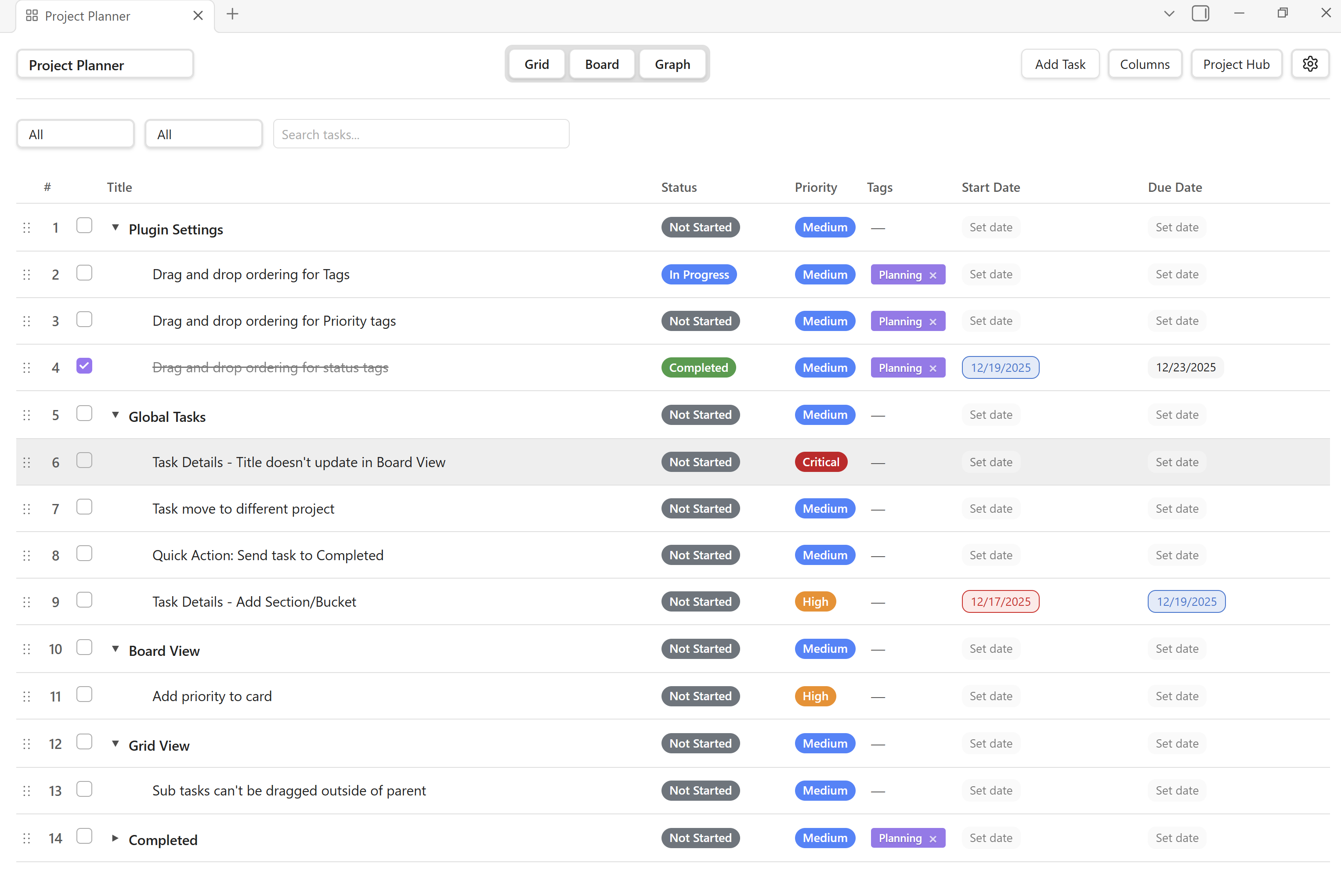
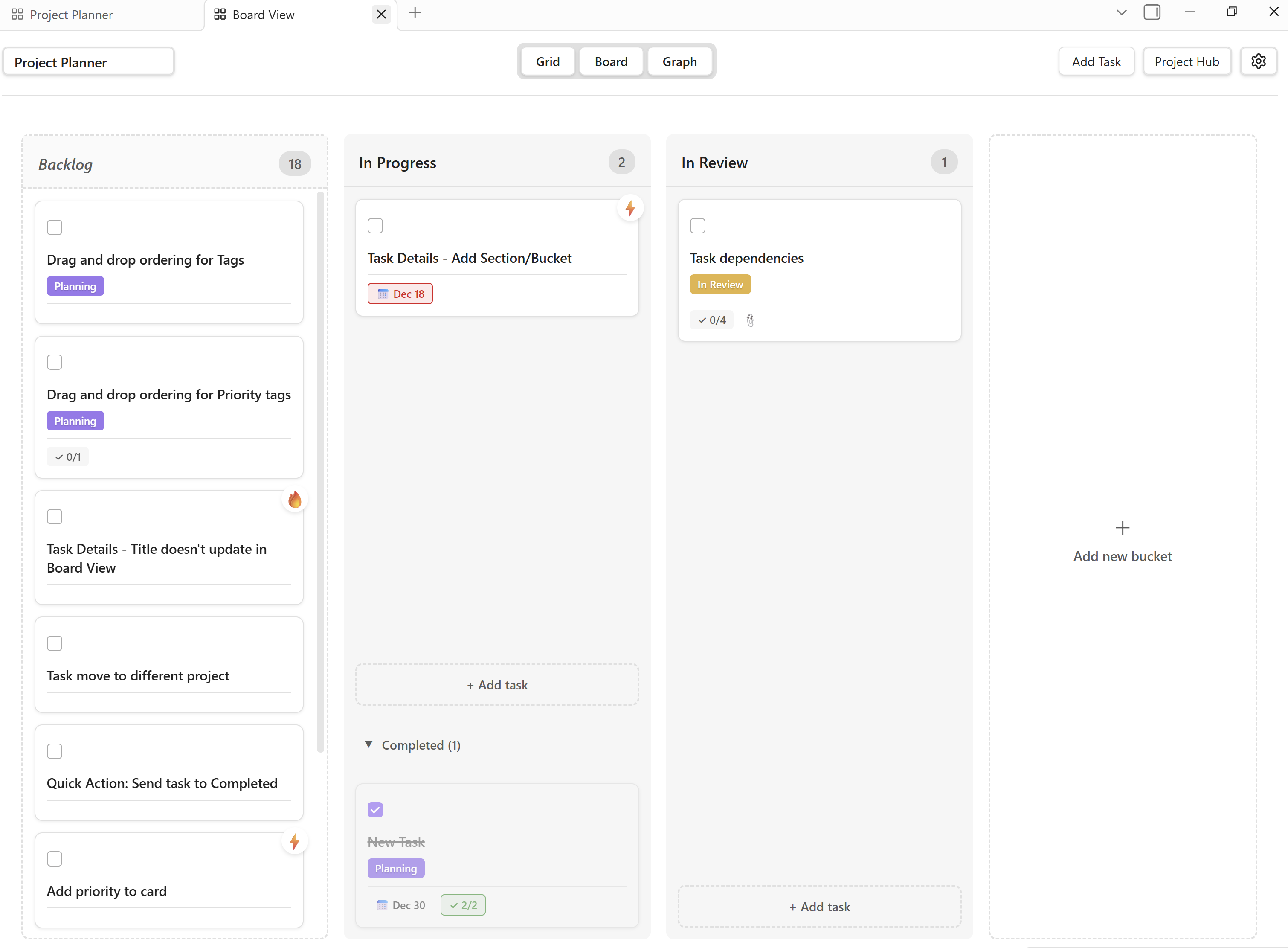
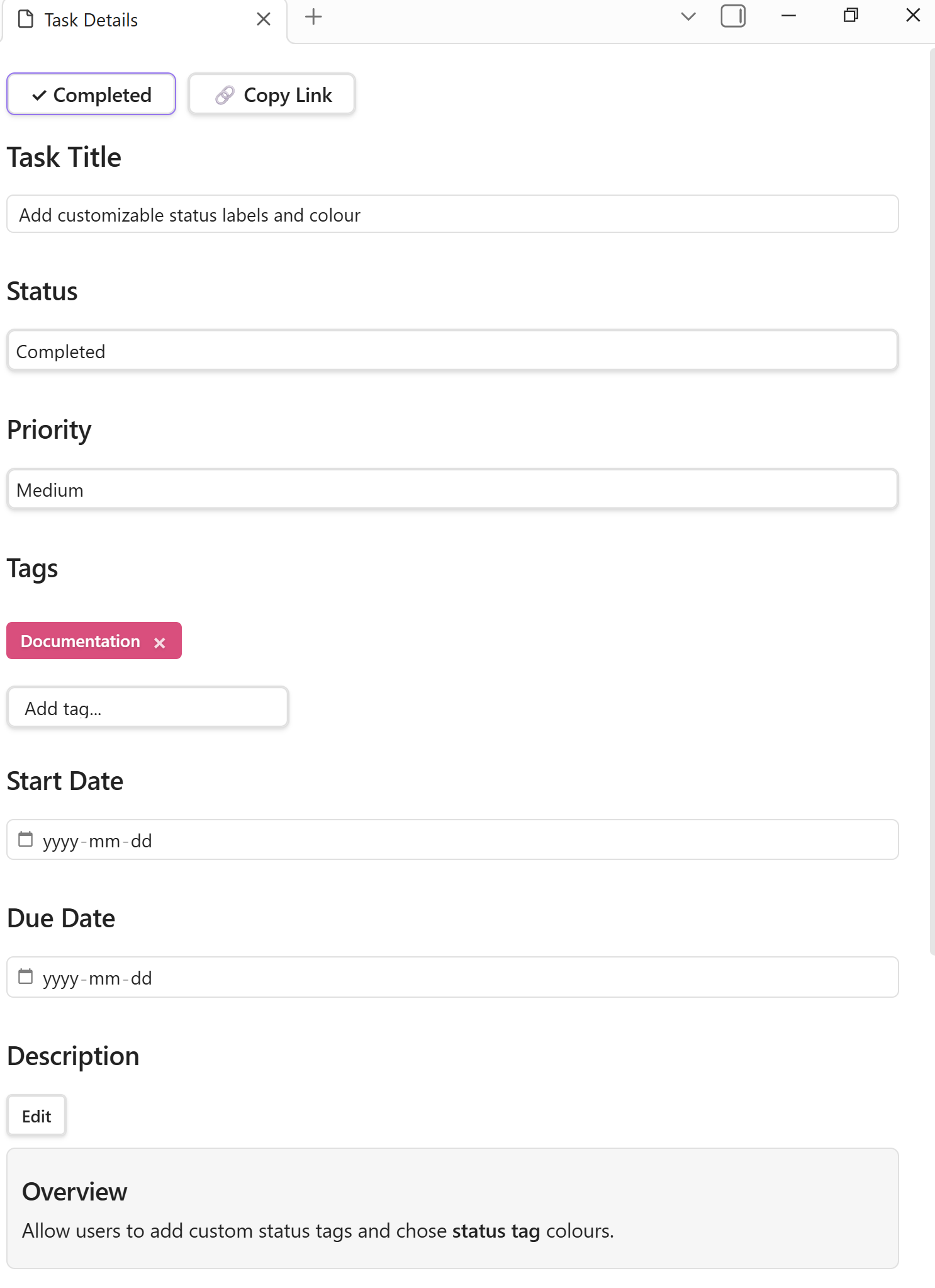
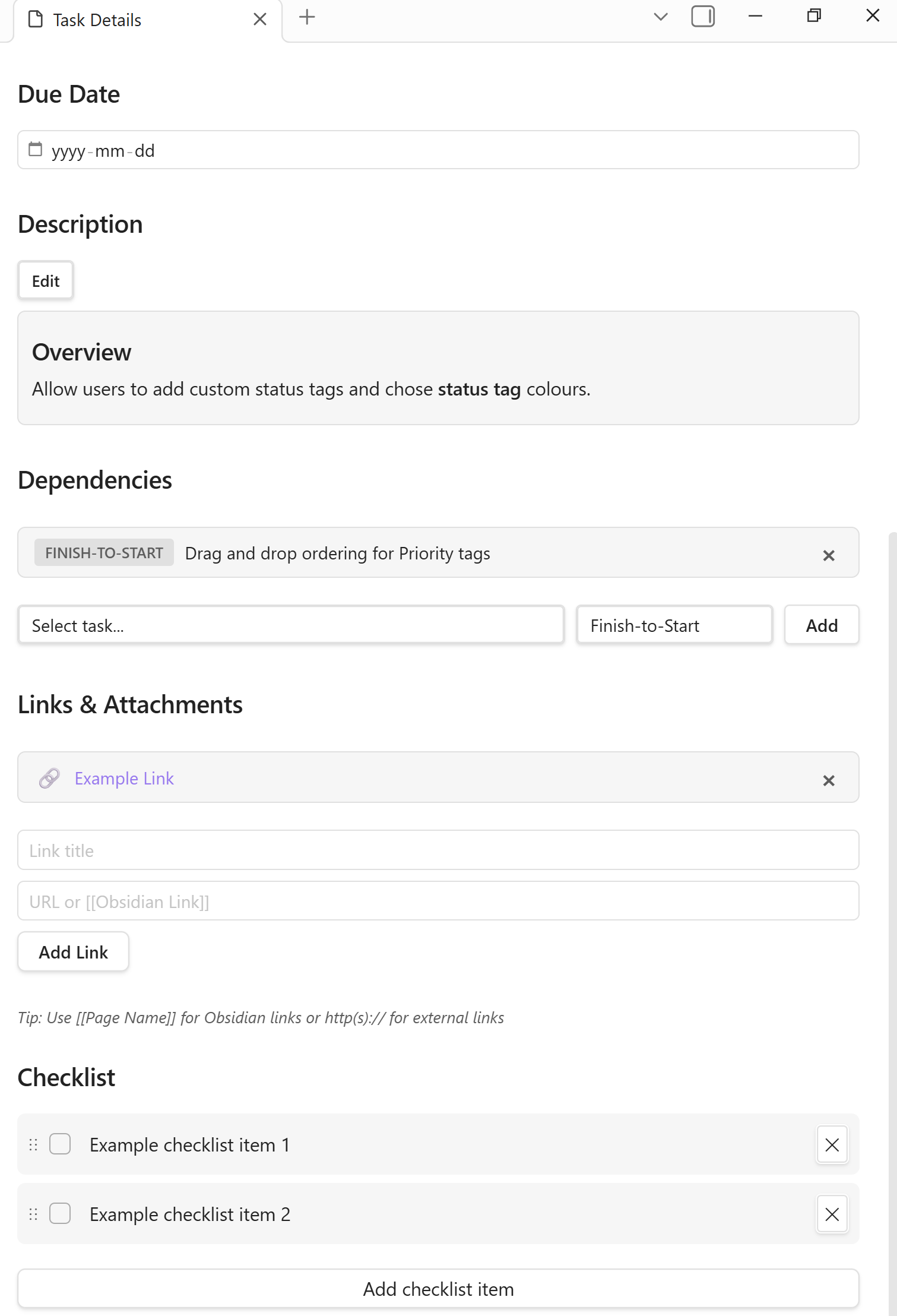
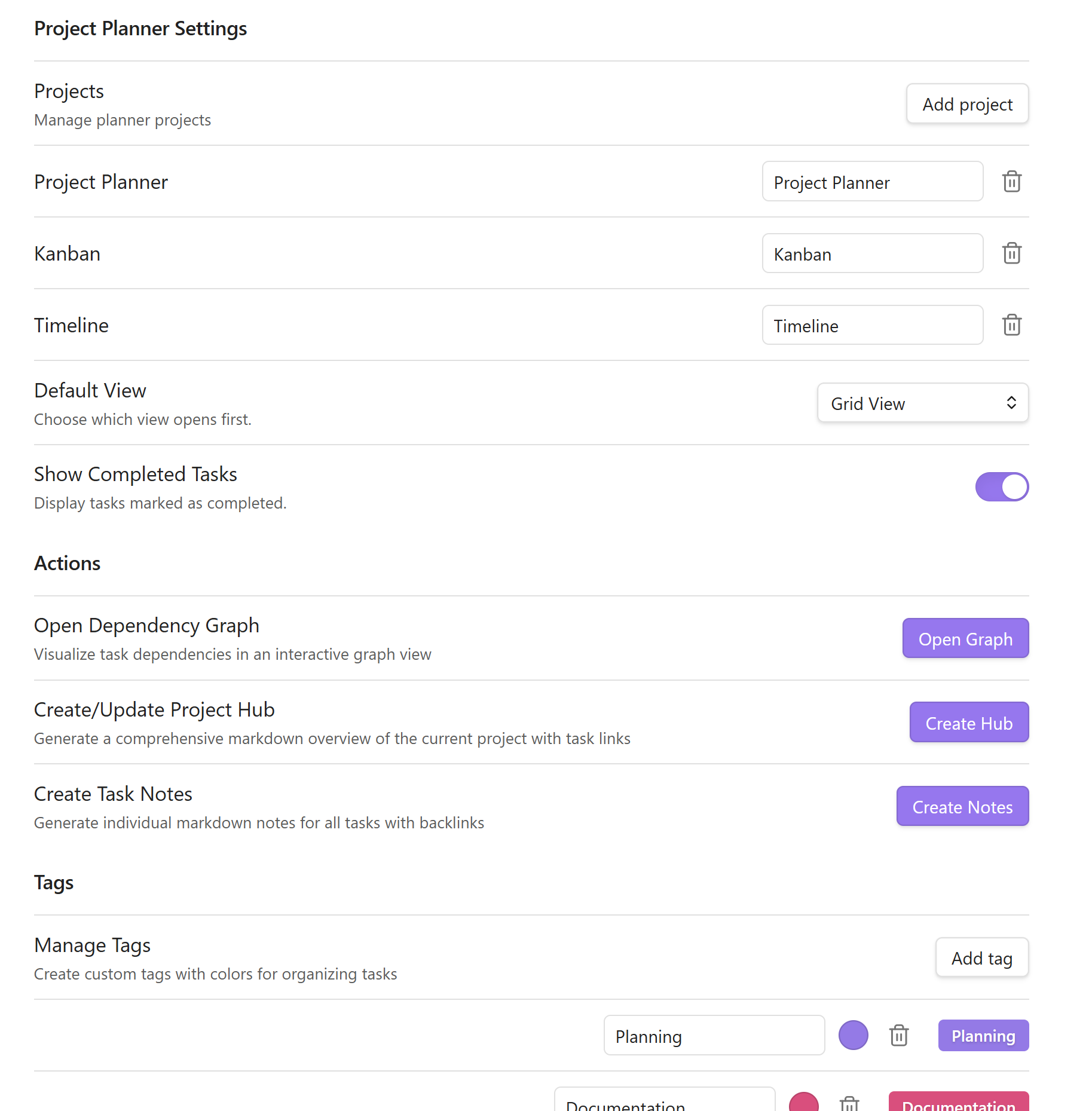
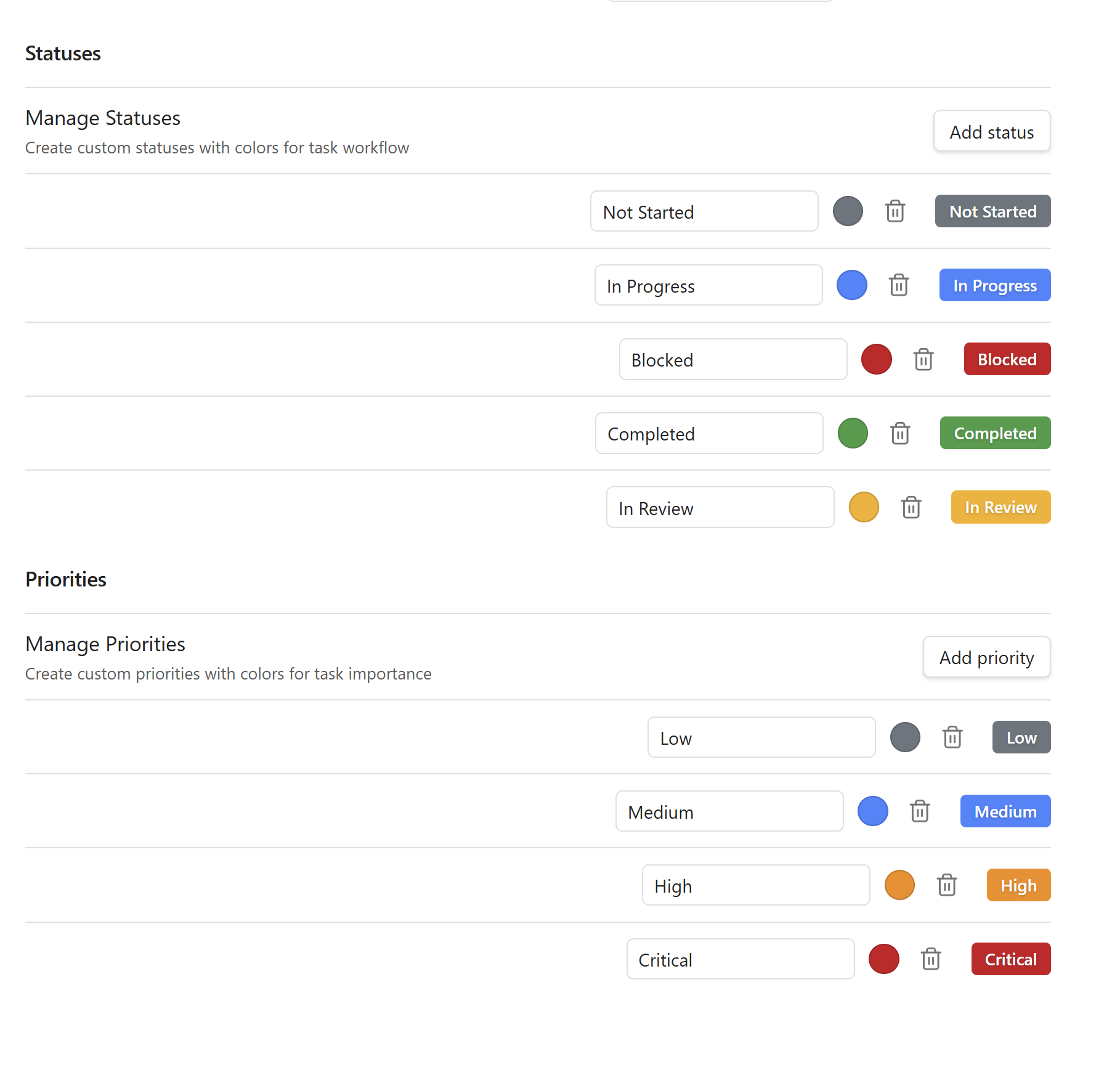
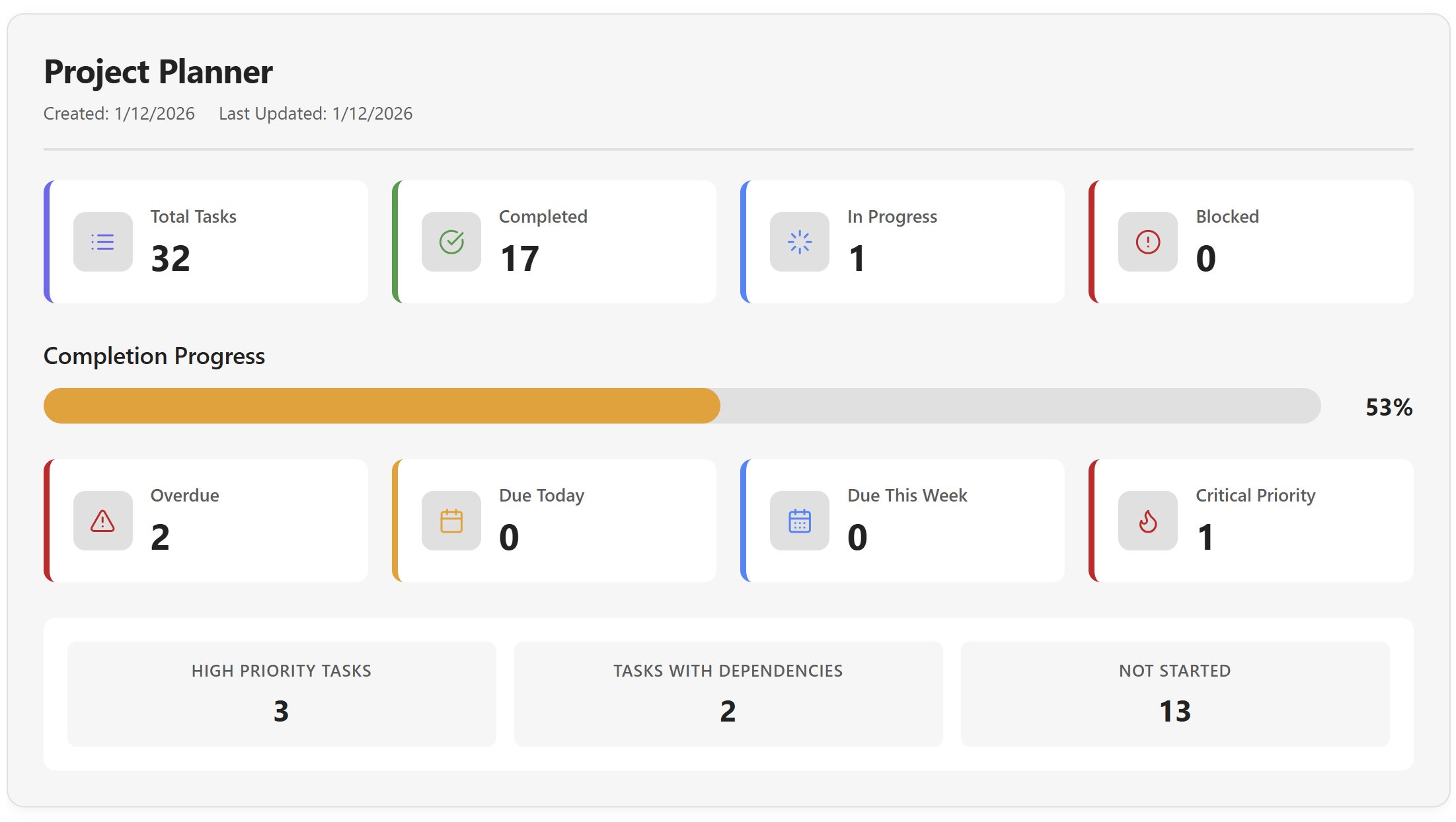
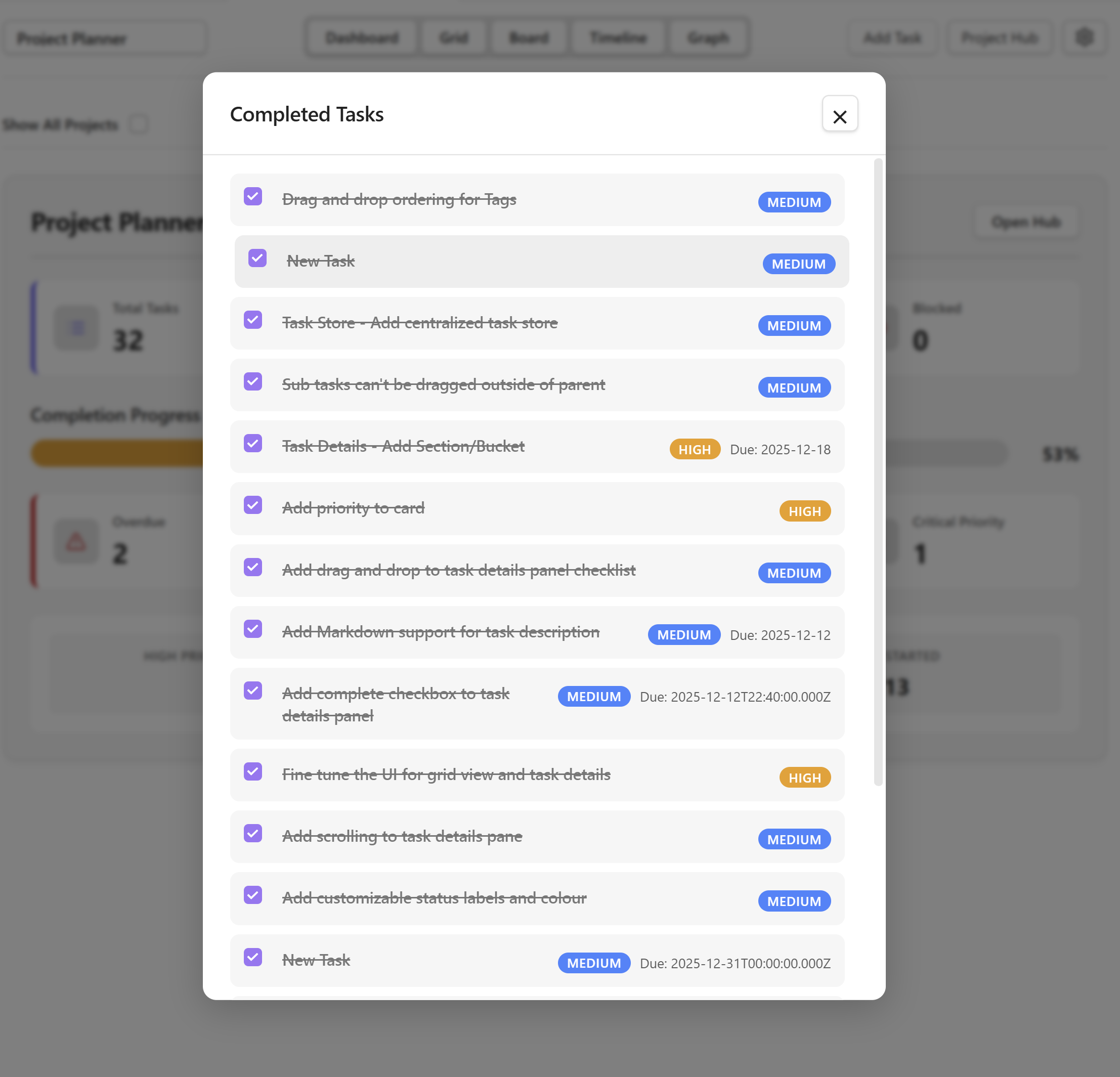
I’ve been building and designing an Obsidian Plugin inspired by Microsoft Premium Planner. For those of you familiar with Premium Planner, you’ll appreciate the familiar style, layout and features of Obsidian Project Planner.
Due to the amount of features and views, it is not practical to share everything. There are many features yet to be implemented. I will try to share as much of the current features as possible. If there’s interest in this plugin, I will share more details and provide a link to the GitHub repo.
Note: The features I’m sharing are fully working and the plugin is pretty stable even at the current development version. I use it almost daily to track tasks for the development of this plugin. (Also on my GitHub repo)
Featured Views:
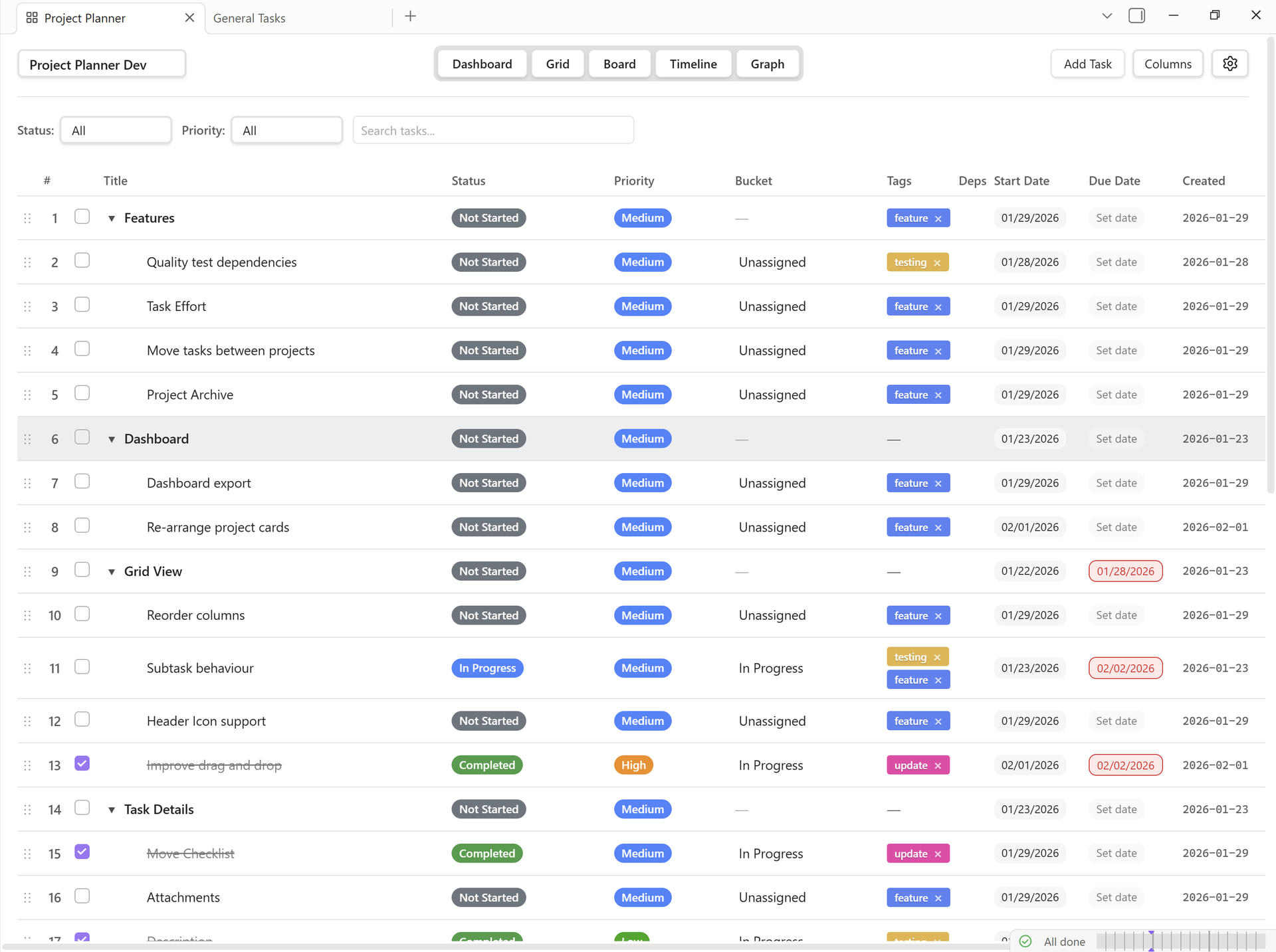
Grid View
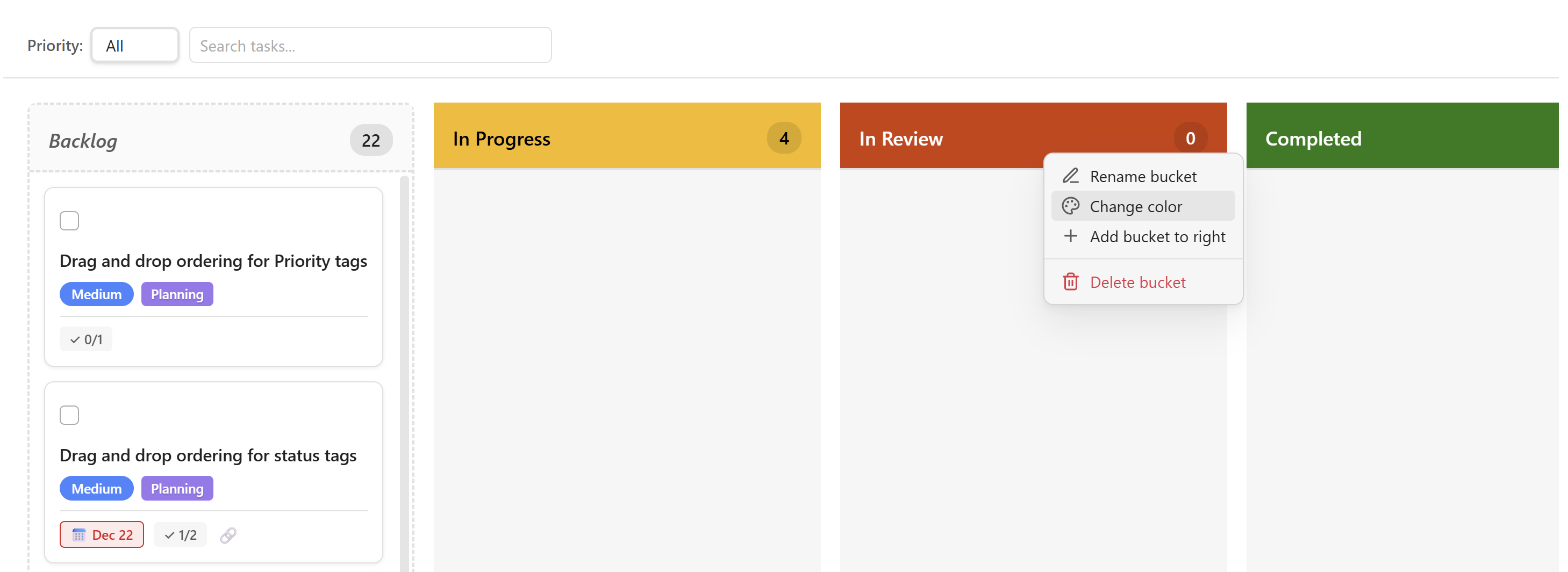
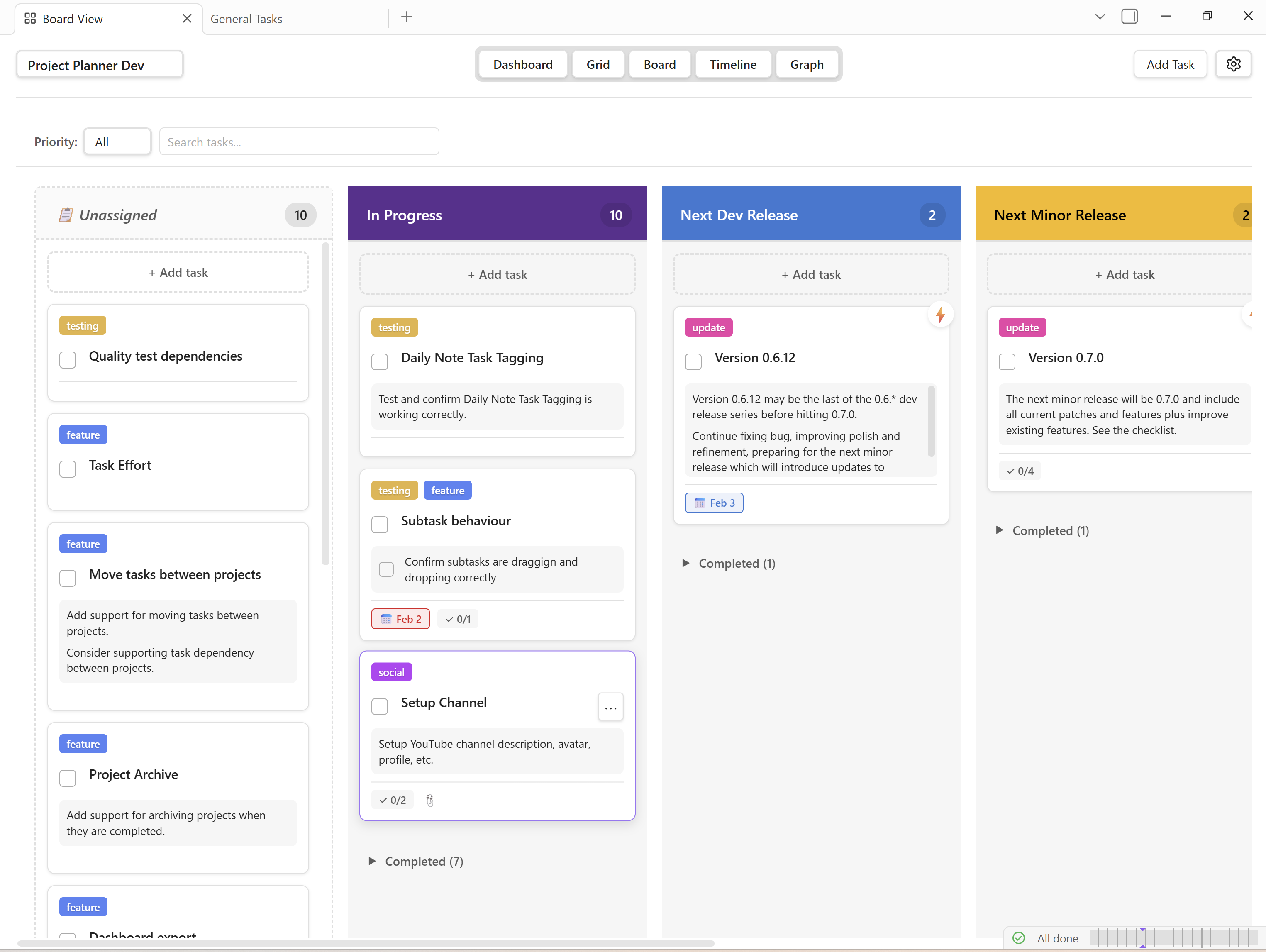
Board View (Kanban)
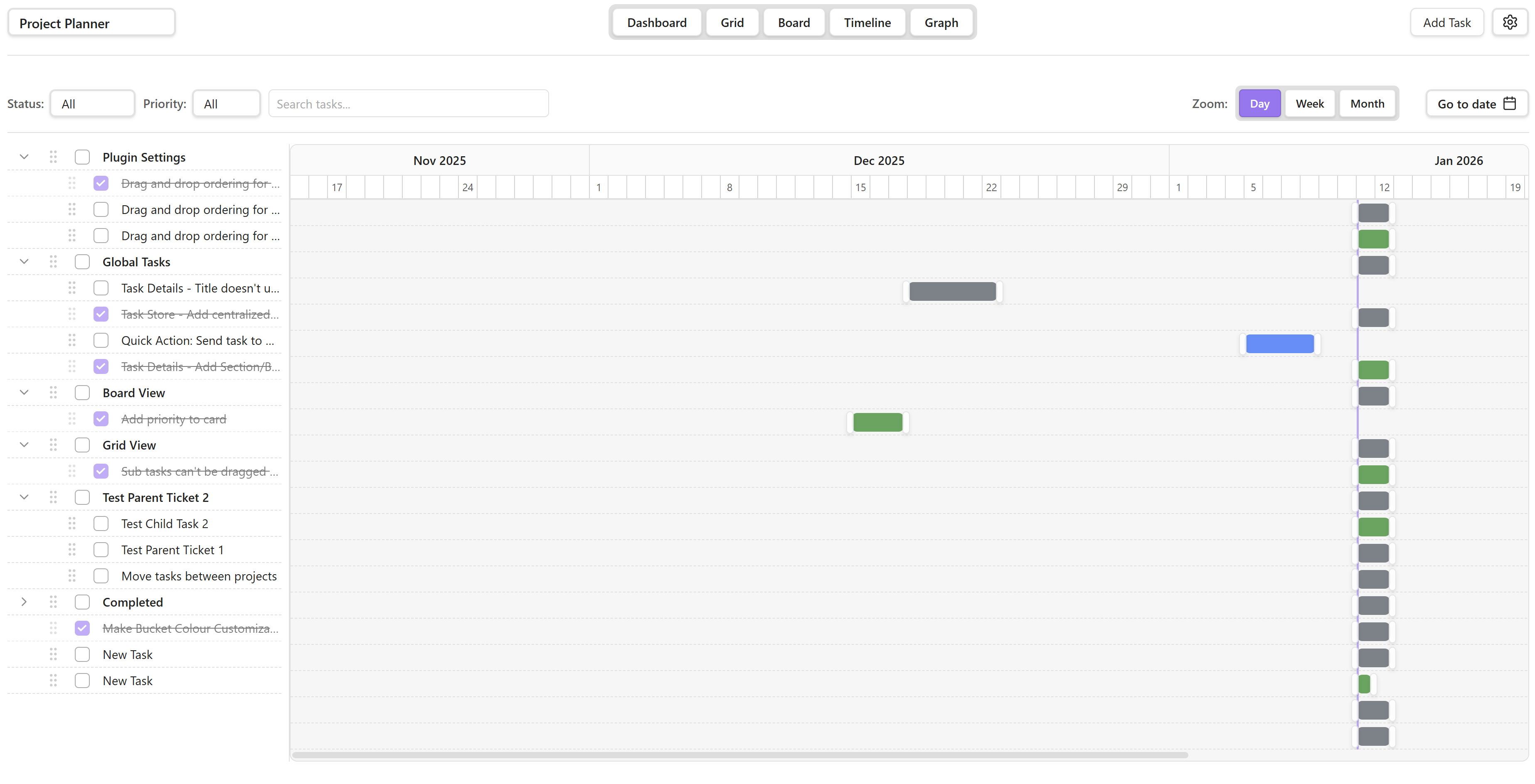
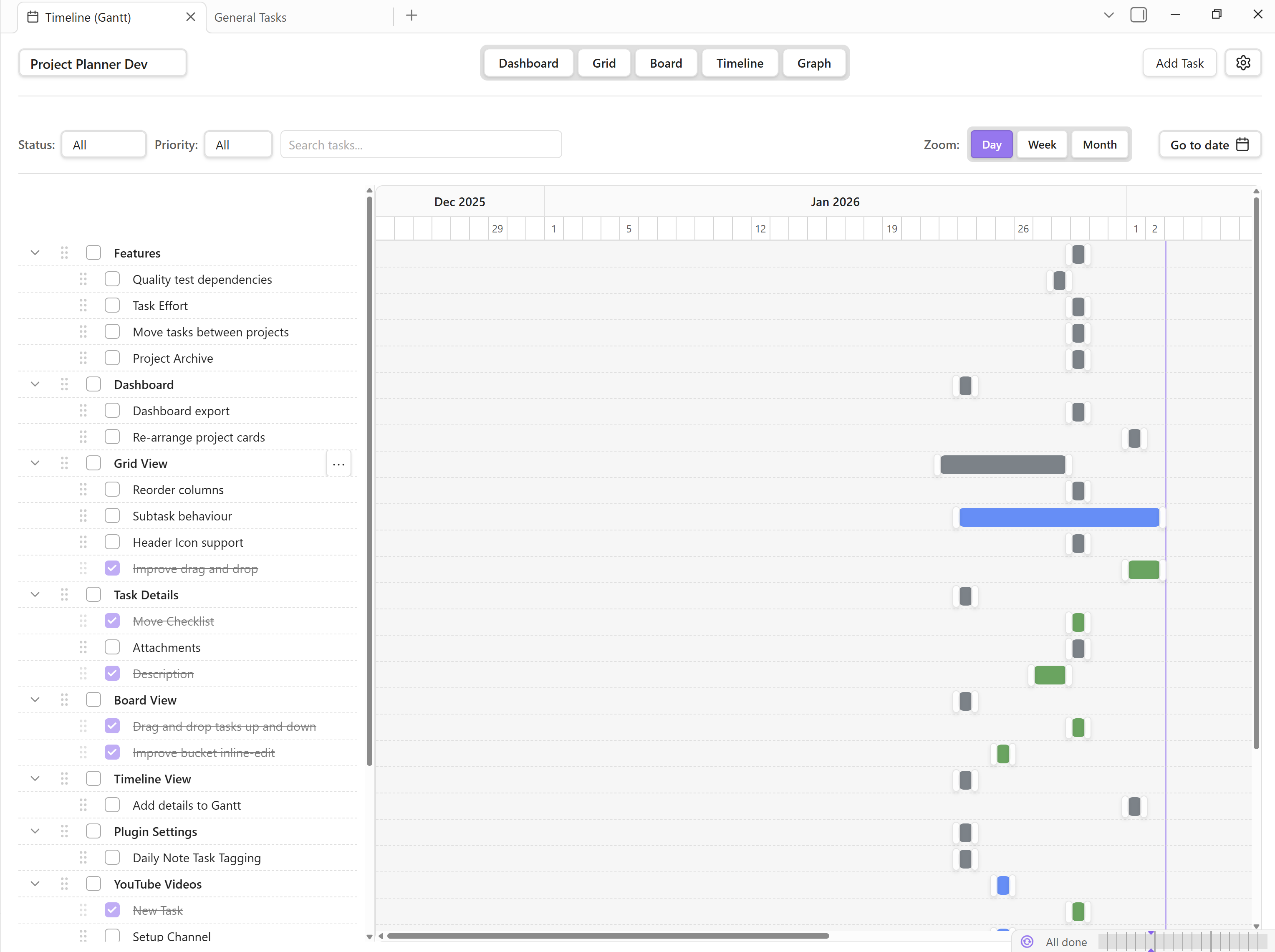
Timeline (Coming soon)
Dependency Graph
Global Plugin Features:
Multi-project support
Full sync between all views
Full drag and drop support for all views
Inline task editing in all views
Task dependencies
Due Date Overdue tag indicator
Quick complete task checkbox
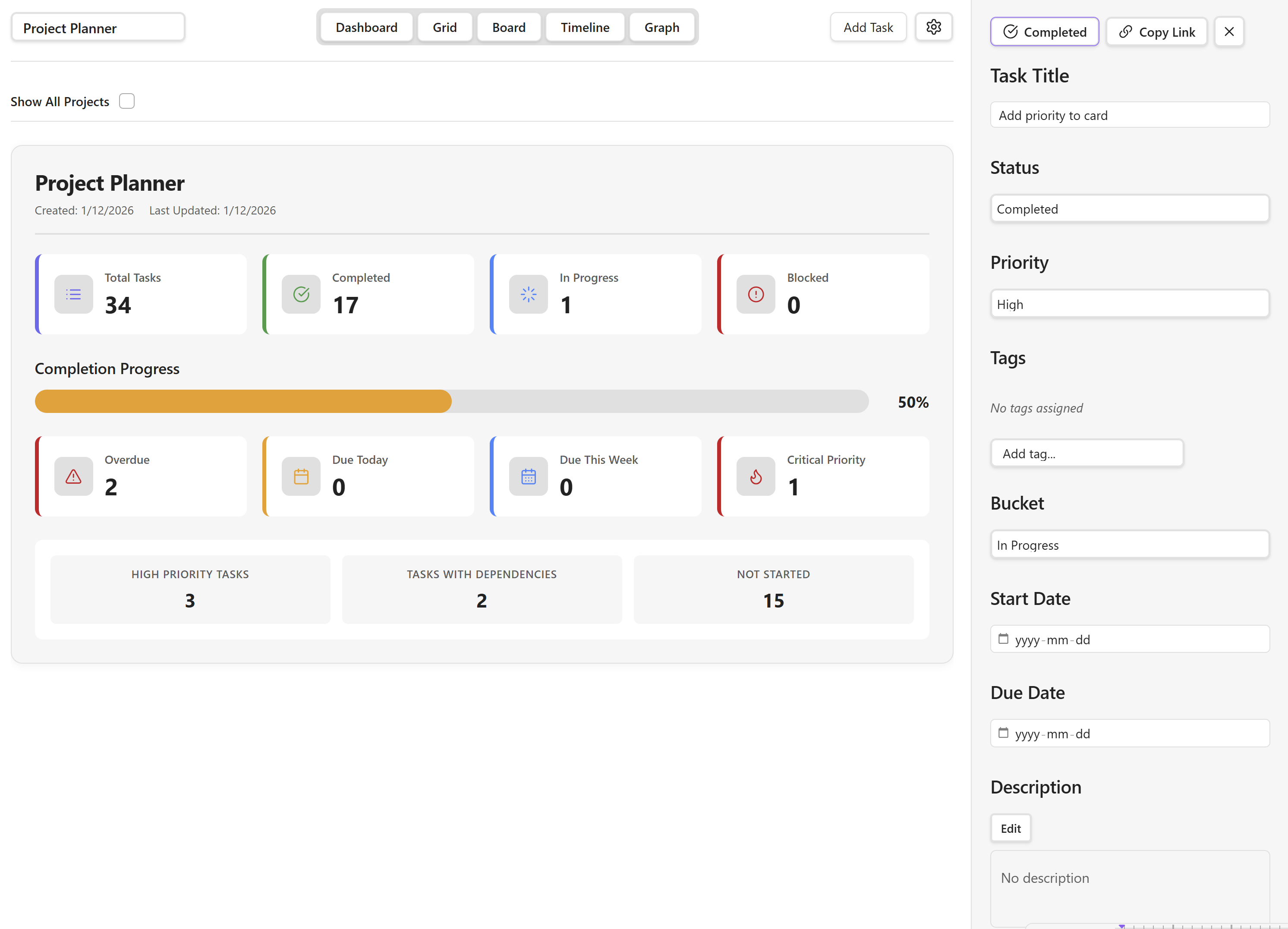
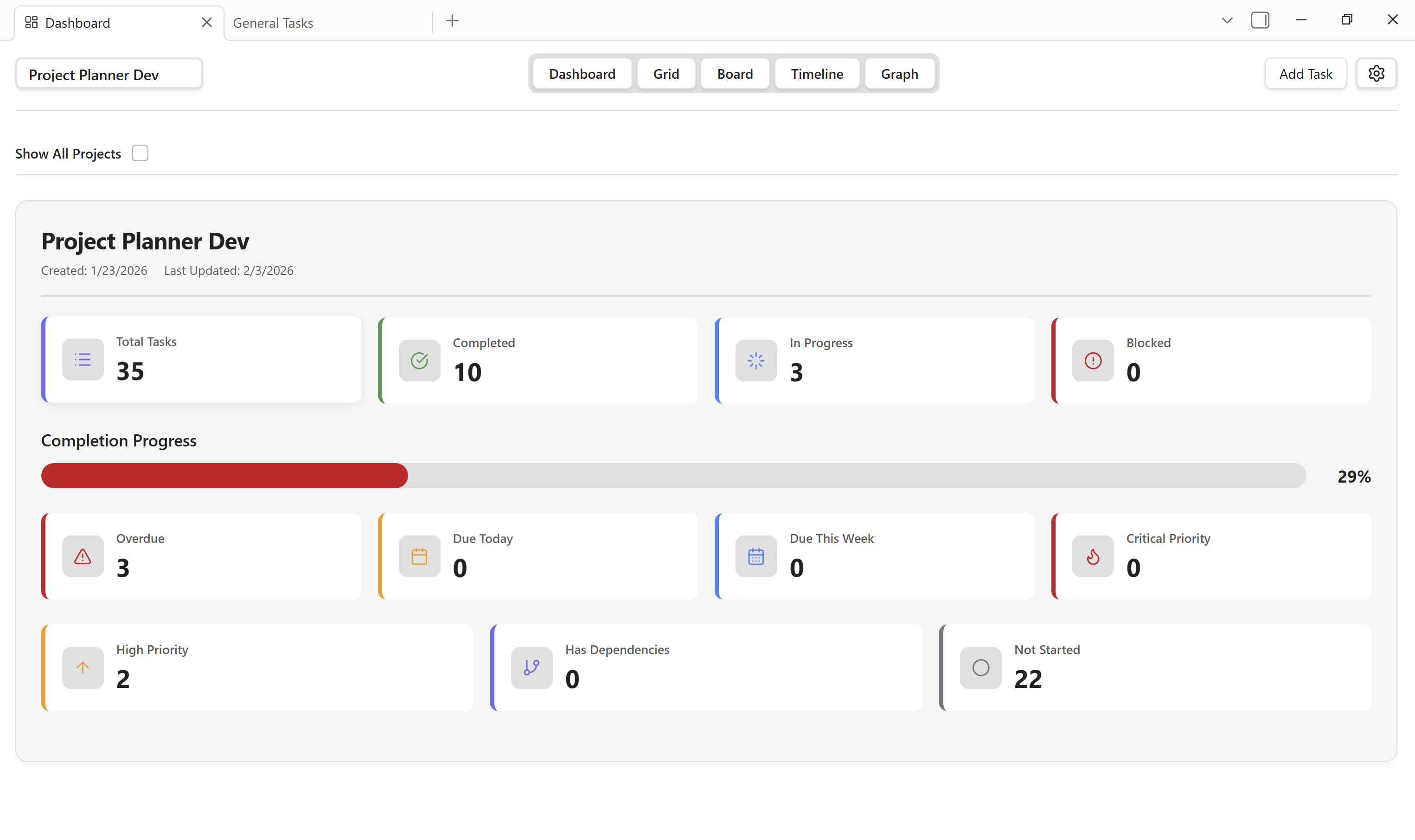
Project Hub Page (Will become a dashboard)
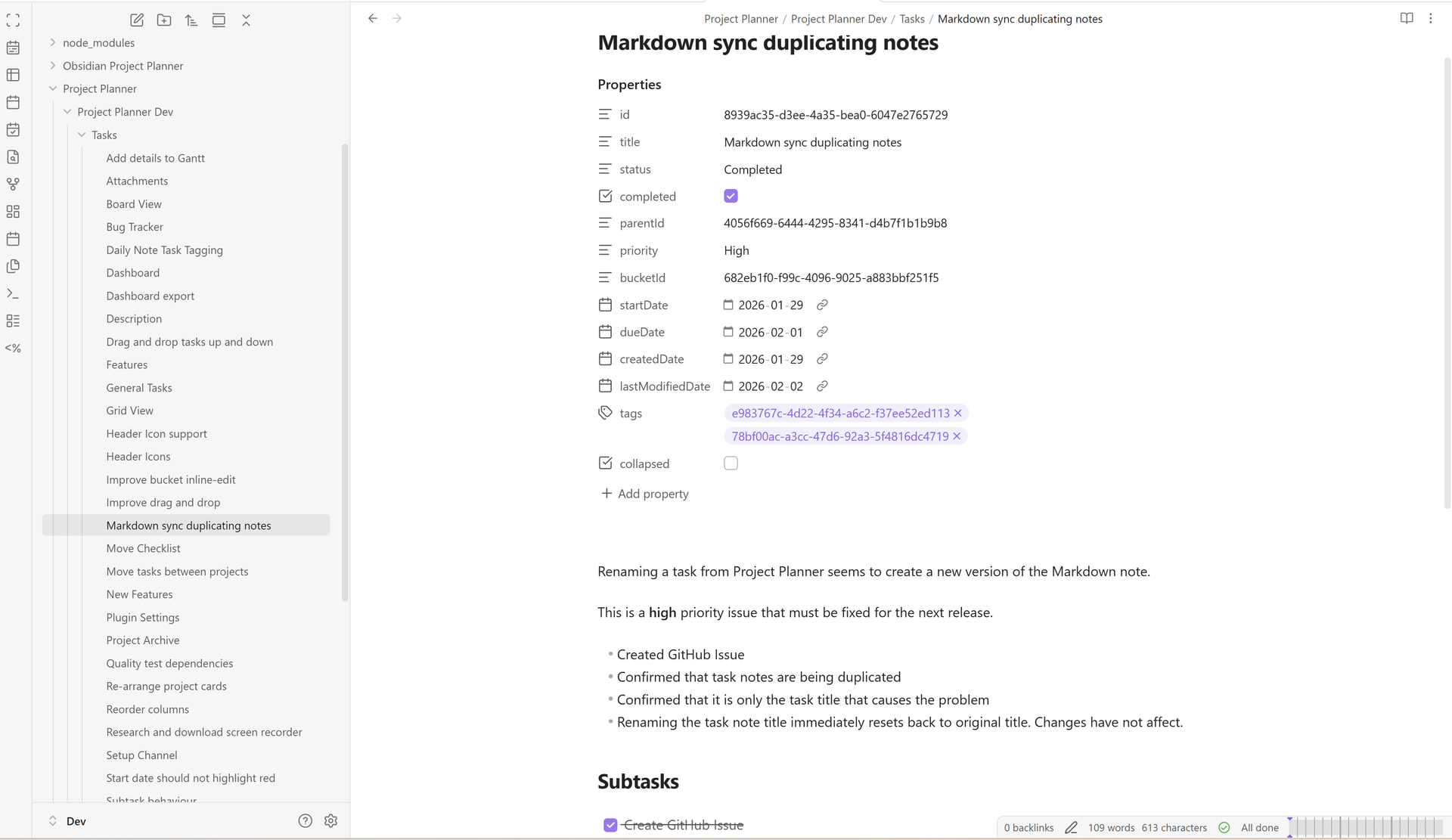
Create and update notes for all tasks with the click of a button
Task Notes are fully integrated into Obsidian Graph
Although I do like the idea of keeping this plugin completely self-contained, I do recognize the importance and convenience of integrating with other core and community plugins.
I have included in the plugin roadmap integration with Full Calendar and I am open to working with Task Notes as well. I’ve also considered integration with Reminders and To Do plugins.
I think offering the best of both worlds might be the solution. Including options and configurations in the plugin settings to work with popular plugins if desired.
I am working hard to clean up and refine the code to ensure it runs efficiently and adheres to the Obsidian plugin guidelines. The most recent release version is 0.6.3 and I am currently working on the next release version 0.6.4 which will feature bug fixes, code cleanup, a little more UI/UX polish, and a couple new feature. Other than that, I’m testing all features and functionality on a daily basis.
Overall, Project Planner is stable enough to use daily.
New development release 0.6.5 fixes several annoying bugs, most notably a bug that affected Obsidian Sync users.
Bug Fixes
Markdown sync no longer produces duplicate tasks when Obsidian starts. This bug affected users that use Obsidian Sync.
Project Planner no longer opens a new tab every time Obsidian starts.
Added
Auto generated Created date, ‘Modified' date for every new task. Unfortunately, tasks created in previous plugin versions are unable to have Created date autogenerated.
Grid view now includes Created date and ‘Modified' date columns with the option to show or hide.
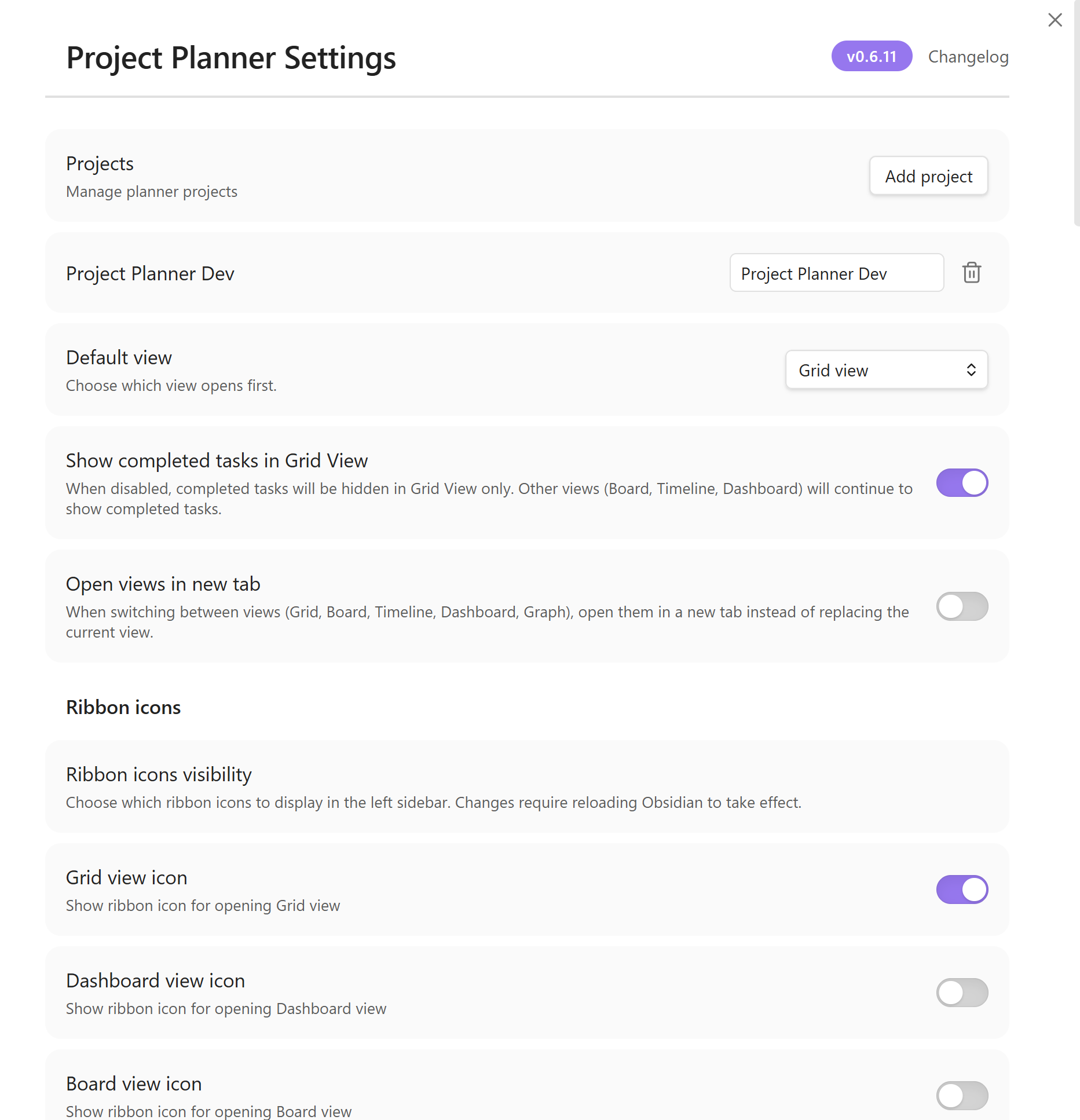
There’s been several updates to Project Planner since I last posted here. The plugin is currently on version 0.6.11 with rapid development currently in-progress to fix bugs, cleanup the codebase, improve current features and ensure full compliance with the Obsidian plugin guidelines.
Project Planner v0.7.0 — Effort Tracking and Auto-Scheduling
Version 0.7.0 is the biggest update to Obsidian Project Planner yet. This release brings three headline features that put it on par with Microsoft Project and Premium Planner: full effort tracking, dependency-driven auto-scheduling, and visual dependency arrows on the Timeline.
It’s been a while since I shared an update here for Project Planner.
The plugin has reached version 0.8.4 and has a lot of refinements and major improvements under the hood as well as some new features. Way too many to list here. If you’re interested, visit the links below for a full changelog.
The biggest new feature is the My Tasks view which is a Day/Week/Month view for tracking tasks across a project.
Markdown sync has been completely redesigned do allow better synchronization with Obsidian notes and other plugins.
v0.8.5 is out — reorder Dashboard project cards by drag-and-drop, set a default status for new tasks, and get an amber warning on Gantt bars when a deadline is approaching. Plus two bug fixes for cross-project task detail lookups and markdown sync watcher registration.