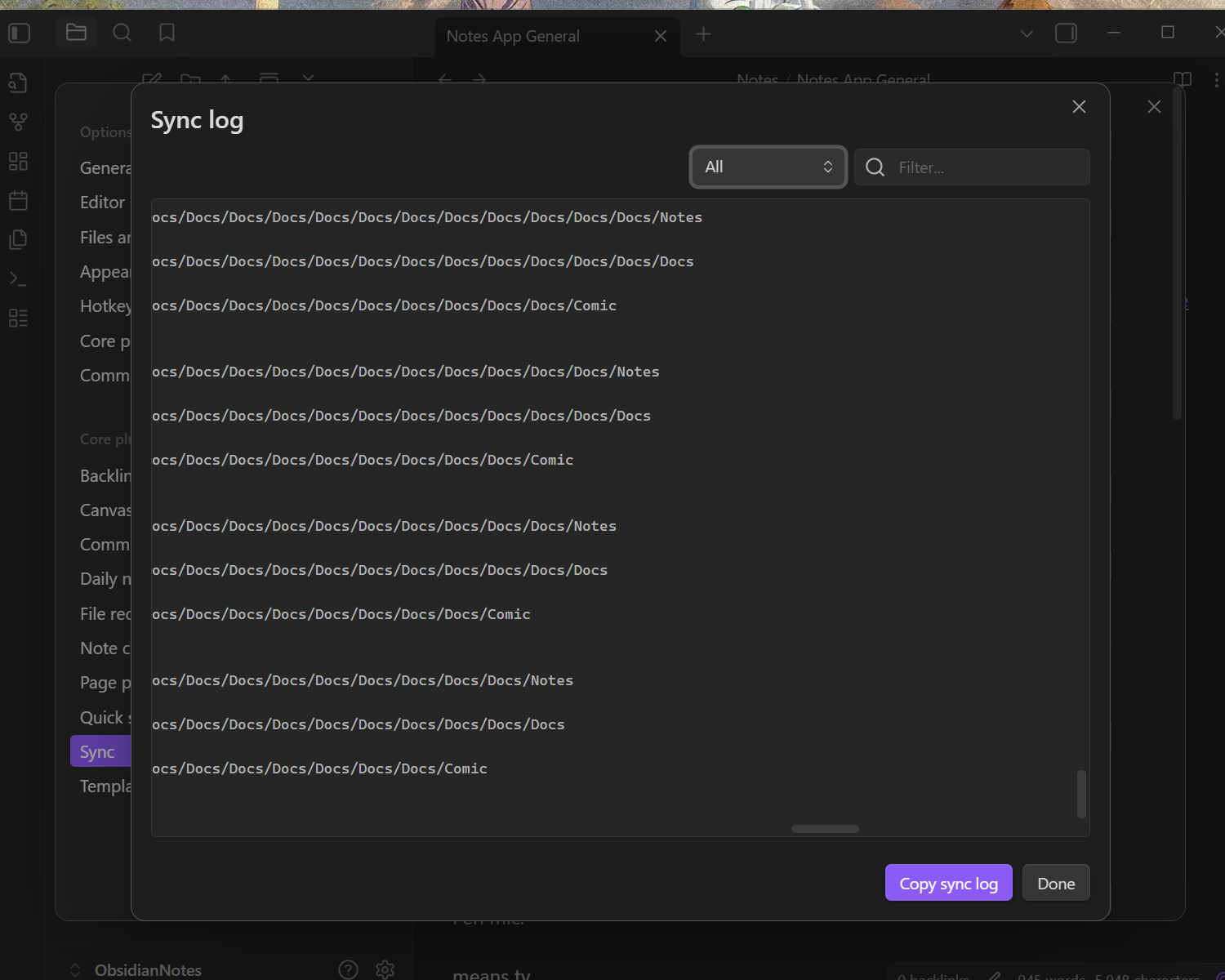
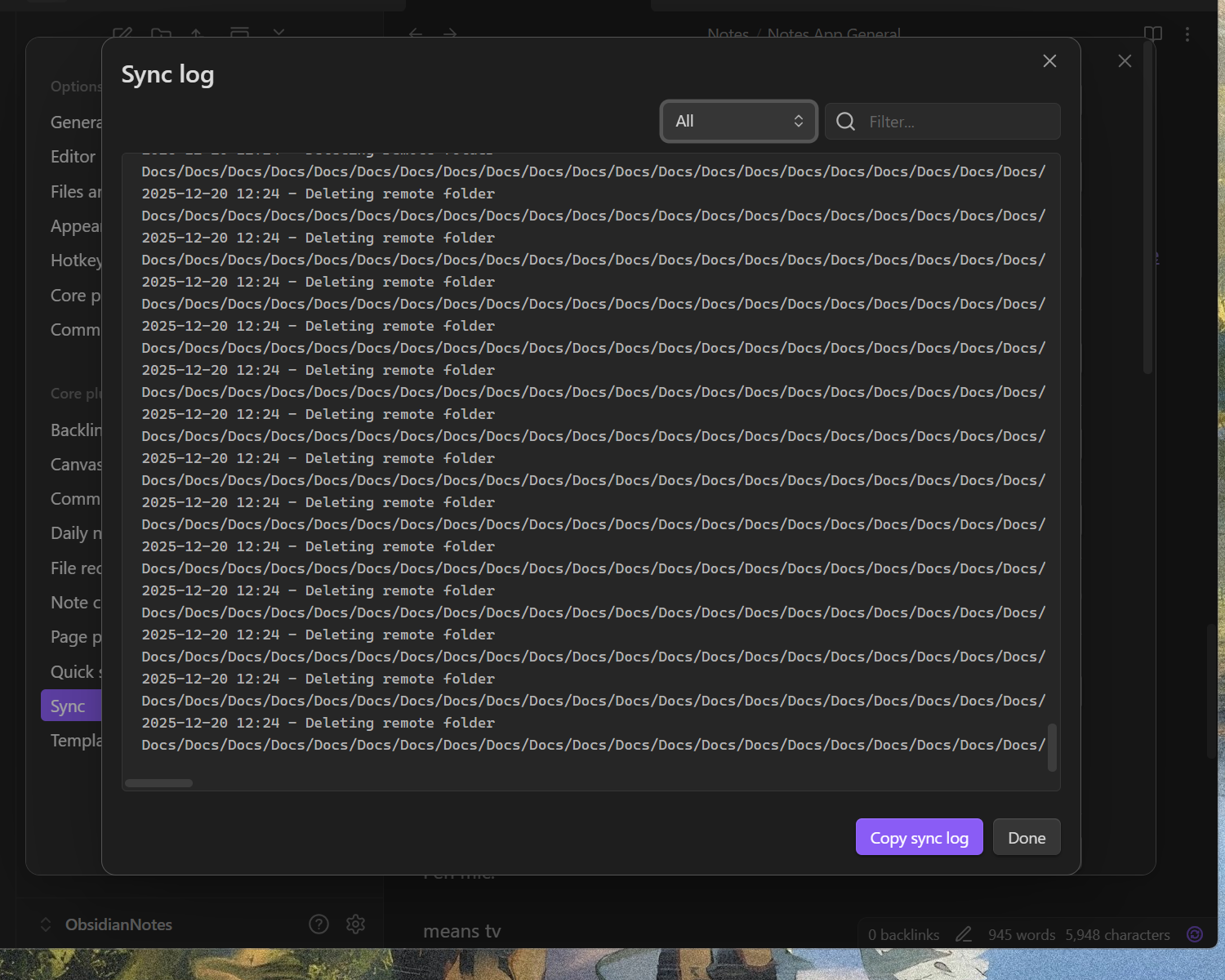
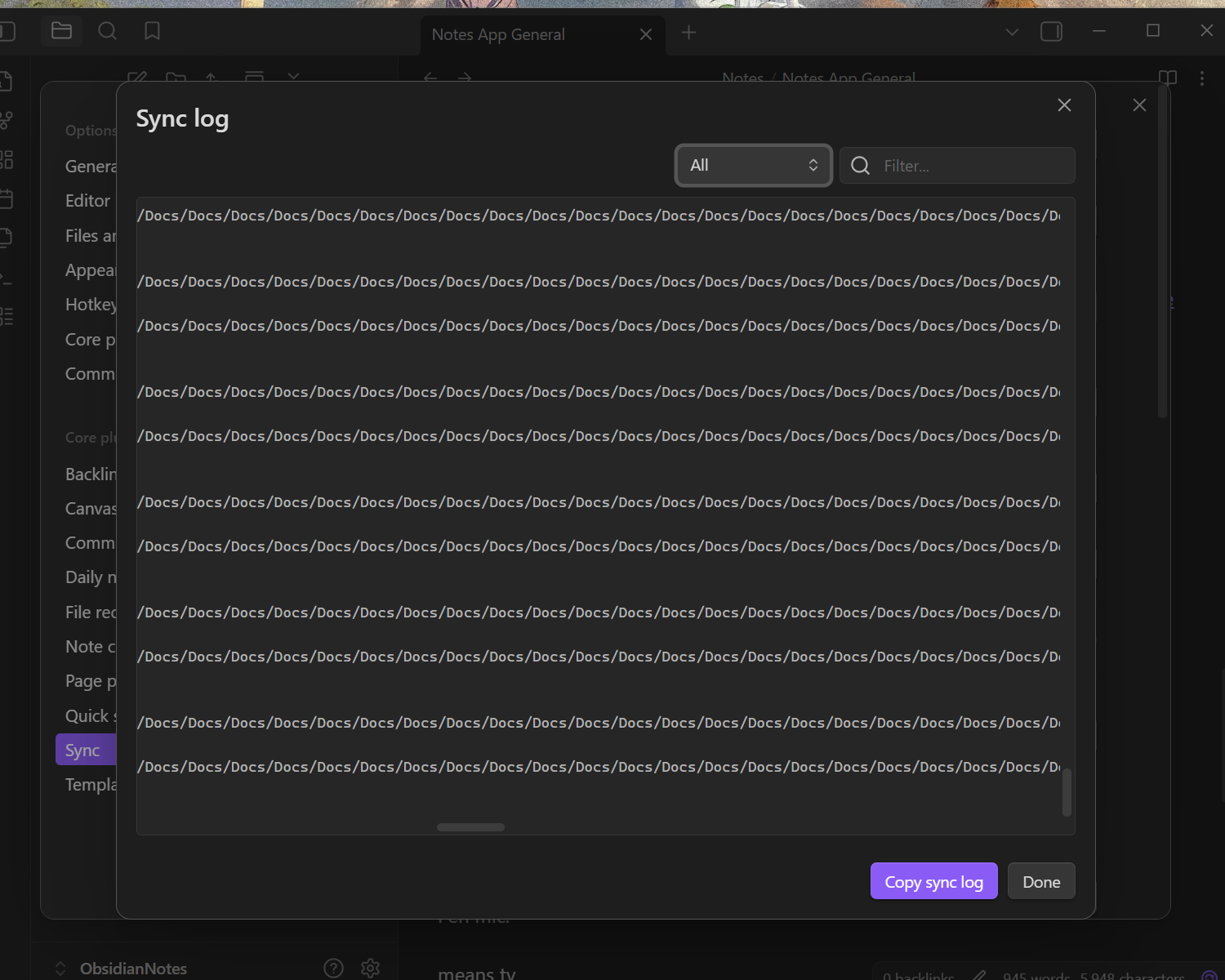
I’m not really sure what the steps are as I don’t know what caused this exactly. Since the last Obsidian update on mobile (android 15, obsidian 1.10.6) I discovered one of my folders in my vault had itself been registered as a vault. I have synch turned on and also use Obsidian on my computer. When I opened my phone at the same time by accident, it generated a conflicting file copy. I deleted the file, closed both apps, and then opened again on my phone. Obsidian then proceeded to copy the entire contents of the primary vault into this secondary vault, including the secondary vault folder itself with the .obsidian folder data. This then triggered it to happen again. Before I realized what was going on, Obsidian had generated 800+ nested folders with over 100Mb of data, which then synched to my PC. Attempting to remove or edit the folders on either operating systems crashes the file explorer. I am now unable to turn synch on without triggering infinite recursion.
Did you follow the troubleshooting guide? [Y/N]
I couldn’t find anything in the troubleshooting guide about this bug. Also I can’t really touch the vault folder now without crashing due to folder paths exceeding memory.
Expected result
Obsidian not trying to nuke my devices.
Actual result
Obsidian nuking my devices with the equivalent of a zip bomb.
Environment
SYSTEM INFO:
Operating system: android 15 (OnePlus ONEPLUS A6013)
Webview version: 139.0.7258.143
Obsidian version: 1.10.6 (256)
API version: v1.10.6
Login status: logged in
Language: en
Catalyst license: none
Live preview: on
Base theme: adapt to system
Community theme: none
Snippets enabled: 0
Restricted mode: on
RECOMMENDATIONS:
none
I encountered the same issue today. Not sure how long it’s been going on for, I synced the iOS app a few weeks ago and noticed today that the macOS app was crashing on load.
Found it had nested the directory 244 levels. I think I’m probably the cause here though. Back when I set up Obsidian I named my main folder (vault?) “ZK1”. Months later when I decided to pay for nicer version that could sync across devices, it wouldn’t let me use ZK1 as the vault I was syncing (I think this was a privacy thing iirc). So, I made a subdir also ZK1 and moved all my files into it. So I’ve been putting my notes into /Documents/Obsidian/ZK1/ZK1/ for a few years. Probably should have known there would be an issue eventually.
Oops first post, published too soon. Can’t figure out how to get more detailed Obsidian info when app isn’t loading, will update after I follow the mod instructions.
So same question to you; do you have your vault stored in a cloud folder? I’m not sure if it’s default or not, but the Documents folder might be syncing in iCloud, and that would likely be the cause.
Yes it is being synced in icloud as well. I wasn’t even aware until I read this post, I guess all my documents get synced automatically with current mac OS.