The Code you posted had a few errors. The * was in the wrong spot forinstance.
/* Reading Mode: Prevent strikethrough and dimming for checked items */
.no-checkbox-crossout .task-list-item.is-checked {
text-decoration: none !important; / Remove strikethrough /
opacity: 1 !important; / Ensure full opacity /
color: inherit !important; / Retain original text color /
–checklist-done-color: inherit !important; / Reset color variable /
}

/* Editing Mode: Prevent strikethrough and dimming for checked items */
.no-checkbox-crossout [data-task=“x”] {
text-decoration: none !important;
opacity: 1 !important;
color: inherit !important;
–checklist-done-color: inherit !important;
}
PLEASE NOTE: the cssclass no-checkbox-crossout NEEDS to be in quotes when added to cssclasses.
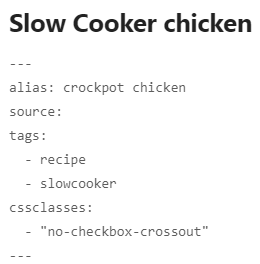
If you leave the quotes out … it looks like it is working as it looks like this:
but it doesn’t work. Add the quotes and it works !
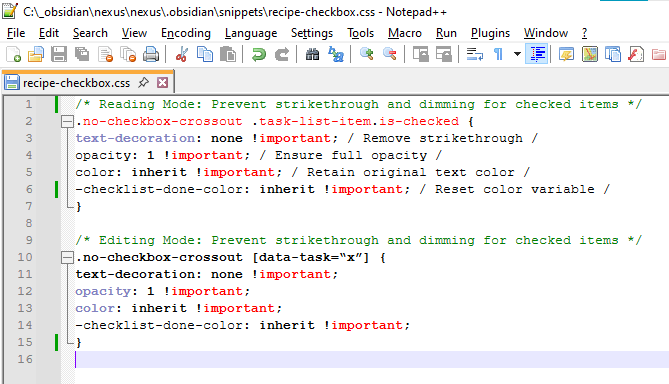
Here is what the code looks like in Notepad++
be aware obsidian changed all the YAML frontmatter names to plurals.
so alias is aliases !
Here’s the code for copying convenience.
---
aliases:
source:
tags: recipe
---
### Recipe Name

 >Notes:

### Ingredients
#ingredients
- [x]

---
#### Intro:


---
#### Directions


#### FINISH:
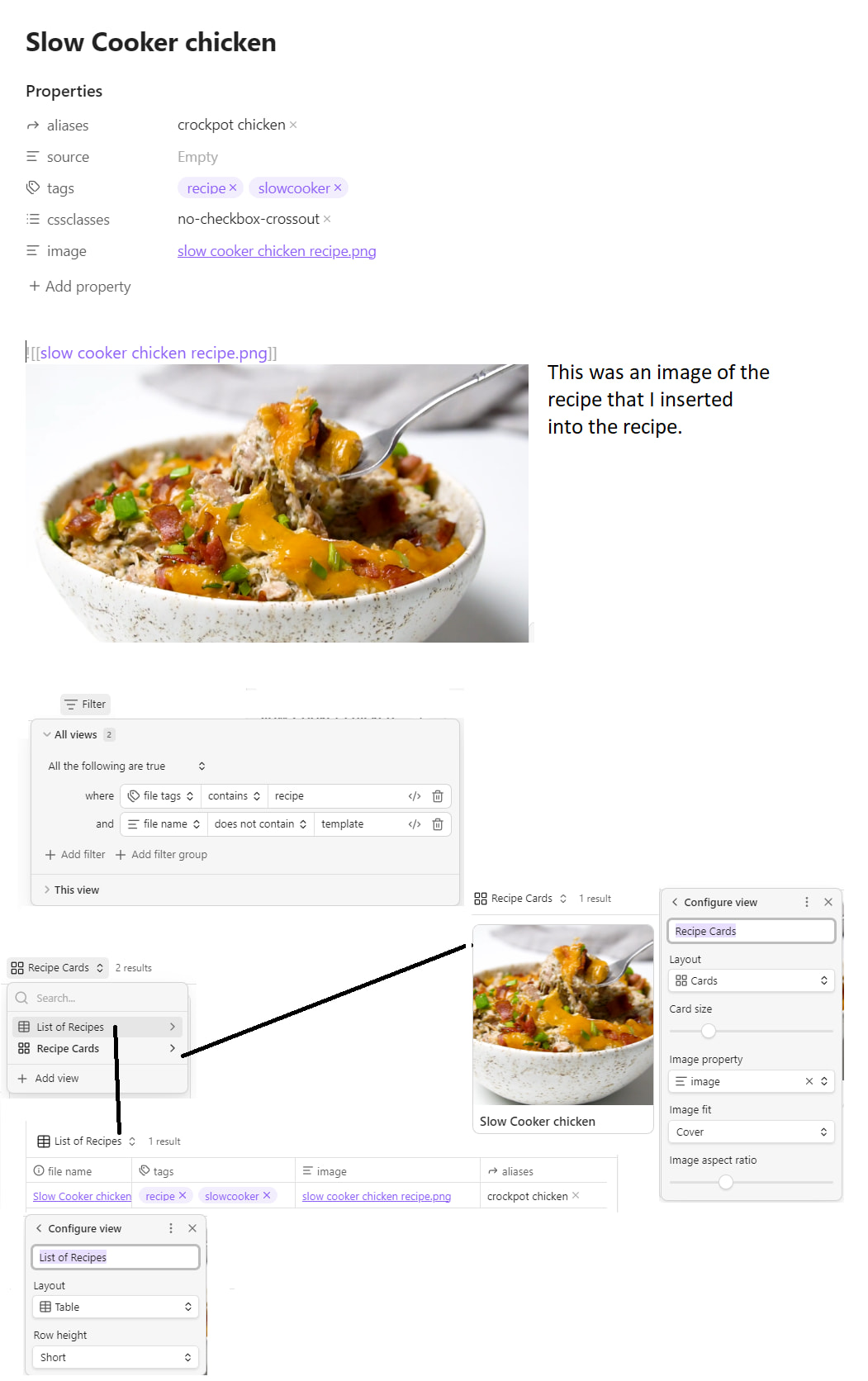
I decided to use a .base than Dataview.
to do this I added image: to the YAML frontmatter so that the image can be found by the .base
so my YAML frontmatter for my recipe template is:
aliases: crockpot chicken
source:
tags:
  - recipe
  - slowcooker
cssclasses:
  - "no-checkbox-crossout"
image: "[[slow cooker chicken recipe.png]]"
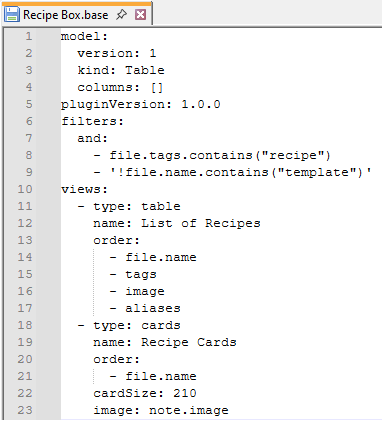
and here the the .base to display the recipes (as a list and as a recipe card image.
model:
  version: 1
  kind: Table
  columns: []
pluginVersion: 1.0.0
filters:
  and:
    - file.tags.contains("recipe")
    - '!file.name.contains("template")'
views:
  - type: table
    name: List of Recipes
    order:
      - file.name
      - tags
      - image
      - aliases
  - type: cards
    name: Recipe Cards
    order:
      - file.name
    cardSize: 210
    image: note.image
Llew
March 25, 2026, 2:41am
24
Thanks @digitaldoctors ! I’ve been meaning to update this tutorial, since my workflow has improved slightly. However, I really need one change to the Checklist plugin so it incorporates the new “Checkmark” property to make the new workflow absolutely killer.
However, since the Checklist plugin author isn’t updating the plugin due to time constraints, my only option seems to be to fork it myself and try to hack my way through it with Claude. Never coded or touched a plugin before, so this is a daunting task. And even then, I’m not fully prepared to be the new maintainer if I do get a modified plugin up and running.
1 Like
Delion
April 9, 2026, 8:26am
25
When it comes to scaling, I haven’t figured that one out yet, but when you come up with something let us know!