Disclaimer
Is this project open source? Yes
Is this project completely free? Yes
Is this project vibe-coded beyond the author’s ability to comprehend how it works? No
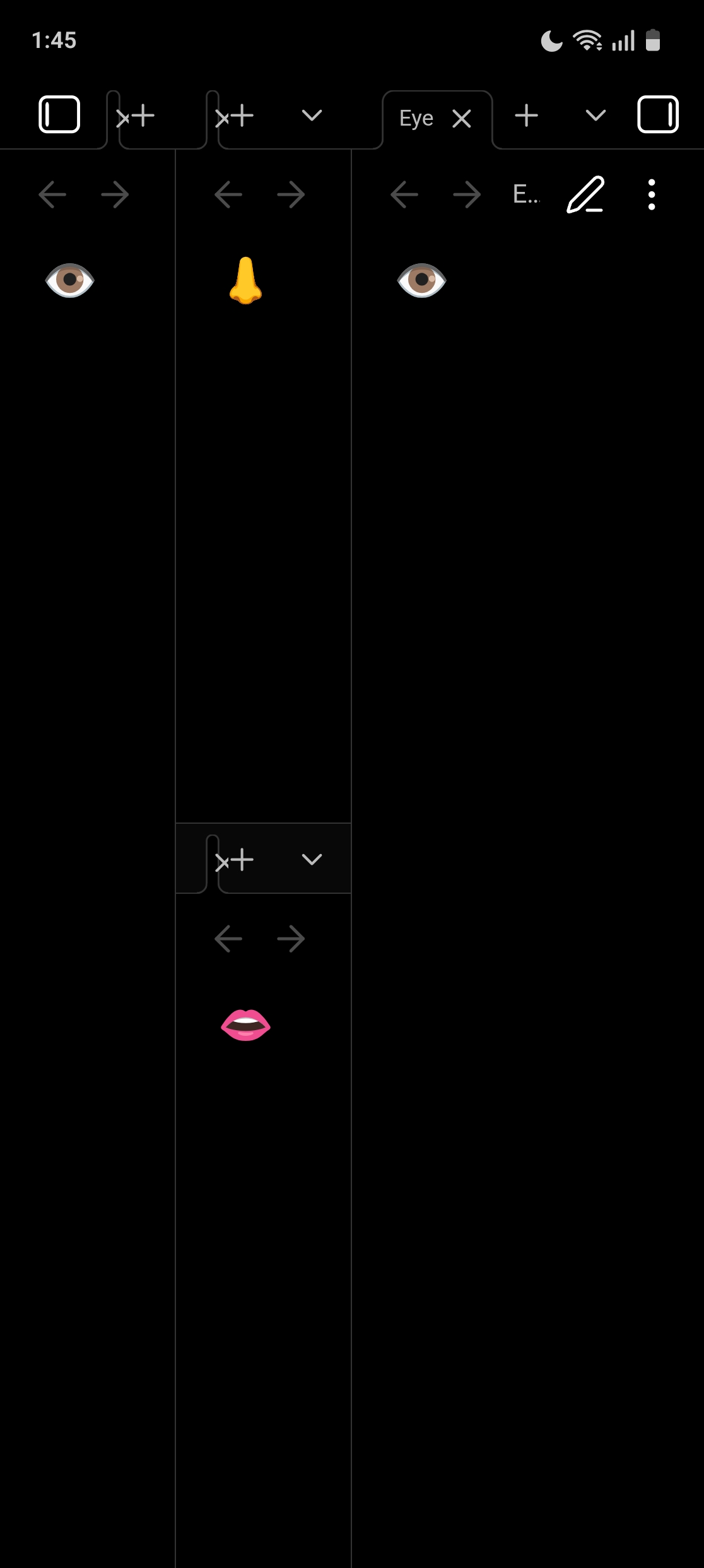
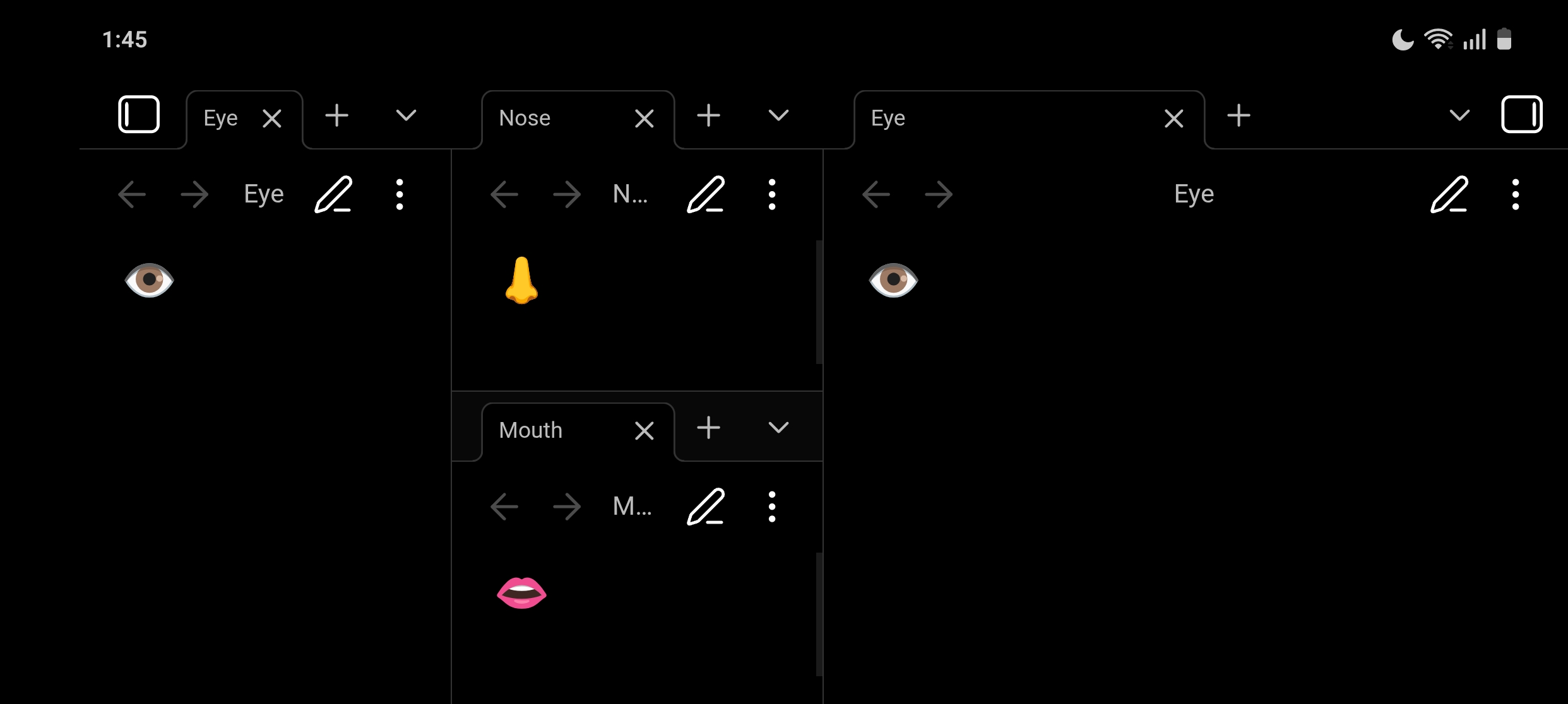
Here’s how to make Obsidian mobile work as if it’s running on a tablet, even though it’s running on a smaller screened device like a smartphone.
const Platform = require("obsidian").Platform;

Object.defineProperty(Platform, "isTablet", {
	get: () => true,
	set: () => {}
});

Object.defineProperty(Platform, "isPhone", {
	get: () => false,
	set: () => {}
});

document.body.classList.add("is-tablet");
document.body.classList.remove("is-phone");
With this, you can now drag tabs to split them[1]. Restarting Obsidian makes everything go back to normal.
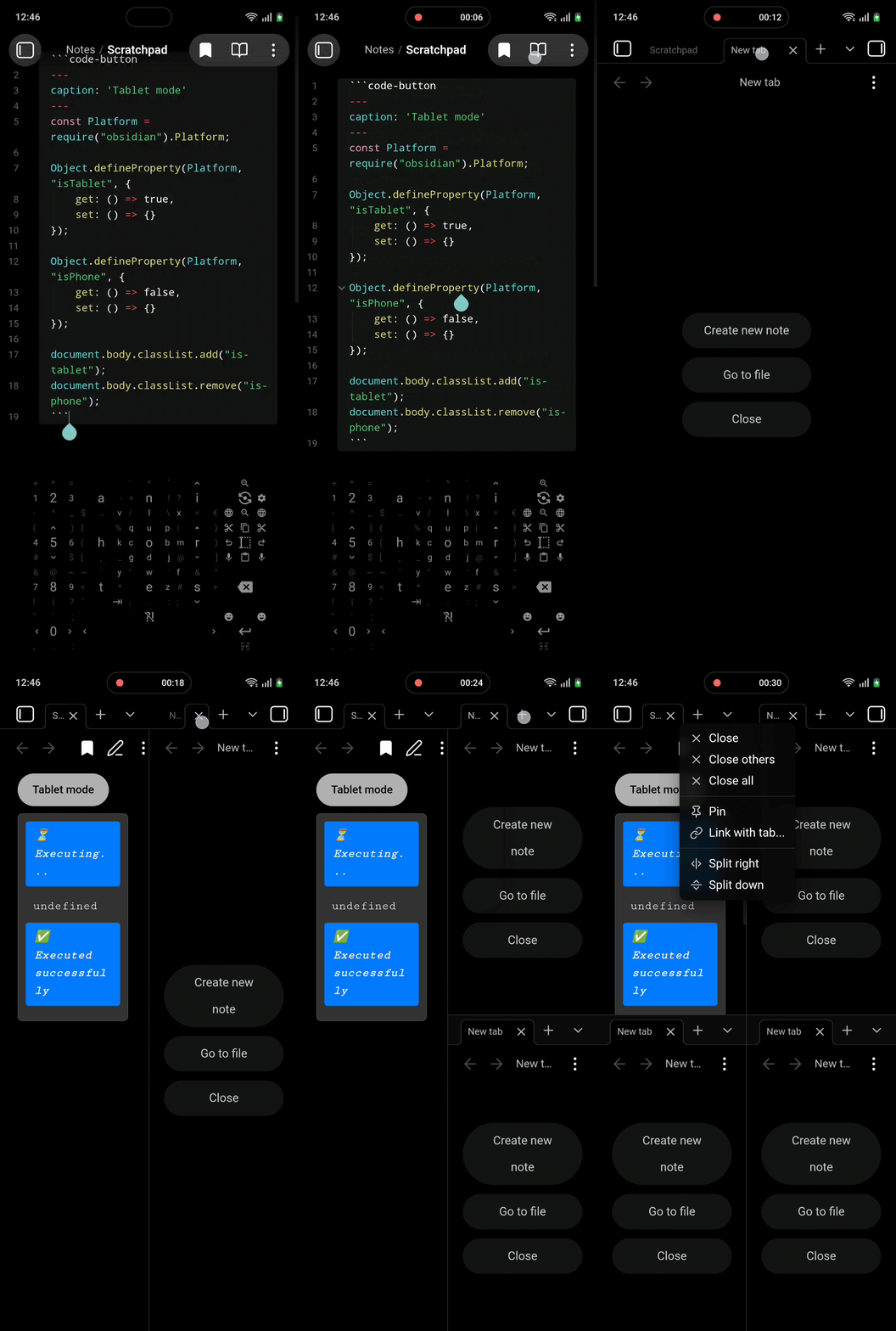
How you run the JavaScript is up to you[2]. Here are two options using the CodeScript Toolkit plugin:
Button in a markdown page
Paste this in any page. You’ll get a button that runs the script[3].
```code-button
---
caption: 'Tablet mode'
---
const Platform = require("obsidian").Platform;

Object.defineProperty(Platform, "isTablet", {
	get: () => true,
	set: () => {}
});

Object.defineProperty(Platform, "isPhone", {
	get: () => false,
	set: () => {}
});

document.body.classList.add("is-tablet");
document.body.classList.remove("is-phone");
```
Invokable script
In CodeScript Toolkit’s settings, set an “Invocable scripts folder” and save this in that folder as a .JS file. You will then be able to run the script from the command palette.
exports.invoke = async (app) => {
	const Platform = require("obsidian").Platform;

	Object.defineProperty(Platform, "isTablet", {
		get: () => true,
		set: () => {}
	});

	Object.defineProperty(Platform, "isPhone", {
		get: () => false,
		set: () => {}
	});

	document.body.classList.add("is-tablet");
	document.body.classList.remove("is-phone");
};
Related feature request: Split Down & Split right command for Obsidian Mobile on phone - Feature requests - Obsidian Forum ↩︎
DataviewJS, Templater, QuickAdd… ↩︎
This is what I used in the example screenrecording. ↩︎