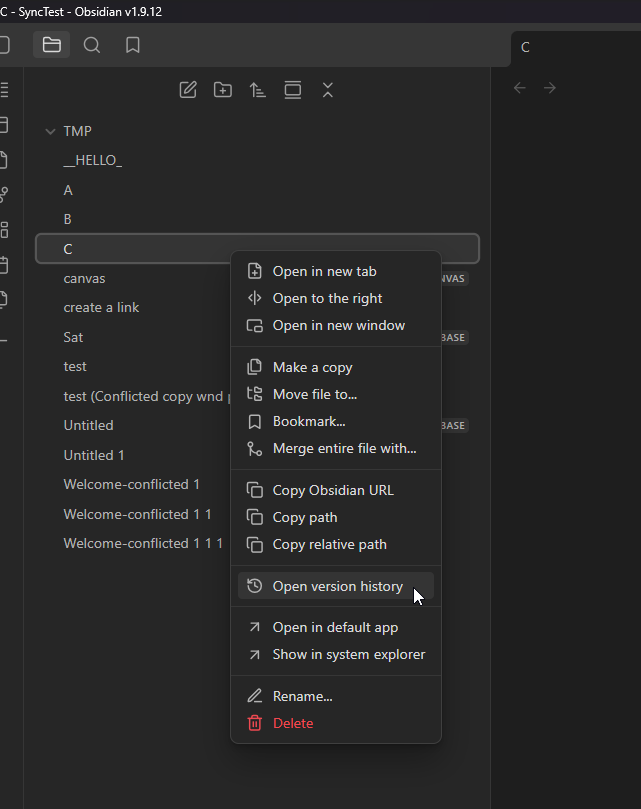
Created a note and subsequently edited it later. Note that I have Obsidian Sync connected to one PC (Windows), one laptop (Windows) and one iPad.
This has happened seemly at random in the past.
Did you follow the troubleshooting guide? [Y/N]
The problem is that this happens very rarely (it’s the 2nd time in several months) so even if I did this in a sandbox it probably wouldn’t help.
Expected result
To retain the most recent version of the file.
Actual result
A very old version becomes the latest version used
Environment
SYSTEM INFO:
Obsidian version: v1.9.12
Installer version: v1.6.7
Operating system: Windows 11 Home 10.0.26100
Login status: logged in
Language: en
Catalyst license: none
Insider build toggle: off
Live preview: on
Base theme: dark
Community theme: Minimal v7.7.18
Snippets enabled: 0
Restricted mode: off
Plugins installed: 14
Plugins enabled: 13
1: Book Search v0.7.5
2: Dataview v0.5.68
3: Date Inserter v0.6.2
4: Highlightr v1.2.2
5: Minimal Theme Settings v8.1.1
6: Style Settings v1.0.9
7: Sheet Plus v1.12.11
8: Numerals v1.5.5
9: Excalidraw v2.15.2
10: Update modified date v1.5.0
11: Templater v2.14.1
12: Paste image rename v1.6.1
13: Advanced Tables v0.22.1
RECOMMENDATIONS:
Custom theme and snippets: for cosmetic issues, please first try updating your theme and disabling your snippets. If still not fixed, please try to make the issue happen in the Sandbox Vault or disable community theme and snippets.
Community plugins: for bugs, please first try updating all your plugins to latest. If still not fixed, please try to make the issue happen in the Sandbox Vault or disable community plugins.
Additional information
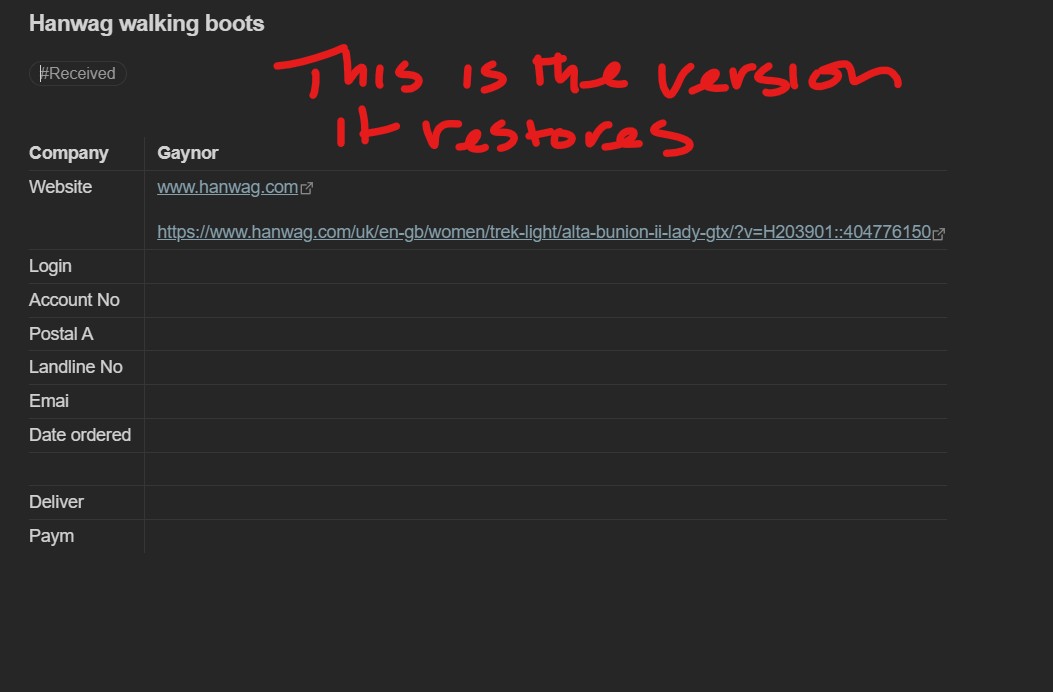
![This version is the correct current version|583x500]
(upload://zKfC5NpMKfkhUqhaOP859Td3KTu.jpeg)
This is the current version screenshot. I’ve made several amendments to it but the previous version that was unexpectantly used was when I first set up this note (nearly a year ago), so I don’t know why Obsidian used that version randomly.
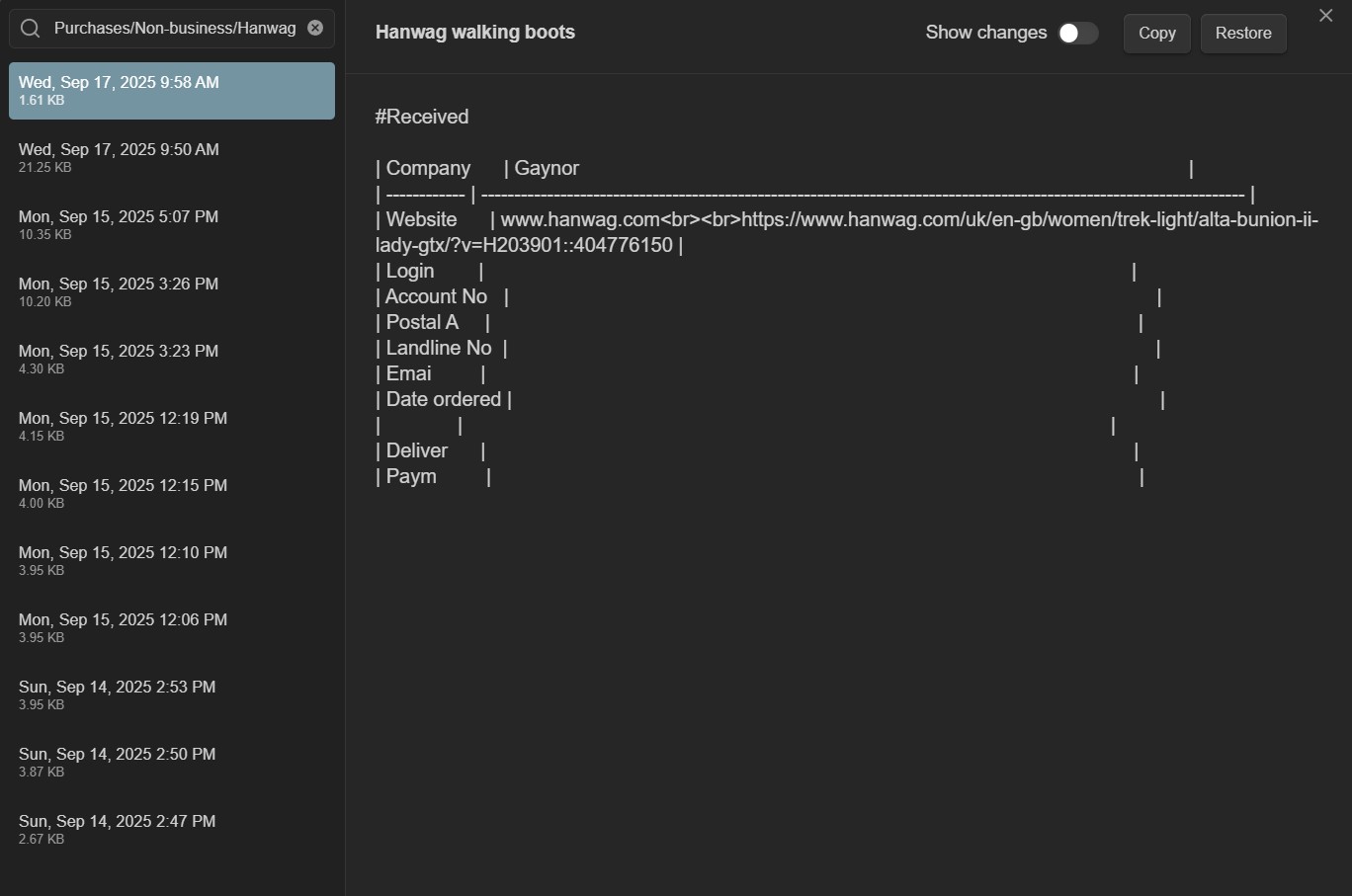
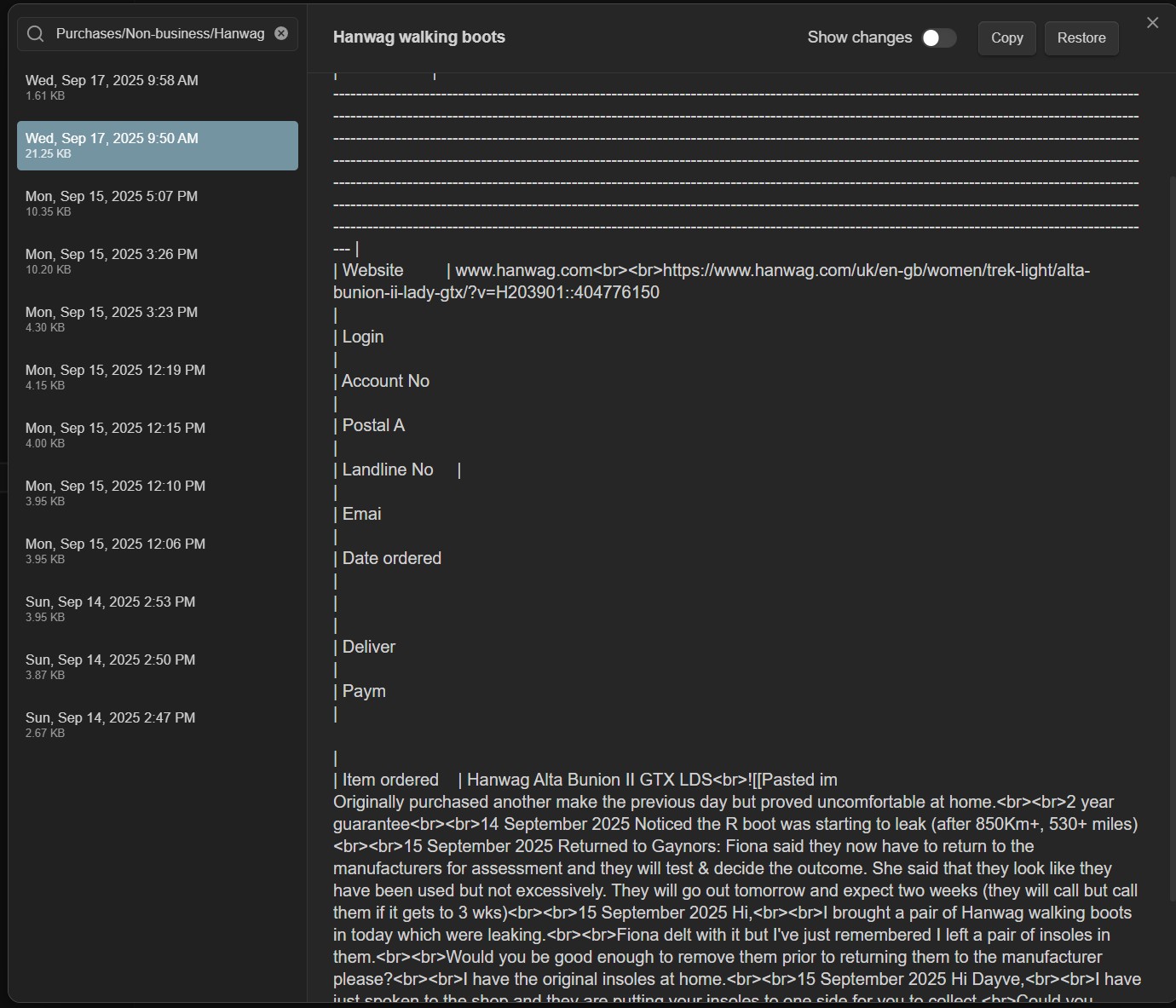
Your screenshots a re from the local file recovery plugin, not from sync history.
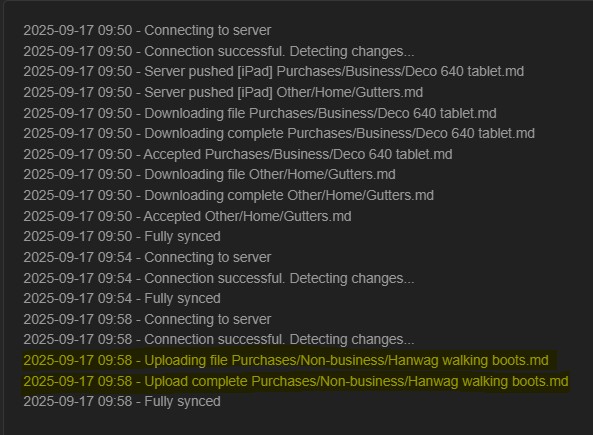
You should check sync history to figure out when and from which device that version comes from.
My guess is that you had one device that you hadn’t used for a while. You used it and open/modified that note and then that version was sent to all the other devices.
I went to the File recovery core plugin and selected snapshots, searched for the file in question and selected what looked like the correct version to restore. However, it restored a much earlier version (one that I’d only just started creating nearly a year ago).
I do have Obsidian on my laptop and iPad too. The laptop isn’t really used that much but I do occasionally open Obsidian on it. Perhaps that’s where something went wrong?
This is the second time this has happened (different files and months apart) but I can’t remember the situation that might have triggered it at the time.