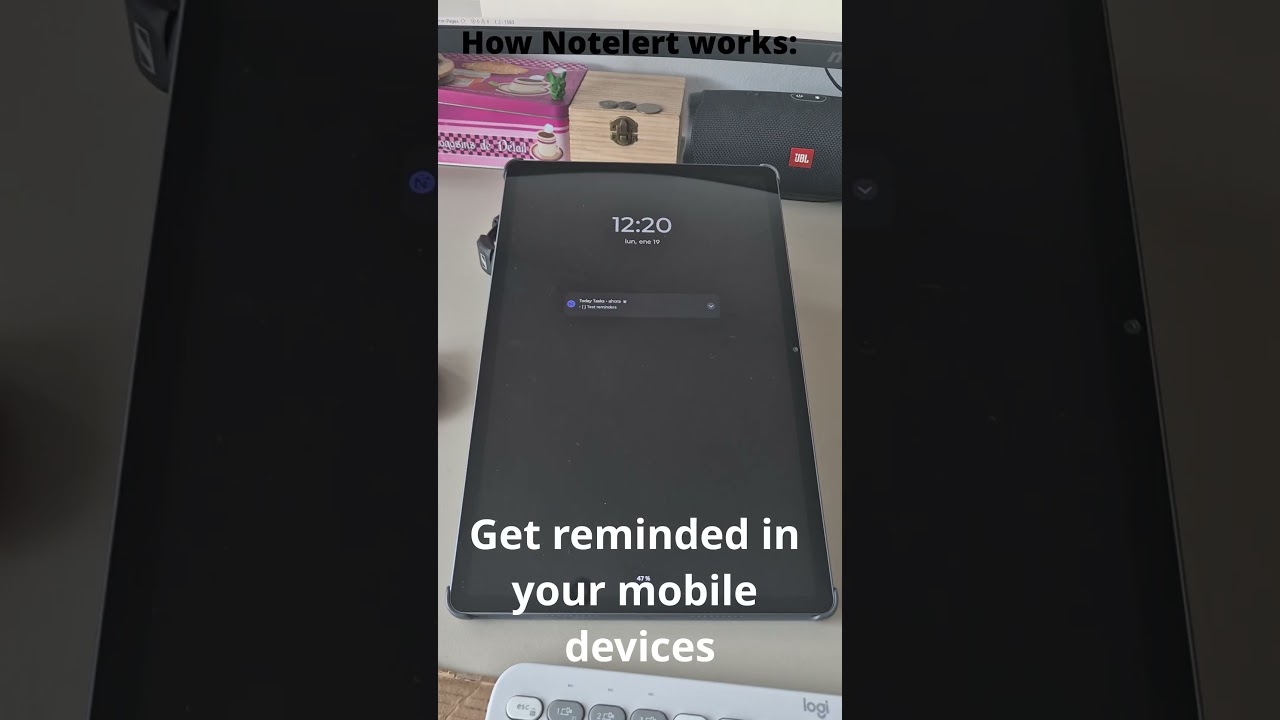
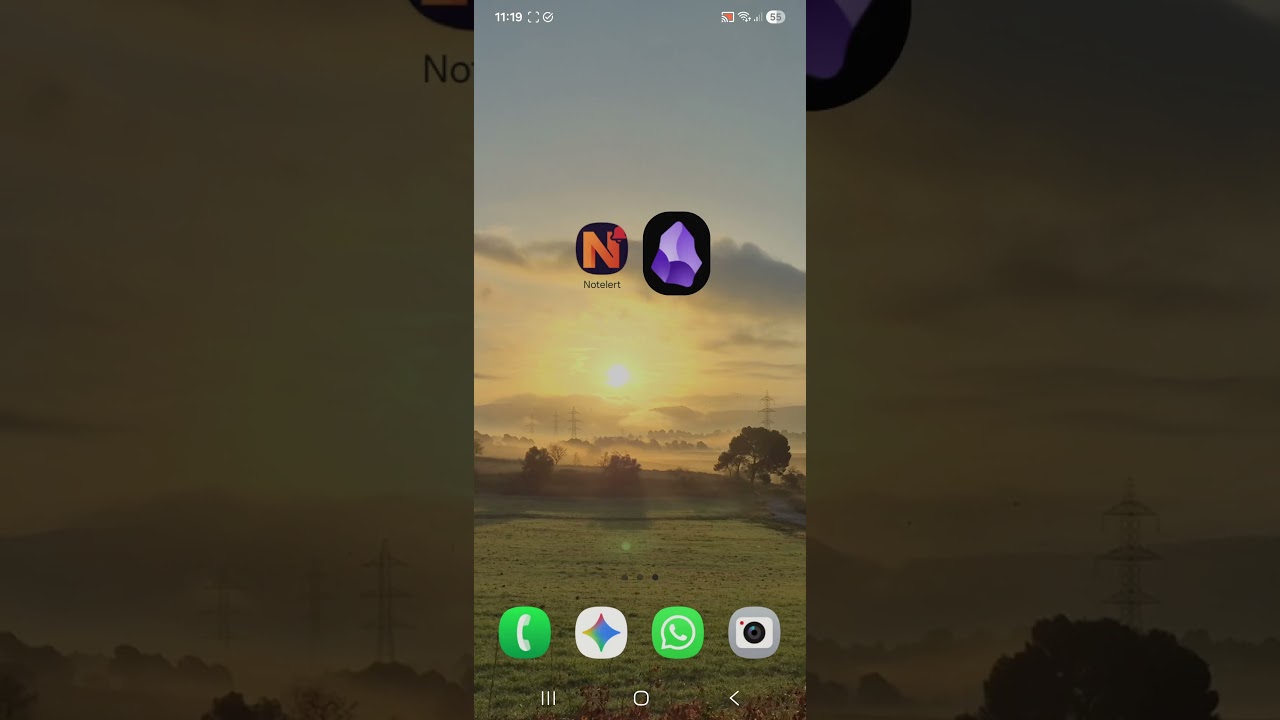
I’ve been developing Notelert, an Android app that bridges Obsidian with your phone’s notification system. It lets you set reminders directly from your notes that will trigger notifications on your device. I created a post some weeks ago asking for some beta testers without much success and I decided to open widely to everyone.
Key Features:
Set reminders with date/time triggers
Works via deeplinks - your vault is never scanned
Only sends the note title and line number (privacy-first)
Hi, sorry for the blockage at the login the app needs to be verified by Google and its a labyrinthic mess of permissions and configurations. Currently I’m waiting for the final approval of the app login by Google. I’ll back to you when it’s ready. Thanks for your patience!
Hi all again!
After some fixes the app should work fine now for everyone for beta testing. As a refresher with this app / plugin you can set to your notes:
Time based notifications
Location based notifications
Email Notifications
Recurent notifications.
Sync with Google Calendar.
This is all done WITHOUT SCANNING YOUR VAULT.
Remember to install first (manually for the moment ) the plugin:
And then the app:
Any questions and feedback will be much apreciated
I hope you like it!
Hi!
I’ve seen that some of you installed the app but not been able to use it perhaps because install the plugin is tricky. Youn can use BRAT plugin to install Notelert plugin much more quick.
In Obsidian, in the comunity plugins search for BRAT plugin and install.
(BRAT plugin allows you to install beta plugins really effortlesly.)
Be sure to have the token in all you Obsidian (desktop, mobile) if you just linked the app in the mobile Obsidian app perhaps desktop app is not synced yet. Sync will update the plugins between desktop and mobile if you have the option turned on (Obsidian Sync options) if not, you need to copy manually the token from mobile and paste it in Obsidian desktop in Notelert plugin options.
Also be sure to add a future time for the reminder, more than 2-3 minutes. And to have some test in the line of the notification:
Good:
Buy groceries :@
Bad:
:@
Hope this helps!
Hey there, almost sure that the issue is related to the first linking of the app with the plugin. If you link the app with the plugin make sure that the token appears in the Notelert plugin options. If not try to reload the plugin and relink it from the app. If still does not appear the token in the plugin copy and paste manually. This should solve the issue. After this you should can set notifications freely.
Thanks!
I found a bug that was preventing new users to link the app with the plugin. Now is solved and you should be able to link and create notifications. If someon tries this out and drop some comments will be great!
I tested the app again and it works now. But I personally don’t find it very useful because it only notifies about the text send to it, without any connection to the Obsidian.
It would be more useful in my opinion if notification allowed me to go back to the note from which it was created. It can be achieved via the URI link I suppose.
Google Keep deprecated location-based reminders and I asked Gemini to come up with a solution that uses obsidian and tasker. Instead it told me that Notelert is a new app that should do this for me, so I’m excited to try it out. I think I have the plugin up and running, but the instructions for Location-based reminders says I need Premium, and tell me to open the app and go to Settings > Plugin Token. In the app, when I click the Gear icon (which is what I woudl assume you mean by settings), there is no Plugin Token anywhere. There are several sections (Account, Premium, My Locations,. …) One is called Settings, which makes things confusing. That section also does not have a plugin token. I tried with the Obsidian Plugin section secret (which really should get a name - I assume this is also a token, just a different one) but that doesn’t work.
Where is the premium token hiding? I would like to try out location alerts before my premium trial runs out.
I also noticed that the plugin defaults to Spanish (English would make more sense), and some things aren’t translated in English - I’m willing to help. (i pot parlar una mica de Catalá també)