The above does not result in a table being created. When i switch to reading view, i see the same text.
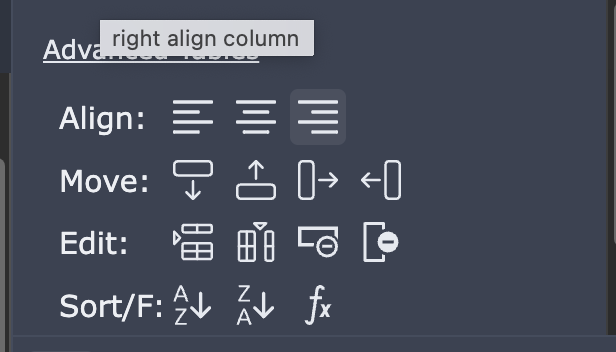
The only way i am able to create a table is that after entering the above text to create a table, i have to insert a new row using the Advanced table plugin shown below - i.e if i select new row/column, the markup text then switches to a table.
Note - This was not an issue previously, i only noticed it after a recent release which included some changes to how tables work.
Note - there is a similar topic which suggested the following options which i have tried all of them but nothing resolved it.
There must be a space between the text
There must be a space or empty line before the start of the table
Within that spacer bar (don’t know if that’s the technical term) you can include colons to indicate the text alignment.
Like this ----:, this :----, or this :----:
The second table row is called delimiter row which uses at least one dash. Colons : are used for whole column text alignment. You can use colons normally elsewhere thus delimiter row has its purpose. Pipes can be hard to write depending on your keyboard layout so you could use // to replace for pipes (see auto text replacements in mac).