What I’m trying to do
I am a new user to Obsidian and I’ve watched the tutorial multiple times, and perused the rest of this forum, as well as the YouTube tutorials, but I’m not seeing my issue.
I’ve included screenshots of what I’m seeing in my screen, vs what I’m seeing in the tutorial.
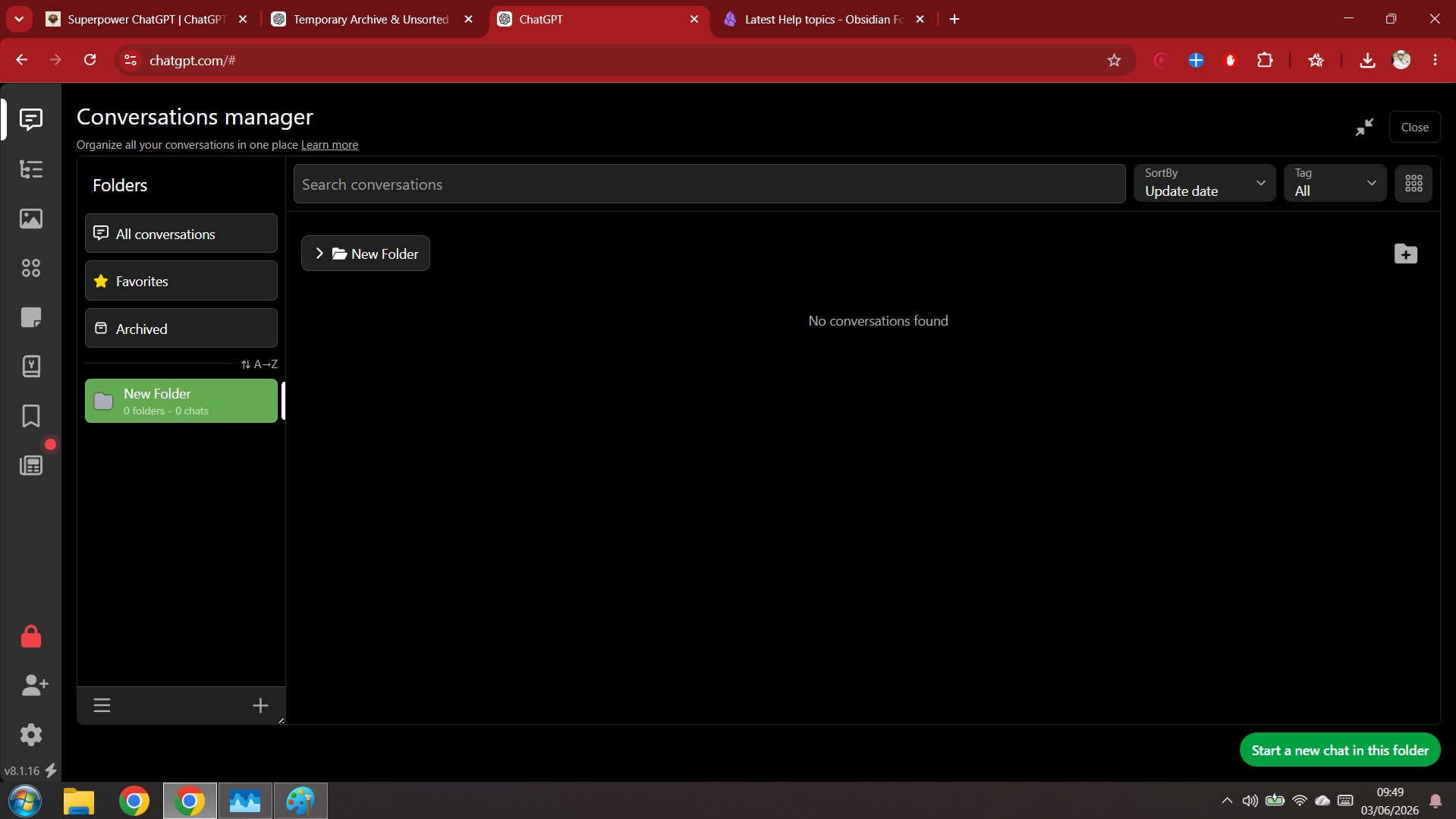
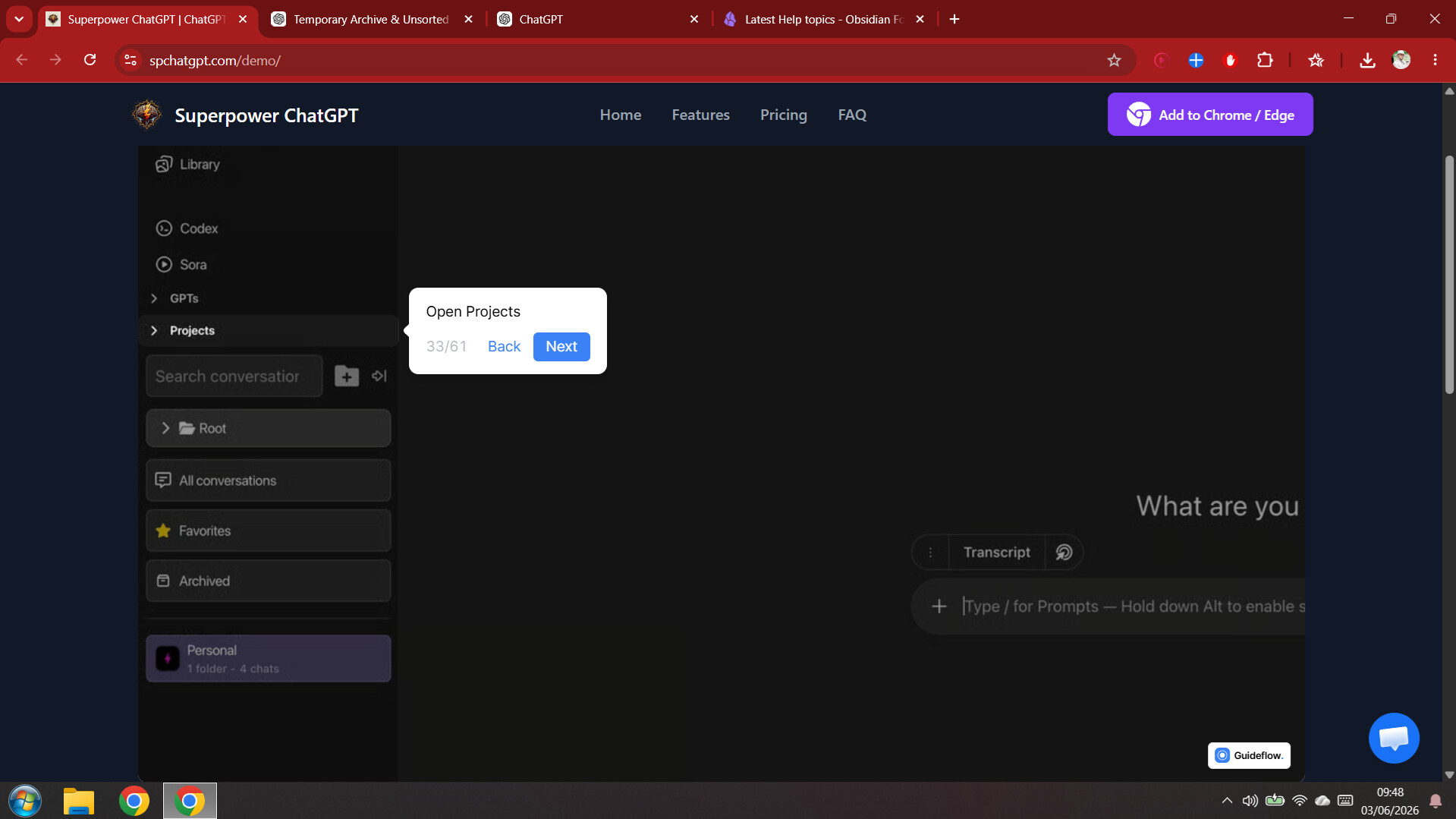
I am particularly interested in trying to open this “Library” feature and look at my Projects so I can start organising my folders from there.
Am I doing something wrong? Or is this feature only available with Pro?
Things I have tried
Fiddled with Settings.
Clicked on every + and button I can see.
Checked the Tutorial multiple times.
Checked the YouTube tutorials for help.
Perused the Help and Bugs posts on this forum.
Any further help much appreciated! 