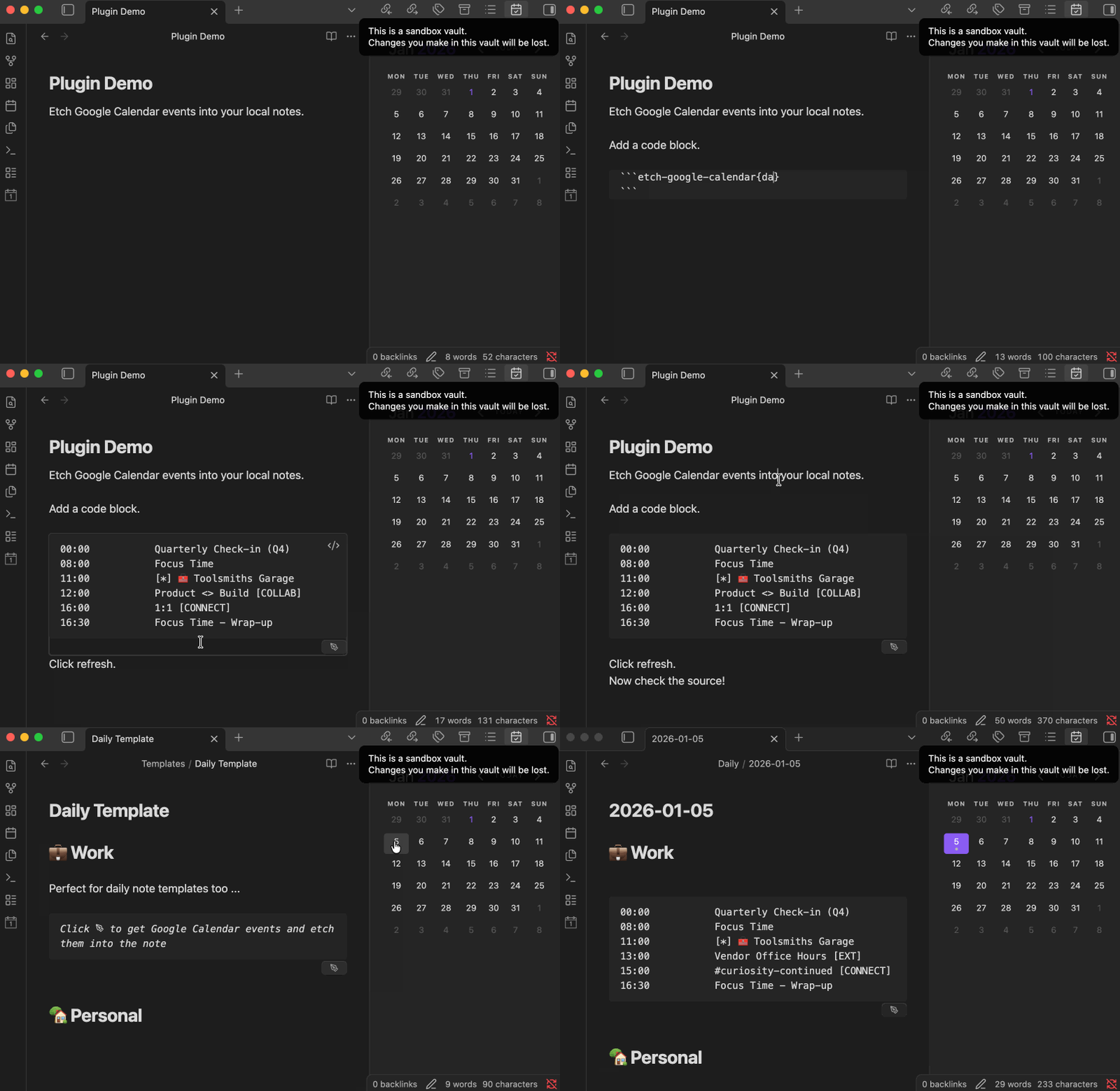
Here’s a little animated demo of the first one in action. (There’s a similar demo of the weather one if you follow the link.)
There’s a few reasons I crated these:
I’ve been using gcalcli to output a text agenda at the command line and then copy/pasting it into my daily note for years now. I like how the info becomes a permanent part of the local Makrdown file, and shows up in a simple editable format.
I haven’t created an Obsidian plugin since obsidian-overdue in 2021 (!), and wanted to try my hand at automating the manual process.
I wanted to see if the approach would be useful beyond Google Calendar, and so I wrote the weather one.
I have some ideas for additional “etching” plugins and minor improvements on these.
If you’d be interested, I can open a PR to your GitHub repo in the next few days to add an optional auto-refresh mode for the weather block (refresh on tab focus + periodic refresh while the note is open).
Hi @NBox . I’d consider a PR adding that if you’d like to send it.
One heads up: The app.vault.process method I’m using to update the source Markdown can run into merge conflicts if there are other simultaneous edits to the document. When clicking the refresh button, the likelihood is low. Refreshing the block(s) in a doc while the user is editing it may be more prone to such conflicts.

 Here are the highlights from the