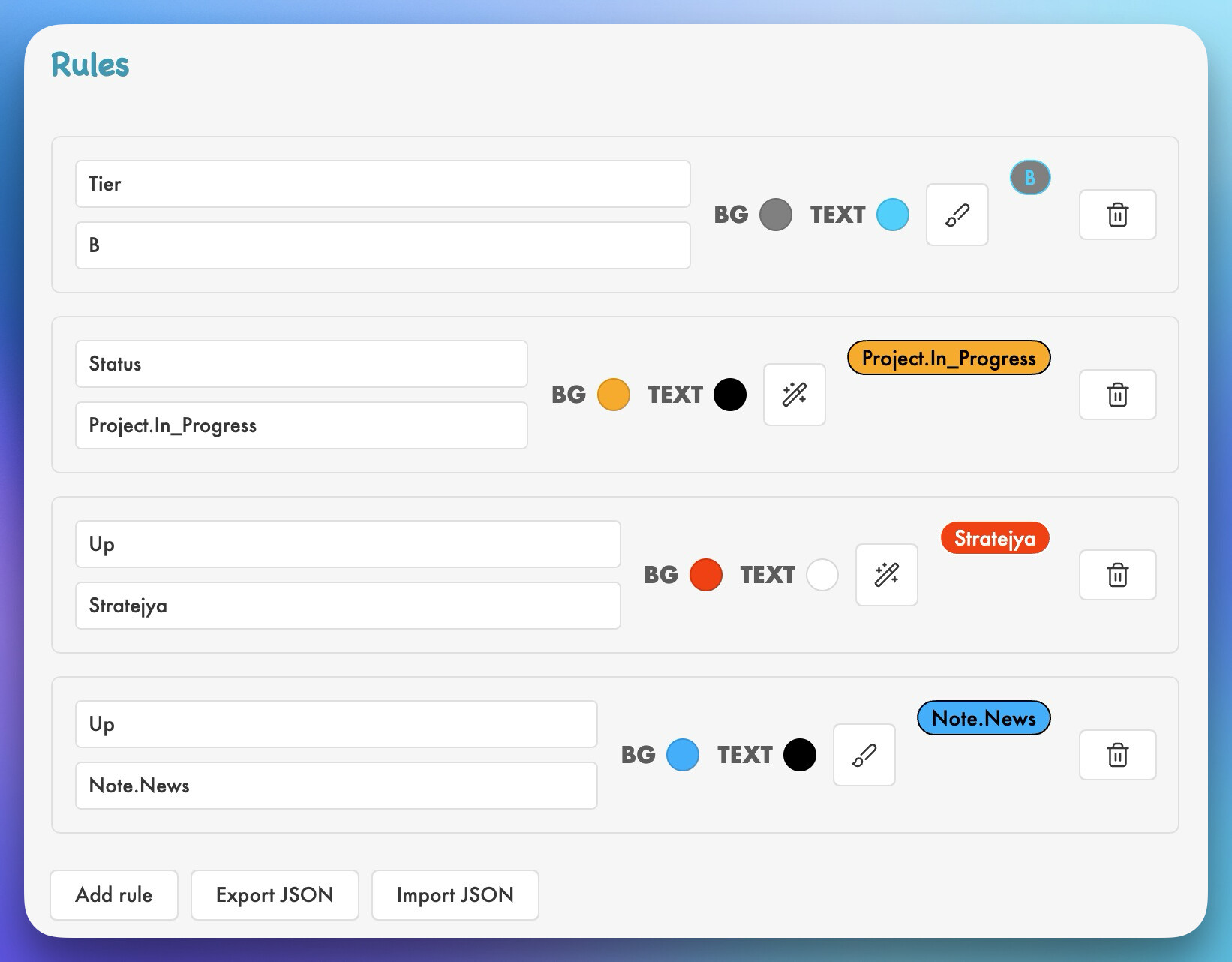
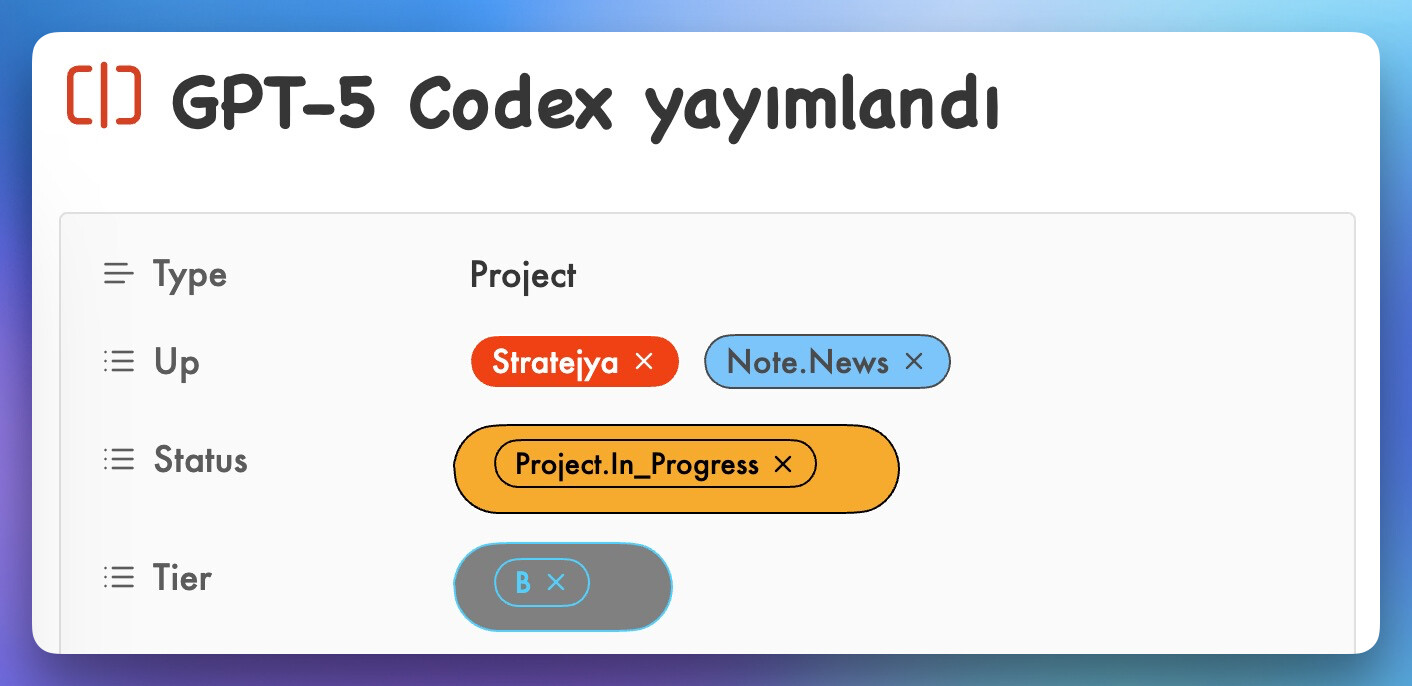
Hello, I would like to share a new plugin I wrote that automatically detects and colors property list values in both Bases files and the file properties pane, making it easier to visually distinguish between different values.
@raf.jaf I’m really interested in giving this plugin a try, but can’t seem to get it working. Under “Property Colors” I see the error message “No property values detected yet. Open a Bases file with properties to automatically detect values.” I have a Bases file open with various properties toggled to be visible.
@Bnu92 It’s hard for me to debug at a distance. If you open the sandbox vault and install BRAT and this plugin, do you have the same problem? I’m thinking that perhaps there is a misunderstanding about the functioning of the plugin: it only colors list properties, not other properties like text, number or date properties. Might it be the cause of the problem? If it still does not work, the only way I see to debug it is if you create a new simple vault which does not work for you and you send it to me so that I can try whether it works for me or whether I can identify the cause of the problem.
@raf.jaf I see what the problem is: I was using text properties. After switching to list properties (using YAML, not the Obsidian properties UI), the colors now appear! Out of curiosity, is there any way to add a bit more padding around the pills? Thanks for creating this
Thats what I am looking for, a way to color property lists in Bases and files. I tried to make a plugin like that with vibe coding. I inspired from Colored Tags Wrangler plugin. Its menu and usage great.
My try was not successful. But I wanna add my results. Color selection area :
Font black or white, its normally automatic. But you can select any other color if you want. That kind of selection area better i think. Also check Colored Tags Wrangler plugin.
Result is not what I want. But it’s a start. Like that:
This is exactly what i was looking for, thanks! A feature that would also be great is to add a custom text color for each tag. Using light colors is pretty difficult with white text
I also had trouble understanding that it only works with list type properties. But from your answer here in the forum i got it eventually.
Hi, raf.jaf. Thank you for the plugin, very useful.
For future updates, would you consider “Properties” like “Number”? But for this to be useful (for my use case) there would have to be a way to setup different colors per property.
I mean, I’m doing project/task management via bases. I have property like “Priority” that goes from 0 to 5. “Progress” goes from 0 to 100 by 25(%) increments. So I guess there would need to be way to setup different colors for different properties and I don’t know if you are willing to go that complicated. Anyway, thank you.
But I guess I could modify my workflow even when only “Number” property would be generally supported (eg I would change priority to 0-100 by 25 increments as with progress).
Thank you @doc3. Since this requires substantial additional developments, I am not sure if/when I will be able to implement this, but do not hesitate to contribute with a pull request to the repository.