I’m extremely exceeded to Release my first Obsidian Plugin it been in the works for a while and is finally ready for the public i always felt obsidian settings could use something more love to get your feedback
currently Submitting for Community plugins Store
Check it out! https://github.com/PulseRH/Obsidian-Settings-Navigator
Features
Navigation
-
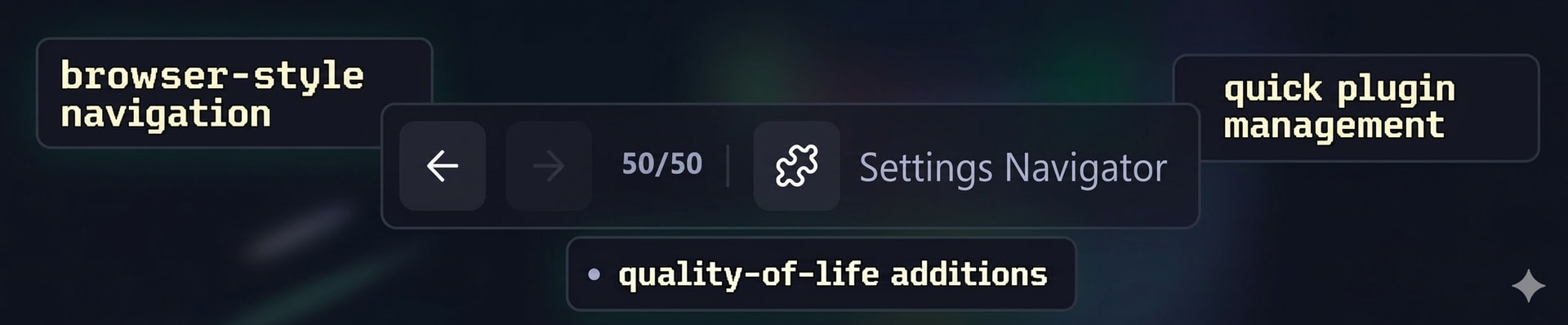
Back/Forward buttons - floating navigation bar above the settings modal, works like a browser’s history
-
Keyboard shortcuts -
Ctrl+Z(back) andCtrl+X(forward) while settings are open -
First-Letter Navigation - use Keyboard to Type the first letter to navigate to Tab or Contents
-
Mouse 3/4 support - use your mouse back/forward buttons to navigate
-
History indicator - shows your current position in the navigation history (e.g.
23/50) -
Clickable section headers - click “Core plugins” or “Community plugins” headings to jump to those tabs
Plugin Management
-
Quick disable buttons - hover over any plugin in the sidebar to reveal an X button that disables it
-
Shift+Click to delete - hold Shift and click the X to fully uninstall a community plugin (tooltip turns red to confirm)
-
Browse in Community Plugins - hover to reveal a puzzle icon that opens the plugin’s page in the Community Plugins browser
Persistence
-
Scroll position caching - remembers where you scrolled on each settings tab and restores it when you return
-
Search bar persistence - remembers the “Search installed plugins…” filter text across tab switches
-
Remembers Style Settings - Folding/Unfolding