Inspired by Andrej Karpathy’s post, I wanted to use an LLM to talk to my notes — without having to send them to OpenAI, Anthropic, or Google. I also wanted to see if the whole thing could work with local models, on regular hardware.
LLM Wiki is the result. It reads your vault, extracts people, ideas, and connections
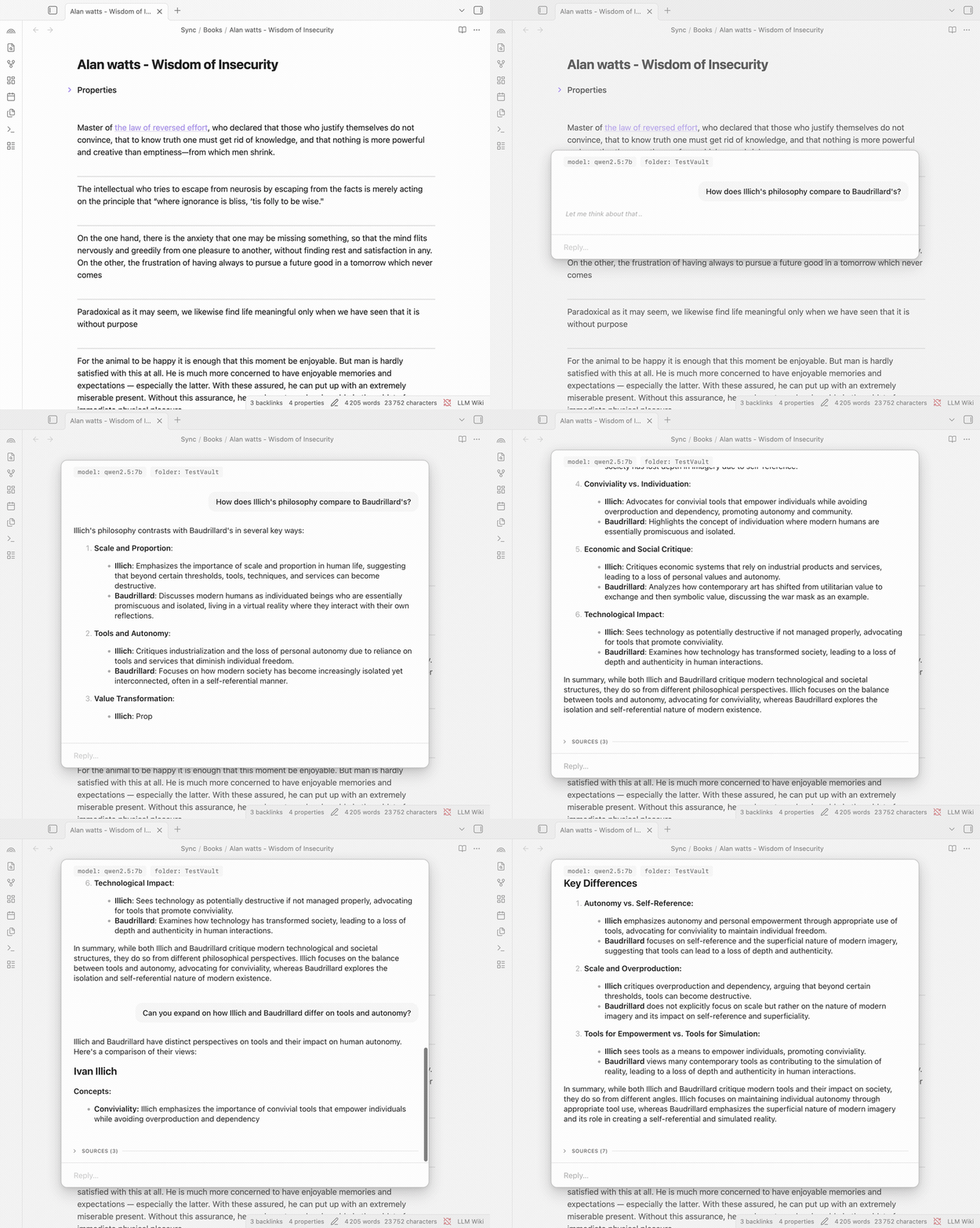
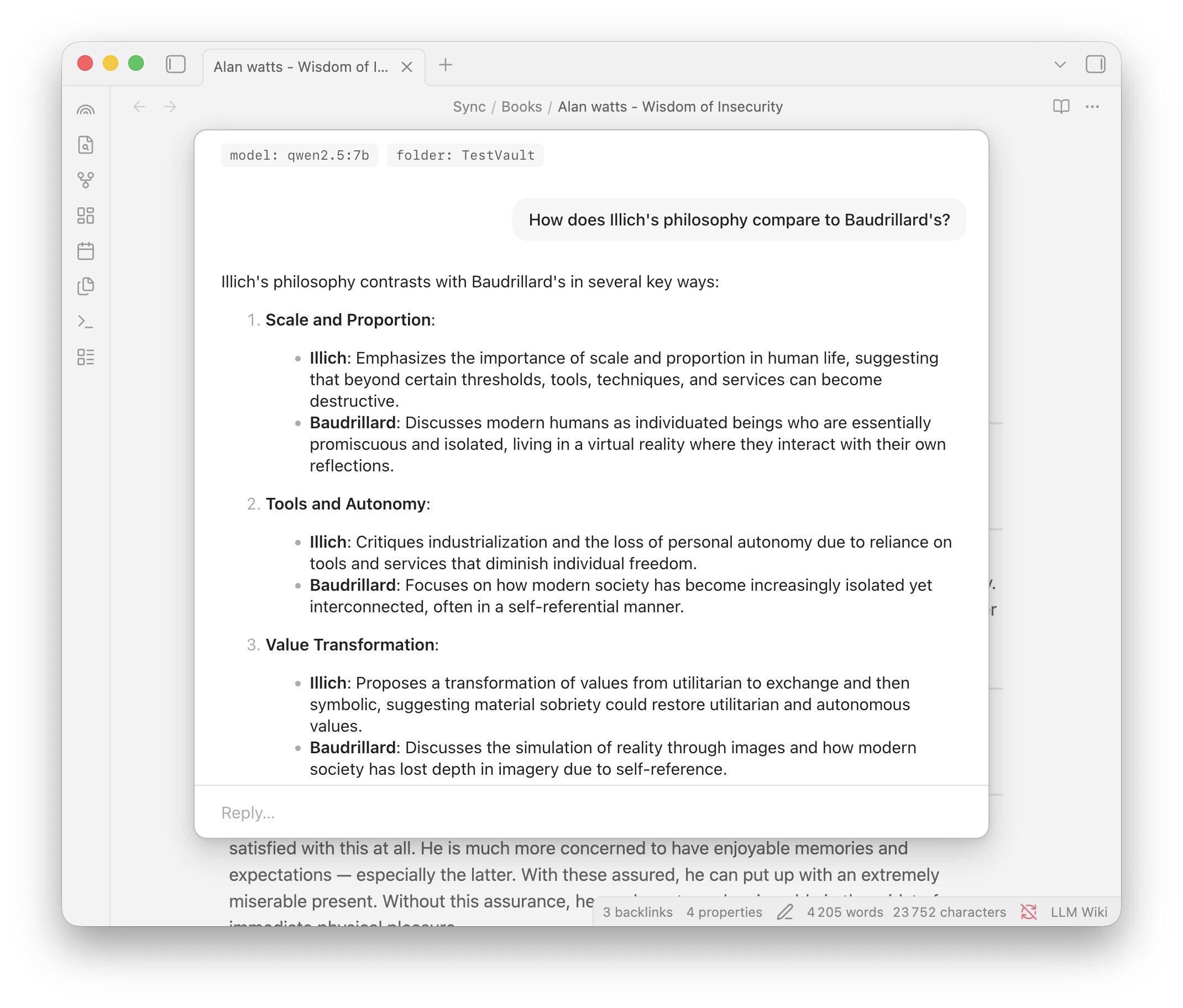
from your notes, and lets you ask questions in natural language. Answers stream back with
clickable links to the source notes so you can verify everything.
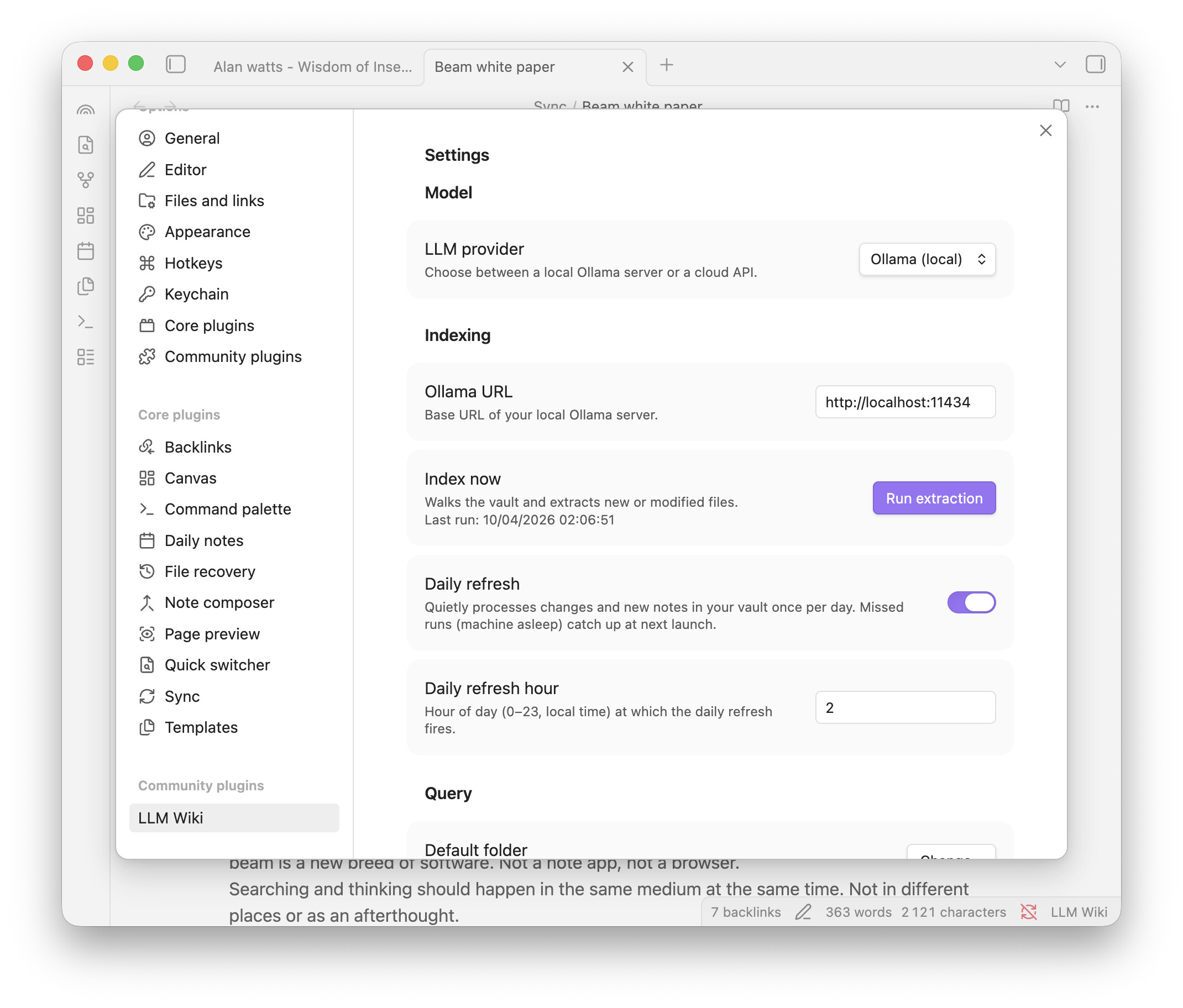
It runs on Ollama by default — free, local, your notes never leave your machine. If you want more power and less privacy, I have included the ability to use you API keys Cloud providers are available as an option if you want them.
What it does
- Extracts knowledge — entities (people, organizations, tools, books, places), concepts
(ideas, theories, frameworks), and the connections between them - Answers questions in natural language — a chat interface grounded in your own notes,
with source links - Hybrid search — combines keyword matching, semantic similarity, and vault structure to
find the right context, even when your question uses different words - Knows when it doesn’t know — if your vault doesn’t have enough on a topic, it says so
instead of making things up - Generates wiki pages — structured markdown pages for every entity, concept, and
source, compatible with ObsidianBases - Keeps up with your writing — saving a note triggers background re-extraction, no
manual re-indexing needed - Multi-turn conversations — chats are saved and resumable
- Multiple providers — Ollama (local, free) by default; OpenAI, Anthropic, and Google
available in settings
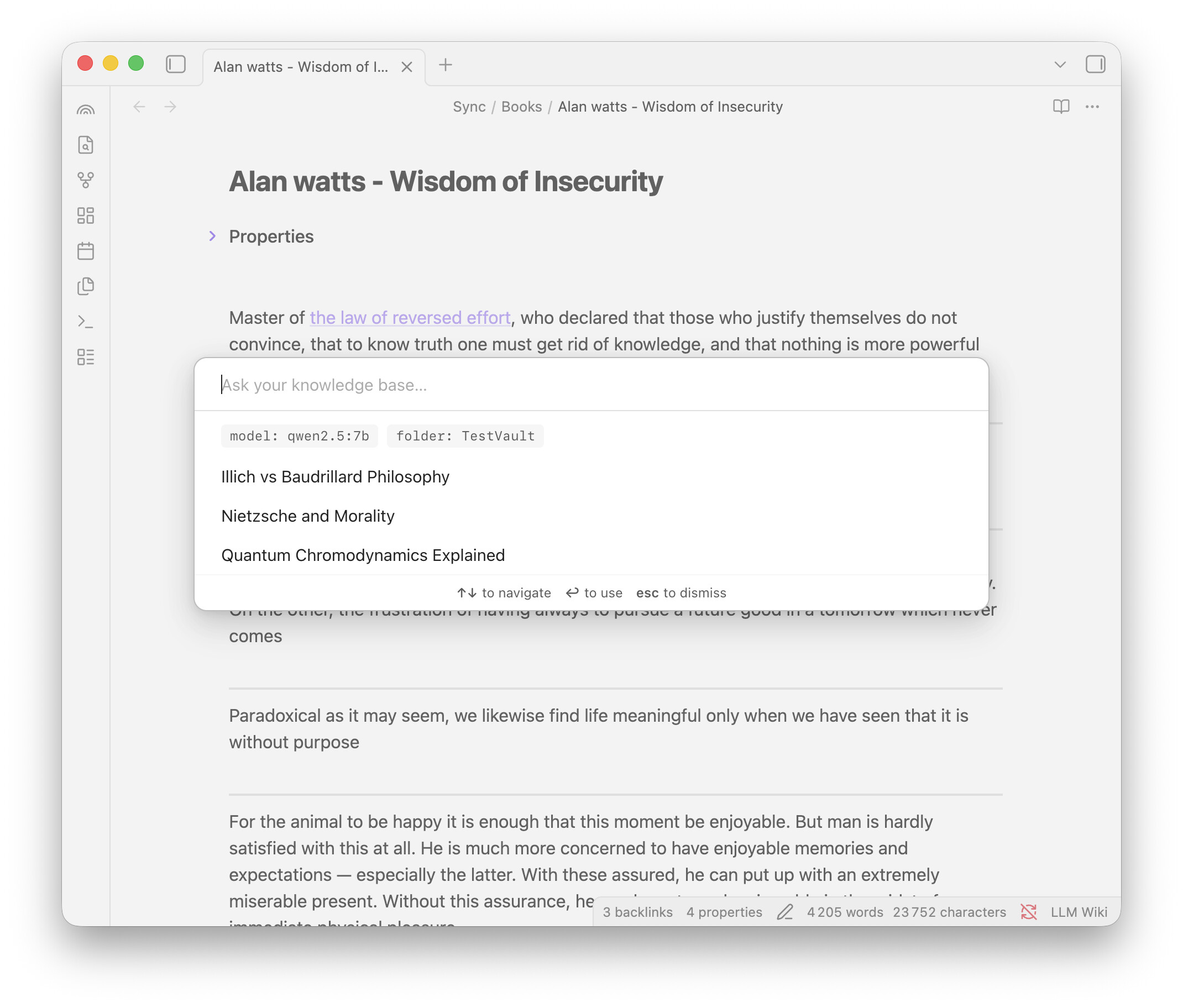
Screenshots
Quick start
- Install
Ollamaand pull two models (~5 GB total):
ollama pull qwen2.5:7b
ollama pull nomic-embed-text - Install LLM Wiki from Community Plugins or github (
https://github.com/domleca/llm-wiki) - Run LLM Wiki: Run extraction now from the command palette
- Run Ask knowledge base and ask your first question
Heads up: the 1st extraction takes a while — it processes every note one by one. On
a 600-note vault with a MacBook Air M2, it took about 4 hours. After that, only new and edited notes are re-extracted — updates take seconds.
Privacy
- With Ollama (default): everything stays on your machine, nothing is sent anywhere
- Cloud providers are opt-in and clearly labeled
- No telemetry, analytics, or tracking
GitHub: https://github.com/domleca/llm-wiki
Feedback welcome — especially on extraction quality and search relevance. This is v1.0 and
I’d love to hear what works and what doesn’t.
Disclaimer
Is this project open source? Yes
Is this project completely free? Yes
Is this project vibe-coded beyond the author’s ability to comprehend how it works? No