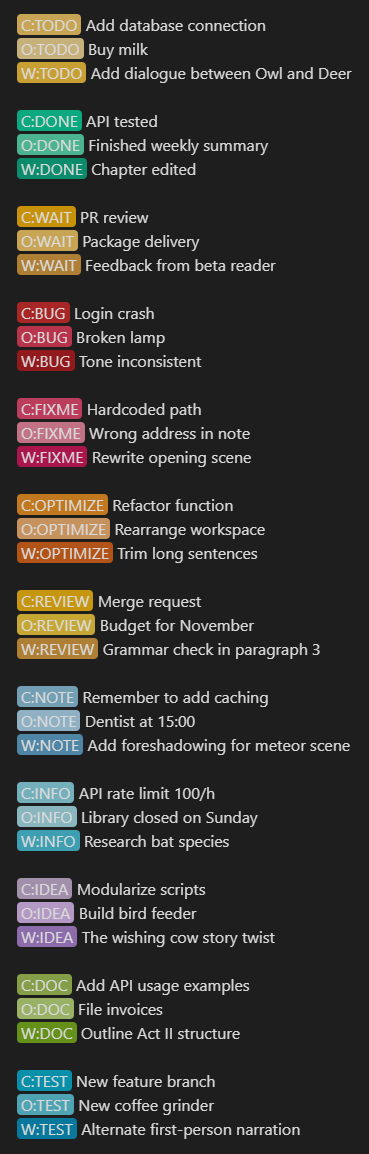
Tired of manually highlighting key terms? This plugin automatically colors or highlights specific words and phrases across your entire Obsidian vault. Just set it once, and they’ll appear consistently in both Live Preview and Reading modes!

I’m excited to share that this plugin is now available in the Community Plugins list! 
Key Features at a Glance
- Set and Forget: Color a word once, and it’s colored everywhere—instantly!
- Multiple Ways to Color: Use the right-click context menu, command palette, or the plugin settings.
- Color or Highlight: Choose to color the text itself or give it a background highlight.
- Custom Color Swatches: Replace the default color palette with your own for quick picking.
- Smart Matching: Toggle case-sensitive and partial-word matching (e.g., color “Art” and “Artist” will match too!).
- More Control:
- Blacklist words you don’t want to be colored accidentally.
- Disable coloring per file via frontmatter.
- Global Toggle: Easily turn the entire feature on/off from the ribbon icon, status bar, or command palette.
Use Cases
- Status Tracking: Color
TODO,INPROGRESS, andDONEin different colors. - Name Highlighting: Color names, words, and sentences to recognize them at a glance from their colors alone!
- People & Characters: Color names in novels or RPG notes.
- Priority Systems: Highlight
!!!URGENT!!!orLow-Effort. - Learning: Color key vocabulary terms in study notes.

I’m pretty new to plugin creation. This is something I made a few months ago for myself, and I still use it daily! Your feedback would be incredibly valuable.
- Found a bug or have a feature request? Please open an issue on the GitHub Repository.
GitHub Repo: https://github.com/Kazi-Aidah/always-color-text


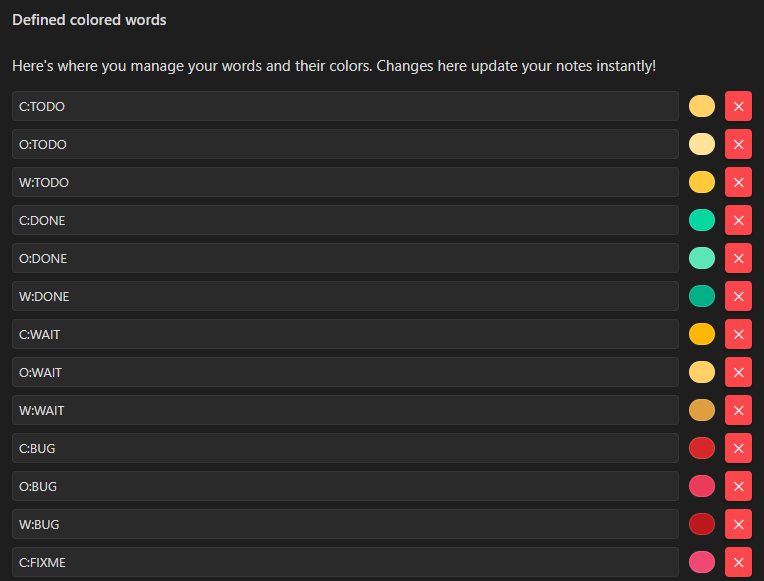
 system (made up by me, as I use Obsidian for *Coding, Other and Writing) … *personal coding projects I track in Obsidian. As I’m currently merging some work, I decided to give this plugin a try.
 … but good visual example).