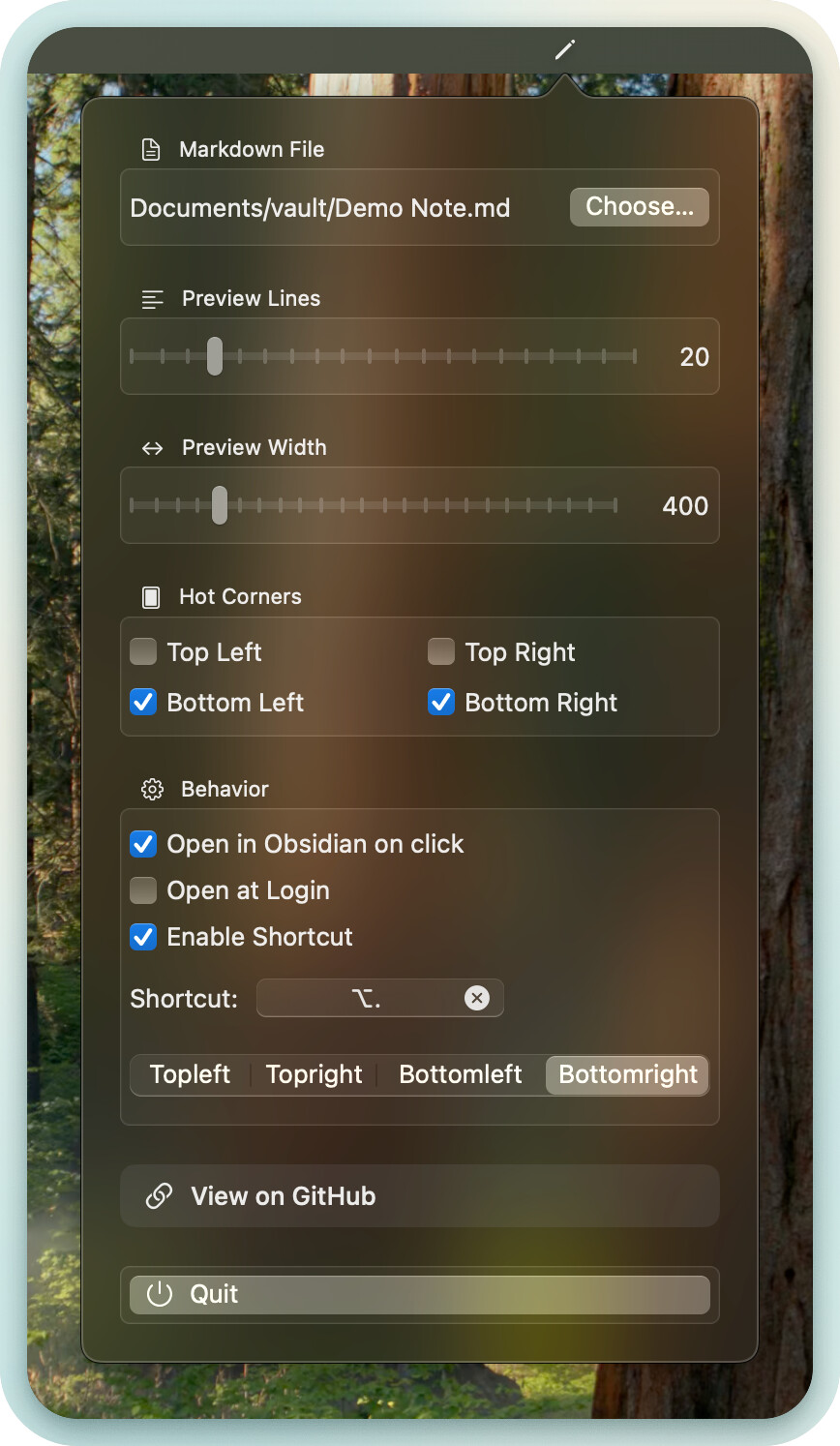
I love Obsidian, but I kept doing the same tiny task all day: jumping into the app just to glance at one note (for me it’s usually my daily plan / checklist). I wanted something closer to a Quick Note / Hot Corners habit on macOS, so I built a small companion app.
If anyone wants to try it, I’d really appreciate any feedback — even small UX nitpicks.
I’m especially interested in what feels awkward or unnecessary, and what you’d change first.
In particular:
multi-monitor setups (which screen should “own” the corner?)
corner sensitivity / accidental triggers
anything confusing around permissions
what you’d expect from this workflow (e.g. better positioning, theming, more than one note, etc.)
This is great so far!
Would be most useful for me if it could automatically connect to the latest note in a folder (so it goes to my latest daily note). Or maybe, similar to apple notes, it creates a new note, and defaults to that “quick” note until that note is organized?
Coming back to comment this before I forget. The small padding between the popup note and the corner of my screen leads me to accidentally clicking whatever is behind the note.
UX wise, I’d like to be able to flick my mouse to the corner of my monitor, and open whatever note I have there, without worrying about adjusting my mouse.
Hey @applepieeeeeeee, thanks for the feedback! You’ve shared some really good ideas.
I’ll try to roll them into the next update. I’m a bit busy with another project right now, but I think I can ship an ObsidianHotCornerMD update in ~2 weeks.