What I’m trying to do
On my Windows desktop, I have my Obsidian vault pointed directly to my Nextcloud virtual folder (the one that exists in the bottom-left pane of Windows File explorer and is created via a Windows Shell Namespace Extension).
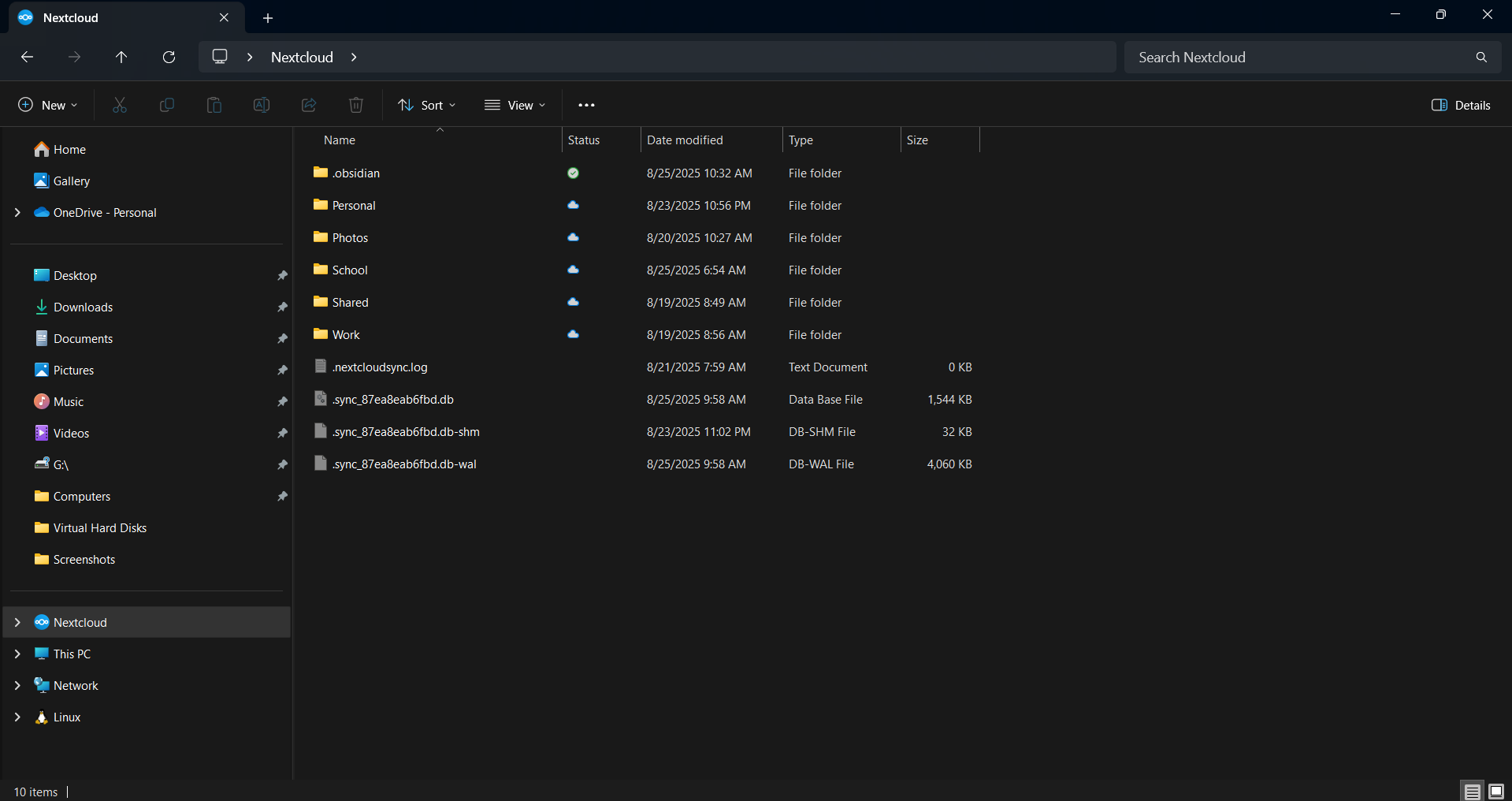
This works flawlessly on my desktop. Although Obsidian wants to try and sync all my files at once, which i won’t allow due to the limited storage on my desktop, I can just reject the syncing request, and Obsidian will only see the virtual files presented by the Nextcloud desktop client. It will only sync/download the real files when I try to open them outright.
I want to do the same thing on my Android device, but I’m at my wit’s end. For some reason, Android does not allow Obsidian to access the Nextcloud document provider that is often seen in the files app.
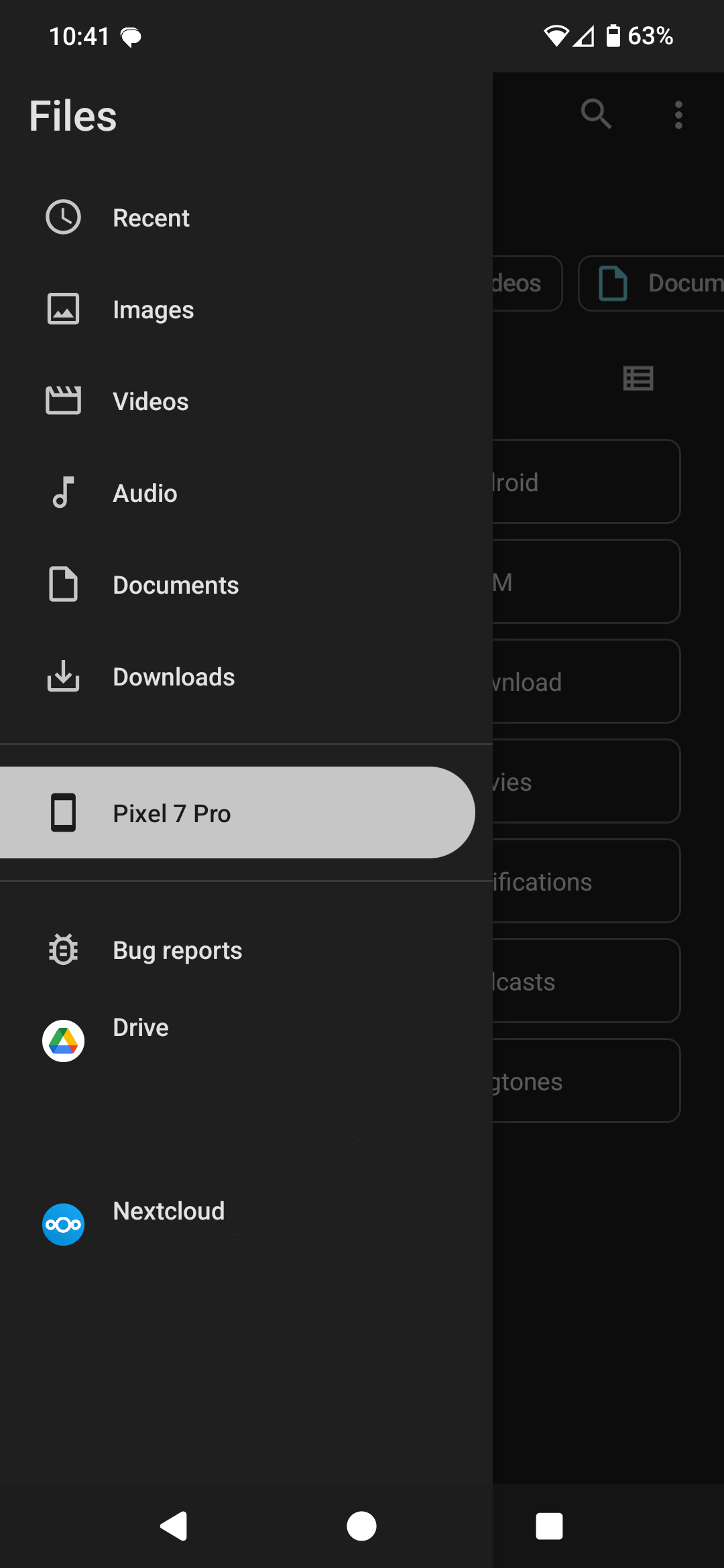
Instead, Android only allows Obsidian to select folders in my phone’s main internal storage directory (/storage/emulated/0).
Things I have tried
I’ve tried using syncthing-fork, roundsync, and the remotely save community plugin, but they all run into the same problem: they want to download my entire nextcloud server. My phone doesn’t have the storage for this. I just want my syncing app to do what the nextcloud desktop client app does: present virtual files (containing only metadata) to Obsidian so that Obsidian can see the file structure, and only download/sync files on-demand when I want to access them.