OTTo stands short for Obsidian Tasker Tools
My goal was to make my usage easier with my Android mobile phone.
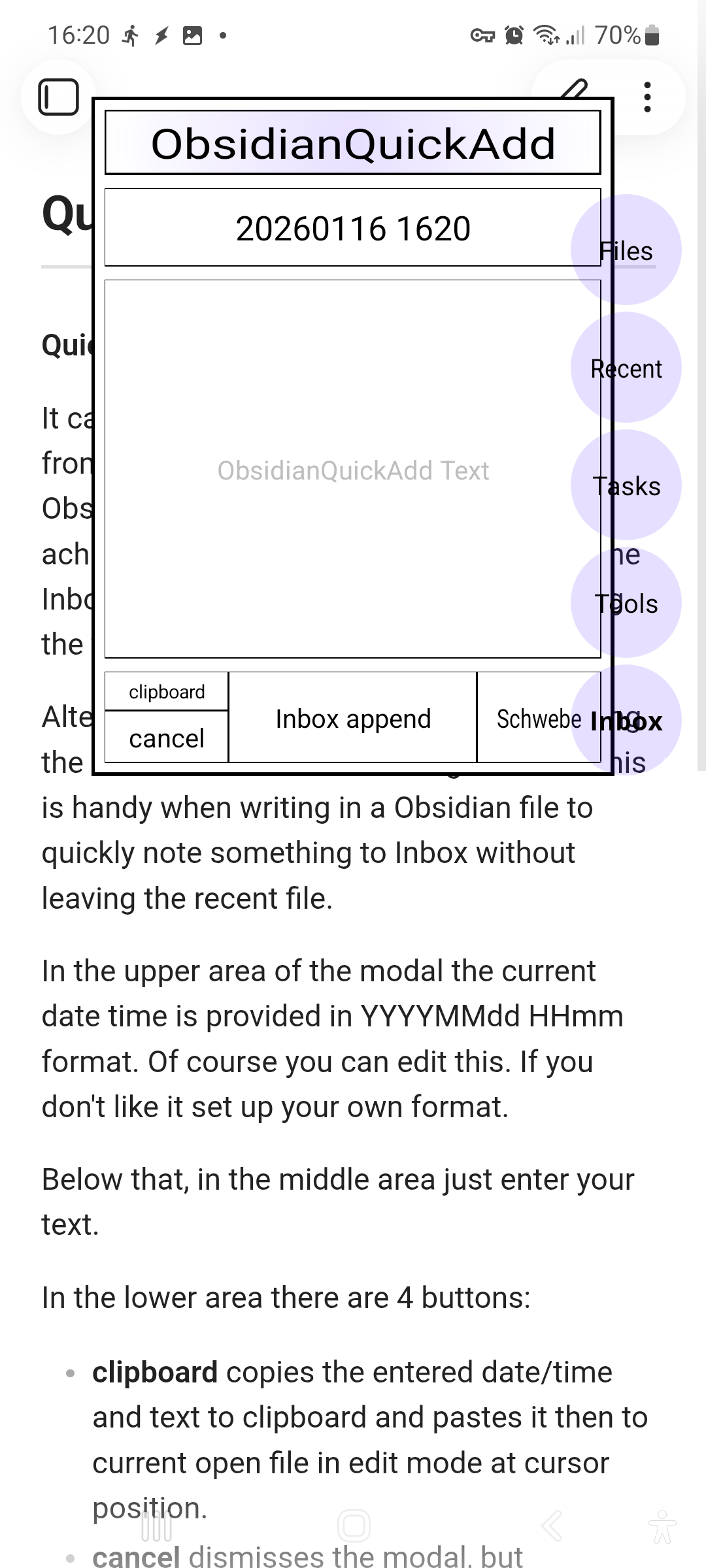
In the very beginning OTTo just provided a ‘QuickAdd’ modal, but then when I became more familar with Obsidian, I added some more things.
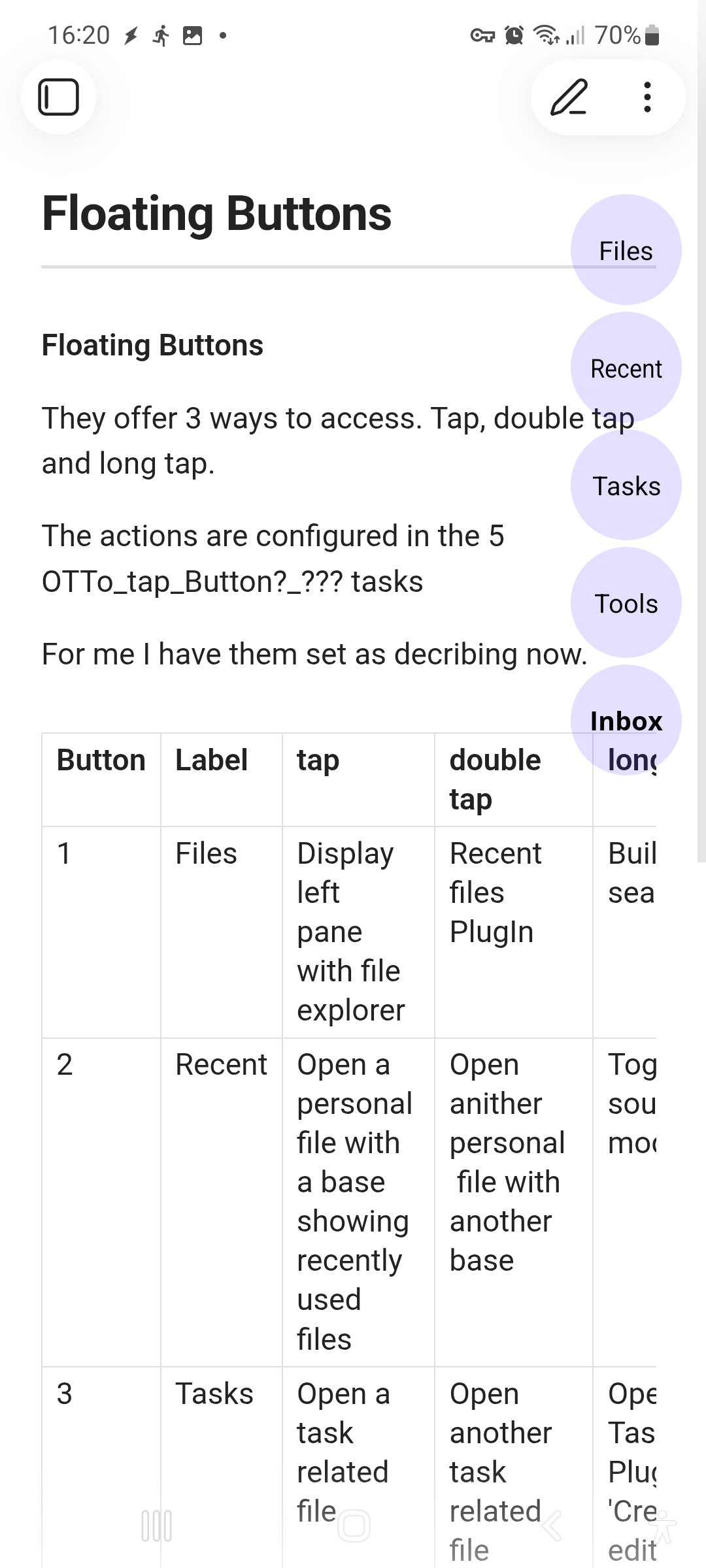
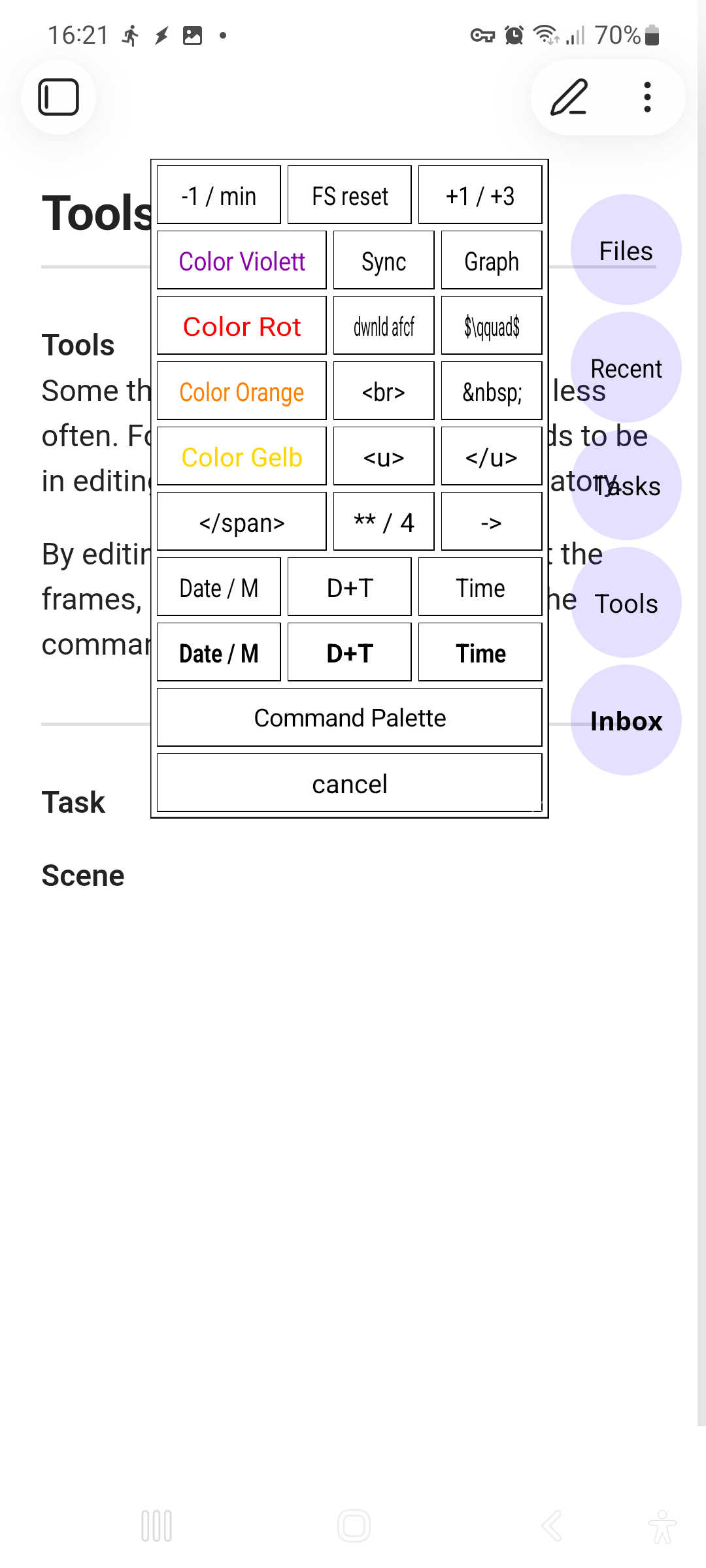
It creates 5 ‘Floating Buttons’, for each I have set up actions. Additionally there is a ‘Tools’ modal and the already mentioned ‘QuickAdd’ modal.
This is not Plug and Play, it is kind of skeleton you have to fill yourself with your things.
You need the awesome Android App Tasker (you have to buy it) and some Obsidian PlugIns. Which ones these are depends on your OTTo setup.
Basically commands are executed using Obsidian URI protocol, which is a custom URI protocol supported by Obsidian that lets you trigger various actions, such as opening a note or creating a note. Obsidian URI enables automation and cross-app workflows. For more Information read
Additionally the fantastic ‘Advanced URI PlugIn’ is needed, as this expands the possibilities. Read the documentation there to find out how it works and whats all possible with it.
How to start
Import the provided Project.
Before using it there are some things you have to set to your personal situation. They are predefined with my personal settings/values. So it is quite sure that it will not work for you.
At least you have to set
- Inboxfile with path
- Schwebefile with path
in the OTTo_QuickAdd task.
After that activate the profiles. Then you are ready to launch Obsidian and the Floating Buttons should appear. Obsidian stays usuable as always, except the area where the Floating Buttons are.
I tried my best with this ‘documentation’, but for sure it is not complete at all. So if you have any questions feel free to contact me.
OTTo has evolved during the last 2 years and I am using it without problems. But as always use it on your own risk and make a backup first.
You can find it on GitHub OTTo-ObsidianTaskerTools