Steps to Reproduce
- Unload Obsidian from mobile.
- Open Obsidian.
Did you follow the troubleshooting guide? [Y/N]
Y
Expected result
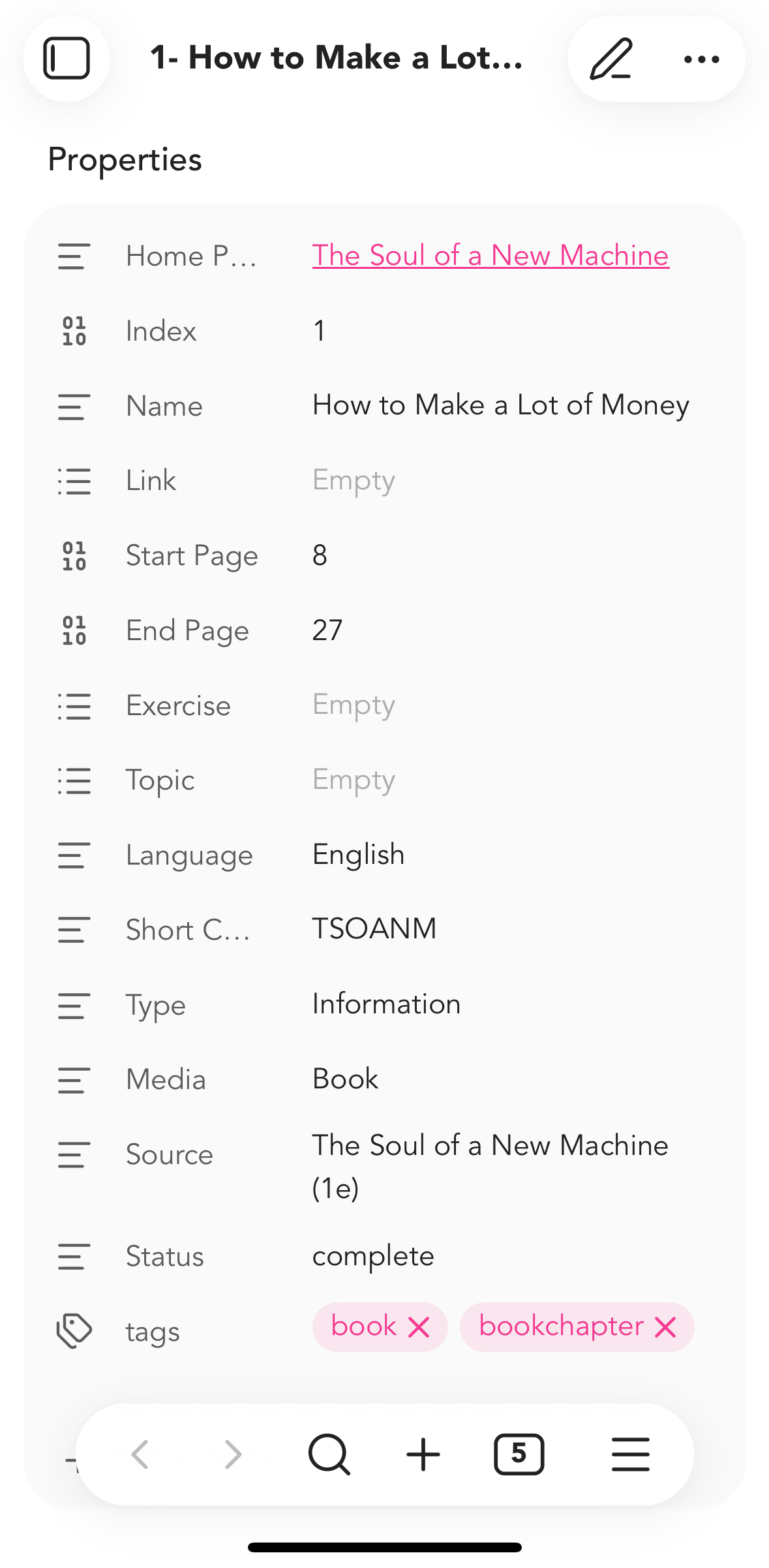
The open command button (button on the very far right) should have the hamburger icon only.
Actual result
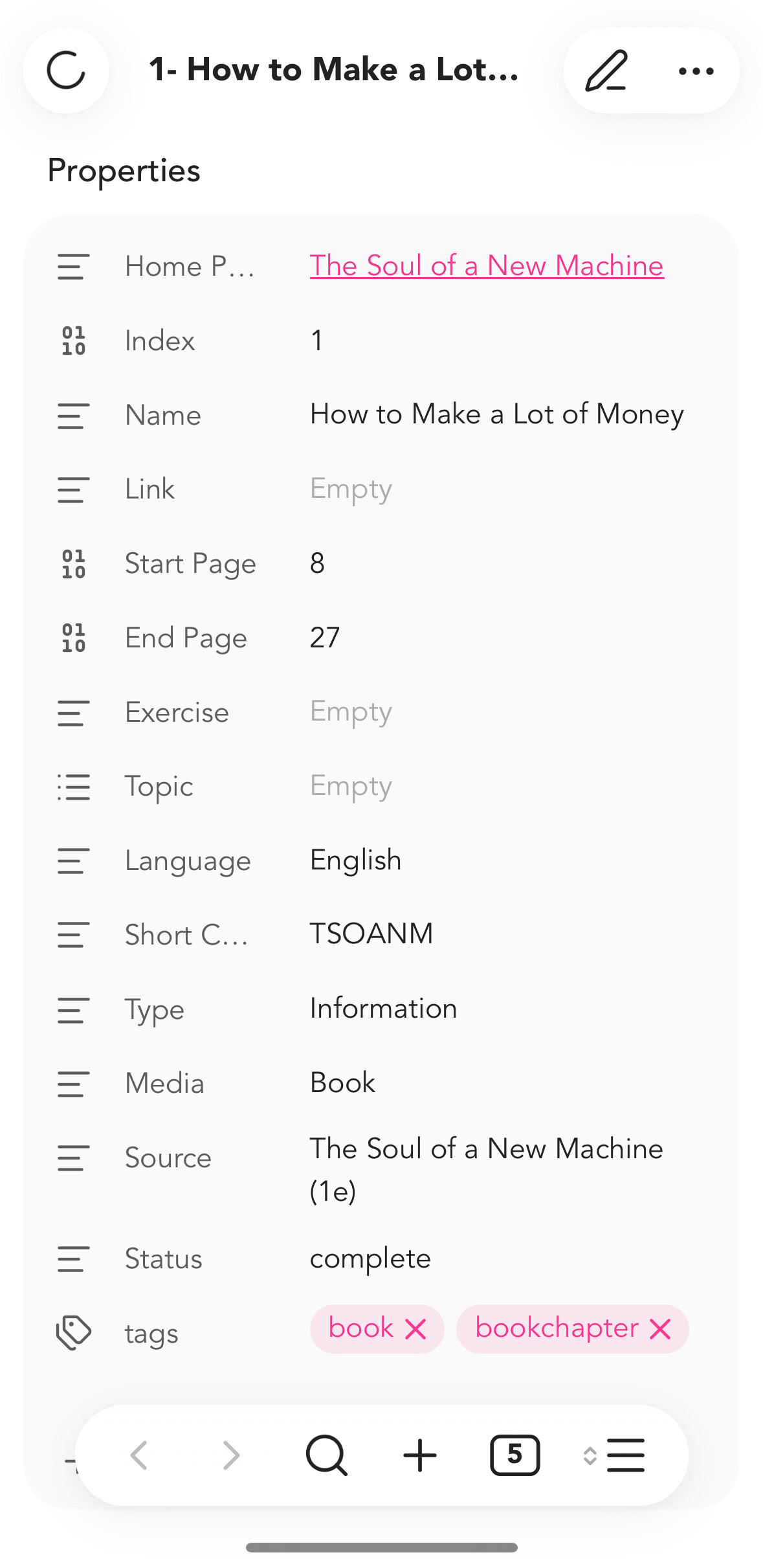
The icon keeps having the tiny icon next to it and then disappear later.
Environment
SYSTEM INFO:
Operating system: ios 18.7.2 (Apple iPhone15,2)
Obsidian version: 1.11.4 (277)
API version: v1.11.4
Login status: logged in
Language: en
Catalyst license: insider
Live preview: on
Base theme: adapt to system
Community theme: none
Snippets enabled: 0
Restricted mode: on
RECOMMENDATIONS:
Custom theme and snippets: for cosmetic issues, please first try updating your theme and disabling your snippets. If still not fixed, please try to make the issue happen in the Sandbox Vault or disable community theme and snippets.