Steps to reproduce
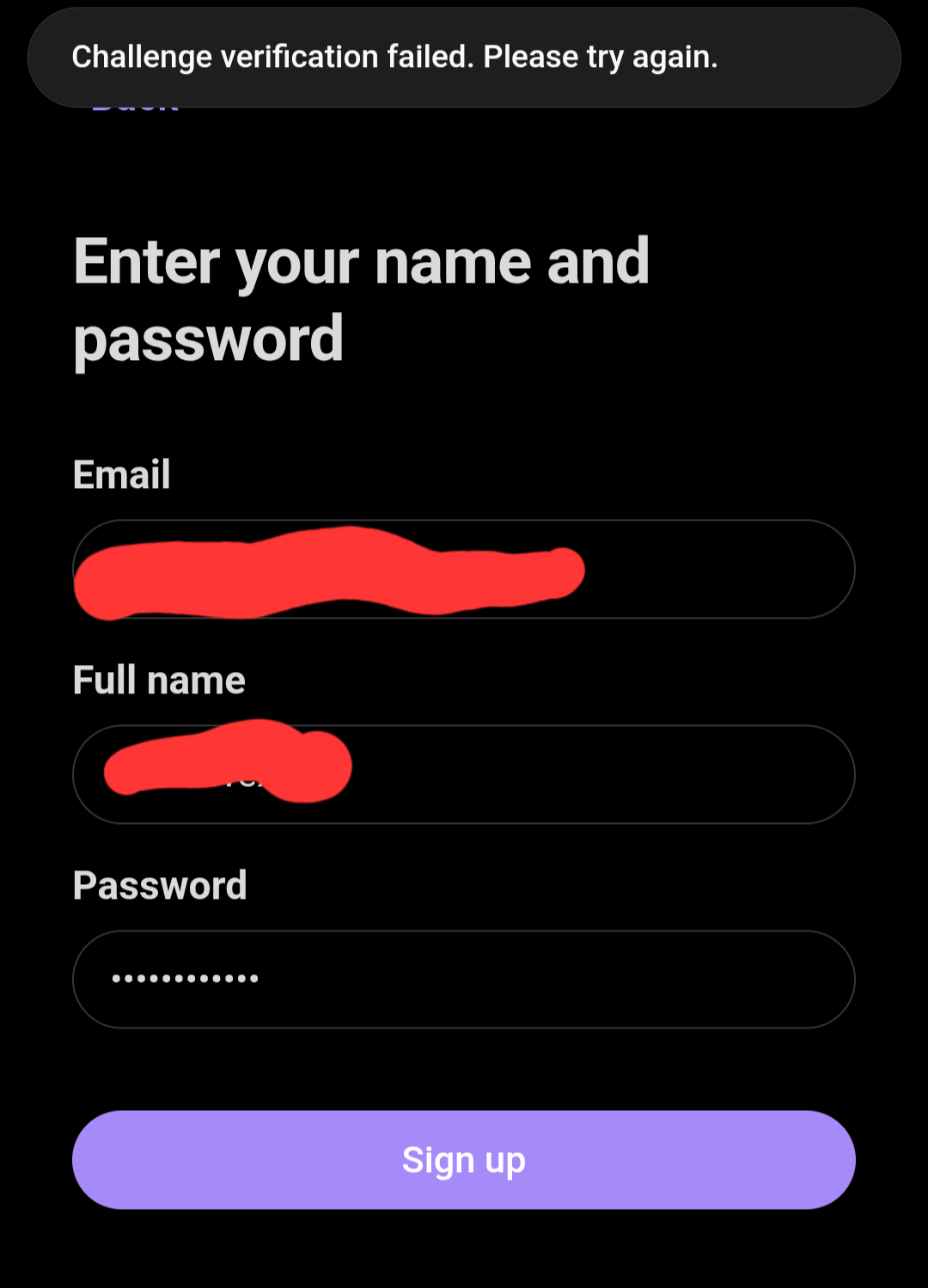
-download & install obsidian → create a vault → set up sync → use obsidian sync → sign up → follow account creation prompts and press “sign up”
Did you follow the troubleshooting guide? [Y/N]
y
Expected result
account to be created
Actual result
error message that says “challenge verification failed. please try again.”
Environment
I can’t find this on my phone
Additional information
android 12, Samsung galaxy s10+
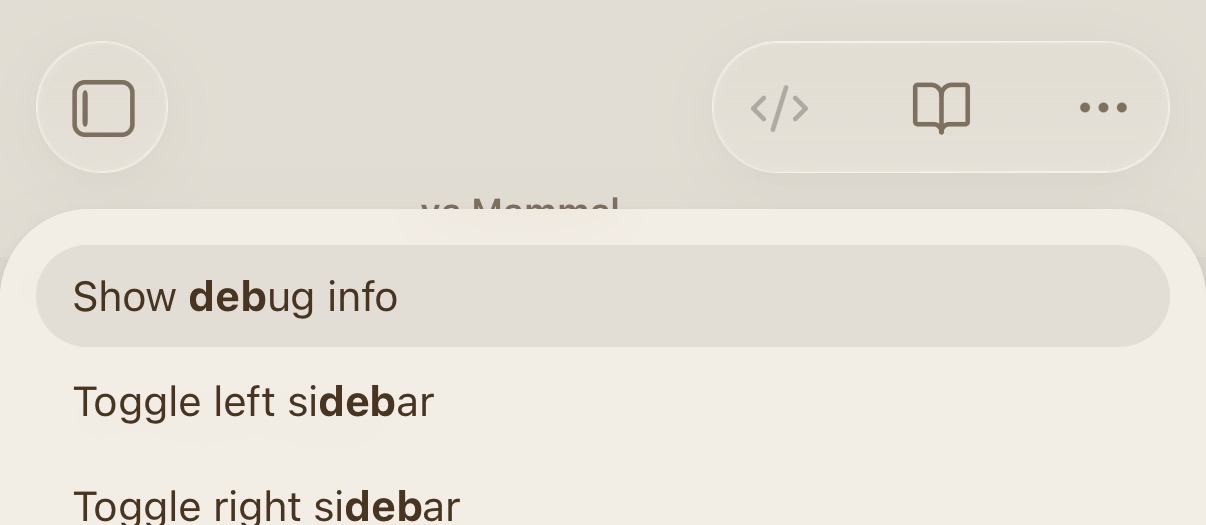
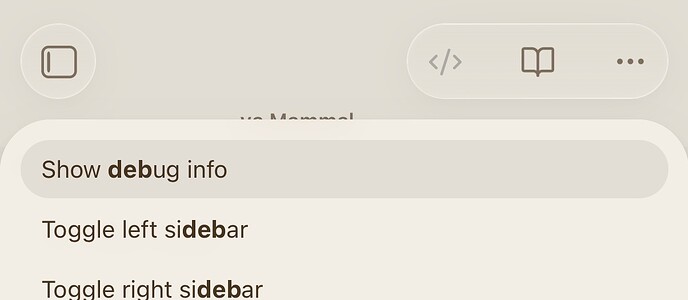
what is the output of “show debug info” command accessible via command palette.
can you walk me through this? I’m not familiar with the “command pallete”
If you haven’t changed any settings for the swipe down gesture, swipe down from the top and type Show debug info. Paste the output in here.
are these instructions for android 12? I don’t have the option to type anything when I swipe down, it just shows the quick settings (bluetooth, wifi, screen brightness, etc) and my notifications.
I have exactly the same problem.
Pixel 7 Pro
Android version 16
Pull down from the center
I am not sure what you mean “pull down from center” if I pull down from center I don’t get that Image.
I only get the Android notification window with all quick settings. Like on every other app.
It works fine for me and I have a pixel too.
I can’t even login to the app, maybe this helps narrow it down a bit. Maybe that’s why I don’t have your command palette
You don’t need to login in the app to see that
Are you using a VPN? Where in the world are you?
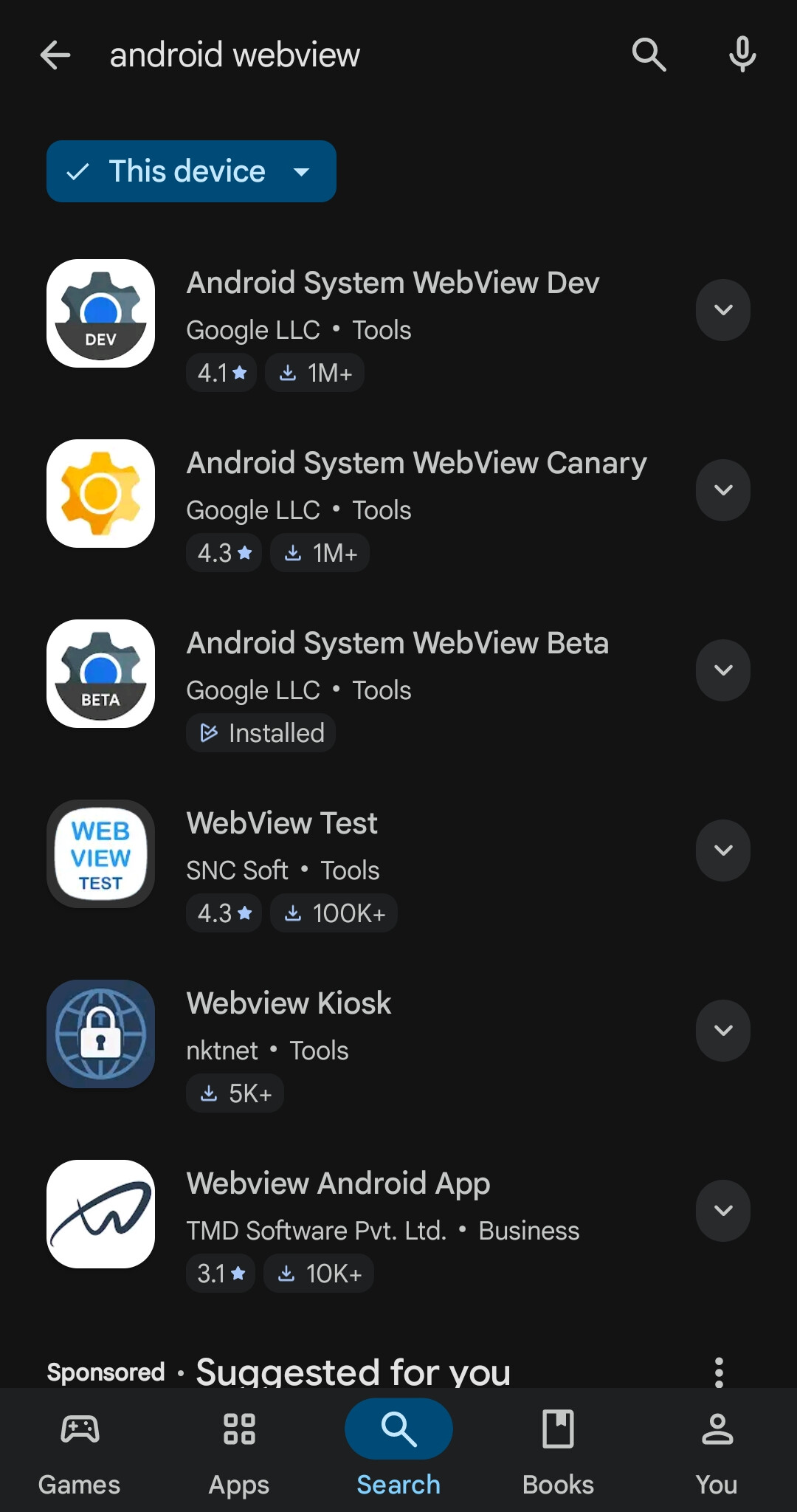
What is the version of Android webview in your system?
here’s a video of what happens on my device when trying to access the debug info imgur. com/a/0zvTs0W
sry for breaking up the link the website won’t let me post it otherwise
im not using a vpn
located in the United States
android system webview beta Version 127.0.6533.23
Use the stable android webview and upgrade it. You are using a very old version.
is the correct one any of these?
the stable version of webview is a system app and does not appear in that list.
ok I did some more digging and apparently I’m using Android System WebView 148.0.7778.120
you have two versions installed, which one is obsidian running with?
Command Palette->Show debug Info
did you watch the video I linked in the above post?