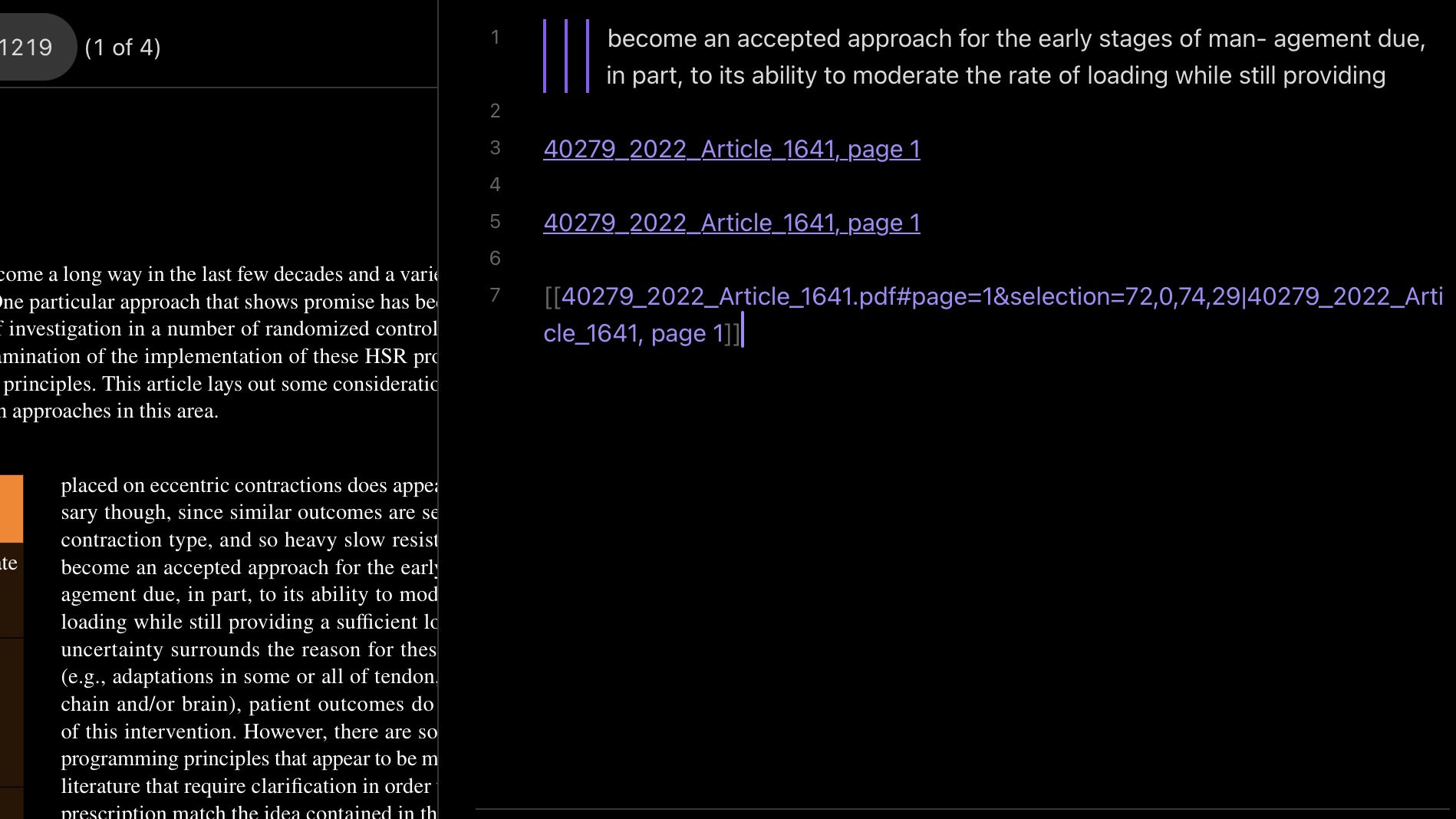
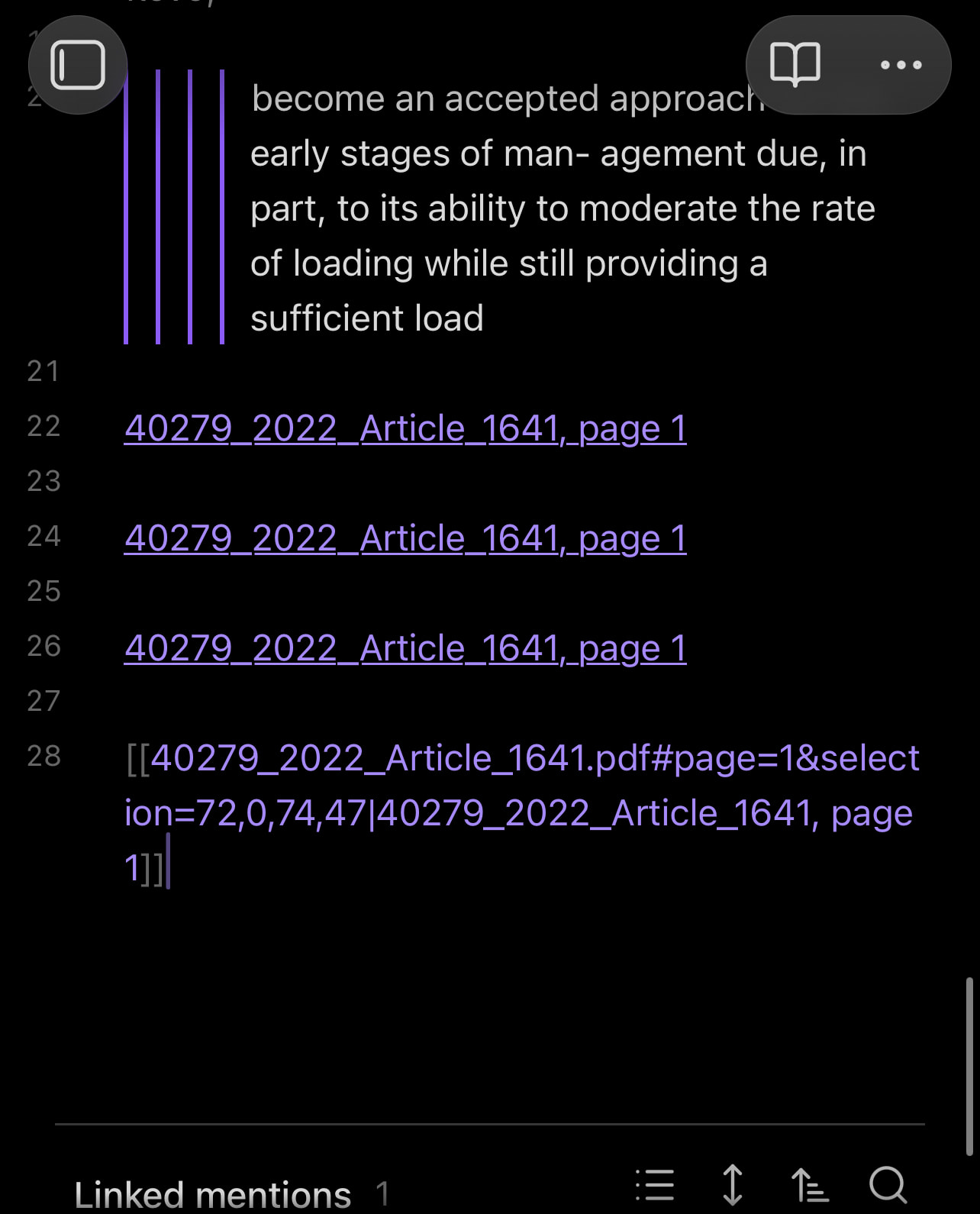
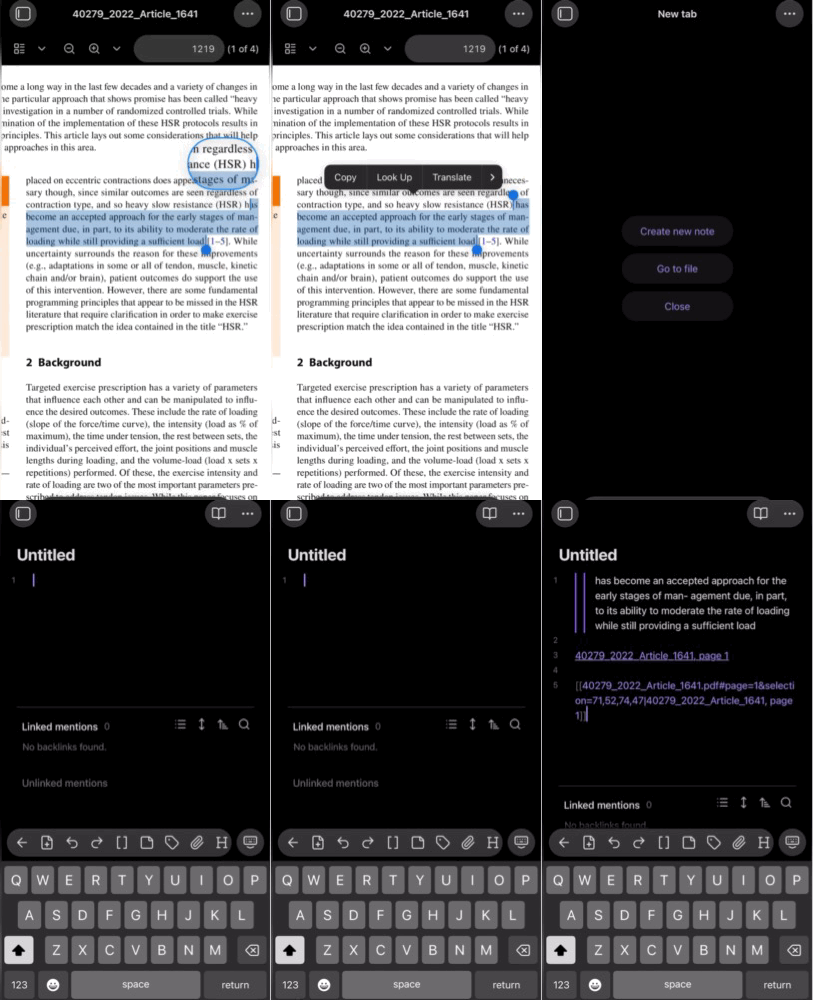
in Obsidian mobile for ios, after copying text from a pdf, pasting to a note ends up with the quote as multiple times indented with multiple source links per indentation
Did you follow the troubleshooting guide? [Y/N]
yes, even fresh installed and transfered notes anew
Expected result
single quote with a single source. Ideally the option to either paste the text as simple text or quote
Operating system: ios 18.7.2 (Apple iPhone13,4)
Obsidian version: 1.11.7 (287)
API version: v1.11.7
Login status: not logged in
Language: en
Live preview: on
Base theme: dark
Community theme: none
Snippets enabled: 0
Restricted mode: on
I found a pdf that you could download that reproduces the bug on my ipad too, you can get it on pubmed for free if you need to check the issue. I can’t include links but you might search PMID 35084703 in order to use as an example
I just started using obsidian, so I’m sorry if I’m using it wrong somehow. Thank you for it though, it seems to be just the thing I needed !
Using the same pdf? I mean i know some research pdfs get weirdly formatted, so I thought that might be part of what’s causing the issue. The issue is happening to my iphone as well as ipad.
I just tried the same text from the same pdf as you can see in the image below
Video is below and I hope it’s clear enough in gif form, I tried to keep as short and small in size as possible. I’ve yet to install any plugins or themes on this fresh install of obsidian. Just copying and pasting the text in a note, either new or existing note makes no difference. It’s also not the only pdf file that does that, I’ve tried five so far.