After updating to Obsidian v1.10, I noticed a change in how date formats are handled in Periodic Notes. Specifically, the month name (MMMM) is now displayed in my local language instead of English, even though my Obsidian interface language is set to English. Same for weekday display too (Monday → 月曜日).
What I’m trying to do
I’m using the Periodic Notes plugin with the following folder structure: YYYY/MM-MMMM/YYYY-MM-DD
Before updating to Obsidian v1.10, the month name (MMMM) was displayed in English — for example, a daily note created in November would be stored under: 2025/11-November/2025-11-12
After updating to version 1.10, MMMM now appears in my local language (Japanese), resulting in: 2025/11-11月/2025-11-12
My Obsidian interface language is set to English, and it has always been that way. I would like to keep the month names in English.
Things I have tried
Confirmed that the app language is set to English.
Restarted Obsidian after changing the language setting.
Checked if the behavior changes with different date formats (YYYY-MM-DD, MMMM YYYY, etc.).
Verified that the issue only started after updating to v1.10.
I would like to know if this change in MMMM behavior is intentional, and whether there’s a way to force English month names regardless of the system locale.
I don’t know how to resolve the issue you have. I hope someone else can help.
Just wanted to say that I really like your YYYY/MM-MMMM/YYYY-MM-DD (with the extra MMMM in the folder names) format and have ‘borrowed’ the idea for my own vault. Thank you. Just finished renaming the folder names in macOS, and Obsidian picked up all the changes. Brilliant.
I wouldn’t know if there’s an intentional change involved here or not …
I do know that date/time display (in Properties) relies on your OS settings though …
In other words, I’m not sure what’s going on here (Sorry )
Something you could potentially try, as a workaround (as I don’t know if it’s a bug or something else) could be to install Liam’s Cain Calendar plugin : It has locale settings you could tweak and see if it brings back your English month name …
@Pch
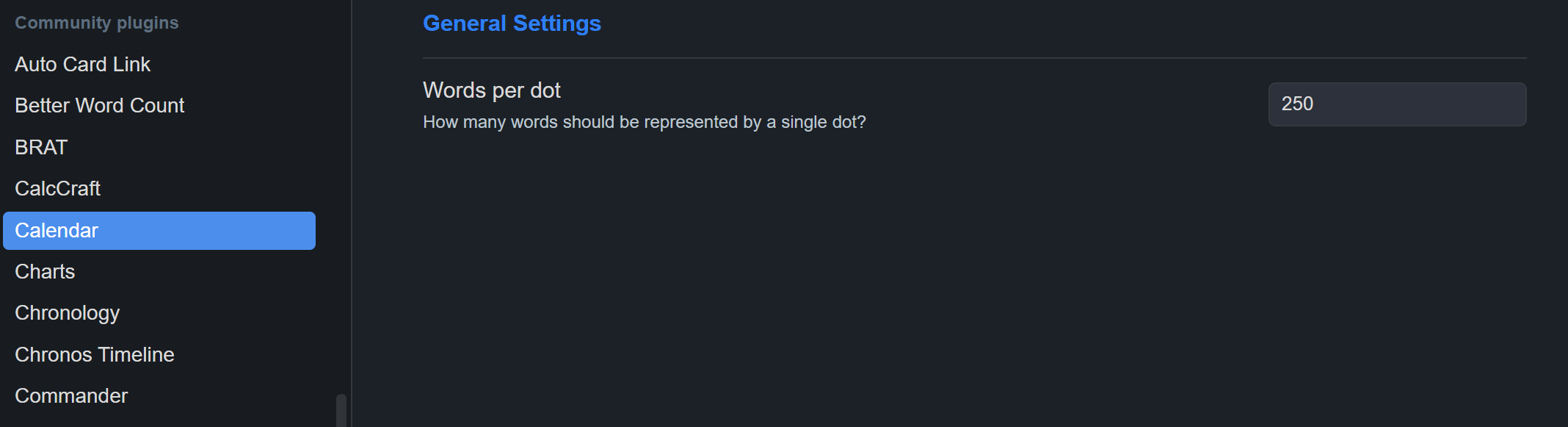
I don’t know what’s going on with Obsidian, but the Advanced Settings are now gone and the problem is back… too bad.. Calendar-plug in seems there is no update since 5 years ago, so Obsidian is doing something? Weired..
I’ve actually never ran into that … So I don’t know what could be happening here …
There’s a beta release of the plugin you could try to use instead ?
You’ll need to install it using the plugin BRAT.
Once BRAT is installed and enabled, you should be able to install Calendar 2.0.0-beta.2 (which includes some bug fixes when compared to the version available in Community Plugins store)…
I can’t guarantee it’ll fix the issue you’re currently facing though .
I don’t have any personal experience of this plugin, but I saw the post below and thought of you. Don’t know if it can work as you want it to or not, but it might be worth looking into:

 …
… (Sorry
  )
) : It has
  …
…

 !
!
 … So I don’t know what could be happening here