Create a note that contains a large amount of Markdown and LaTeX (e.g., for recording math class notes).
Switch to Reading mode.
Export the note as a PDF.
Observe that some pages or content are missing in the exported PDF.
Did you follow the troubleshooting guide? [Y/N]
Y
(Tested with default settings, no third-party plugins or custom CSS, default theme.)
Expected result
The exported PDF should include all pages and render all Markdown and LaTeX content correctly.
Actual result
Some pages are missing from the exported PDF.
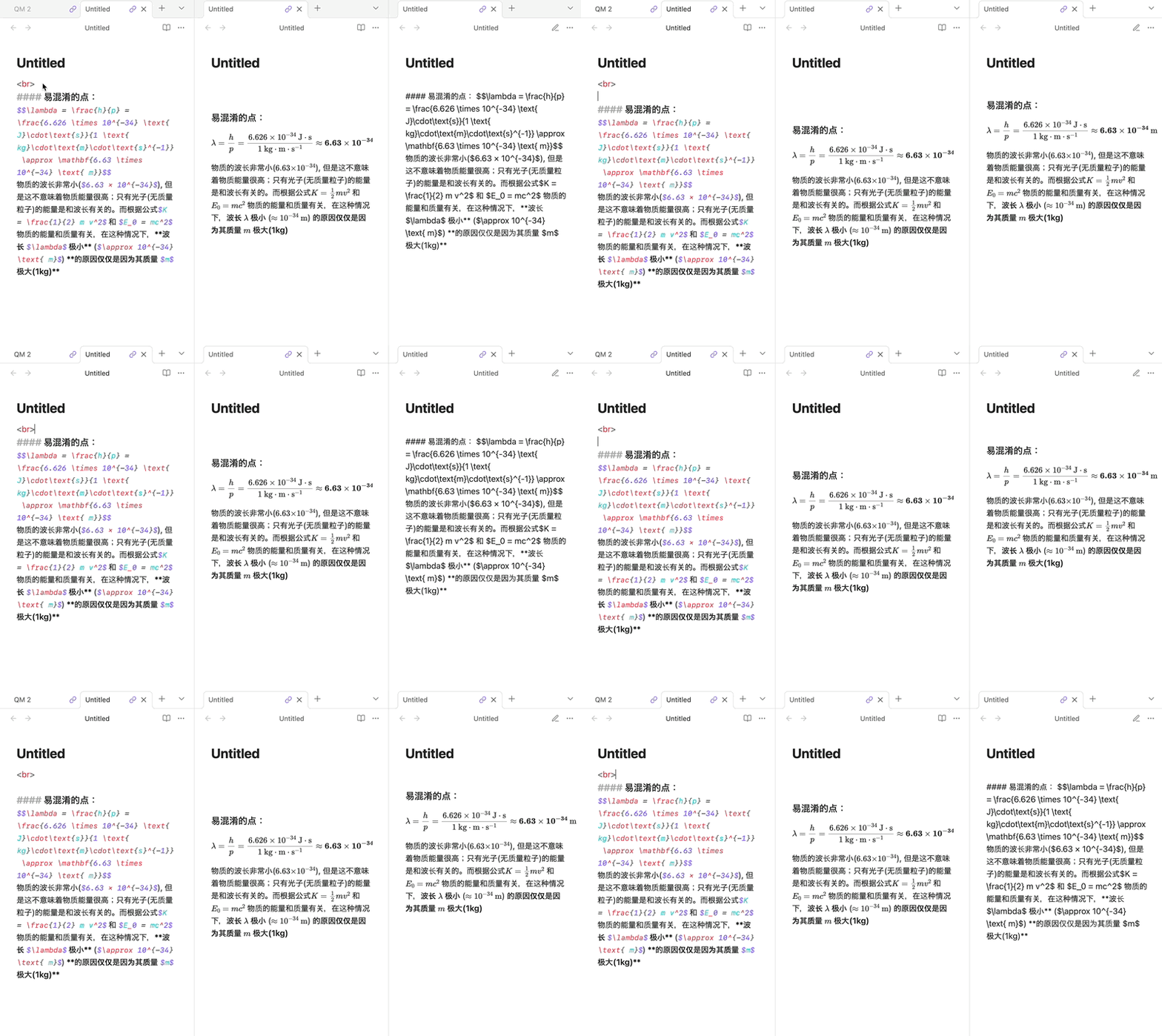
Additionally, the missing content appears as raw Markdown/LaTeX code in Reading mode rather than as rendered text.
Environment
Obsidian version: 1.9.14
Installer version: (latest)
Operating system: Windows 11 / macOS (tested on both)
Vault: default settings, no plugins or CSS snippets
Looking at a part, it appears large sections aren’t rendering in Reading view because of the <br> tags. The Untitled note here (without a line break after the <br>) will create a blank PDF.
source mode | live preview | reading view
If you need to keep all the <br>s in there, add a blank line below them and any other content. e.g.