What I’m trying to do
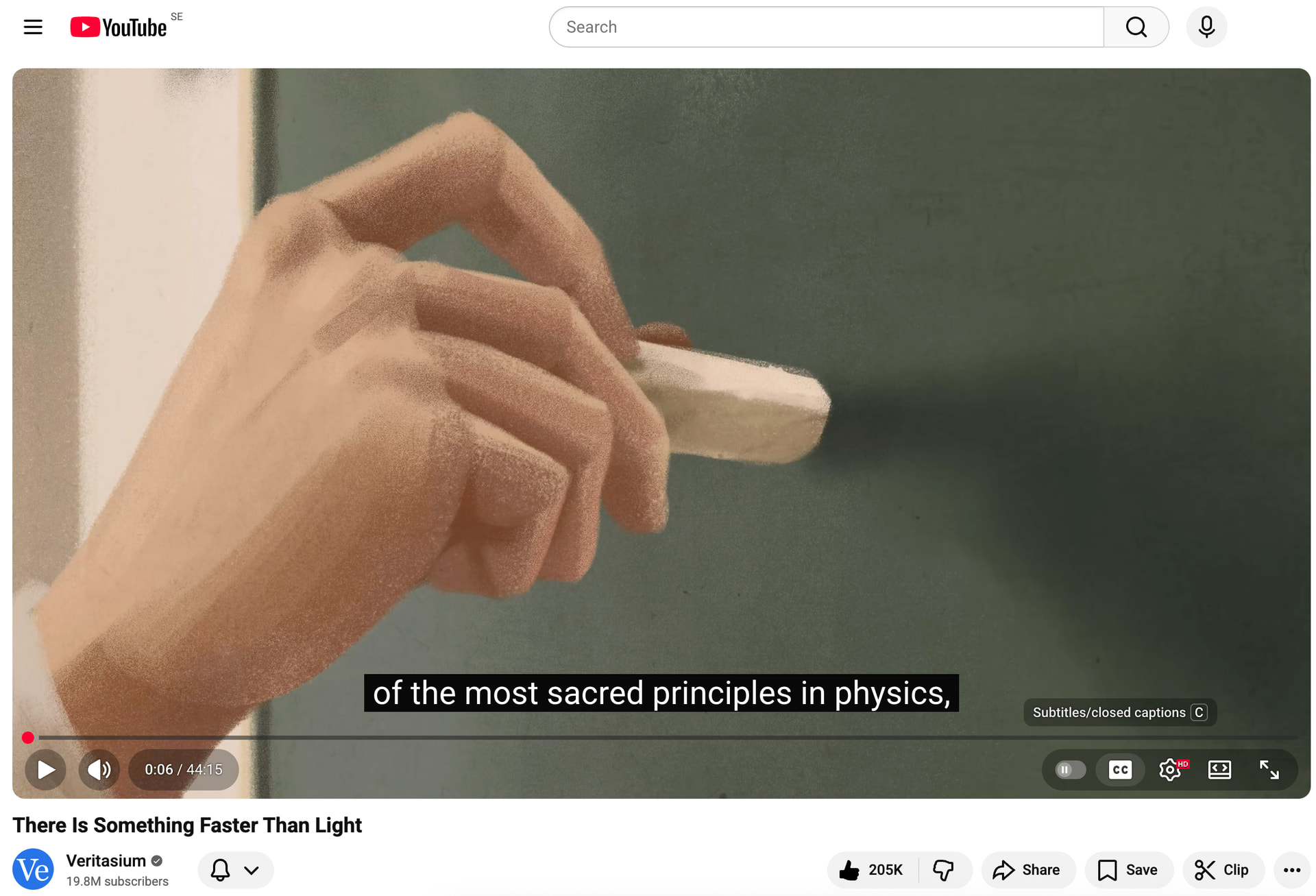
I am using Media Extended plugin, to take notes from YouTube videos. I would like to be able to watch the video with the “Substitles/Close captions” ON. The following screenshot shows the CC when using the web to watch a YouTube video:
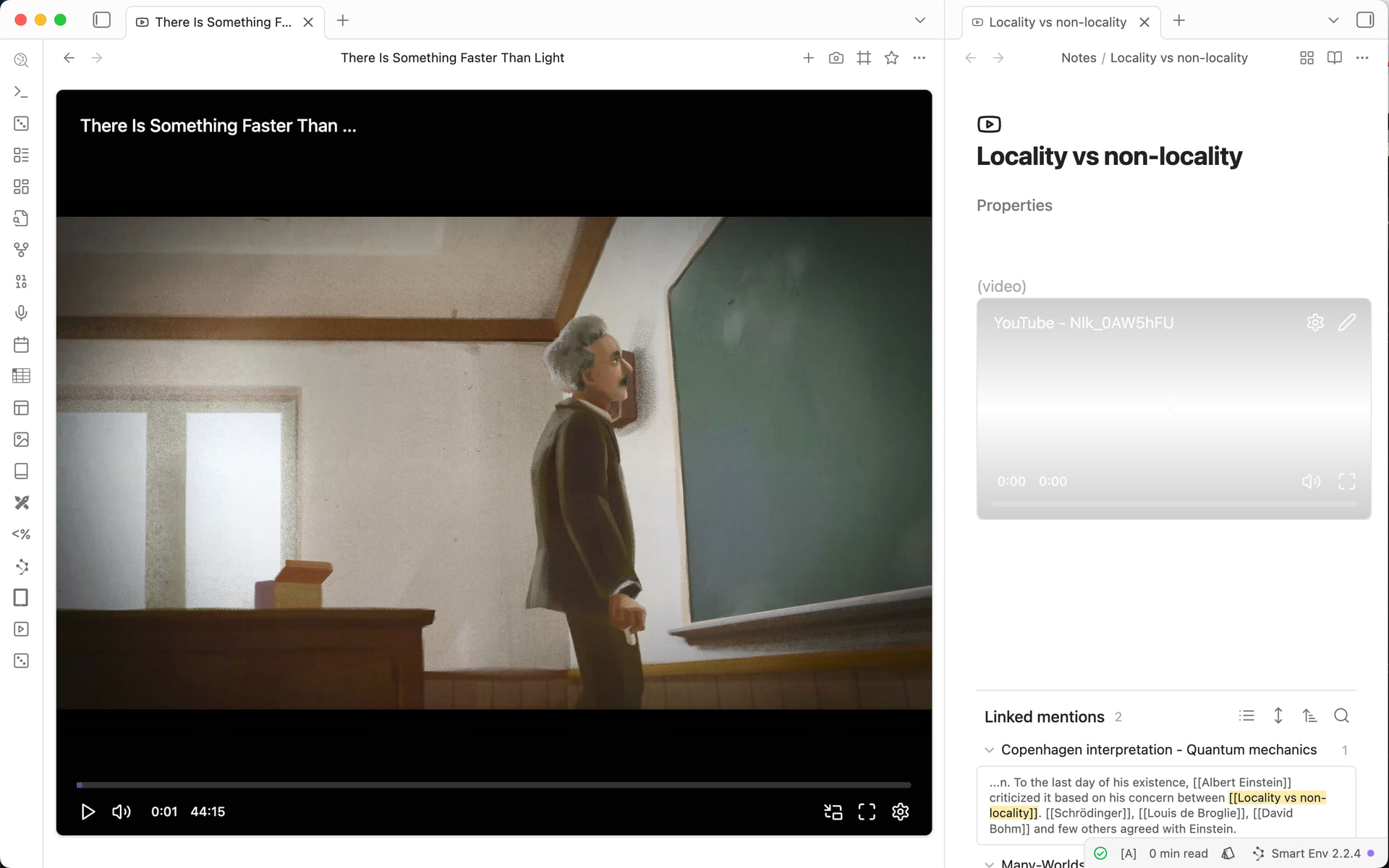
When I open the video in Obsidian using Media Extended plugin, I cannot see the CC, and there are no controls to enable it:
Things I have tried
I checked for the settings, browse the web for ways, but did not find a way. Does anybody know a way to do it?