Steps to reproduce
- Open a sandbox vault
- Create a note with an image embed that has a caption that includes a markdown link. For example:
.]]
## Some heading
- [Exceptionally early heat wave shatters records and brings deaths in Europe](http://apnews.com/)
- The subsequent markdown link renders incorrectly (details below in “Actual result”).
- It doesn’t matter if the subsequent markdown link follows immediately after the image embed, or if there is other content in between, so long as it’s the first subsequent markdown link.
- If an empty markdown link is placed before the subsequent markdown link that wouldn’t render propertly, both links disappear in live preview, along with the heading between the image and the subsequent links:
Demo:
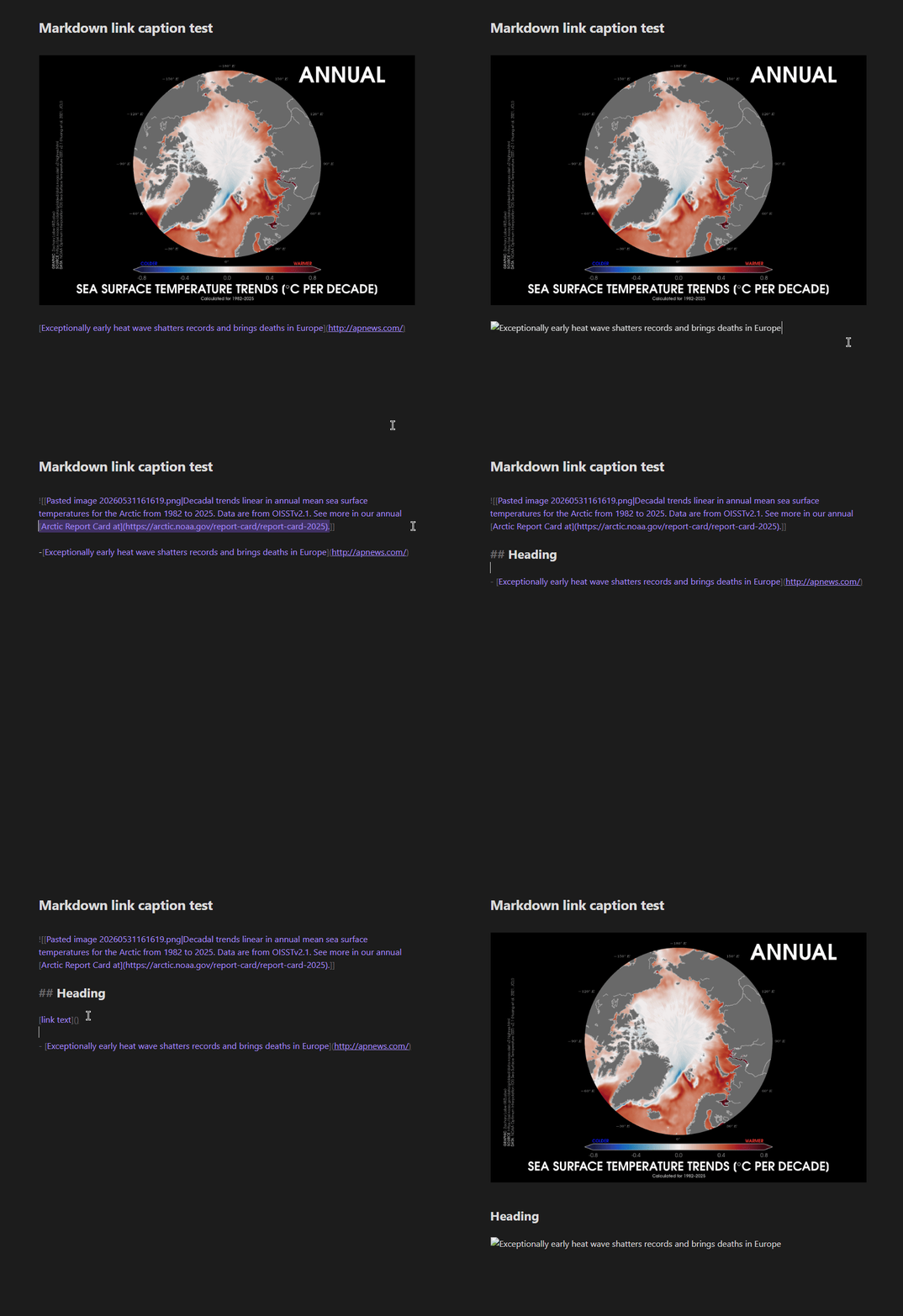
All of these issues disappear if I remove the markdown link from the display text of the embedded image above. The issues also disappear in Reading mode.
Did you follow the troubleshooting guide? [Y/N]
Yes.
Expected result
I would expect subsequent markdown link rendering to be unaffected by the presence of a markdown link in the caption of an image above it.
Actual result
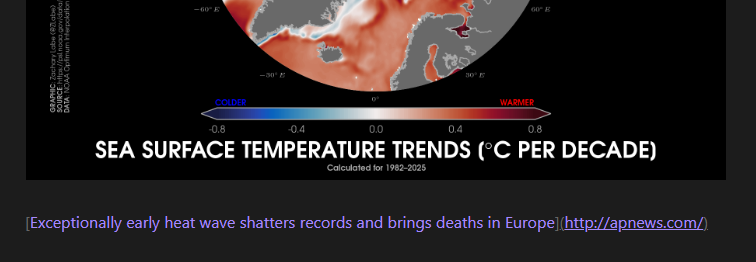
If the subsequent markdown link is just a plain link (not in a bullet list), then the link just appears as plain text, and the display text is not used as display text. See the following example from Live preview, with the cursor elsewhere:
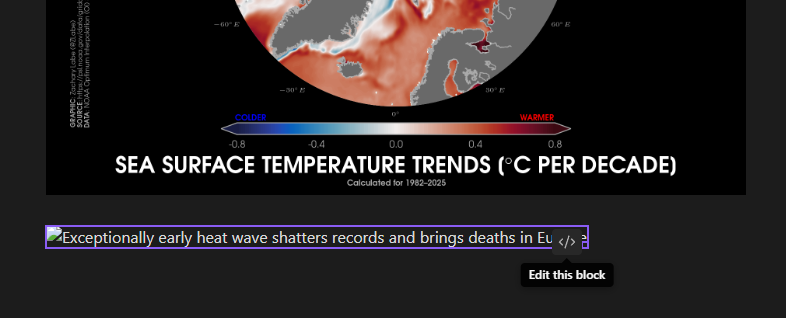
If the subsequent markdown link is in a bullet list, it will render as some sort of broken image embed, with an “Edit this block” button and draggable corners for resizing:
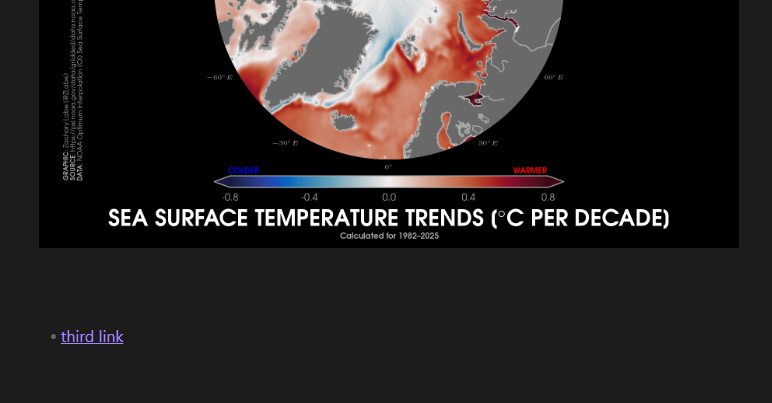
If an empty markdown link is placed before the subsequent markdown link that wouldn’t render properly, both links disappear in live preview, along with any content between the image and the subsequent links.
This:
.]]
## Heading
[]()
- [Exceptionally early heat wave shatters records and brings deaths in Europe](http://example.com)
- [third link](www.example.com)
Gives this:
Moving the cursor with the arrows behaves like this:
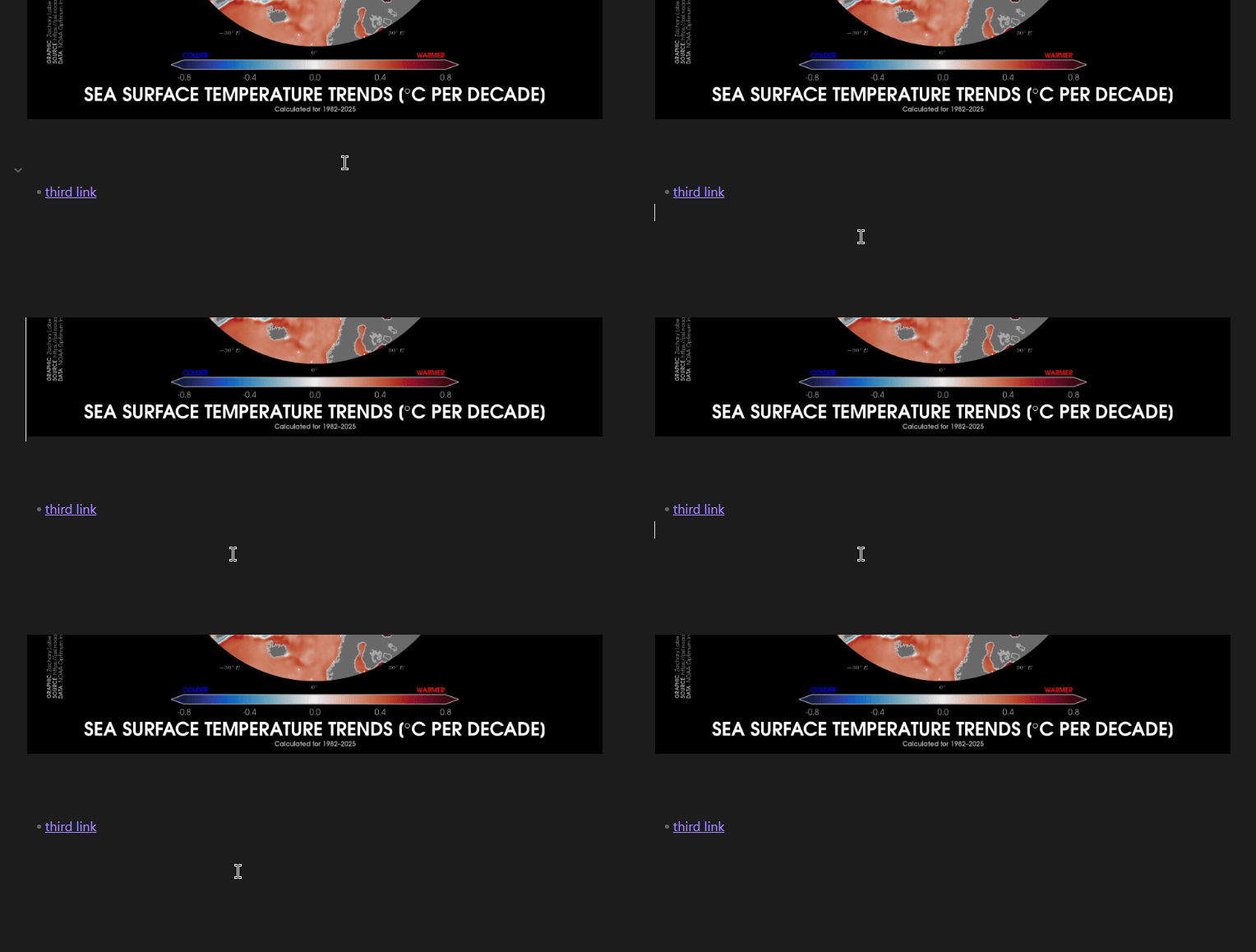
However, if i change the second link, and replace http:// withwww., this is what I get:
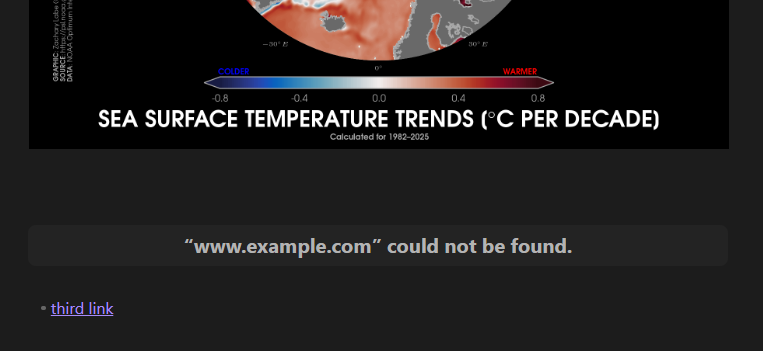
Moving the cursor in this scenario is also different:
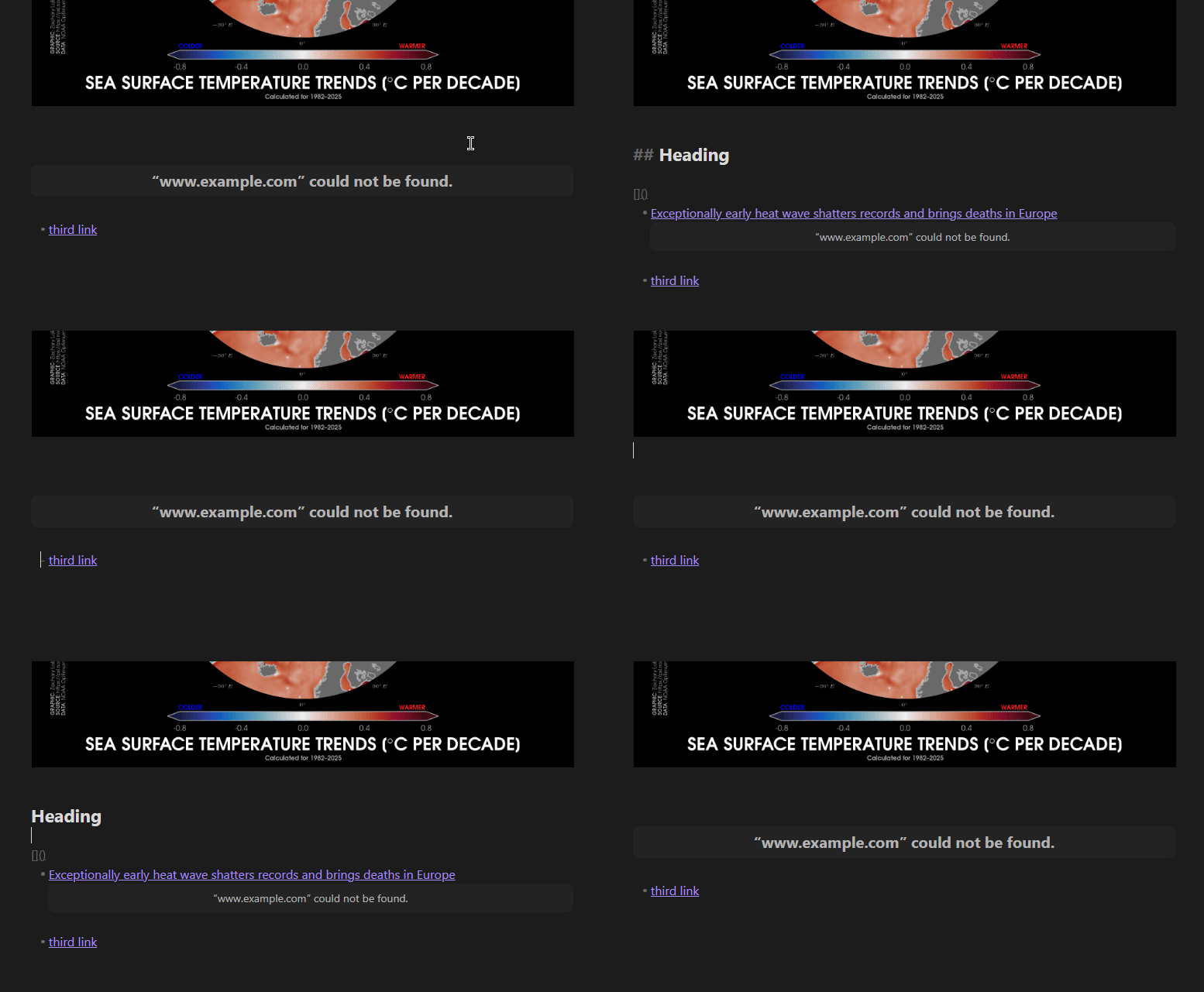
If I then place the empty markdown link into a bullet list, only it will fail to render:
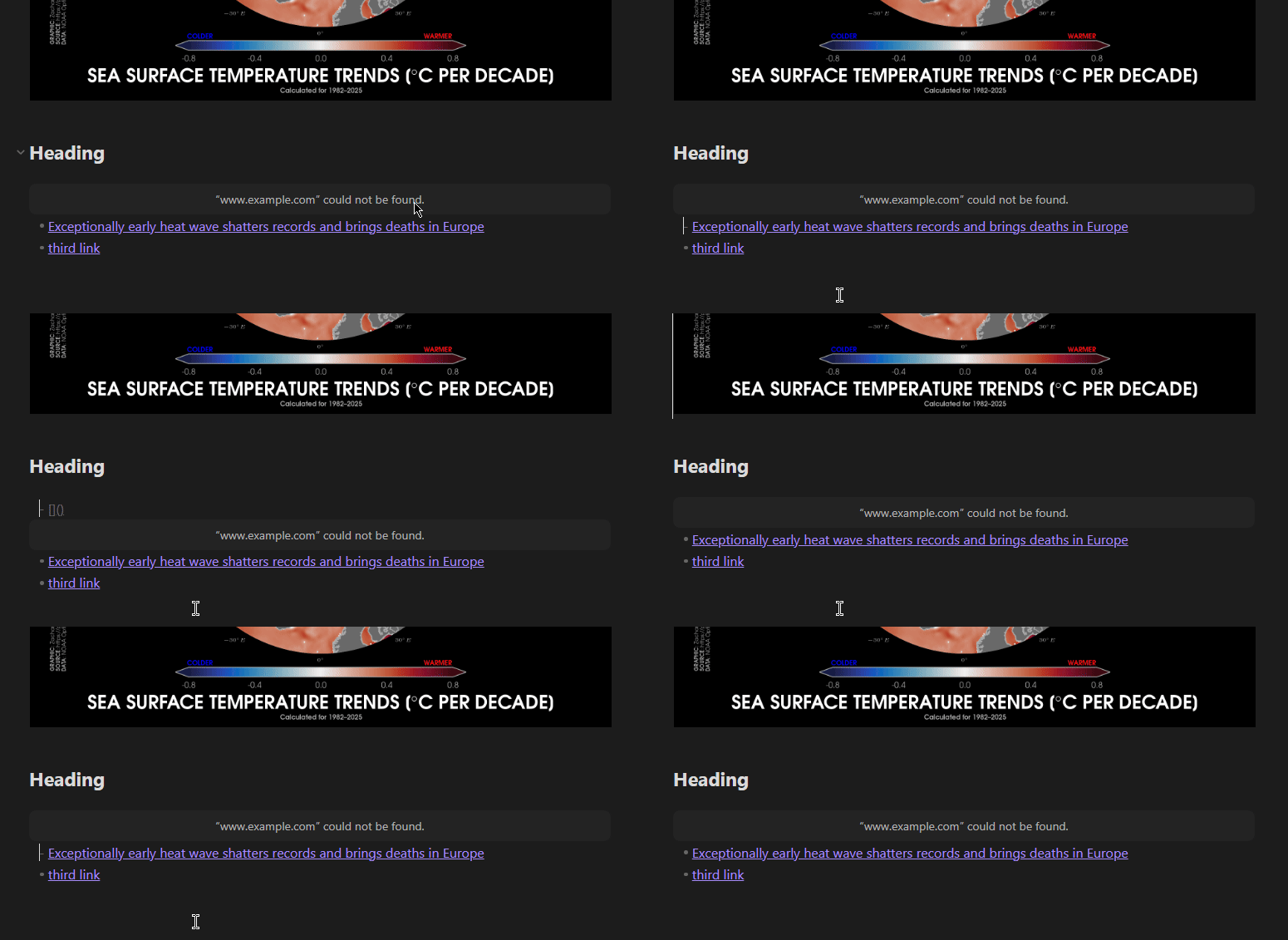
Environment
SYSTEM INFO:
	Obsidian version: 1.13.0
	Installer version: 1.12.7
	Operating system: Windows 11 Home 10.0.26200
	Login status: logged in
	Language: en
	Catalyst license: insider
	Insider build toggle: on
	Live preview: on
	Base theme: adapt to system
	Community theme: none
	Snippets enabled: 0
	Restricted mode: on