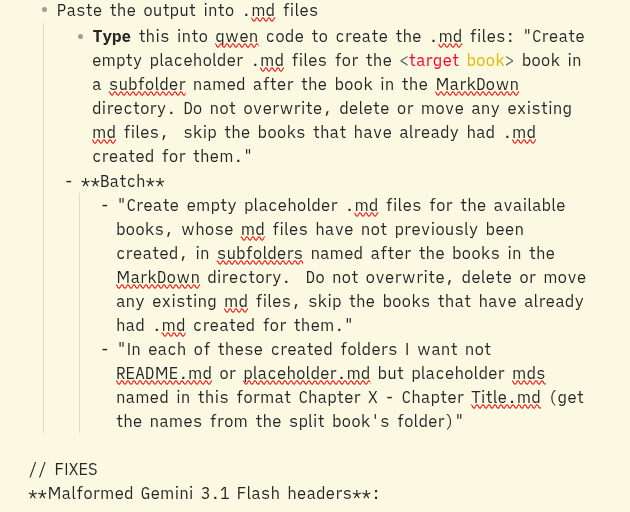
Paste this text into Obsidian and notice that it becomes formatted as text rather than displayed as pretty markdown halfway through (Desktop Linuxmint LMDE 13, Flatpak Obsidian 1.1.2.7):
Outliner.md (3.1 KB)
Paste this text into Obsidian and notice that it becomes formatted as text rather than displayed as pretty markdown halfway through (Desktop Linuxmint LMDE 13, Flatpak Obsidian 1.1.2.7):
Outliner.md (3.1 KB)
The editor (source mode and live preview) thinks you are opening an HTML tag that’s not closed. You’ll notice no markdown rendering is happening after < target book >. You can
mark it as inline code
`<target book>`
escape the opening < with a \
\<target book>
close the “tag”
<target book></target book>
You’ll need to fix others farther down in the note at well.
Moved to Help.