What I’m trying to do
Hello all! I just decided to change my vault from dark to light mode, and decided to take advantage of the style settings as I wasn’t in love with any of the preset light mode themes. I’m running into a PNG issue now though, at least in card view of bases. Now, the background defaults to the secondary color set in my Style Settings. Wondering if there’s a way to make the PNG match the primary background color in the card view without downloading the source image and adding in a white BG myself (especially as this will alter how it’ll look in dark mode – I tend to switch between pretty regularly.) Photos attached!
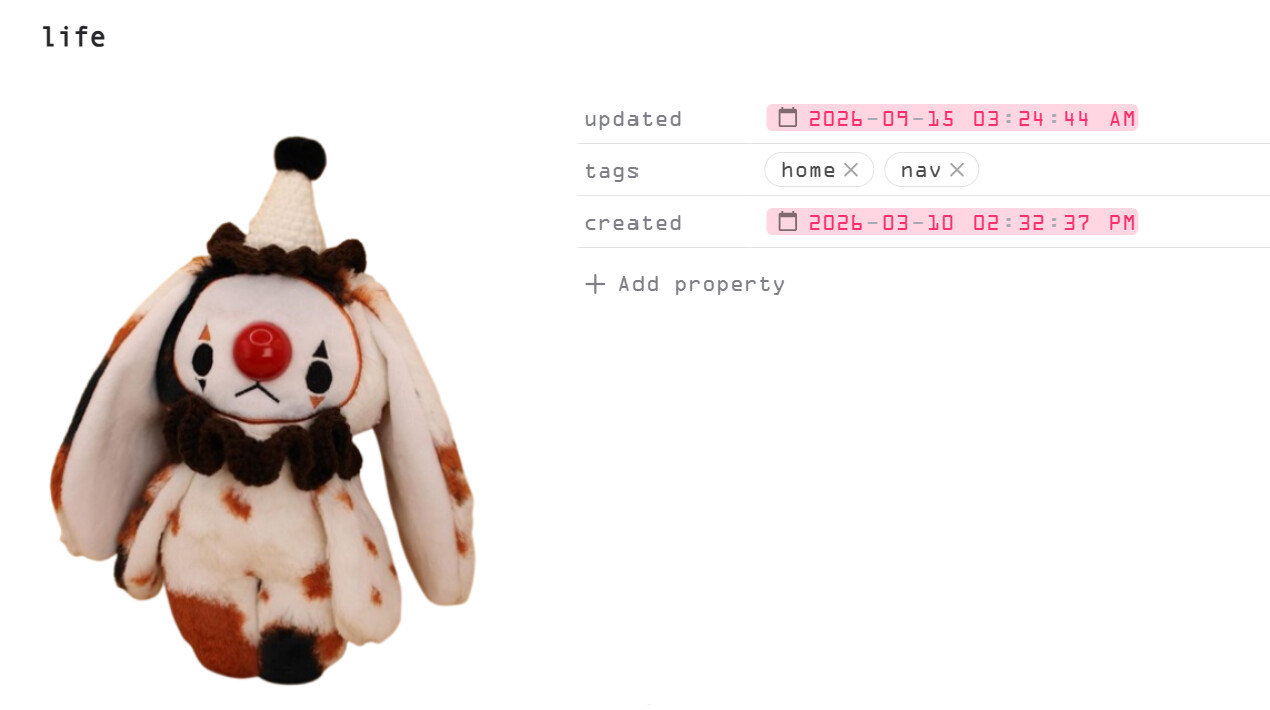

Things I have tried
I haven’t tried much, aside from changing the card colors in the Minimal Card section of the Style Settings to match my primary background. No luck. I’m really a beginner, and just starting to pick up on some of the syntax used in Obsidian, so the most basic language would be helpful (and that is also why I haven’t tried any fixes really.
 appreciate the help