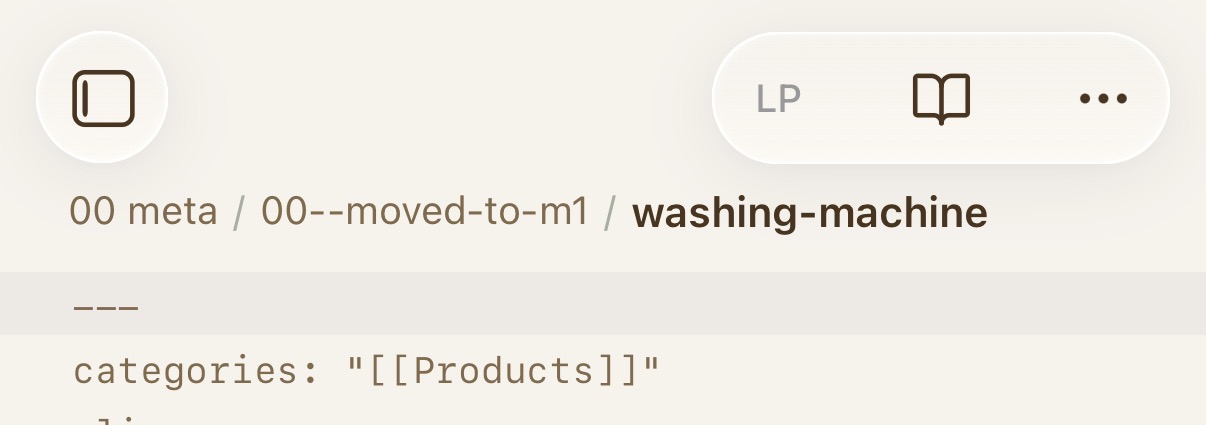
Safety not guaranteed. ™
For Settings > Appearance → Show inline title disabled:
.is-phone .workspace-leaf-content[data-type="markdown"] .view-header-title-container {
    display: inline-flex;
    overflow: visible;
    padding-top: 50px; /* adjust as desired */
}

.is-phone .view-header-title-parent {
    display: inline-flex !important;
    min-width: max-content !important;
}
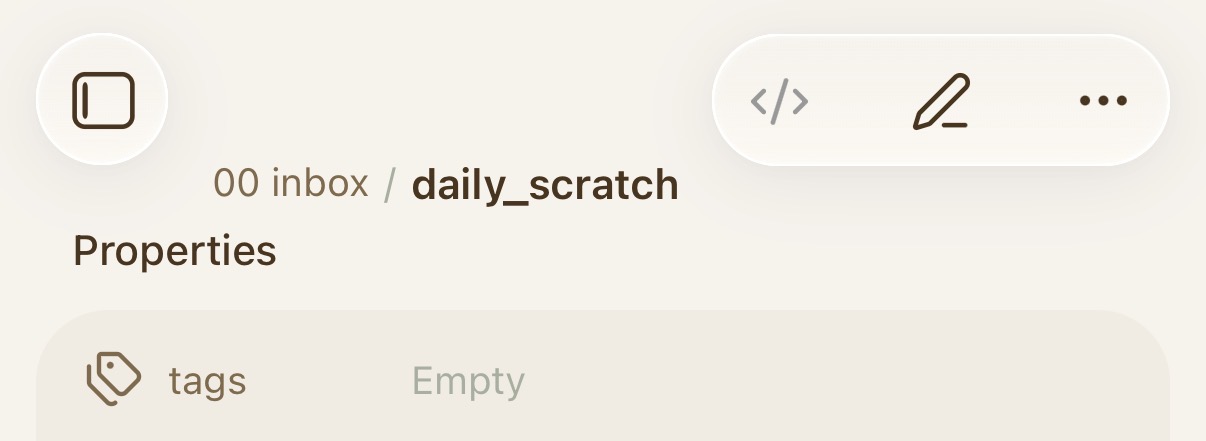
Show inline title enabled:
.is-phone.show-inline-title .workspace-leaf-content[data-type="markdown"] .view-header-title-container {
    display: inline-flex;
    overflow: visible;
    padding-top: 50px;  /* adjust as desired */
}

.is-phone .view-header-title-parent {
    display: inline-flex !important;
    min-width: max-content !important;
}
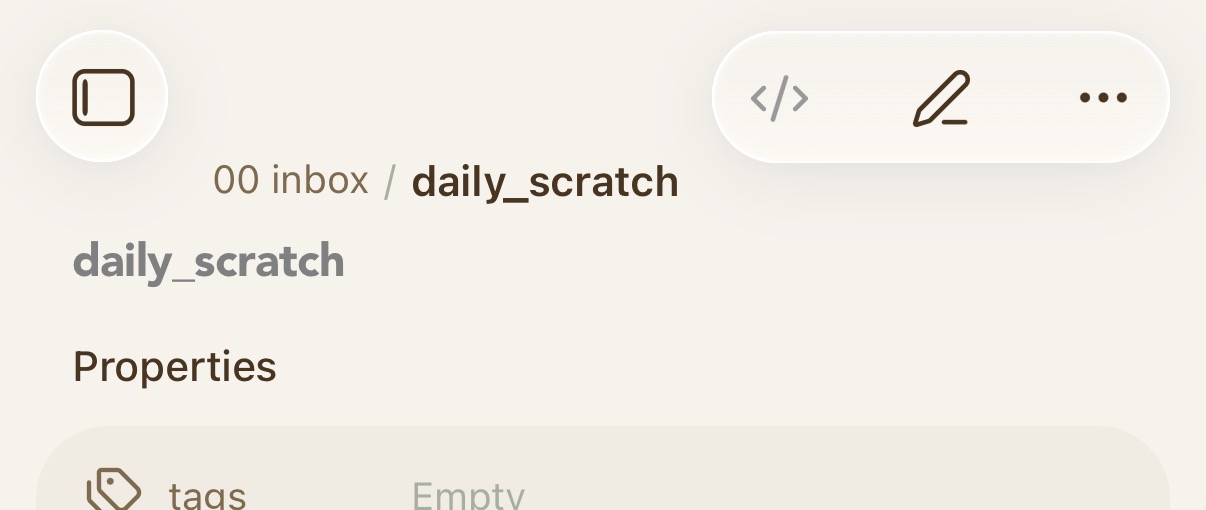
edit: slightly updated version to take care of longer paths going off screen to the left. Also pushed the main content area down a bit. What to do with longer paths? Not sure if I’ll stick with this, but trying it for now.
/* for "show inline-title" disabled */
.is-phone .workspace-leaf-content[data-type="markdown"] .view-header-title-container {
    display: inline-flex;
    overflow: visible;
    padding-top: 60px;
}

.is-phone .view-header-title-parent {
    display: inline-flex !important;
    min-width: max-content !important;
    padding-left: 50px;
}

/* move main content down a bit to make way for the file path */
.is-phone .workspace-leaf-content[data-type="markdown"] .view-content {
    padding-top: 15px; /* adjust as desired */
}