Hello, I lost Obsidian after formatting my C drive. I have my “Obsidian” folders on another drive. How can I restore them to a vault, and will the links be lost?
Thank you in advance for your help.
Hello, I lost Obsidian after formatting my C drive. I have my “Obsidian” folders on another drive. How can I restore them to a vault, and will the links be lost?
Thank you in advance for your help.
Obsidian by default is installed on the C: drive.
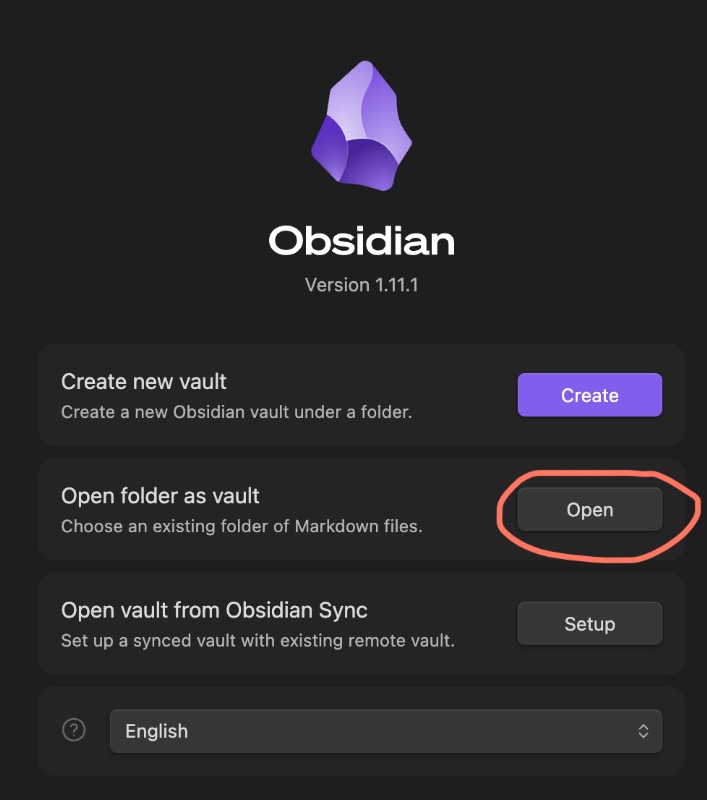
Install it and point it to a vault on D: and that’s it.
If you had other vaults on C: as well, and you don’t have backups on a drive or in the cloud, those are gone then.
If you have your vault folders safely stored on another drive, do this: