Location of templates not found

Hi,

I’m new to Obsidian, so please be patient with me!
I have placed my vault on my external hard drive and it is working fine.
I have also placed a directory on my external hard drive (in the same directory as where my vault is placed) in which I want to place templates and I have collected a few I want to use.
When I am entering the location of this template directory in the settings, I am nog able to use these templates. I get the message that the location cannot be found.
What am I doing wrong here?
No matter which location I use, I keep getting this error message.
I am working on a iMac.
I have read other bug reports about this subject, but they did not help me find a solution.
I hope you can.
Greetings,

Jan
(The Netherlands)

Hi Jan!

For bug reports, the troubleshooting steps need to be followed and the bug report template needs to be included in the report. Thanks!


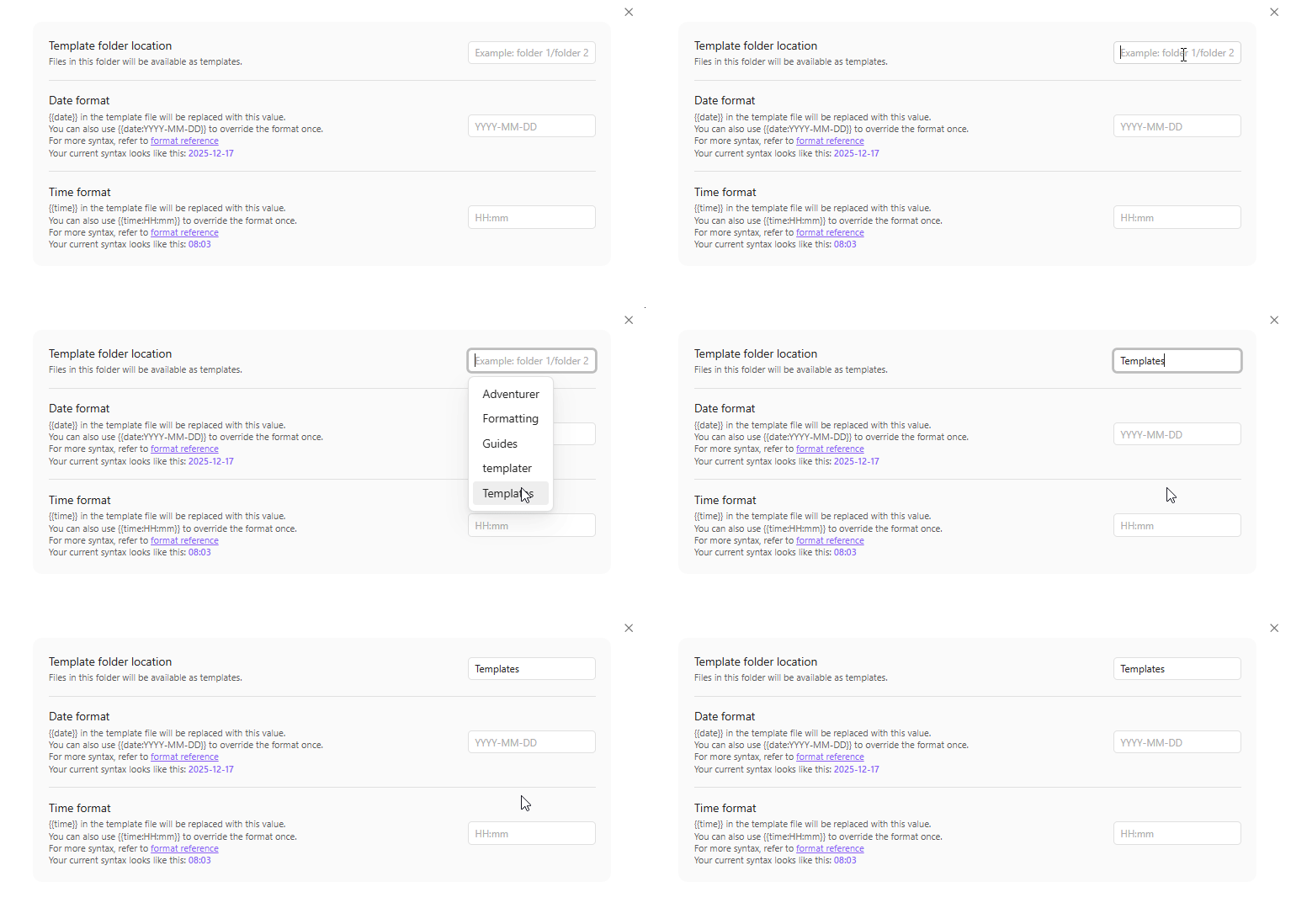
The steps are 1) create a folder for templates 2) click in the location field (in Settings > Core plugins > Templates) and select the folder:

Obsidian_LwT6YxFHO1

You don’t use a full path here. Just the folder name. Could that be the issue?

The template directory needs to be inside the vault.

That did the trick! Thank you very much!
The (Dutch) book I an using to learn to work with Obsidian did not mention that.

Partly. I was not aware that the Templates directory had to be placed in the vault. It’s working now.

Thank you.

This topic was automatically closed 28 days after the last reply. New replies are no longer allowed.