What I’m trying to do
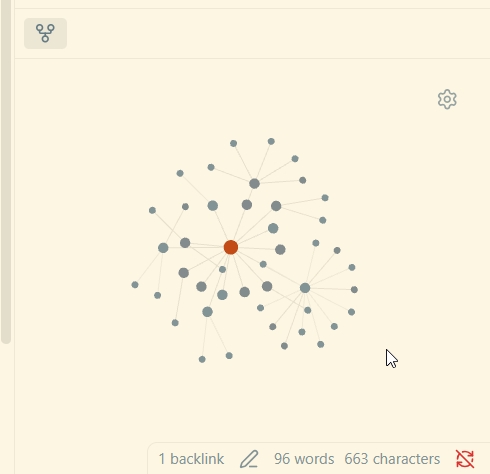
I would like to view ‘local graph’ in full screen view. I have deeply connected notes. Often I view the local graph in with ‘depth’ set to 2 or 3. Its difficult to view the nodes in small pan. When it is small the node names are not visible. I have to hover over the nodes to name and its not convenient.
Things I have tried
I tried resizing the local graph panel. As soon as I go back to notes, I have to resize again to make local graph panel small again.
It will be convenient if there is a way to toggle local graph between full-screen mode and small pan mode (which currently exists).