Steps to reproduce
- Open Obsidian in Sandbox mode
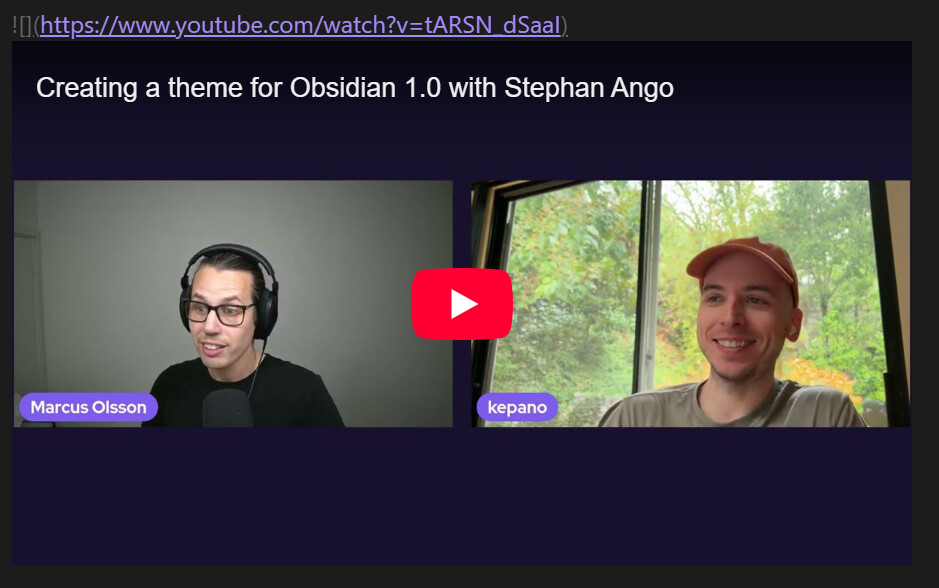
- Be in live preview, add a embedded of an external URL with an empty alt text and domain URL with only root path. Example
or
Did you read and follow the Troubleshooting Guide ? [Yes/No]
Yes
Expected result
The failed embed should still be visible in Live Preview, for example as a placeholder or broken-image icon, so it is clear that an embed exists but could not be loaded. Reading view already behaves this way.
Live edit mode with the block  with expected result
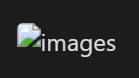
Source mode
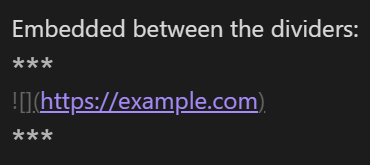
Reading mode with expected result
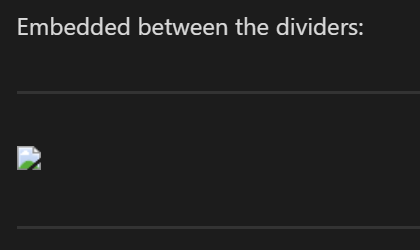
Live edit with alt text 
Actual result
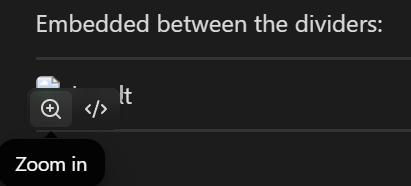
Live edit with embedded is just invisible in the editor
And with mouse pointer over the block
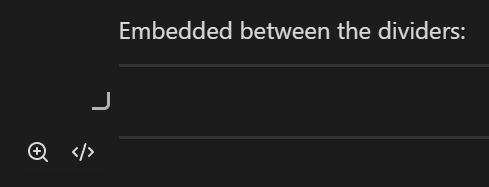
Having the cursor there gives no hint that there is a block there
Environment
SYSTEM INFO:
Obsidian version: 1.14.4
Installer version: 1.8.10
Operating system: Windows 11 Pro 10.0.26200
Login status: logged in
Language: en
Catalyst license: insider
Insider build toggle: on
Live preview: on
Base theme: adapt to system
Community theme: none
Snippets enabled: 0
Restricted mode: on
RECOMMENDATIONS:
none
Additional information
Unsure if related, but these embedded are also treated like a block when they are not a image. When I hover and click on the “Zoom in” icon, then nothing happens, and if I click again anywhere there is like a quick flash on the screen for where the zoomed in image should have been.
I see that example YouTube video (from Obsidian channel) is not treated like a block: