Disclaimer
Is this project open source? No
Is this project completely free? Yes
Is this project made with AI beyond the author’s ability to comprehend how it works? No
My AI tools write about 150 Markdown files a week into my Obsidian vault. When I double-click one in the Finder, I want a finished page with working links.
For one note, Obsidian is a lot of app. So I built Lisible, a Mac app, and made it my default for .md files. I’m the developer.
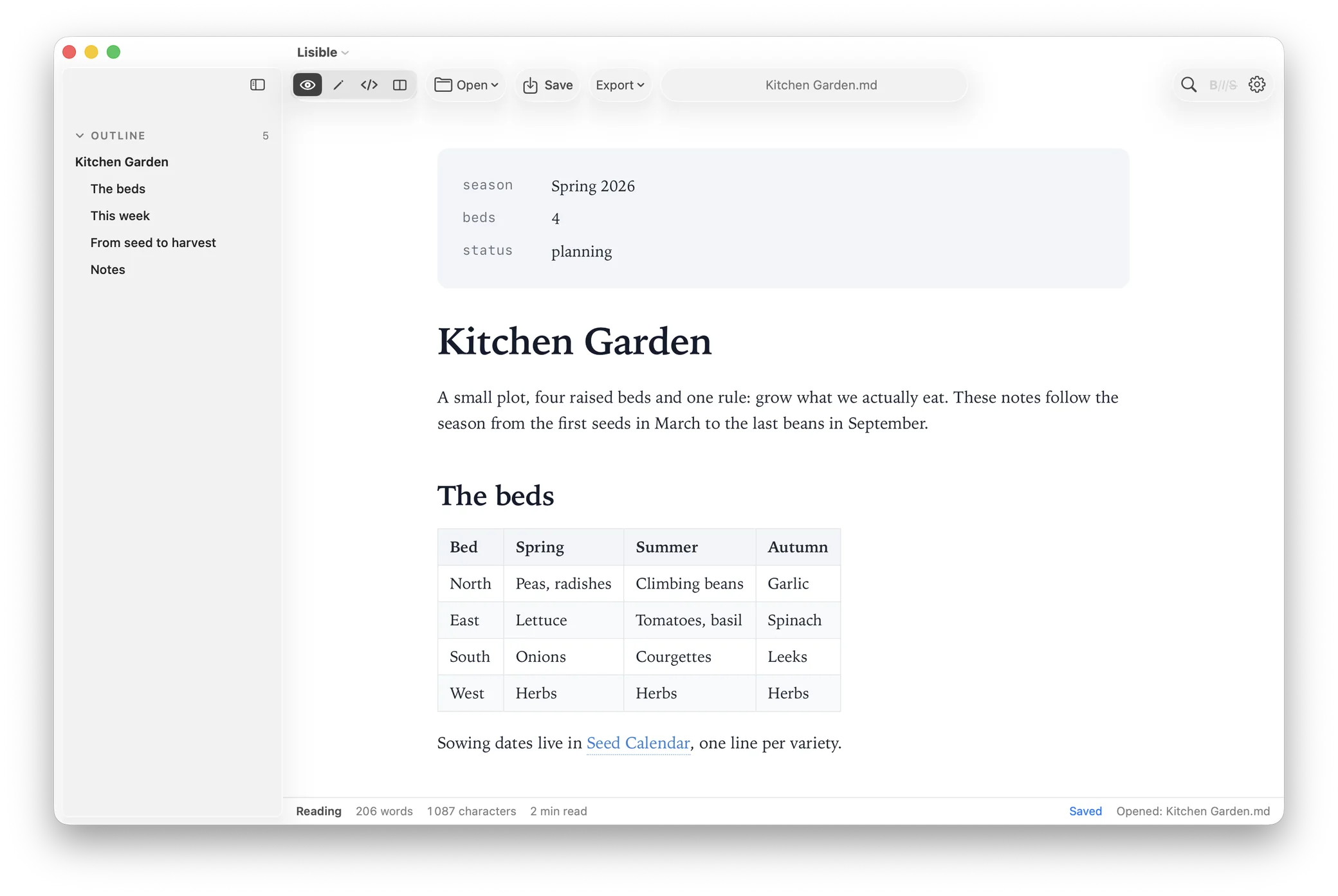
How it works with Obsidian
- It finds your vault from the nearest
.obsidianfolder. Nothing to set up. [[wikilinks]]resolve by note name, like in Obsidian, including[[Note|alias]]and[[Note#Heading]]. A linked note opens in its own window, with its own theme.![[image.png]]embeds show up. Frontmatter shows as a key / value card.- Edit in the rendered page or in source. It saves to the same .md file as you type. If Obsidian or an AI agent changes the file, a banner offers to reload it.
File tree, backlinks and vault search stay in Obsidian. Callouts show as plain quotes.
Free, 6 MB, macOS 14+ on Apple silicon: debane.org/lisible
Not notarized yet: the first launch needs Open Anyway (steps on the page).
Tell me which note breaks it.