Everything “under” a heading is part of it, including lower level headings, until you reach an equal or higher-level heading. So for your level-1 heading, you would have to sneak another level-1 heading in there to stop the embed from showing the complete contents.
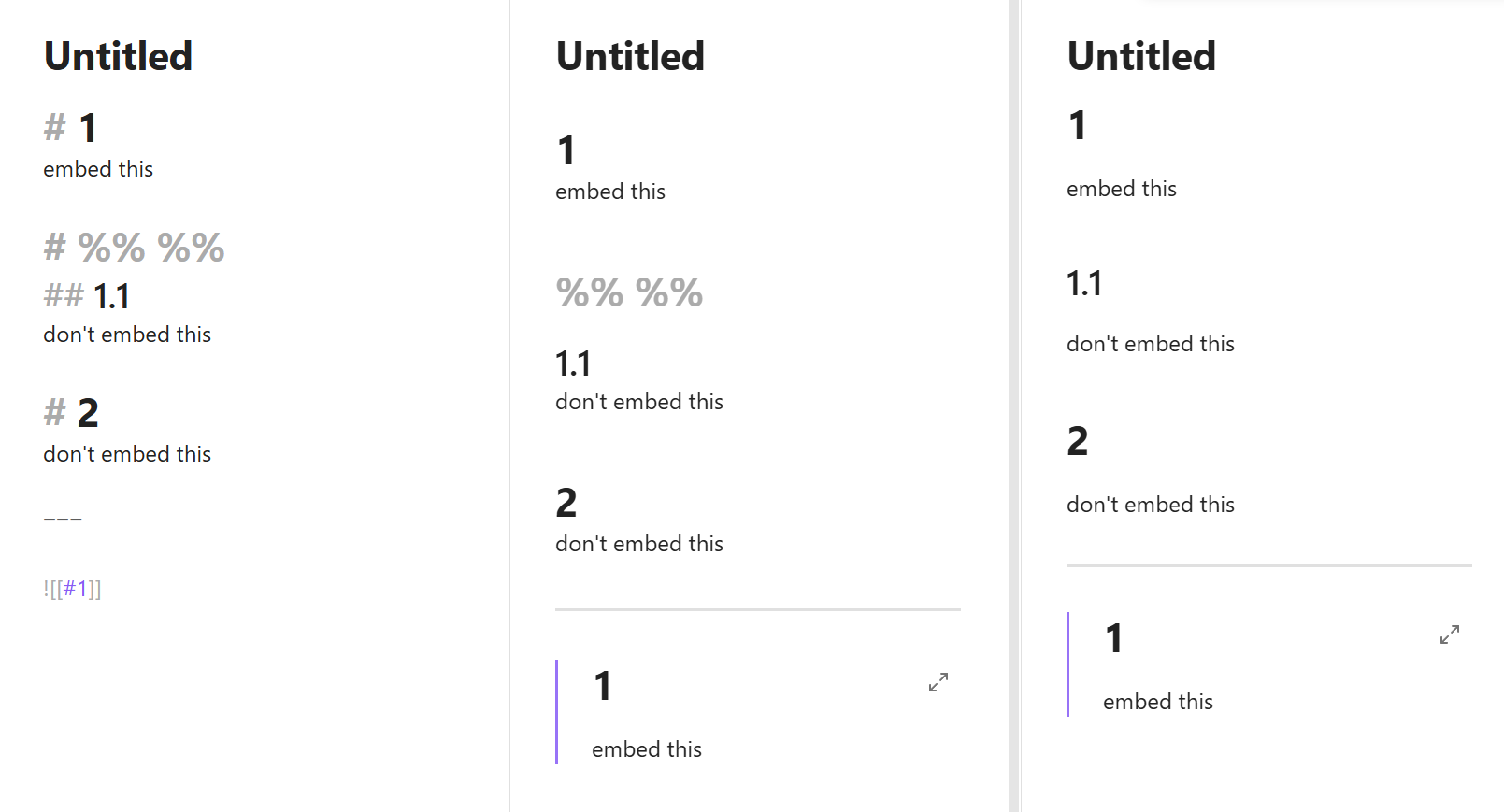
An option using comments:
# 1
embed this

# %% %%
## 1.1
don't embed this

# 2
don't embed this

---

![[#1]]
The commented header is invisible in reading view. But it is visible—and rather large—in the editing views:
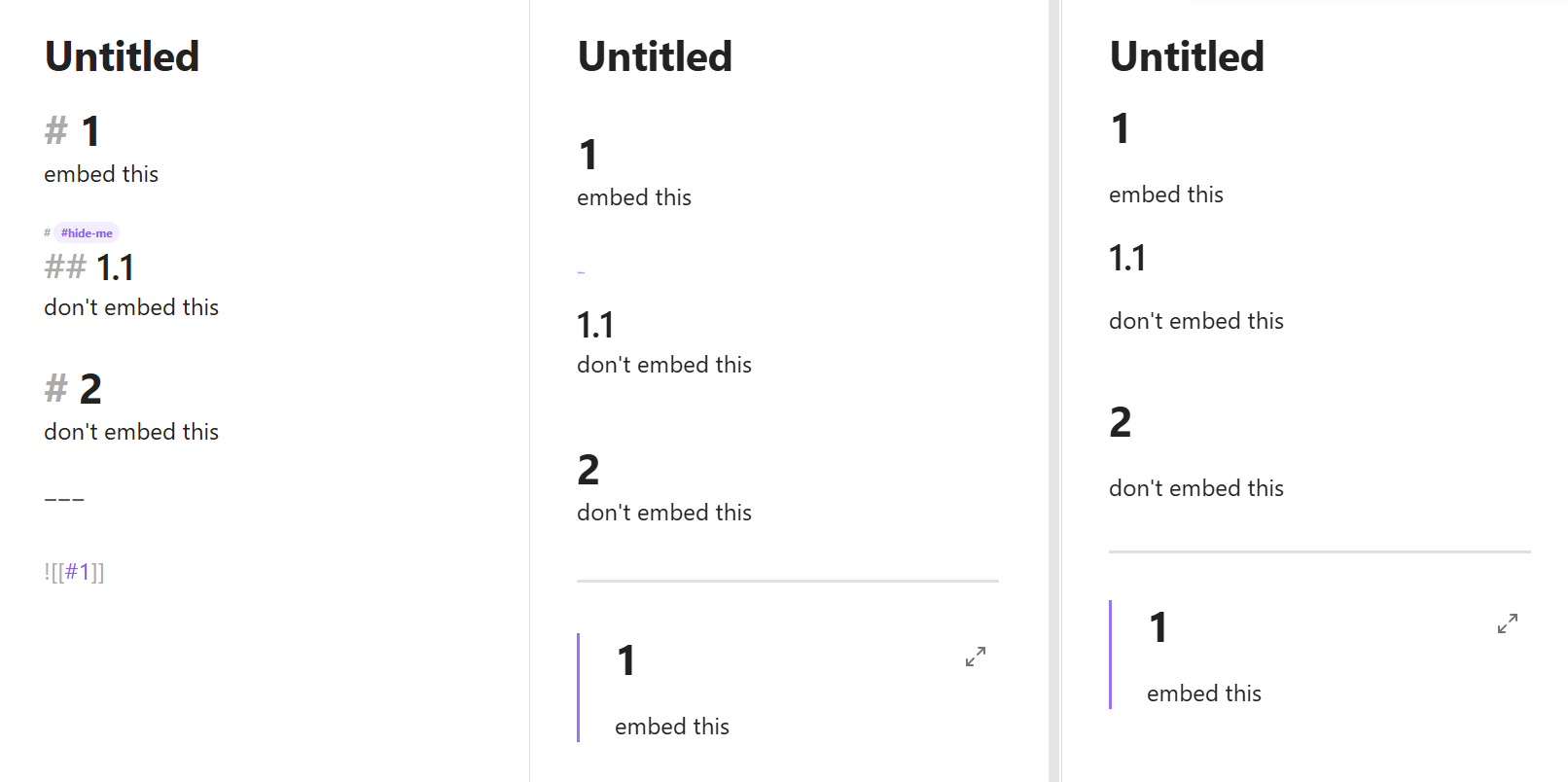
# 1
embed this

# #hide-me
## 1.1
don't embed this

# 2
don't embed this

---

![[#1]]
… along with this CSS snippet:
/* #hide-me heading tag
	intended for separating heading sections and for keeping hr, white space, and other elements from collapsing into previous headings */

	/* Reading */
	[class*="el-h"] > [data-heading*="#hide-me"] {
		display: none;
	}

	/* Live Preview */
	.is-live-preview .HyperMD-header:has(> .cm-tag-hide-me) {
		font-size: 1px;
	}

	/* Source mode */
	.markdown-source-view:not(.is-live-preview) .HyperMD-header:has(> .cm-tag-hide-me) {
		font-size: 0.5em;
	}
In Reading, the sneaky heading is hidden.
In Live Preview, you can shrink it to any size you want, including 0 (invisible) by changing the font-size value.
In Source mode, it’s easy to find but inconspicuous.
I didn’t completely hide the sneaky header because I figure you might want to remove or rearrange it sometimes: