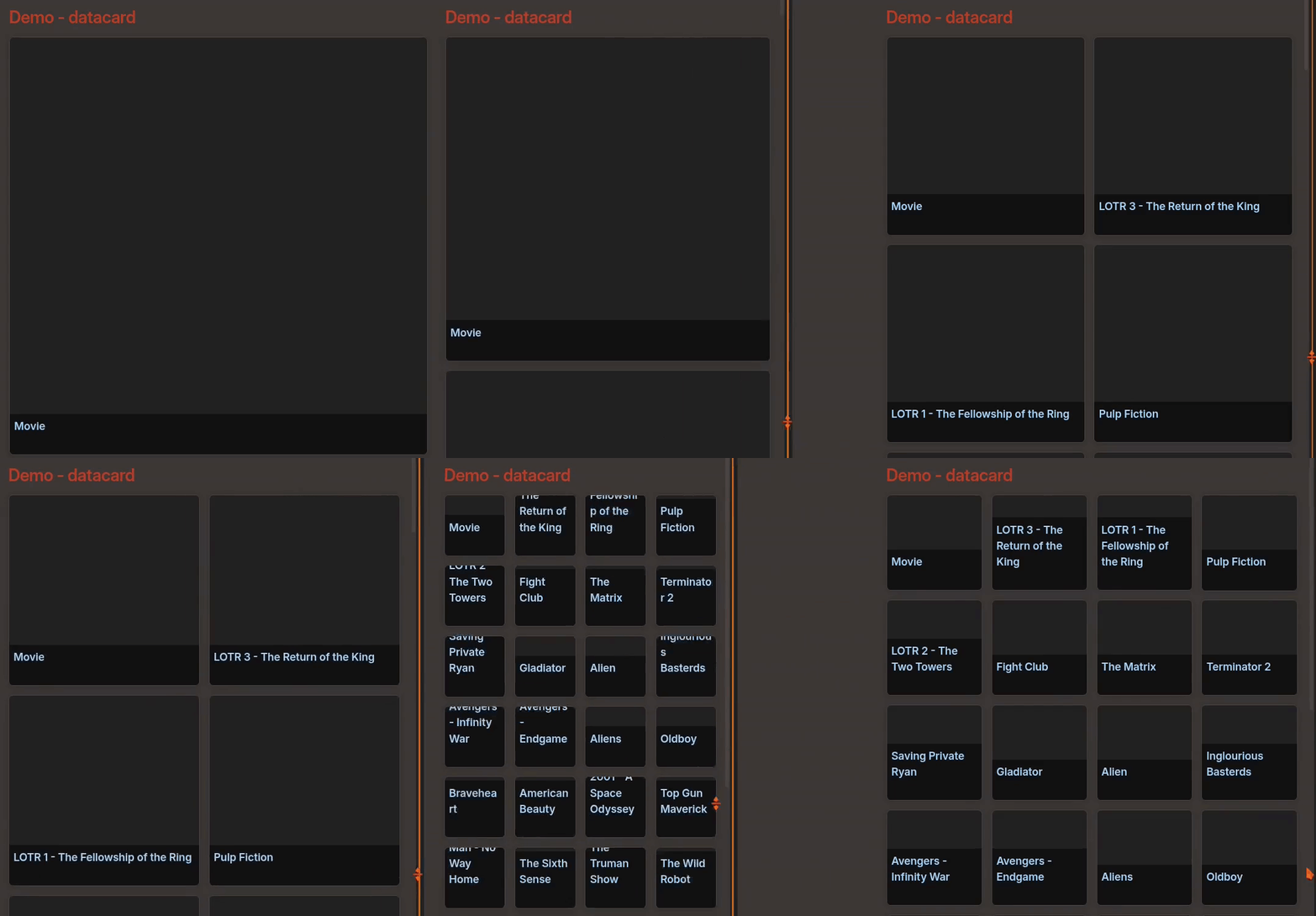
The datacards search results shows up as larger when the Obsidian app is in split screen. I have readable line length switched on, which changes the width of the screen, but instead of the datacards results becoming smaller, they enlarge, which is distracting.
I have dynamic columns (for the datacards plugin) switched off because I don’t like the fact that the cards become so large when there is only one of them. I was wondering if I could have something similar to dynamic columns, though, but with a restricted width/size. I was thinking either of having dynamic columns turned on, with a maximum width/height (I tried coding the maximum in, but I don’t know how to do it, and it didn’t work), or (preferably) limiting the size of all datacard views to a percentage of the read width (which changes due to readable line length), which would be more useful, and (I assume) simpler.
If someone could explain to me how to do this, I’d appreciate it.
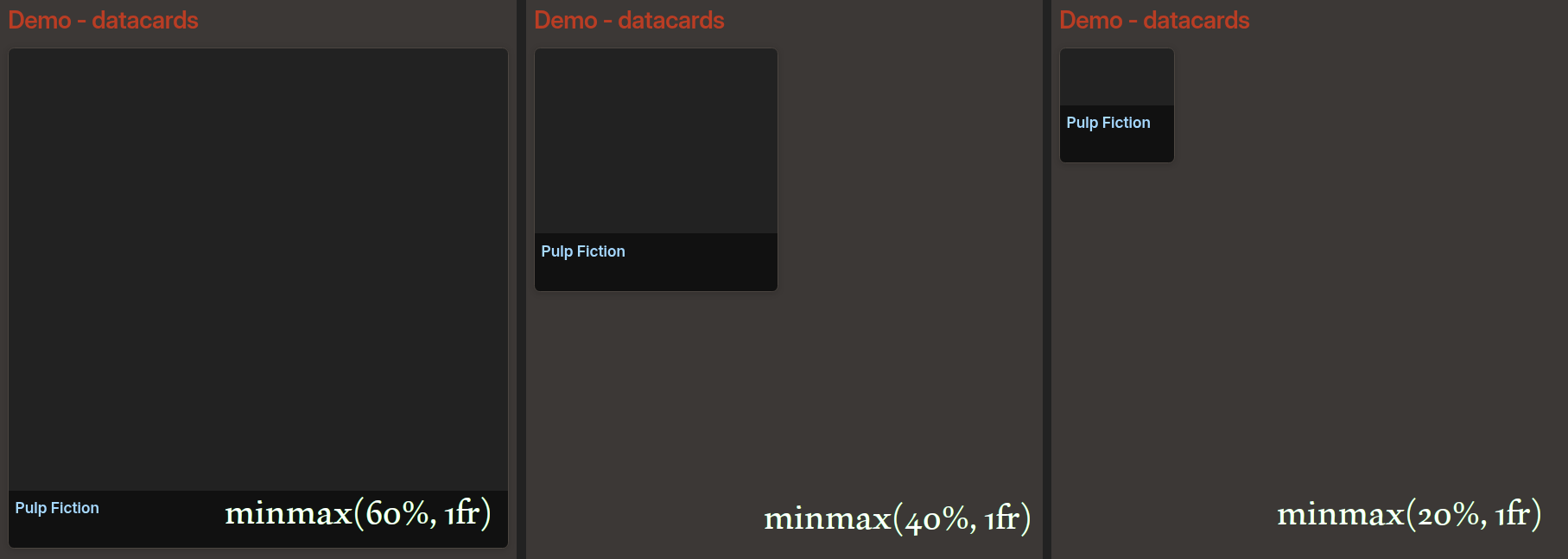
In the demo above, I used 60%, 40%, then 20%. If you want a fixed size for your cards, you can use pixel values instead of % → minmax(200px, 200px). Follow the instructions below to create your own CSS file if needed, then paste the code in it.
Custom CSS
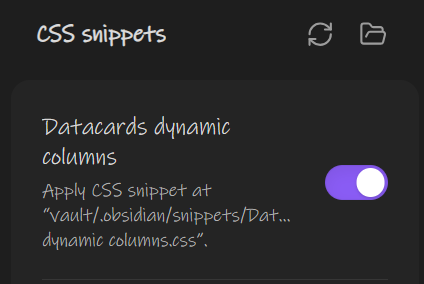
Settings>Appearance:
CSS snippets: create a CSS file in the snippets folder , reload the list , toggle ON
This way, you can choose where to apply the CSS code and even create different classes. If you want to enable this behavior by default without using cssclasses, use this instead:
Thank you for writing this! It looks really good, but it’s not working in my vault. This is what I’ve tried:
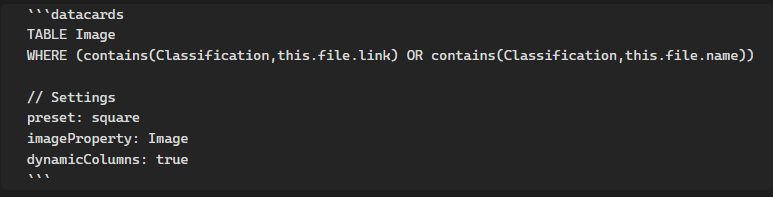
I’ve made the CSS snippet (I tried both codes, and neither have impacted the vault). I currently have the second one, because I thought I must be applying the CSS class incorrectly, somehow, but this isn’t affecting the vault, either:
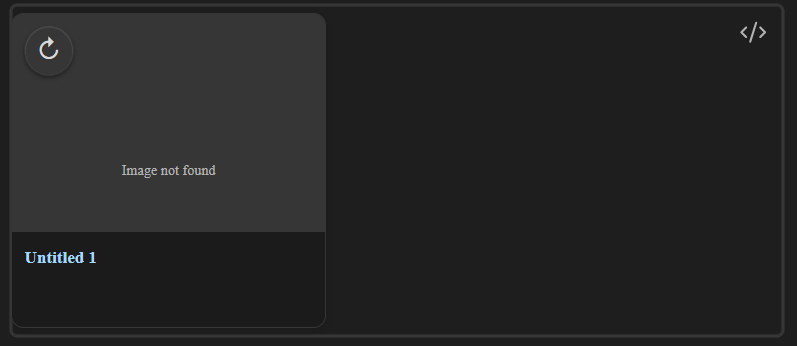
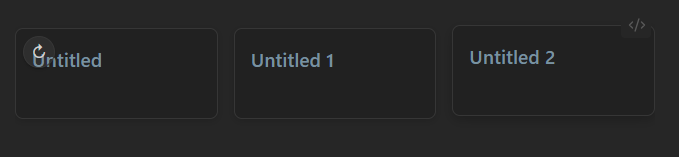
(I can’t screen record, but I have my mouse pointer on the right edge of the query, and it’s rendering as it usually does, with no slider, like it does in your video).
Am I missing a step, or misunderstanding how the CSS snippet works?
I tried applying the CSS class to the note, as well, just to make sure, and that hasn’t affected it:
Normally CSS snippets render immediately, but I’ve tried restarting Obsidian, and it hasn’t helped, either.
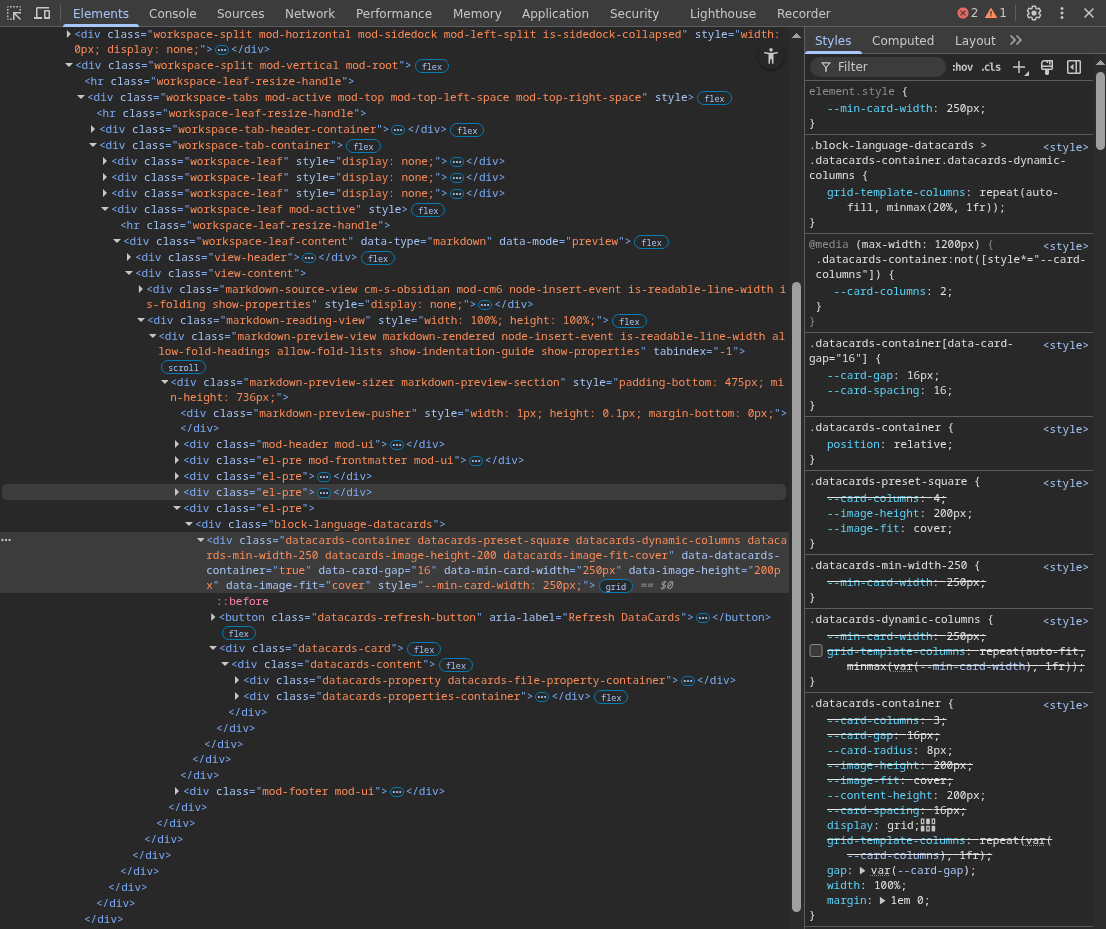
I’ve tried in a Sandbox vault, and it also isn’t working there.
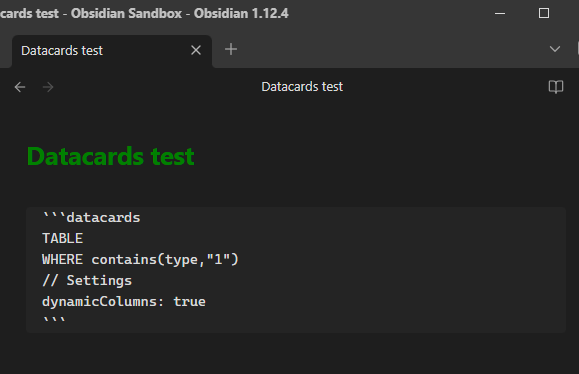
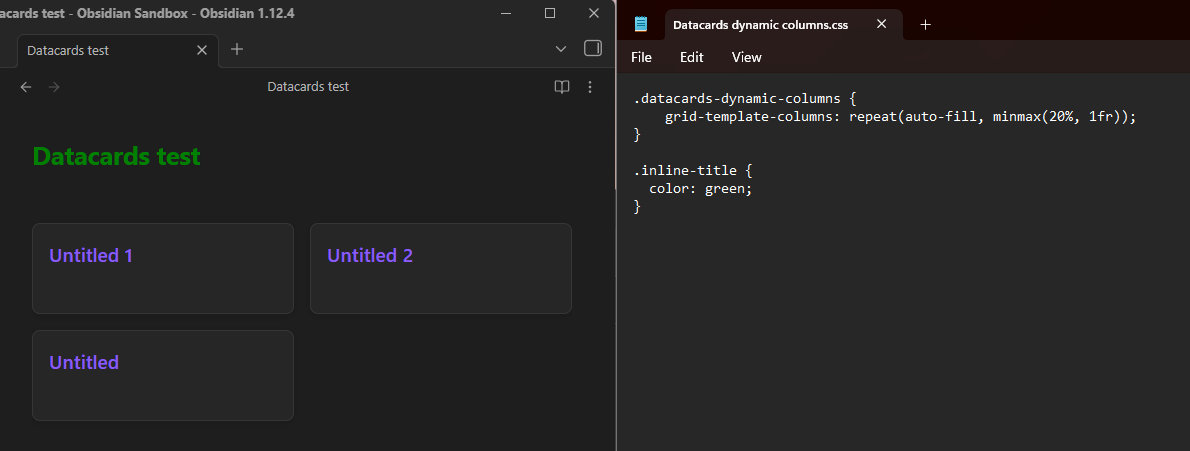
1. Try this snippet to see if your note’s name turns green. If it doesn’t change as soon as you save the CSS file, we’ll have to find why the CSS isn’t affecting your vault.
.inline-title { color: green; }
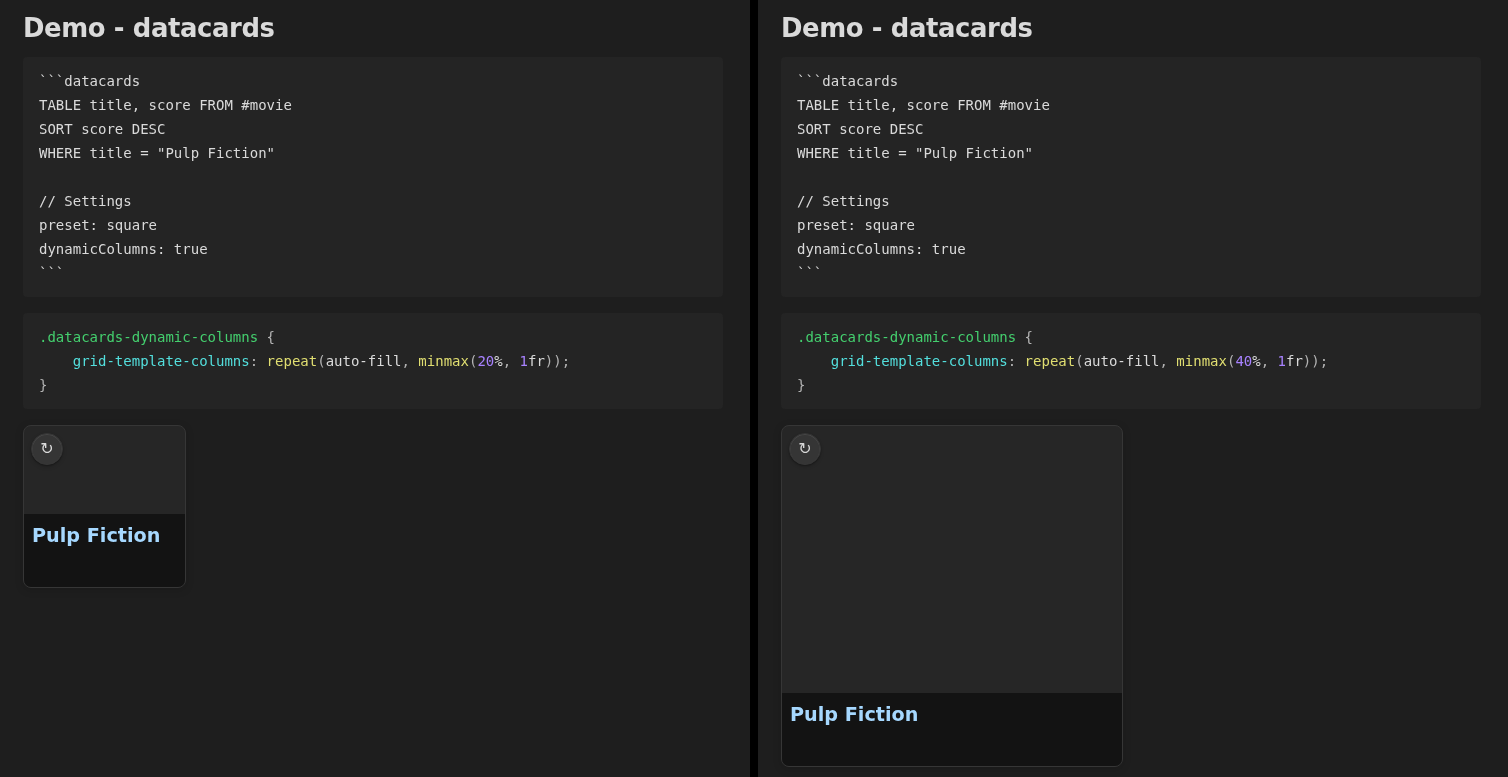
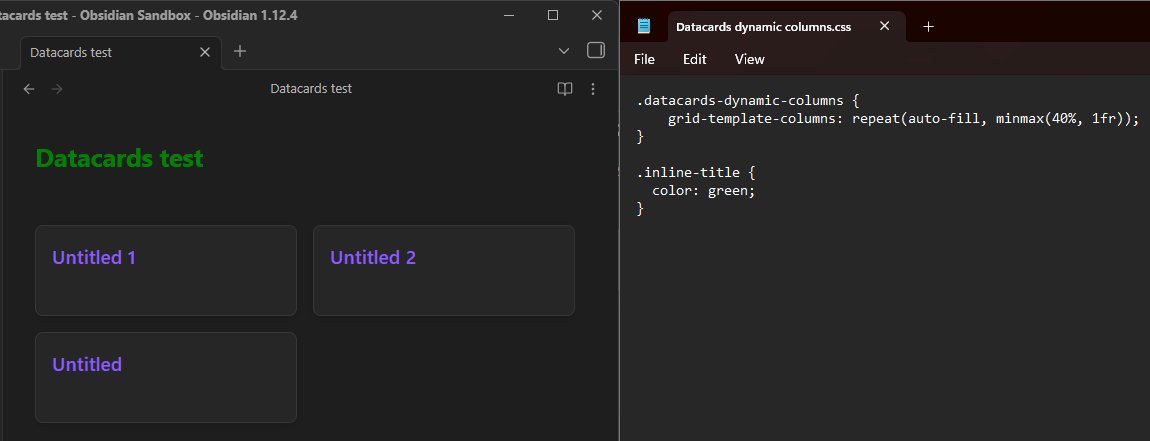
2. Try that code with 10, 40 and 70 to see if it affects the size of your datacard as it should (let’s try adding !important):
The green title test worked. I have many CSS snippets and none of them are having issues. I’ve also tried deactivating other community plugins, in the sense that I tested it in a sandbox vault with only those two plugins to begin with.
I tried minimal theme in a sandbox vault, and it still hasn’t shown up:
(Also thank you so much for your effort/persistence; I appreciate it. This problem ended up bothering me more over time than it did when I originally posted )


 , reload the list
  , toggle



 )
)