There’s definitely a more elegant way to do it besides querying the entire vault twice. But eh, it probably works as long as you don’t have 8,322 orphaned images lol
Hi, this looks great. thank you!
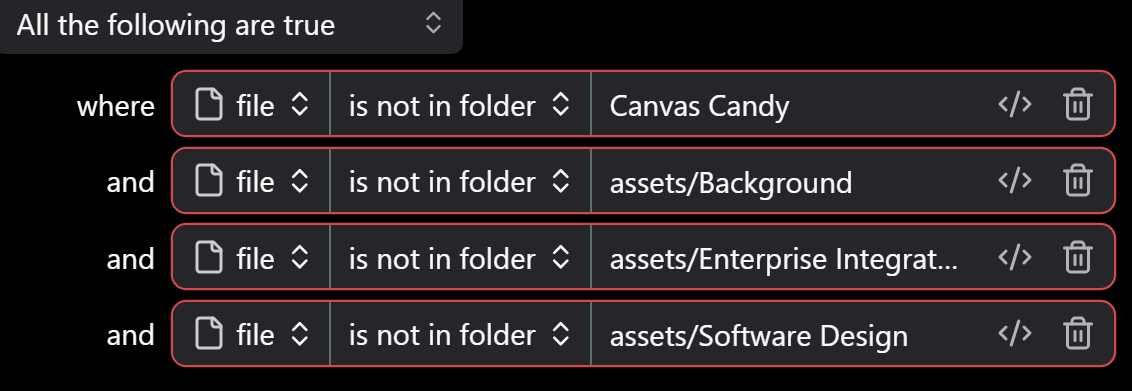
does this able to filter the folder/file name that we don’t want to include in the orphaned bases view? I have some folder that are gitignored and therefore some of my images that should be attached on those files are included to the orphaned view
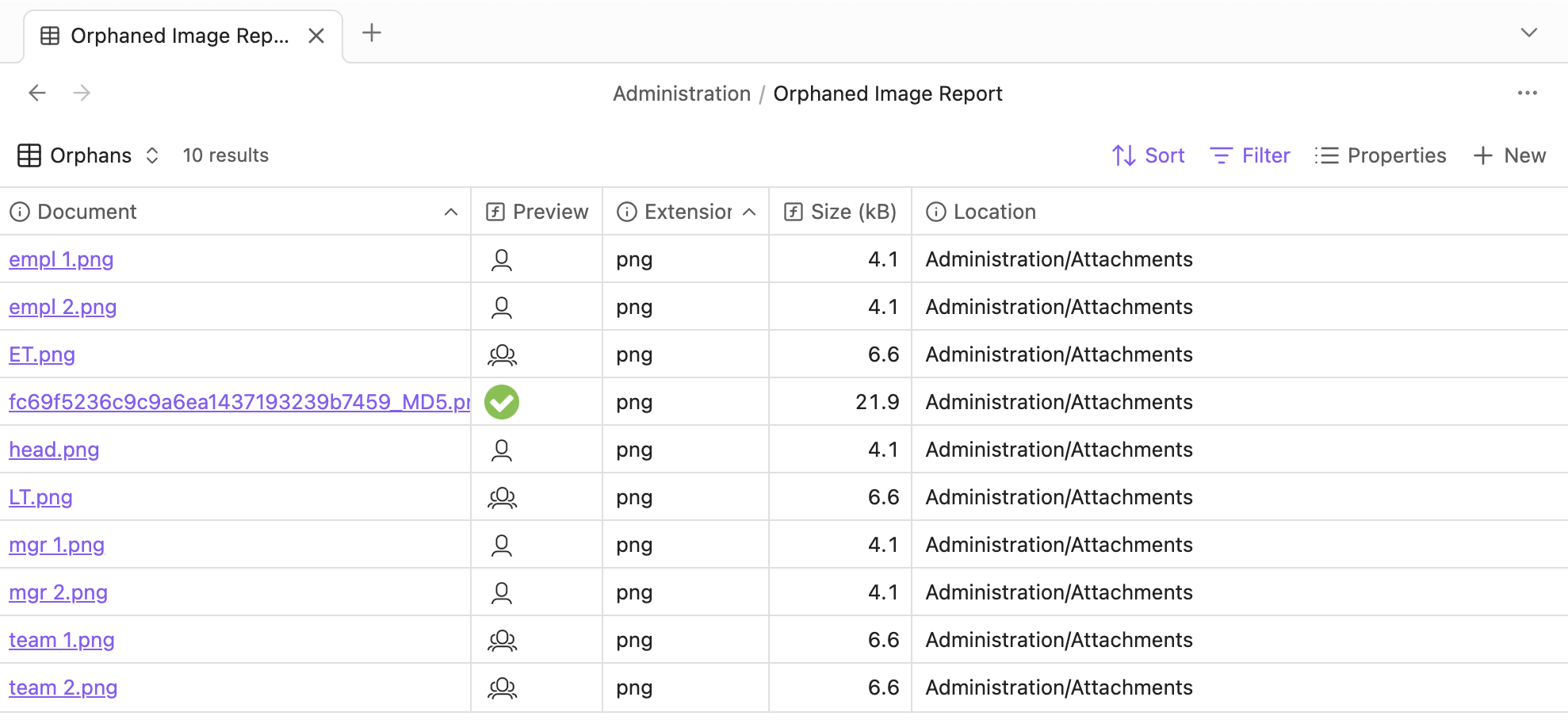
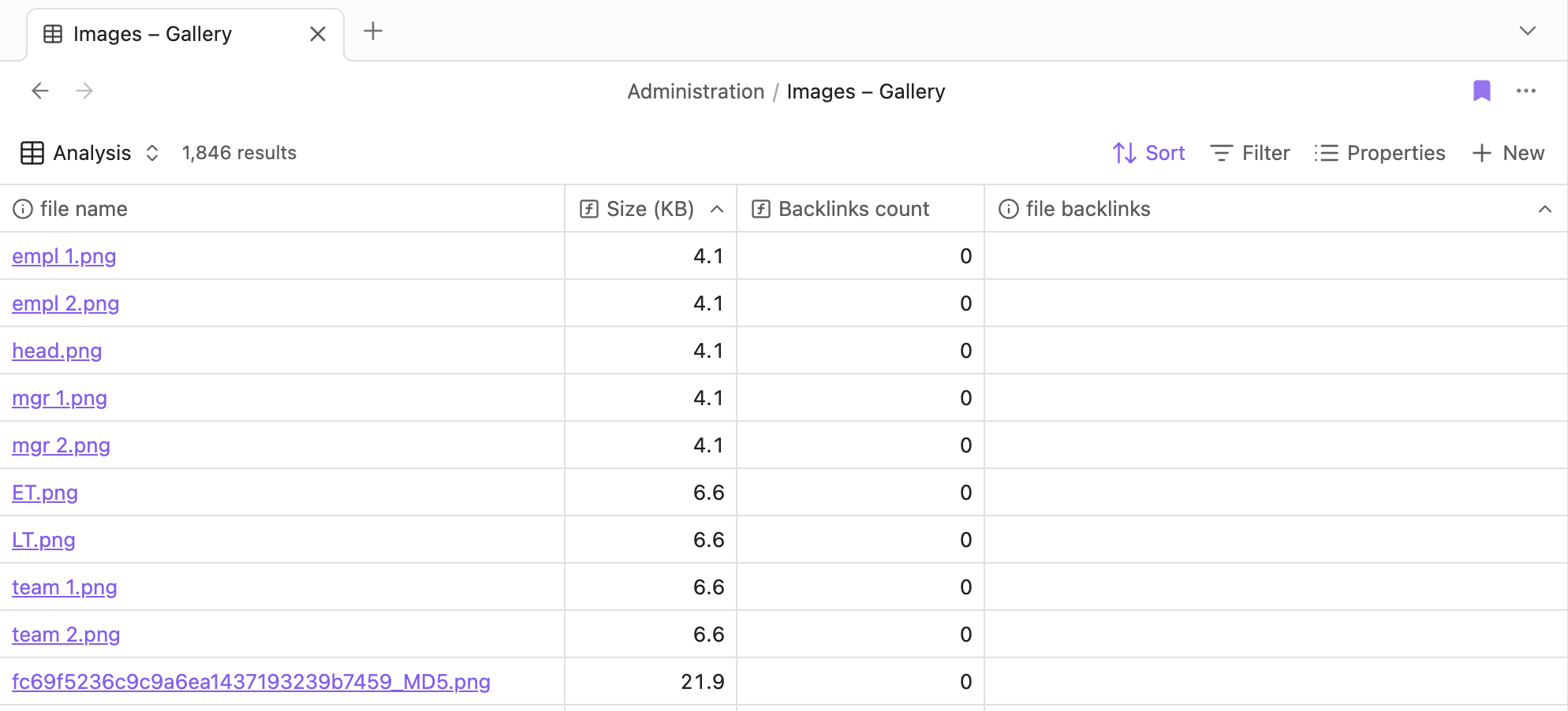
Thanks @WetHat for this and thanks for replying to my post about a “bug“ or “limitation” in Bases for failing to see links in images which are only imported in Bases (post here). I have downloaded and used your Bases file, and unfortunately, has the same “bug“ or “limitation” that I mentioned in my post.
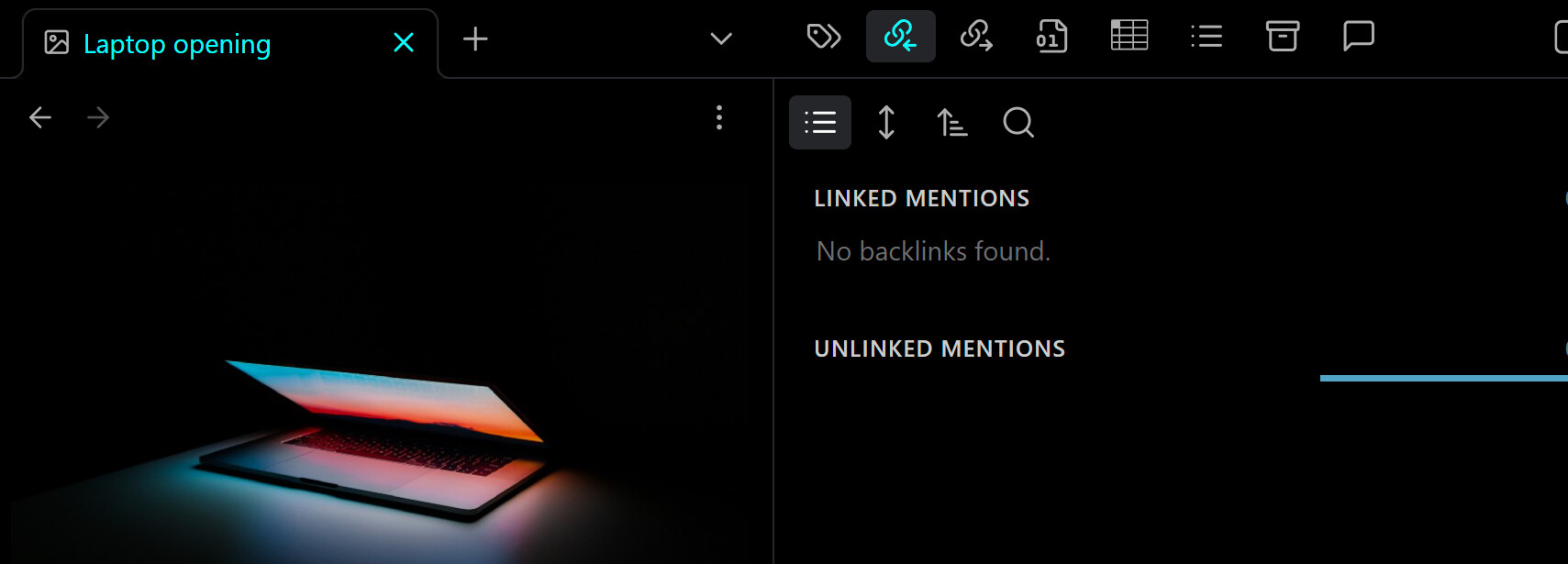
See below two screenshots, of my Bases file and your Bases file, they show share the same problem. Please try the following on your side and please let me know the result:
Create an empty Canvas and give it a name
Paste an image, anything
See what your Bases file says –> My guess is that it will show up as an orphan, while clearly it is not, because it is being used in a Canvas file of yours

 Writting a script to move them all into the trash?