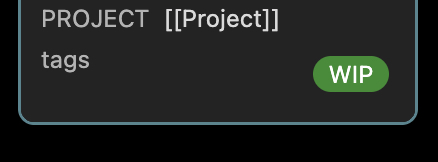
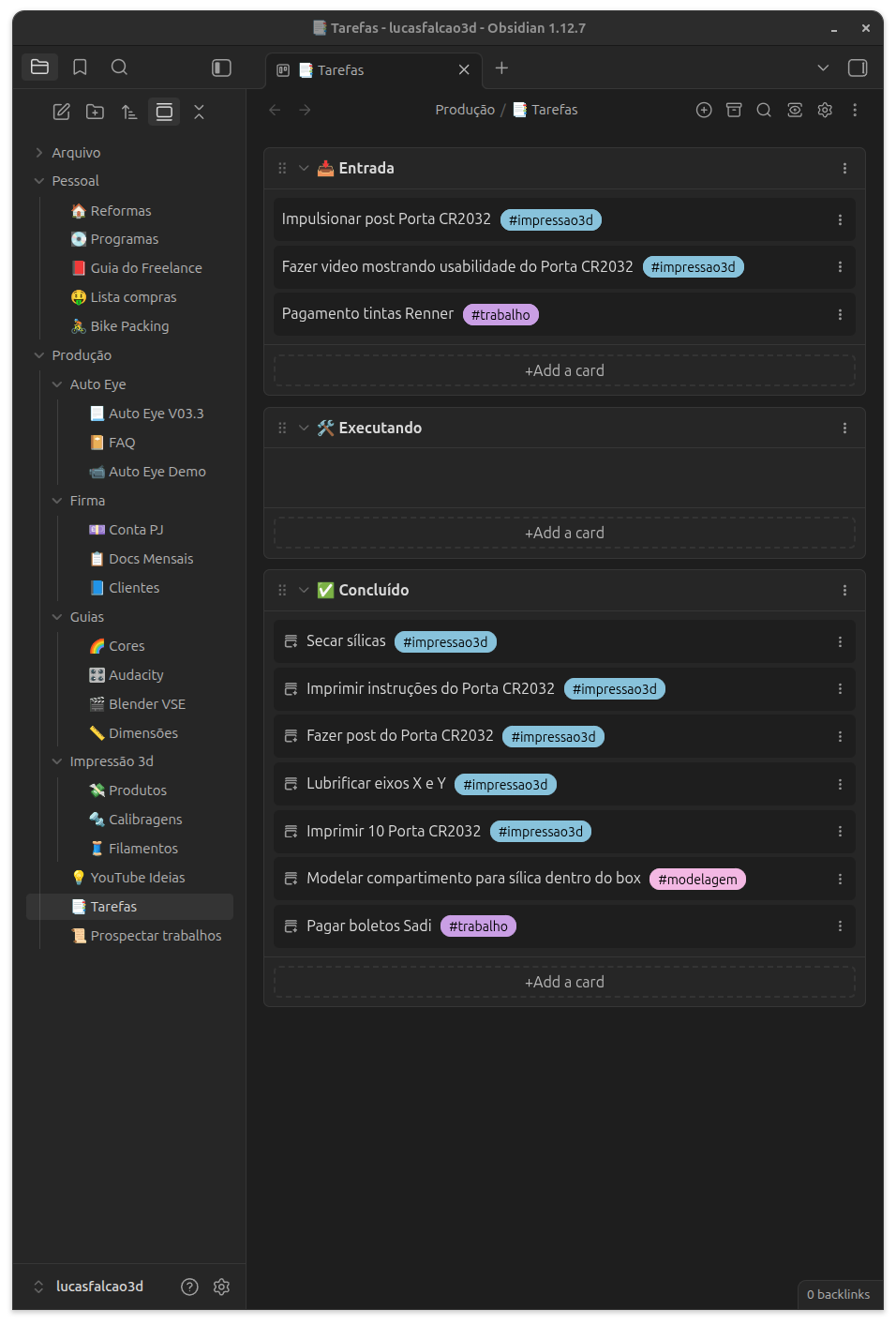
I’m trying without success to align the tags from Kanban Cards to the right side, not sure if it’s possible tough.
Thanks in advance.
I’m trying without success to align the tags from Kanban Cards to the right side, not sure if it’s possible tough.
Thanks in advance.
Which Kanban plugin are you referring to? Just “Kanban”
What did you try so far? If you open the developer tools, you can collapse the elements until you find the one you want to target. Doing so, I was able to find .kanban-plugin__item-tags:
And this seems to work.
.kanban-plugin__item-tags {
    text-align:right;
}
It kinda worked, but only when I have the option *Move tags to card footer enabled.
*
I suppose it may not be possible when the tag is on the same line as the text, but thank you anyway.
Works for me, no matter if I have checked tags in footer. You might want to check if you have other snippets or themes interacting with Kanban.
Can you show a screenshot or something?
Anything is possible. You just have to dig and find the CSS element.
This is my css snippets, I’ve tried to remove everything and leave the one you’ve posted but didn’t work for me either.
I’ll check if there is any other plugin interacting. Not big deal, I was just experimenting to see if I could make the Kanban better for myself.
body {
    --list-marker-color: #8c61f3;
    --hr-thickness: 1px;
}

.list-bullet::after {
    background-color: var(--list-marker-color);
}

li::marker {
    color: var(--list-marker-color);
}


hr {
  margin-block-start: 10px;
  margin-block-end: 10px;
}

.markdown-preview-section > .mod-header > .metadata-container > .metadata-content > .metadata-add-button {
	display: none;
}

/* Fix the borders and add a radius variable */
:root table {
  --table-border-radius: 8px;
  border-collapse: separate;
  border-spacing: 0;
}
/* Add the radius */
th:first-child {border-top-left-radius: var(--table-border-radius)}
th:last-child {border-top-right-radius: var(--table-border-radius)}
tr:last-child td:first-child {border-bottom-left-radius: var(--table-border-radius)}
tr:last-child td:last-child {border-bottom-right-radius: var(--table-border-radius)}

/* Redo the borders */
:root :is(td, th) {
  border-width: 0 var(--table-border-width) var(--table-border-width) 0;
}

.kanban-plugin__item {
    border: 0px;
    max-height: auto;
    min-height: 40px;
    overflow-y: auto;
    background-color:#1e1e1e;
    align-content:center;
}

.kanban-plugin button,
.kanban-plugin .button,
.kanban-plugin__add-card-button {
    border: 2px dashed #343434;
    box-shadow: none !important;
    outline: none !important;
    transition: border-color 0.1s ease-in-out;
    font-size: 14px;
}

.kanban-plugin button:hover,
.kanban-plugin .button:hover,
.kanban-plugin__add-card-button:hover {
    border-color: var(--list-marker-color);
    background-color: var(--list-marker-color);
}

.kanban-plugin__item-tag,
.kanban-item-tag,
.tag {
  margin: 0 5px !important;
}