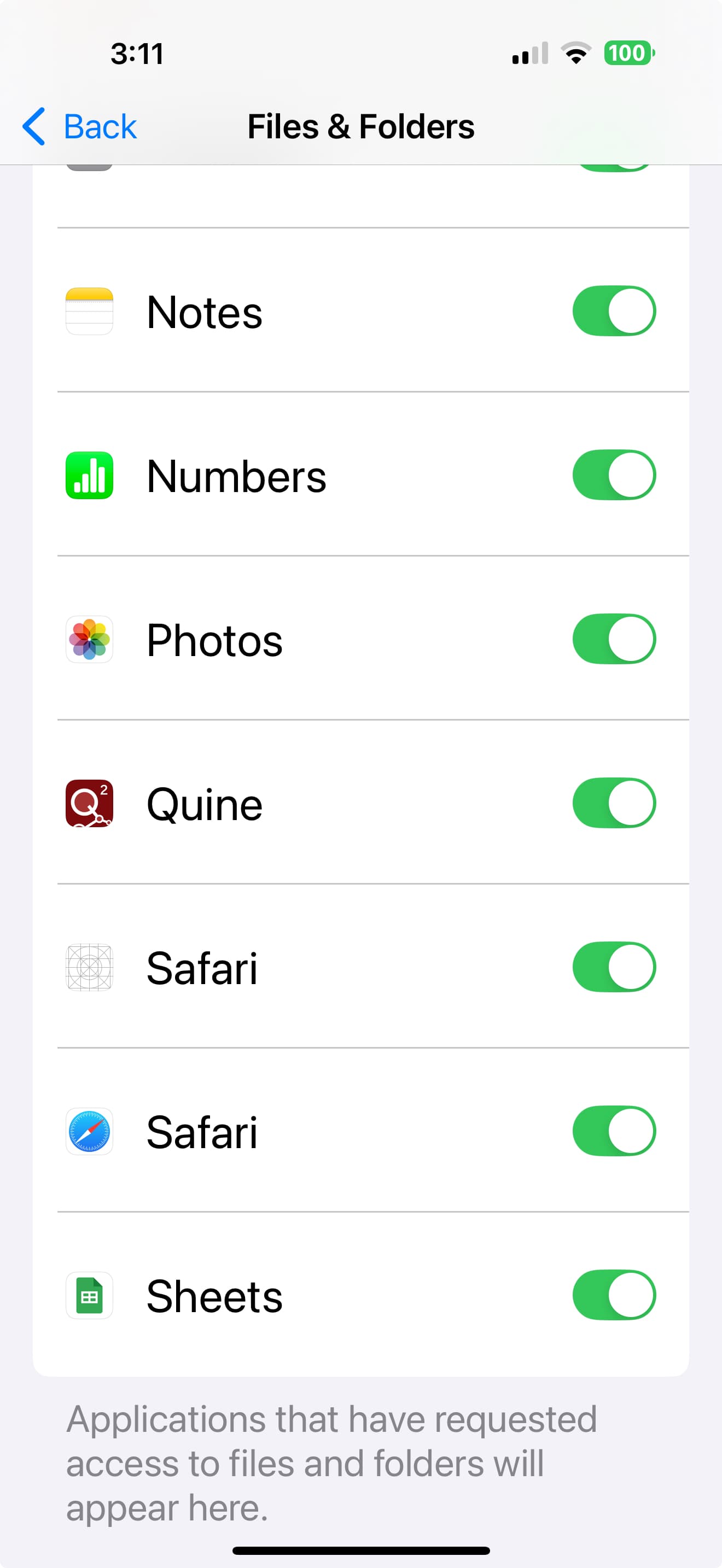
What I’m trying to do
I had successfully set up sync on iCloud and it was working fine between my Mac and iPhone. I wanted to redo the whole setup (deleting a whole lot of files, 3 vaults, etc) which involved deleting my iCloud vault and starting from scratch. Now I am not able to reproduce my steps.
Things I have tried
- Deleted apps on iPhone and Mac
- Reinstalled app on iPhone and Mac.
- Made sure iCloud is on on both iPhone and Mac
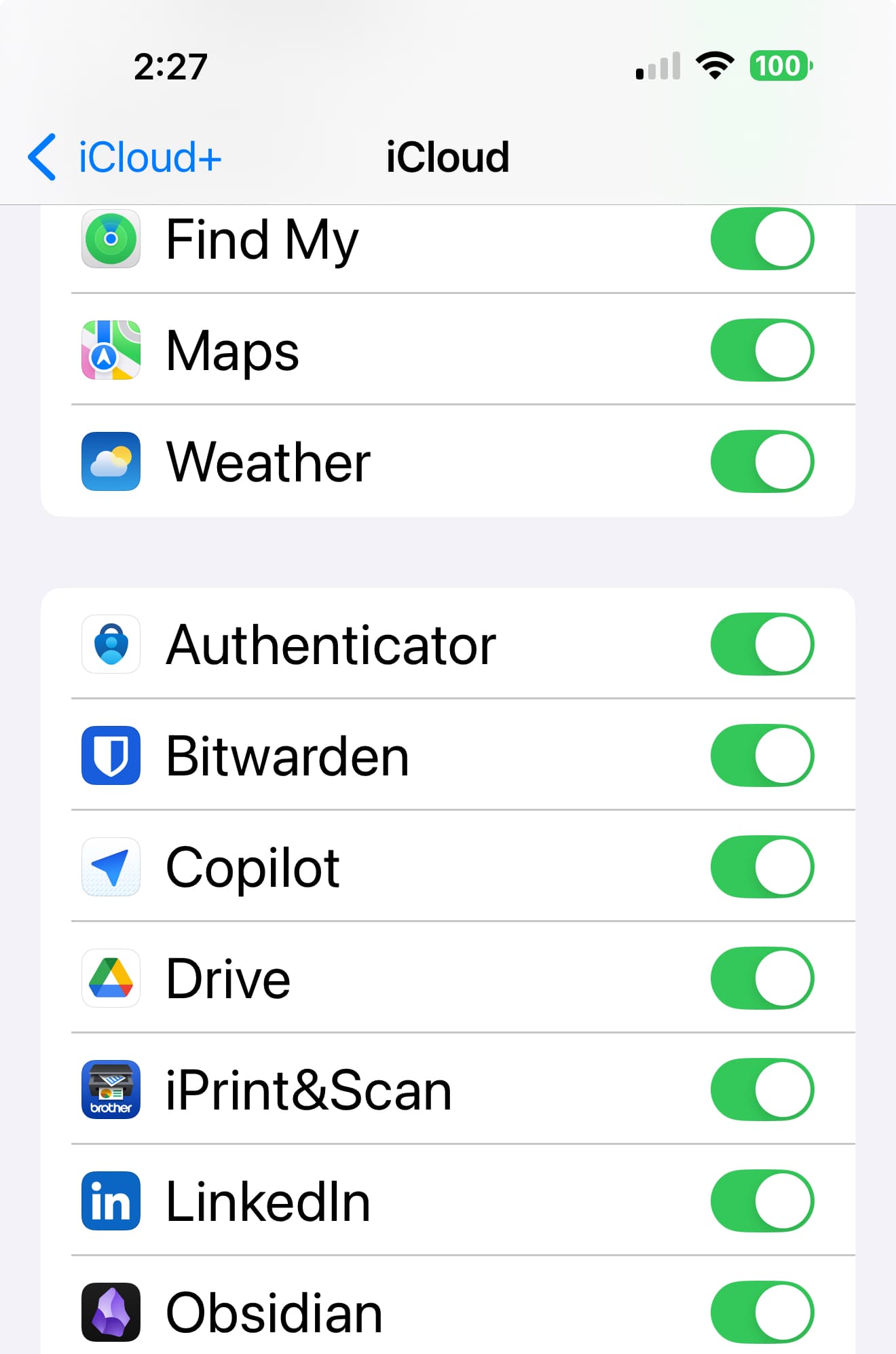
- Made sure Obsidian is list of apps on iCloud in iPhone
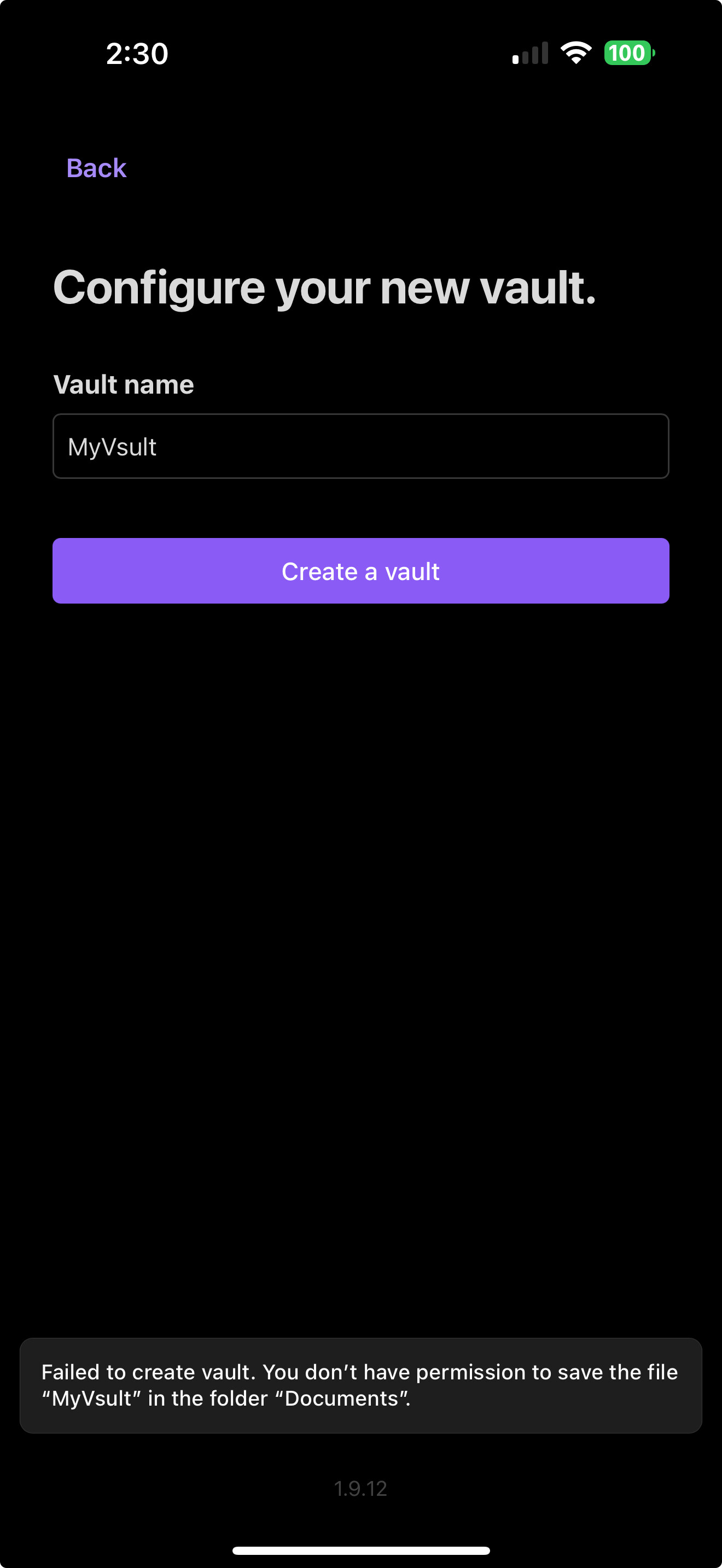
- When trying to create new vault in iCloud, I get this permissions problem which should be there as I have Obsidian in list of apps.
When I tried in reverse order - starting from Mac, I don’t see the vault in my iCloud as a standard Obsidian vault - just a folder, so can’t see it on my iPhone.
I am at wit’s end and would appreciate help!
Thanks!
Gani -