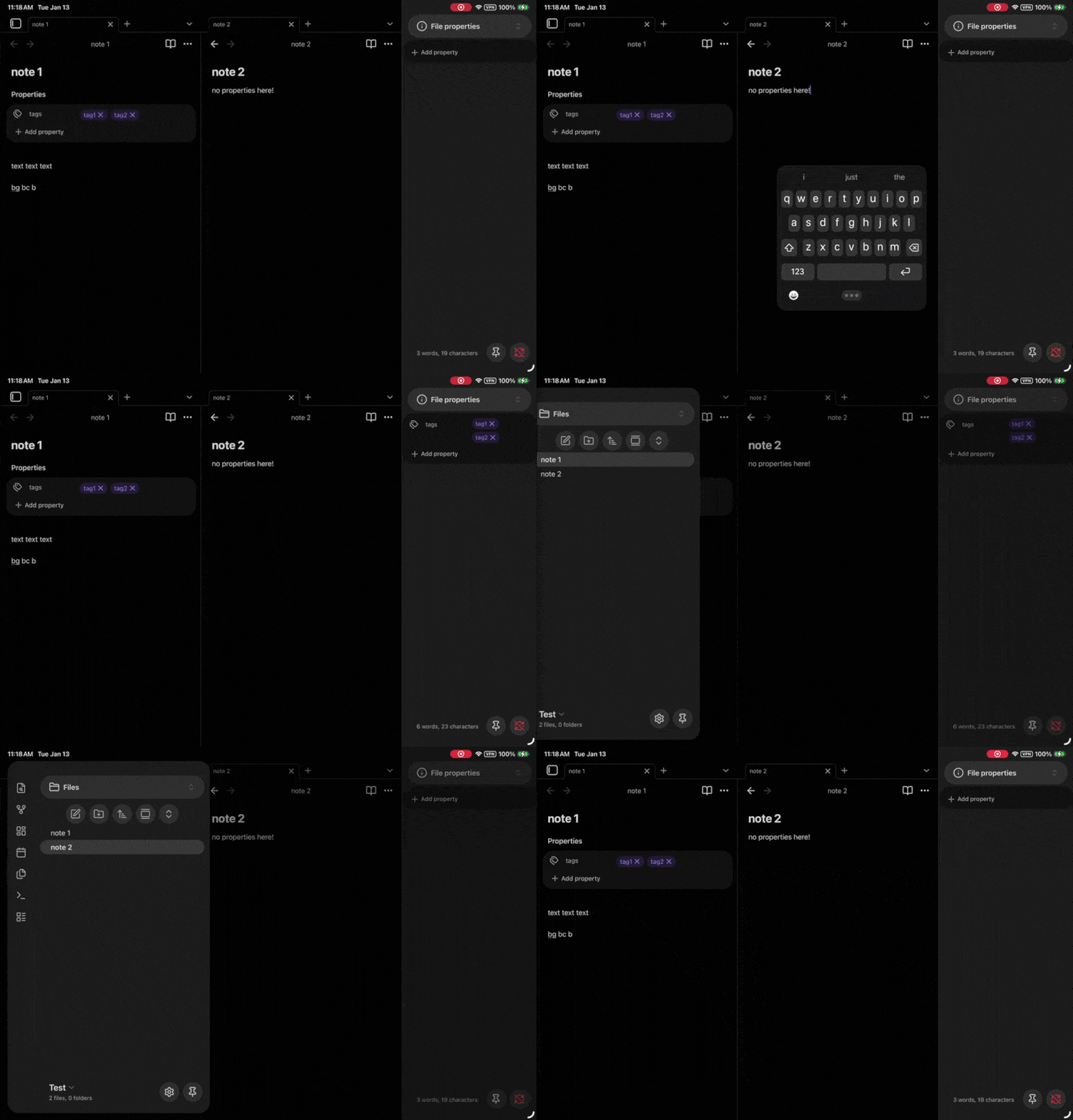
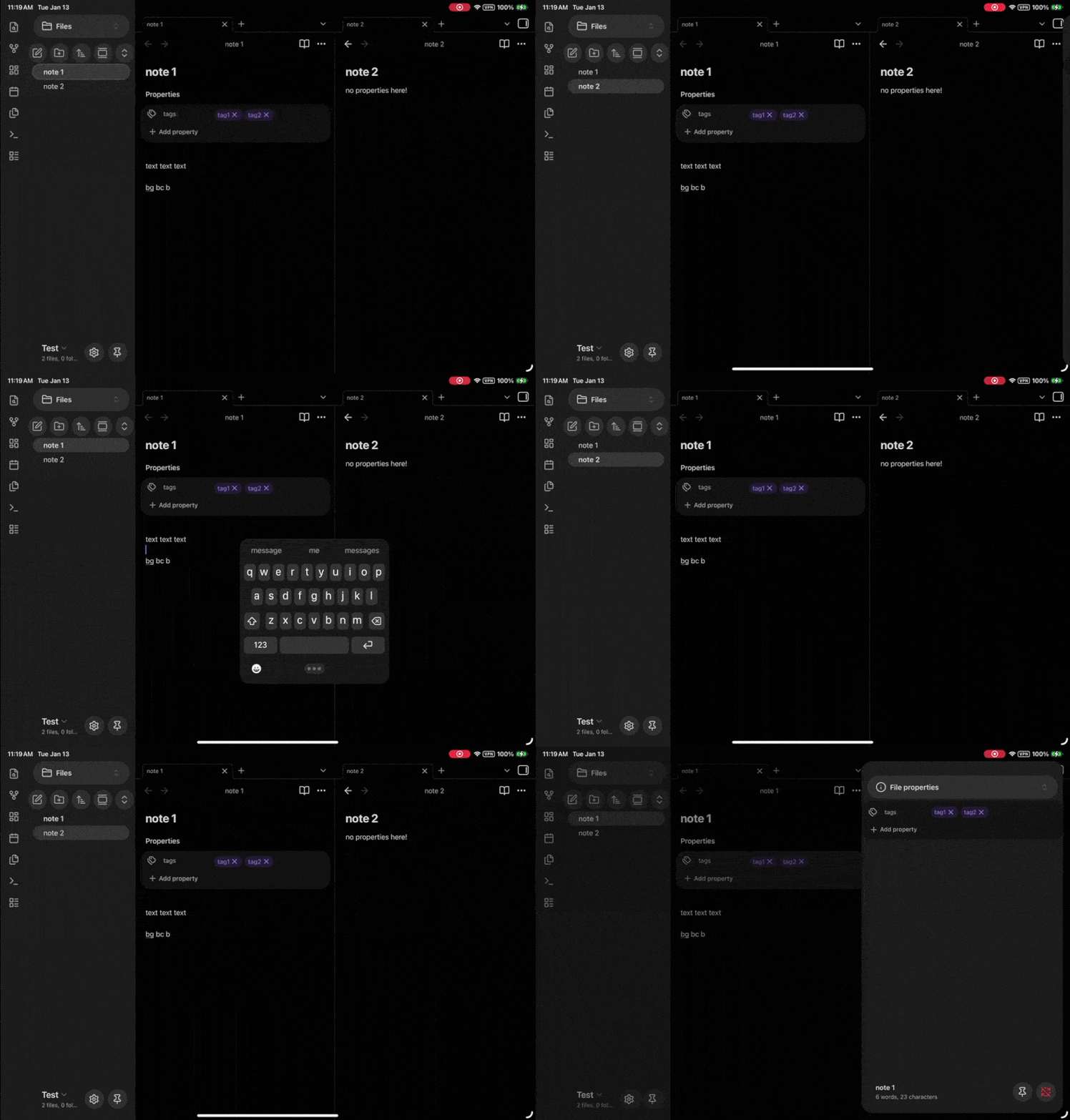
Steps to reproduce
- Have any 2 separate notes open at the same time (I’m viewing 2 notes in landscape orientation on my 11" iPad pro)
- If you’re active in the left note, swiping to open the right sidebar switches the right note to the active note. This occurs no matter how close to the screen edge I try to swipe from. If I swipe across the actual right sidebar icon I can get it to open without switching my active note.
- The same behavior occurs if I have the right note active and attempt to swipe to open the left sidebar.
Did you follow the troubleshooting guide? [Y/N]
Yes, tested in a brand new clean test vault.
Expected result
I expect my active note selection to remain unchanged when swiping to open an unpinned sidebar, as that was the behavior prior to 1.11.4.
Actual result
My most frequent use case is, while having 2 notes open side-by-side in left/right split view, I’m attempting to temporarily open the file properties in the right sidebar. I’m now having to swipe, pin the sidebar, then click back into my desired note because Obsidian is changing which is active.
Environment
SYSTEM INFO:
Operating system: ios 26.1 (Apple iPad8,9)
Obsidian version: 1.11.4 (277)
API version: v1.11.4
Login status: logged in
Language: en
Catalyst license: insider
Live preview: on
Base theme: adapt to system
Community theme: none
Snippets enabled: 0
Restricted mode: on
RECOMMENDATIONS:
none
Additional information
Can’t really show this in screenshots, I tried getting a few quick screen recordings of the behavior from each edge. The times when the sidebar is opening to the correct/originally selected note are the times I’m swiping across the sidebar icons in the header vs anywhere else on the screen