Solved by not solved finally.
After a lot of thinkering trying some combinations, I finally found this exact problem.
I said that after creating a new vault, I didn’t had the problem but I was wrong.
Yes, creating a new vault and creating two notes and navigating through each of them on a separate tab was working perfectly.
However, immediately when I put those notes in a folder (not at the root of the vault), the problem reappear.
So the exact steps to reproduce the problem are:
- Create a new vault.
- Add a folder
- Add two files in this folder
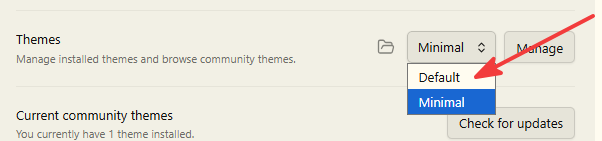
- Install any custom theme
- Open one of the notes in one tab
- Open the other note in another tab
- While in edit mode in one of them, on iPad, tap on the tab header of the other one
Actual result:
Have to tap twice to activate it.
Expected result:
Have to tap once to activate it.
Notes:
The problem is only on iPad with a custom theme and note in a folder other than the root.
SYSTEM INFO:
	Obsidian version: 1.13.4 (353)
	API version: 1.13.4
	Operating system: iOS 26.6 (Apple iPad16,1)
	Login status: logged in
	Language: en
	Catalyst license: none
	Live preview: on
	Base theme: adapt to system
	Community theme: Minimal 9.0.2
	Snippets enabled: 0
	Restricted mode: off
	Plugins installed: 1
	Plugins enabled: 1
		1: Minimal Theme Settings v9.0.0

RECOMMENDATIONS:
	Custom theme and snippets: for cosmetic issues, please first try updating your theme and disabling your snippets. If still not fixed, please try to make the issue happen in the Sandbox Vault or disable community theme and snippets.
	Community plugins: for bugs, please first try updating all your plugins to latest. If still not fixed, please try to make the issue happen in the Sandbox Vault or disable community plugins.

 I love this theme so much!