iOS: Letters vanish when typing Korean (characters deleted when using custom keyboard)

Steps to reproduce

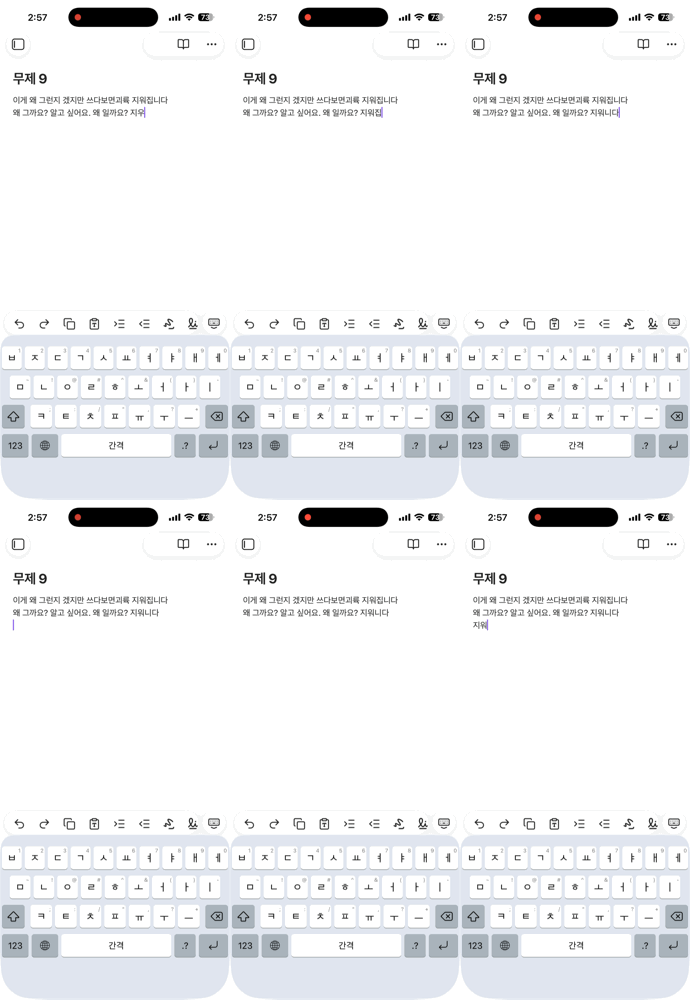
Just start typing anything in Korean as a new paragraph. The second letter (i.e. if you type “안녕하세요”, the second letter which in this case “녕” ) disappears. This is quite frustrating.

Did you follow the troubleshooting guide? [Y/N]

Yes. I always use default theme and nothing else. I’m not a coder, I just use Obsidian to track my studies, so mainly I use text only.

Expected result

Showing what I wrote.

Actual result

Letter erased. I had to go back every time to rewrite letters.

Environment


Additional information

I know that English is the dominant language in Obsidian, and ironically, I’m also reporting a bug in English, but could you just double-check with a native Korean or at least someone who has experience with writing Korean? Because, when I use Obsidian on an Ipad, it has more problems regarding Korean, such as, when you erase what you are writing, it does some weird things and shows random Korean letters.
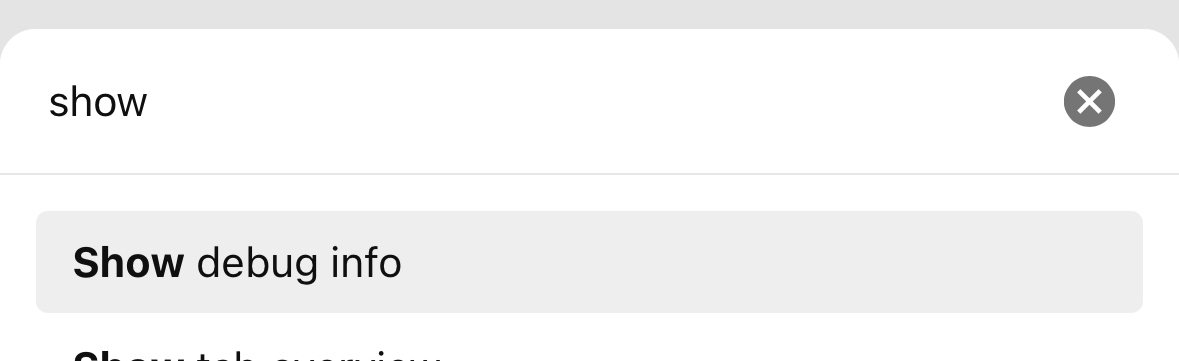
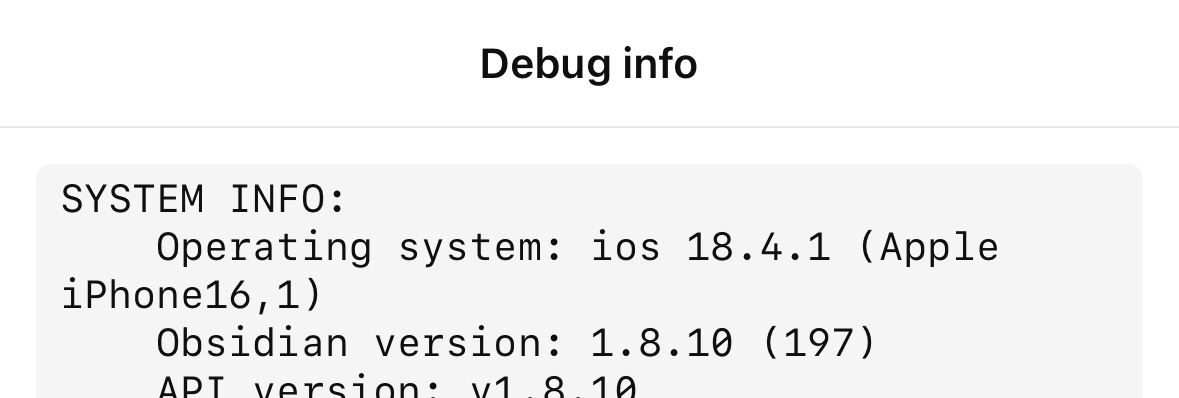
Can you paste in your full “debug info” so the team has a few more details? Thanks!

is this still happening?

yes. Still happening,

I did some additional controlled testing.

I tested the same Korean sentence 20 times with each keyboard:

  • Apple default Korean keyboard: 0 failures / 20 attempts

  • Third-party Korean keyboard: 7 failures / 20 attempts

For the third-party keyboard, I tested 10 times slowly and 10 times at normal/fast typing speed.

A typical failure is:

Expected:

동해물과 백두산이

Actual:

동해물과 백두이

The complete previous syllable 산 disappears, while the following syllable 이 is inserted normally.

So far, I have not been able to reproduce the problem with Apple’s default Korean keyboard.

This makes me suspect an interaction involving iOS third-party keyboard extensions / UITextDocumentProxy and Obsidian’s text editor, rather than a general Korean IME problem.

I found another report describing almost the same condition: Korean characters are deleted with custom keyboard apps while Apple’s default keyboard works normally.

I have done further tests with Safari textarea/contenteditable, CodeMirror, Lexical Playground

plain textarea         0/20
plain contenteditable  0/20
Lexical                0/20
CodeMirror            11/20
Obsidian               7/20

So far, only CodeMirror and Obsidian reproduce this problem.

While investigating this, I found what looks like a potentially related workaround in Lexical:

https://github.com/facebook/lexical/blob/main/packages/lexical/src/LexicalEvents.ts

Around line 912, there is a comment and special handling for an iOS Korean 10-key IME.

The comment describes an input sequence where the IME does not use the usual composition sequence, but instead produces something like:

deleteContentBackward
→ insertText

with a non-collapsed target range.

Lexical explicitly handles that target range before removing the text.

The comment specifically refers to the Korean 10-key / 천지인 keyboard, while the third-party keyboard I am testing uses a 단모음 layout, so I cannot yet confirm that they generate exactly the same input events.

Hello @ykcho, thank you very much for helping us investigate this issue.

Can you kindly file an upstream bug report here. You need to explain under which circumstances you can reproduce the problem (iOS version, Safari on iOS version, which keyboard/IME you are using exactly). Please, try to use their online simple sandbox to make your point.

I think you can your findings about lexical too, they may be helpful.
Thank you again.

814198279

It is only happened when I typed on Korean with custom keyboard app. I guess it can be happened on unicode based languages! And it is no problem with Apple basic keyboard.

‘단키’ is the app I’m using. But It happened other custom keyboard app also. So, I report this!

I filed an upstream BR here. Feel free to add any info you think it’s useful.

For anyone experiencing this issue. Which model of iPhone/iPad do you have exactly?

iPhone 13 Pro / iOS 27.0 / 1.13.7

There is no problem when typing slowly. It works as expected if I wait for the cursor to blink 1–2 times before typing.

iPhone 13 Pro / iOS 27.0 / 1.13.7

@WhiteNoise

codemirror try

No issues were found in Safari on iOS 27.0. Hopefully, Obsidian for iOS receives a patch in the next update.

This change will be included in 1.14.3+. Let me know if it works when you get it.

Obsidian 1.14.4 is public. Is this issue solved for you or not? Please let us know.

@WhiteNoise

The issue with disappearing text has been resolved. Typing is working normally.

However, there is a subtle difference when typing in Apple’s default Notes app compared to Obsidian. In Obsidian, the cursor feels like it flickers—it moves in front of the character and then shifts back behind it. I’ve attached a video, though I’m not sure if you can notice it.

https://imgur.com/a/B4MnPnE

@Comodoes thanks, please, open a separate BR for that specific issue.